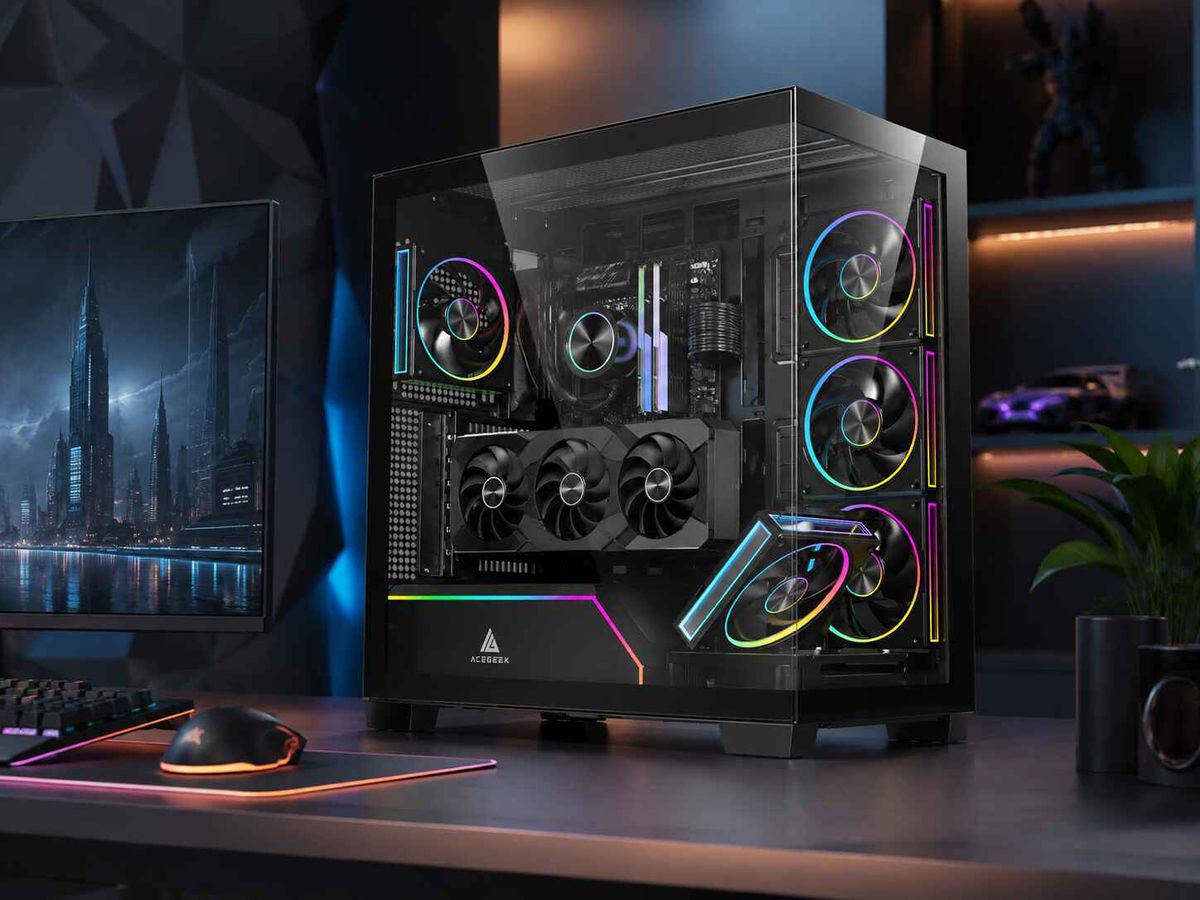
GPU Clearance With a Front Radiator: The Measurement Buyers Miss
Three millimeters matter.
When I audit a PC case specification, I do not treat its advertised maximum GPU length as usable GPU clearance until I know exactly where that number starts, where it ends, whether the front fan bracket occupies the same physical zone, and what happens when a radiator, fans, tubes, screws, and the graphics card all arrive at the party together.
Why would I trust a clearance figure measured in an empty case?
That is the mistake.
A case can advertise 360 mm GPU clearance and 360 mm front radiator support without promising that both specifications are simultaneously available. Those are two separate statements about an empty chassis.
Once a front radiator enters the calculation, the number buyers need is no longer maximum GPU clearance.
It is remaining GPU clearance after the radiator-and-fan stack is installed.
And the difference can easily exceed 50 mm.
The GPU Clearance Number on the Spec Sheet Is Only the Starting Point
GPU clearance normally describes the longitudinal distance available for a graphics card from the rear PCIe mounting plane toward the front of the chassis.
Useful number.
Incomplete number.
A graphics card does not interact with a specification table. It interacts with steel brackets, fans, radiators, tubing, cables, filters, and whatever else occupies the same internal volume.
ACEGEEK's broader guide to GPU and radiator clearance math for tight chassis designs makes the same distinction: GPU fit is a three-dimensional packaging problem rather than a single advertised length.
For a front-mounted radiator, however, I would make the calculation even simpler before looking at anything else:
Usable GPU clearance = advertised GPU clearance − front radiator thickness − front fan thickness − other intrusions
That equation catches an uncomfortable number of supposedly compatible builds.
Suppose the case advertises:
Maximum GPU clearance: 360 mm
Front radiator support: 360 mm
Radiator thickness: 27 mm
Fan thickness: 25 mm
The cooling stack is:
27 mm + 25 mm = 52 mm
If the manufacturer's 360 mm GPU figure was measured with that front mounting zone empty, your theoretical remaining length becomes:
360 mm − 52 mm = 308 mm
Now put a 304 mm GPU into that space.
Four millimeters remain.
I would not call that comfortable compatibility. I would call it a warning.
Real Hardware Shows Why Front Radiator GPU Clearance Gets Ugly Fast
This is not theoretical arithmetic built around imaginary parts.
NVIDIA currently lists the GeForce RTX 5090 Founders Edition at 304 mm long and 137 mm wide, with 575 W Total Graphics Power. More importantly for case fitment, NVIDIA's own installation guidance says builders should plan for a 304 × 137 × 61 mm card envelope and approximately 36 mm of additional space for power cables. NVIDIA's GeForce RTX 5090 specifications
That is my first reality check.
The second is the radiator.
Corsair specifies its iCUE LINK TITAN 360 RX RGB with a 396 × 120 × 27 mm radiator and three 25 mm-thick fans. That produces a nominal 52 mm radiator-and-fan stack before mounting details or any additional safety margin. Corsair TITAN 360 RX specifications
And 52 mm is not even the thick end of the market.
ARCTIC's Liquid Freezer III Pro 360 uses a 398 × 120 × 38 mm radiator, while its P12 Pro fans measure 25 mm thick. That makes the assembled radiator-and-fan depth approximately 63 mm. ARCTIC explicitly compares its 38 mm radiator with conventional 27 mm designs. ARCTIC Liquid Freezer III Pro 360 specifications ARCTIC P12 Pro fan specifications
Eleven extra millimeters.
Sounds trivial?
Not when your GPU had eight millimeters left.
What Front Radiator Installation Actually Does to GPU Clearance
Here is the comparison buyers should make.
Advertised GPU ClearanceRadiatorFanCooling StackTheoretical Remaining GPU Length420 mm27 mm25 mm52 mm368 mm400 mm27 mm25 mm52 mm348 mm360 mm27 mm25 mm52 mm308 mm350 mm27 mm25 mm52 mm298 mm360 mm38 mm25 mm63 mm297 mm340 mm38 mm25 mm63 mm277 mm
This table is deliberately harsh because it assumes the radiator-and-fan stack projects into the published GPU envelope.
Some cases do not.
A manufacturer may recess the fans toward the front panel, place the radiator outside the nominal GPU measurement zone, or calculate GPU clearance with certain front hardware already installed.
Good.
Then document it.
What I reject is the lazy assumption that “supports a 360 mm front radiator” + “supports a 360 mm GPU” automatically means both fit together.
They might.
They might not.
ACEGEEK's article on why radiator thickness breaks otherwise compatible builds is useful here because radiator length and radiator depth answer completely different compatibility questions. A 360 mm label describes the radiator class; it does not tell you how many millimeters that assembly projects toward the graphics card.
A Real ACEGEEK Case Shows Why Configuration Matters
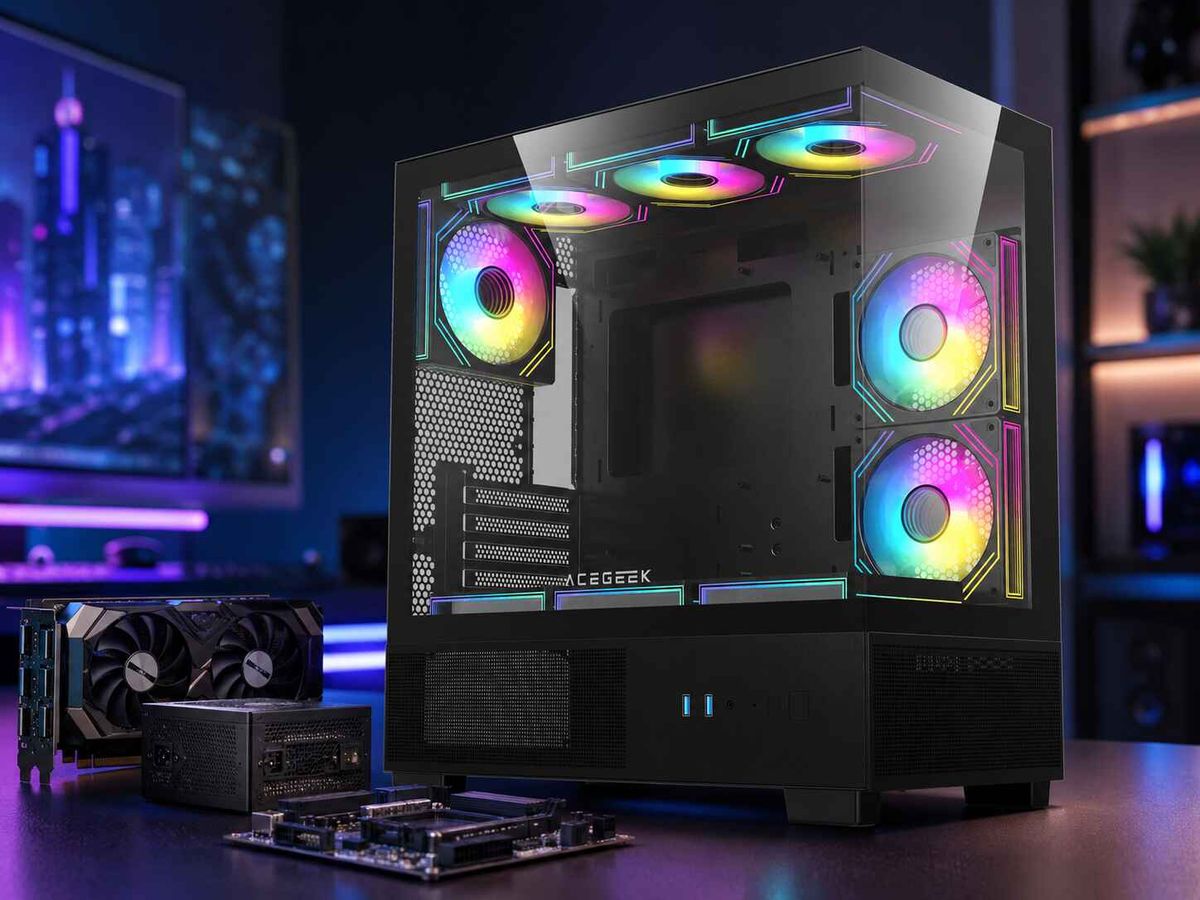
Take the ACEGEEK Puzzle as an example of how a buyer should read a case specification.
The published specifications list:
410 mm maximum GPU clearance
360 mm front radiator support
360 mm top radiator support
Three front 120 mm or 140 mm fan positions
ATX, E-ATX, M-ATX, and ITX motherboard support
Those are useful numbers.
But if I were planning a 350 mm board-partner GPU and a front-mounted 360 mm AIO, I would still verify whether that 410 mm maximum graphics card clearance applies with the front radiator installed.
Why?
Because a generic 52 mm front cooling stack subtracted from 410 mm would produce 358 mm.
That is suddenly close.
A 63 mm stack would mathematically leave 347 mm.
Now the 350 mm graphics card that looked absurdly safe against a 410 mm specification becomes questionable.
This does not mean the Puzzle necessarily loses exactly 52 or 63 mm—the chassis geometry must be measured in the intended configuration. It means the buyer has identified the right question before purchasing.
That difference matters.
The Measurement Buyers Miss Is the Radiator's Installed Depth
Most people looking up how to measure GPU clearance with a front radiator start by finding GPU length.
That is only half the job.
Step 1: Get the Exact GPU Length
Do not search only by GPU family.
“RTX 5090 length” is not enough.
NVIDIA explicitly notes that card dimensions vary by add-in-board manufacturer. A Founders Edition specification cannot certify a different vendor's cooler design.
Find the exact SKU.
Record:
Full card length
Card width
Card thickness
Slot count
Power connector position
Power cable exit direction
ACEGEEK's guide to choosing a PC case for large triple-fan GPUs is worth using alongside this measurement because today's oversized graphics cards introduce thickness, cable and airflow requirements that a basic length check misses.
Step 2: Find the Case's Maximum GPU Clearance
Write down the manufacturer's number.
But put an asterisk next to it.
You need to know under what configuration that figure was measured.
Ask:
Front fans installed?
No front fans?
Radiator installed?
Drive cage installed?
Front bracket installed?
Reservoir installed?
Push or pull fan arrangement?
If the manual does not say, I would not assume the most favorable scenario.
Step 3: Measure Radiator Thickness
A “360 mm radiator” is not 360 mm thick.
That 360 mm designation refers to its three-120-mm-fan class, not its depth.
Actual radiator depth may be around:
27 mm
30 mm
38 mm
45 mm
or more
That variation can completely change front radiator GPU clearance.
Step 4: Add Fan Thickness
Standard fans are often around 25 mm thick.
Therefore:
27 mm radiator + 25 mm fans = 52 mm
38 mm radiator + 25 mm fans = 63 mm
Now you are measuring physical hardware instead of marketing categories.
Step 5: Determine Which Parts Actually Intrude Into the GPU Zone
This is where the best compatibility checks stop being simple subtraction.
Sometimes:
Fans sit between the chassis and front panel.
The radiator sits inside the main chamber.
Both radiator and fans sit inside.
A recessed mounting rail partially hides the fans.
A front bracket adds several millimeters.
Tube fittings extend toward the card.
A removable drive cage becomes the actual limit.
So I want a side-view drawing.
Not a glamour photo.
Measure from the PCIe expansion-slot mounting plane to the nearest obstruction at the height of the GPU nose.
That is your real PC case GPU clearance.
Do Not Confuse GPU Length Clearance With Power-Cable Clearance
There is another trap here.
A GPU can fit lengthwise and still fail the build.
NVIDIA's RTX 5090 installation guidance says to plan approximately 36 mm of additional space for power cables. That measurement primarily affects lateral space between the GPU connector region and the side panel rather than the longitudinal front-radiator calculation, but it proves why the phrase “my GPU fits” is dangerously vague.
You need at least three separate checks:
Length clearance: rear PCIe plane → front obstruction
Width clearance: motherboard/GPU → side panel
Thickness clearance: PCIe slots → nearby fans, bottom intake, or adjacent cards
Then add radiator geometry.
That is why I dislike compatibility calculators that return one green tick.
Mechanical packaging is not binary until every collision zone has been checked.
Front Radiator Placement Can Also Change GPU Cooling
There is another cost that does not appear in the millimeter calculation.
Air temperature.
A front radiator configured as intake pulls cool room air through the radiator first. The CPU cooler benefits, but some of that heat enters the case before reaching the graphics card.
A high-power GPU may therefore receive warmer intake air than it would with an unobstructed mesh front.
For a modest GPU, that trade may be irrelevant.
For something approaching the 575 W TGP class represented by NVIDIA's RTX 5090, I would at least think about it.
And this is where case architecture matters.
If your chassis offers strong bottom or side intake, those fans can feed the GPU without making it live entirely on radiator-heated air. ACEGEEK's guide to configuring side intake in a panoramic PC case discusses this exact airflow logic: give the GPU a direct path to outside air and provide a controlled top or rear exhaust route.
Front radiator placement is therefore not merely a fitment choice.
It is an airflow choice.
How Much Spare GPU Clearance Do I Actually Want?
I do not like zero-margin builds.
Yes, a 304 mm GPU can theoretically occupy a 305 mm cavity.
No, I would not design around it.
A small margin has to absorb:
Manufacturing tolerances
Screw heads
Fan frames
Bracket flex
GPU end-cap geometry
Tube positioning
Installation angle
Cable routing
Future servicing
I would prefer roughly 10–20 mm of usable longitudinal margin after the complete front cooling system is installed, especially with an expensive triple-fan graphics card.
That is a planning preference, not an industry standard.
But consider the alternative.
A 304 mm card inside 308 mm of theoretical remaining space gives you four millimeters.
Four.
If a bracket lip consumes 2 mm and the GPU's decorative cooler shell extends farther than the dimension you copied from a retailer, your spreadsheet was technically impressive right up until the side panel came off for the second time.
Front Radiator GPU Clearance: The Buying Checklist I Would Use
Before paying for the case, GPU, or AIO, I would write these numbers on one page:
Exact GPU length
Exact GPU width
Exact GPU thickness
Case maximum GPU clearance
Whether that clearance includes front fans
Radiator thickness
Fan thickness
Front mounting-bracket thickness or offset
Tube/fitting intrusion near the GPU
GPU power-cable clearance
Desired installation margin
Alternative top or side radiator location
Then calculate:
Advertised GPU clearance − actual front intrusion = remaining GPU clearance
Next:
Remaining GPU clearance − exact GPU length = installation margin
Example:
360 mm case clearance − 52 mm cooling stack = 308 mm
308 mm − 304 mm GPU = 4 mm margin
My verdict?
Too close for a build I want to assemble, clean, modify and eventually disassemble without swearing at it.
Now compare a 420 mm case:
420 − 52 = 368 mm
368 − 304 = 64 mm
Much healthier.
That is what useful GPU clearance math looks like.
FAQs
Does a front radiator reduce GPU clearance?
A front radiator can reduce GPU clearance whenever the radiator, its fans, or its mounting hardware project into the same longitudinal space reserved for the graphics card; therefore, the usable GPU length must be recalculated from the case's published maximum after accounting for the complete installed cooling stack and any nearby obstructions.
For example, a 27 mm radiator with 25 mm fans creates roughly 52 mm of cooling depth. If all 52 mm enters the GPU zone of a case rated for 360 mm, the theoretical remaining graphics card length falls to about 308 mm.
How do I calculate GPU clearance with a front radiator?
GPU clearance with a front radiator is calculated by subtracting the radiator's installed depth, fan thickness, mounting hardware and any additional front-side intrusion from the case's maximum GPU clearance, then subtracting the exact graphics-card length from that result to determine how much installation margin remains.
A practical formula is: case GPU clearance − front cooling intrusion − GPU length = remaining margin. Always confirm whether the manufacturer's original GPU specification already includes front fans or radiator hardware before subtracting anything.
Will a 360 mm GPU fit with a 360 mm front radiator?
A 360 mm graphics card will fit with a 360 mm front radiator only if the chassis provides enough simultaneous length and depth for both components; the shared “360 mm” label does not establish compatibility because radiator size describes its fan class while GPU clearance describes internal card length.
A normal 360 mm radiator may still be 27–38 mm thick and require 25 mm fans, creating a roughly 52–63 mm deep cooling assembly. Check the chassis drawing rather than matching two identical marketing numbers.
How much clearance should I leave between the GPU and front radiator?
A practical GPU-to-radiator margin is enough free space to accommodate installation tolerances, GPU end-cap geometry, radiator hardware, tube routing, airflow and future servicing; for ordinary full-size builds, I prefer roughly 10–20 mm of genuine remaining longitudinal space rather than designing the system to the manufacturer's absolute maximum.
That 10–20 mm figure is a planning preference, not a universal specification. More margin is useful with oversized partner cards, awkward installation angles, removable radiator brackets or hardware you expect to upgrade later.
Is GPU length the only measurement that matters for PC case compatibility?
GPU length is only one component of graphics-card compatibility because a successful installation also requires sufficient card width, slot thickness, power-connector space, airflow clearance, installation access and freedom from interference with radiators, fans, drive cages, brackets and other components occupying the chassis.
NVIDIA's own RTX 5090 guidance illustrates the point: beyond the card's physical dimensions, it recommends additional room for power cables and airflow. A card can therefore pass the length check while still failing the complete build.
Should I top-mount the radiator if a front radiator blocks my GPU?
A top-mounted radiator is often the cleaner alternative when a front radiator consumes too much GPU clearance, provided the radiator-and-fan stack clears the motherboard's VRM heatsinks, RAM, EPS power cable and other hardware near the top edge of the board.
Do not simply move one collision somewhere else. ACEGEEK's analysis of radiator thickness and compatibility conflicts shows why top mounting requires its own vertical-clearance calculation.
Measure the Installed Build Before You Buy the Parts
The measurement buyers miss is not GPU length.
It is what remains after the front radiator is installed.
So before buying your next PC case, stop comparing a GPU's length against the largest number in the specification table. Write down the exact radiator thickness. Add the fans. Check which side of the mounting bracket they occupy. Measure the resulting obstruction from the PCIe slot plane.
Then subtract.
If the remaining number leaves only a few millimeters around an expensive graphics card, change something now: choose a slimmer AIO, move the radiator to the top, select a shorter GPU, or choose a case with more usable GPU clearance.
Do the millimeter math before checkout.
It is considerably cheaper than discovering the answer with a screwdriver.