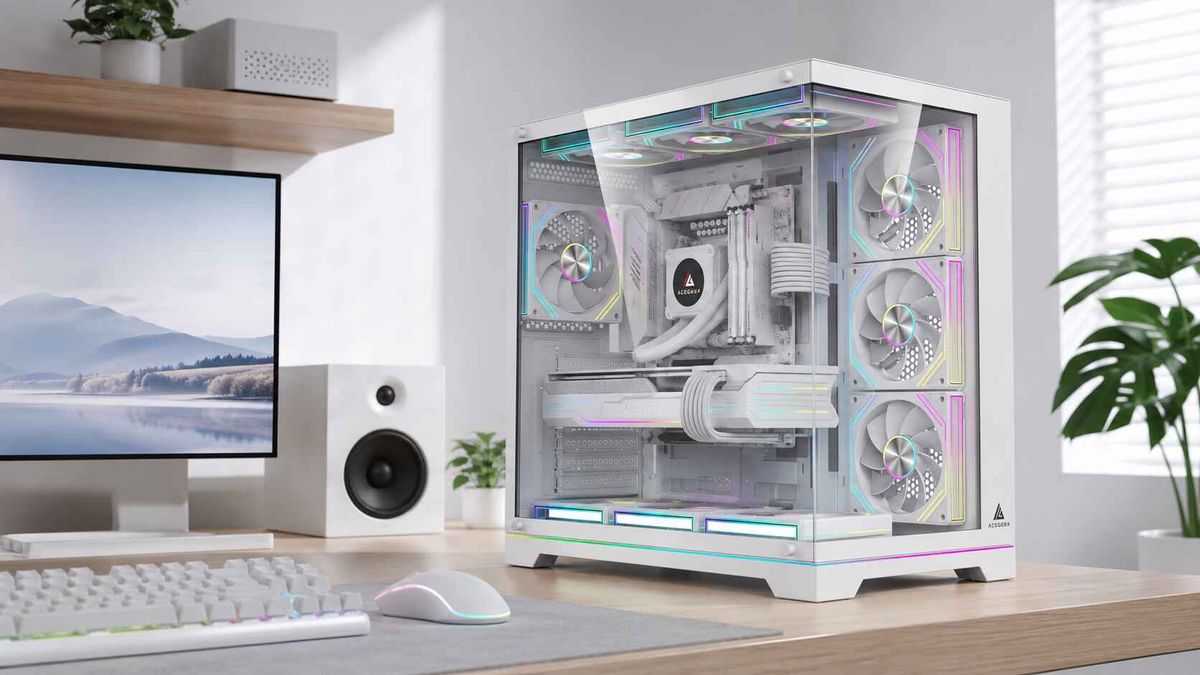
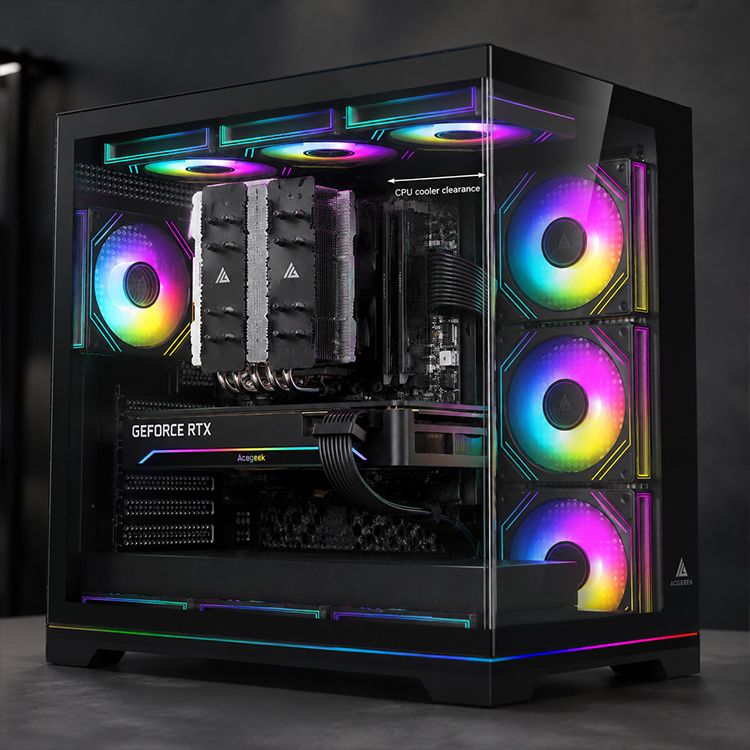
Guia de folga para coolers de torre: altura da RAM, painéis laterais e largura da caixa.
Já vi muitos montadores de PCs comprarem um enorme cooler de ar de torre dupla, darem uma vista de olhos à página da caixa, verem "espaço para cooler de CPU de 165 mm" e agirem como se o trabalho estivesse concluído, mesmo que a verdadeira batalha comece quando os dissipadores de calor altos para DDR5, as molas das ventoinhas, o vidro do painel lateral e os dissipadores de calor da motherboard começam a roubar os mesmos poucos milímetros. Querem a dura realidade?
A maioria dos erros de "compatibilidade" não são erros de desempenho. São erros de geometria.
E não estou a falar de teoria. A Noctua afirma que o NH-D15 e o NH-D15 G2 são enviados com 32 mm de espaço livre para memória RAM e 168 mm de altura total na configuração padrão, e alerta explicitamente que mover a ventoinha frontal para cima para acomodar memórias RAM mais altas também aumenta a altura do cooler; a G.SKILL lista a Trident Z5 / Trident Z5 RGB com 44 mm de altura , enquanto a Corsair lista a VENGEANCE DDR5 standard com 35 mm e a VENGEANCE RGB DDR5 com 44 mm . Esta é toda a história numa frase desagradável: o cooler, a memória RAM e as especificações da caixa estão todos em conflito antes mesmo de se pegar numa chave de fendas.
A primeira medida que todos verificam não é suficiente.
A altura importa.
Mas se comparar apenas a "altura do cooler" com o "espaço máximo para o cooler do CPU", estará a fazer um trabalho incompleto, porque o espaço para os coolers da torre não se resume apenas ao corpo do dissipador; inclui o dissipador, a posição da ventoinha, o perfil da RAM sob a ventoinha, a espessura da borda superior da motherboard e a pequena folga necessária para que o painel lateral não fique pressionado contra o metal ou o vidro. Porquê fingir o contrário?
Não confio em nenhum plano de montagem que se resuma a um único número. Por isso, recomendo que os leitores estudem primeiro Como Escolher o Gabinete de PC Ideal para a sua Configuração , depois verifiquem o comportamento do fluxo de ar em Regras de Design de Fluxo de Ar para Gabinetes de PC para Planeamento Térmico de OEMs e Integradores de Sistemas e, só depois, relacionem a carga térmica com a classe do cooler com Compreender o TDP: A Chave para a Estabilidade do PC . Estas três páginas abordam o tamanho do chassis, o percurso térmico e o orçamento de calor, aspetos geralmente ignorados por quem tem pressa.
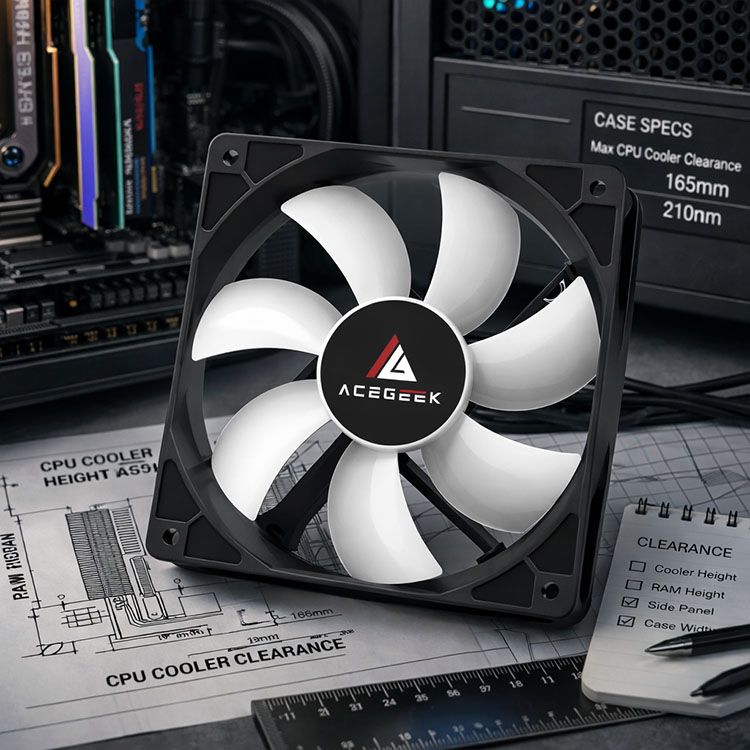
A altura da RAM é onde a folga para o refrigerador de torre deixa de ser abstrata.
A memória RAM está visível.
É por isso que os montadores de PCs estão obcecados com isto, e desta vez acho que a obsessão é justificada, porque um kit RGB alto é geralmente a primeira peça que força a ventoinha frontal para cima, o que transforma um cooler que "cabe no papel" num cooler que "não fecha o painel lateral" na vida real. Porque é que as pessoas continuam a aprender isso da maneira mais cara?
Caso de estudo 1: NH-D15 com memória RGB de 44 mm num armário de 165 mm
As próprias orientações da Noctua são brutalmente claras: 32 mm de RAM é a zona segura padrão para a linha NH-D15 com uma altura total do cooler de 168 mm , e cada milímetro extra de altura da RAM empurra a ventoinha para cima na mesma medida; a Noctua até dá o exemplo de 35 mm e mostra que o cooler fica com 171 mm de altura. Agora, combine isto com a G.SKILL Trident Z5 RGB de 44 mm . Isto representa aproximadamente 12 mm acima da janela padrão de 32 mm , o que implica cerca de 180 mm de altura efetiva se mantiver a ventoinha frontal. Coloque isto num gabinete de 165 mm e não estará "apertado". Estará em apuros. Os números oficiais tornam o veredicto óbvio. Leia as perguntas frequentes sobre a compatibilidade da Noctua e as perguntas frequentes sobre a altura da DRAM da G. SKILL se quiser os cálculos exatos, e não o que se ouve nos fóruns.
Caso de estudo 2: NH-D15 com DDR5 de baixo perfil num chassis mais espaçoso
Este funciona.
Os módulos DDR5 VENGEANCE standard da Corsair têm 35 mm de altura, o que ainda é 3 mm acima do limite standard de 32 mm da Noctua; o próprio exemplo da Noctua mostra que um aumento de 3 mm eleva a altura do cooler para 171 mm . É exatamente por isso que os armários espaçosos são importantes. Num gabinete com 185 mm de espaço livre para o cooler, esta configuração é viável. Num gabinete de 165 mm, é apenas um desejo disfarçado de otimismo. A tabela de dimensões de memória da Corsair e a nota de compatibilidade da Noctua explicam tudo o que precisa de saber, e explicam melhor do que a maioria dos guias de montagem de influenciadores.
Caso de estudo 3: compre um cooler concebido para memórias RAM elevadas.
Existe outra forma.
A página oficial do DeepCool ASSASSIN IV refere que este oferece espaço livre para módulos de RAM em sockets Intel modernos e AMD AM4/AM5, com uma altura total de 164 mm . Esta é a especificação que respeito, pois resolve o verdadeiro problema do comprador: quer módulos DDR5 altos, precisa de um cooler de ar robusto e não quer estar a ajustar a posição das ventoinhas a meio da noite. Não acho que toda a gente precise deste cooler, mas acredito que mais pessoas deveriam ler as especificações do DeepCool ASSASSIN IV antes de comprar outro modelo gigante de torre dupla que invade os slots de memória e exige concessões.
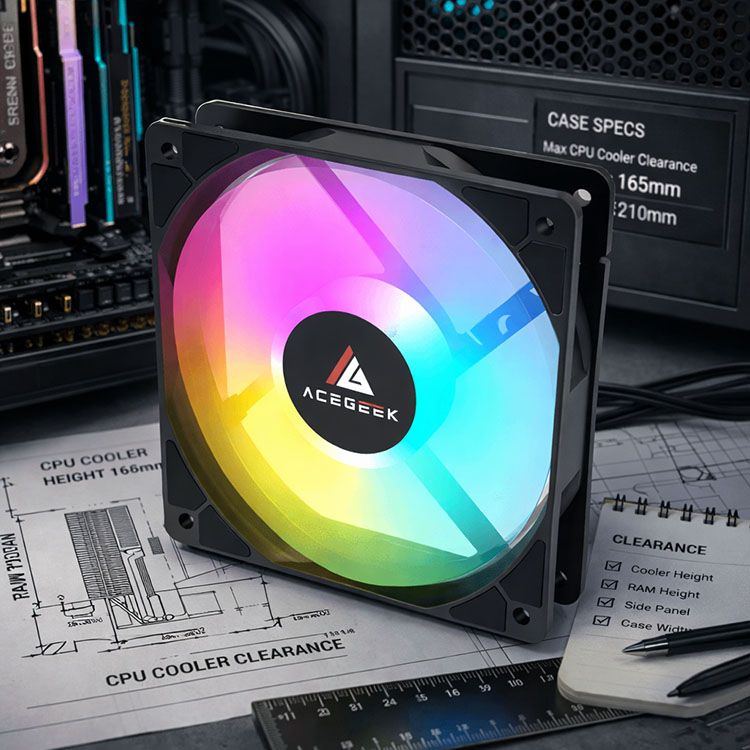
Os painéis laterais penalizam as suposições erradas.
A largura engana.
Muita gente pensa que a largura da caixa prevê automaticamente o espaço disponível para o cooler do CPU, mas este atalho revela-se rapidamente falho, pois a largura exterior divulgada inclui aço, espaço para encaminhamento de cabos, geometria da bandeja da motherboard, espessura do vidro, suportes do painel e, por vezes, características de design que reduzem o espaço útil. Então, o que significa isto na prática?
Isto significa que um gabinete pode parecer largo o suficiente e ainda assim ser robusto por dentro. As próprias especificações da ACEGEEK demonstram-no melhor do que qualquer palestra.
GabineteLargura do GabineteEspaço Máximo para Cooler da CPUA minha avaliação Stratus Glass 195mm165mmCarcaça compacta, e a ACEGEEK afirma abertamente que o suporte para AIO até 240mm depende da altura da RAM permanecer dentro de 38mm Surge-M 210mm165mmMais largo que o Stratus, mesmo limite para coolers de torre; só a largura compra menos do que as pessoas pensamVision M352200mm155mmAqui é onde as grandes caixas de torre dupla começam a tornar-se um ponto negativoPhoton 245mm185mmEspaço real para coolers de ar, incluindo margem para memórias mais altas ou ventoinhas mais altas
Fonte: especificações oficiais da ACEGEEK para os produtos Stratus Glass, Surge-M, Vision M352 e Photon.
Esta tabela é a parte que muitos compradores ignoram.
Um gabinete de 210 mm e um de 195 mm podem ter um limite de 165 mm de espaço livre para os coolers, enquanto um gabinete de 245 mm chega aos 185 mm . É por isso que digo sempre às pessoas para não escolherem apenas pela largura. A largura do armário é apenas uma pista. O espaço livre para o cooler do CPU é o fator decisivo. E o formato do painel lateral é o que realmente importa.
A verdadeira fórmula que uso antes de comprar qualquer coisa
Meça primeiro.
Eis o meu método, feio, aborrecido e fiável: comece com a altura máxima permitida para o cooler do CPU na caixa, subtraia qualquer margem que desejar para maior conforto, verifique a altura real do cooler instalado, depois verifique se a altura da RAM força a ventoinha frontal para cima e, por fim, pergunte-se se o painel lateral é plano ou curvo, de vidro temperado ou aço, tolerante ou hostil. Porque é que os montadores agem como se isso fosse um exagero, quando evita uma remontagem completa?
A minha regra é simples. Se a folga for inferior a 3 mm , considero um aviso. Se a memória RAM for superior à especificação padrão do cooler, presumo que necessitarei de mais espaço, a menos que o fabricante diga explicitamente o contrário. E se a página do gabinete mostrar apenas a medida principal, sem qualquer informação adicional, presumo que essa informação exista e simplesmente ainda não a encontrei. Esta mentalidade é menos entusiasmante do que o RGB, mas mantém o painel fechado e as pás da ventoinha longe dos módulos de memória.
Perguntas frequentes
Qual é a folga necessária para o cooler do CPU?
A folga para o cooler da CPU é a distância real e utilizável entre a área do encaixe da CPU e o painel lateral totalmente fechado, após considerar a posição da ventoinha do cooler, a altura da RAM, os dissipadores de calor da motherboard e quaisquer calhas ou geometria do vidro específicos da caixa que reduzam o valor aparentemente bom da ficha técnica. Defino-o desta forma porque o valor publicado para a caixa só é útil se o cooler mantiver a sua altura padrão e nada por baixo dele forçar a ventoinha para cima. Quando qualquer uma destas condições falha, o valor real da folga altera-se.
Como posso verificar a folga da RAM no cooler da torre?
A folga para a RAM nos coolers de torre é a quantidade de espaço que um cooler a ar deixa acima dos slots DIMM da motherboard antes que a ventoinha ou o conjunto de barbatanas inferior toquem nos módulos de memória. Esta medida deve ser verificada tendo em conta a altura exata da RAM, e não a marca ou um rótulo vago de "baixo perfil". Comparo a folga para a RAM informada pelo fabricante do cooler com a altura do módulo de memória também informada pelo fabricante da memória e, em seguida, adiciono a diferença à altura do cooler caso a ventoinha frontal necessite de ser reposicionada. É uma questão de matemática básica, mas ajuda a poupar dinheiro.
A largura da caixa garante espaço suficiente no painel lateral para um cooler de torre?
A largura da caixa é apenas uma pista indireta, uma vez que a largura exterior do chassis inclui o material do painel, a profundidade para a gestão de cabos, o espaçamento da bandeja da motherboard e características estruturais que nem sempre se traduzem em espaço livre para o cooler da CPU. É por isso que dois gabinetes com larguras semelhantes podem apresentar limites de espaço livre para coolers muito diferentes. Considero em primeiro lugar o espaço livre máximo para o cooler do CPU, em segundo lugar a largura da caixa e, por último, o estilo do painel lateral. Esta ordem é importante. Evita que compre um armário largo que ainda seja apertado onde realmente importa.
Qual o melhor cooler para CPU para memória RAM elevada?
O melhor cooler para CPU para memórias RAM elevadas é normalmente o modelo que evita completamente os slots DIMM ou que promete explicitamente suporte para memórias RAM desimpedidas ou com bastante espaço livre, sem necessidade de soluções alternativas com ventoinhas deslocadas que aumentam a altura total e criam um novo problema de encaixe na caixa. Eu prefiro coolers que especificam o seu comportamento em relação à RAM, e não coolers que exigem que decifres palpites em fóruns. Quando a RAM tem 44 mm a 56 mm de altura, a compatibilidade declarada vale mais do que a marca.
O seu próximo passo
Pare de adivinhar.
Meça a altura da sua RAM, anote a altura máxima do cooler do CPU que a sua caixa suporta e decida se está a dar prioridade à estética ou à margem de segurança. Se pretende um PC compacto, leia as especificações do Stratus Glass . Se prefere um meio-termo mais seguro, considere o Surge-M . Se quer espaço de sobra, sem se preocupar com milímetros, estudeo Photon . Depois, dê prioridade à dissipação de calor, e não ao marketing, com base no livro "Understanding TDP: The Key to PC Stability" (Compreender o TDP: A Chave para a Estabilidade do PC ). Esta é a forma correta de comprar componentes de refrigeração.