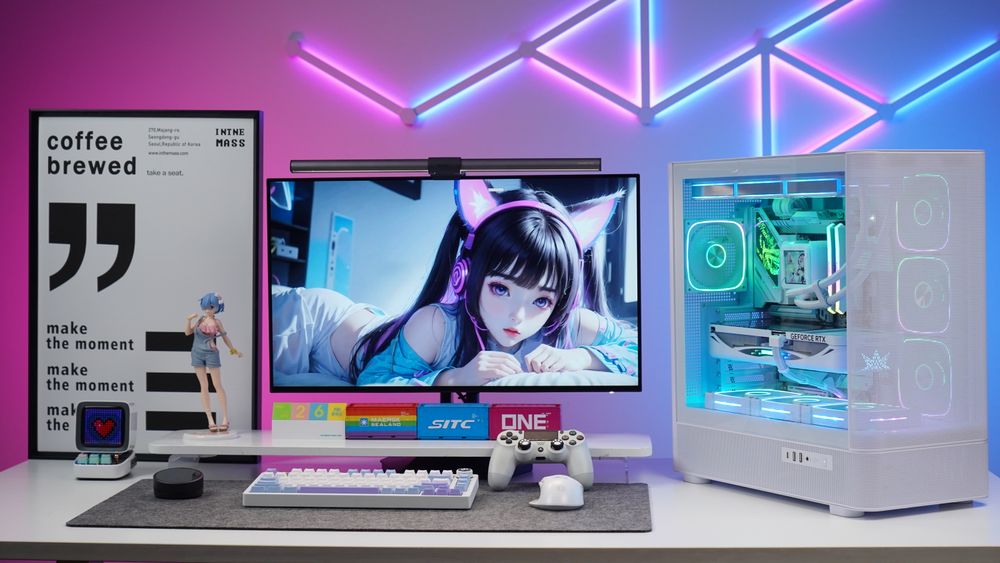
Choosing the right PC case is just as important as selecting your components. Your case determines compatibility, cooling performance, airflow, fan support, and the overall style of your build. One of the biggest factors to consider is case size, which directly relates to the size of the motherboard it can support.
Below is a clear breakdown of the four most common PC case sizes and how to choose the best one for your setup.
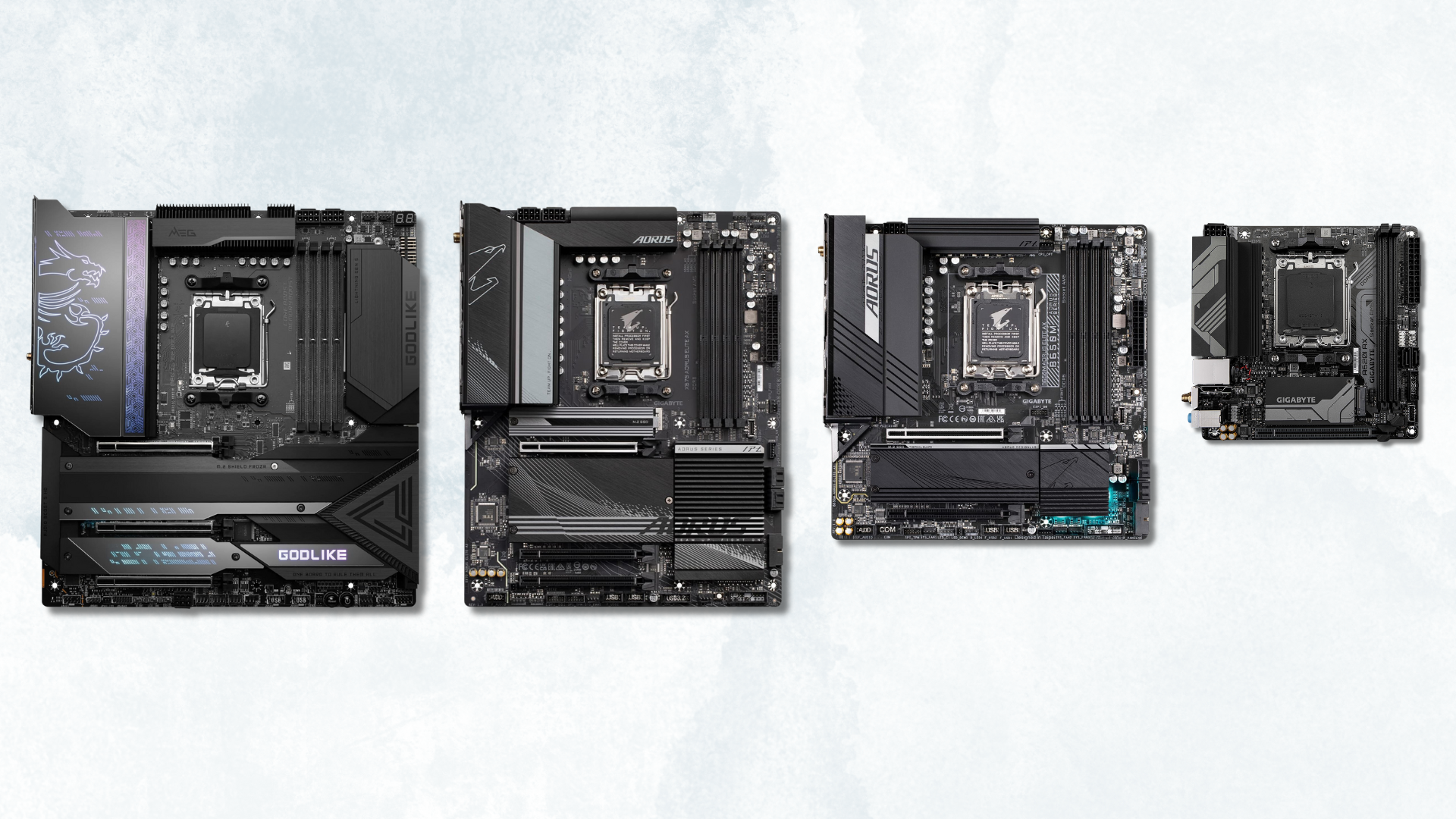
(Source: Tech Guided)
Understanding PC Case Sizes
PC case sizing is primarily based on motherboard compatibility. The four main sizes—E-ATX, ATX, M-ATX, and ITX—range from largest to smallest. A larger case (like E-ATX) can fit smaller motherboards such as ITX, but a small ITX case cannot fit larger boards like ATX or E-ATX.
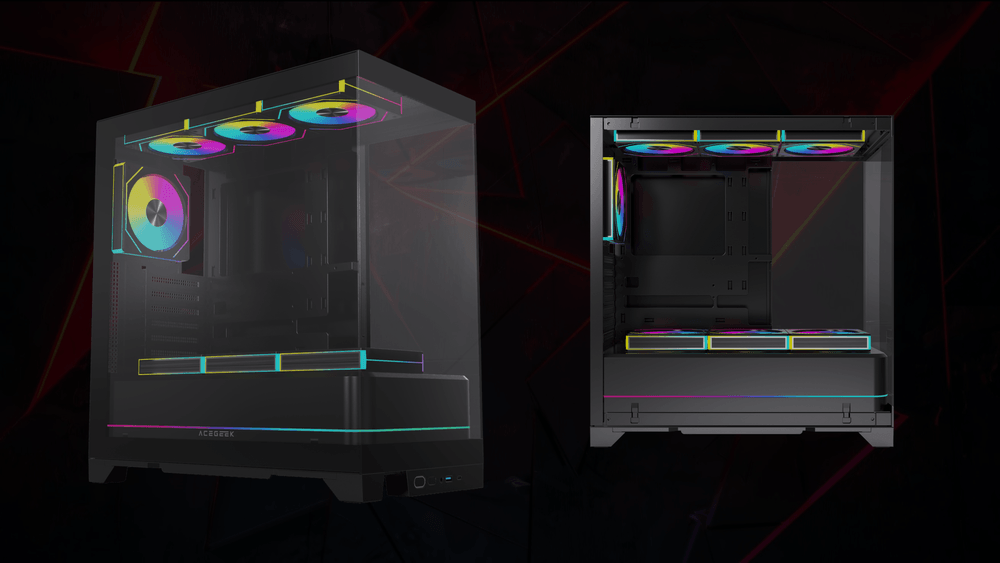
(ACEGEEK Photon E-ATX PC Case)
E-ATX Cases
E-ATX cases are built for high-end, flagship systems and offer the most interior space for expansion, cooling, and advanced airflow setups.
A great example is the Photon, a premium E-ATX case that supports:
.Up to 8 x 120mm fans
.A 360mm AIO radiator at the top
.Modular rear panels for flexible motherboard compatibility
E-ATX cases are ideal for users who want:
.Maximum expansion room
.Multi-fan or custom water-cooling setups
.Superior airflow and thermal performance
.A powerful workstation or full-tower gaming system
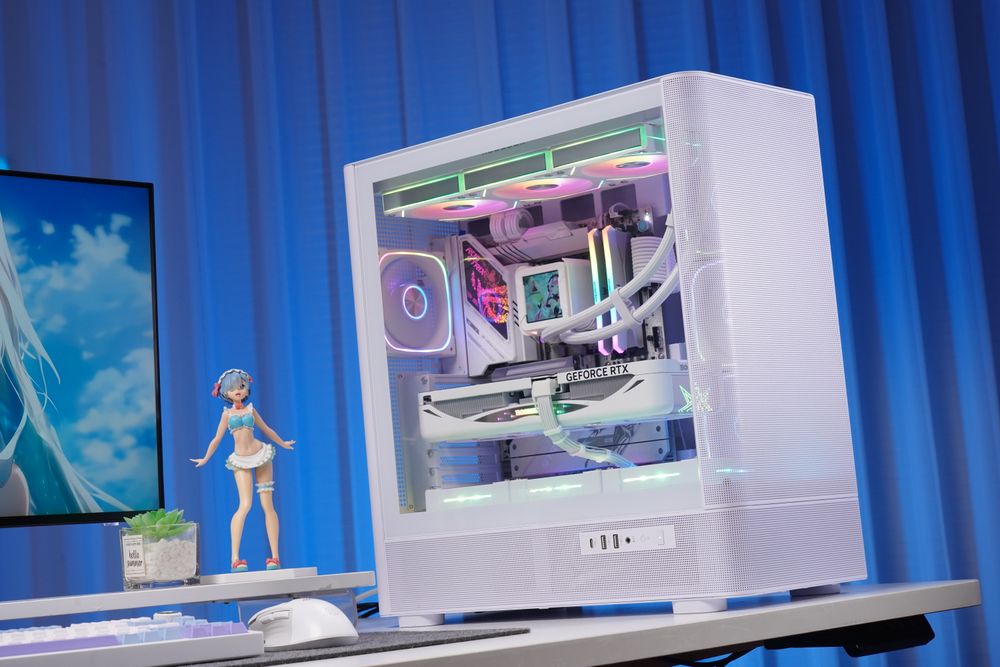
(ACEGEEK LunarisFlow ATX PC Case)
ATX Cases
ATX cases are the most common and most balanced option, offering a great mix of space, cooling potential, and ease of building. They support all standard ATX motherboards—from entry-level H-series to top-tier Z-series boards.
ATX cases are perfect if you want:
.A well-rounded build with solid airflow
.Multiple fan and storage options
.A case size that fits comfortably on or under most desks
M-ATX Cases
Micro-ATX (M-ATX) cases are slightly smaller while still offering plenty of features for mainstream users. M-ATX motherboards have fewer PCIe slots and M.2 slots, but still support most gaming and productivity builds.
M-ATX cases are ideal for users who want:
.A smaller footprint without major compromises
.Good airflow and cooling flexibility
.A cleaner, more space-efficient setup
They are excellent for bedrooms, small desks, or office environments.
ITX Cases
ITX cases are the smallest and most compact option, designed strictly for ITX motherboards. They are popular among gamers and enthusiasts who prioritize portability or a minimalist desk setup.
Because of their small volume, ITX cases often have surprisingly efficient heat dissipation—but they do impose certain limitations:
.Typically limited to SFX or SFX-L power supplies
.Fewer fan and radiator mounting points
.Tighter cable-management space
ITX cases are best for users who want:
.A compact or portable PC
.A stylish small-form-factor build
.Efficient airflow in a small chassis
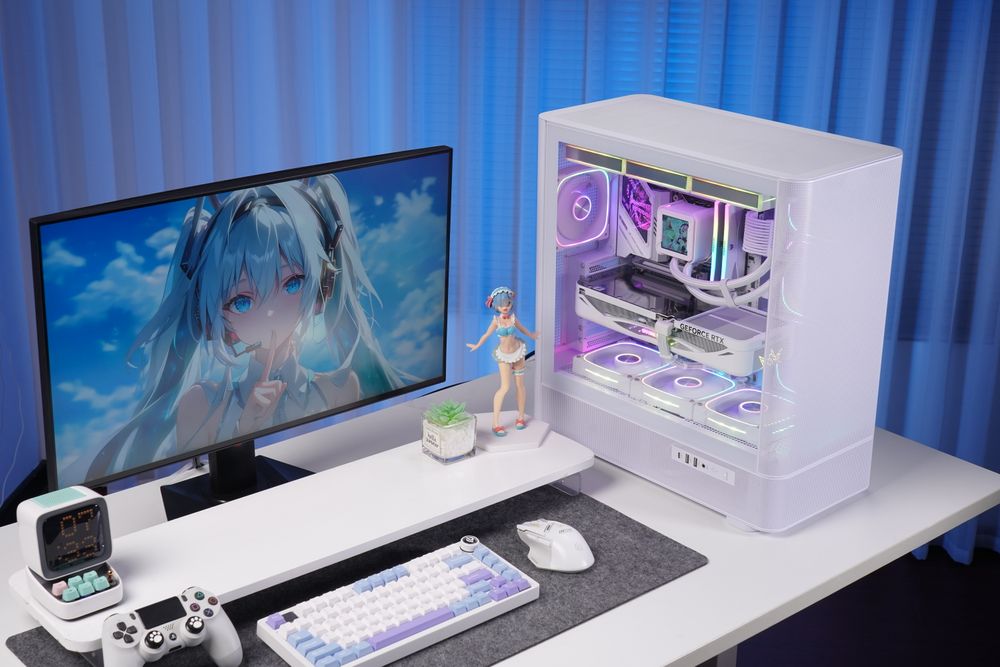
Choosing the Right Case for Your Needs
When selecting a PC case, always consider:
.Motherboard compatibility
.Cooling and fan support
.GPU and CPU cooler clearance
.Expansion options (storage, PCIe cards)
.Desk space and preferred size
.Personal aesthetic preferences
Understanding the differences between E-ATX, ATX, M-ATX, and ITX cases will help you choose a chassis that fits your hardware, cooling requirements, and workspace—ensuring your build performs well and looks great.