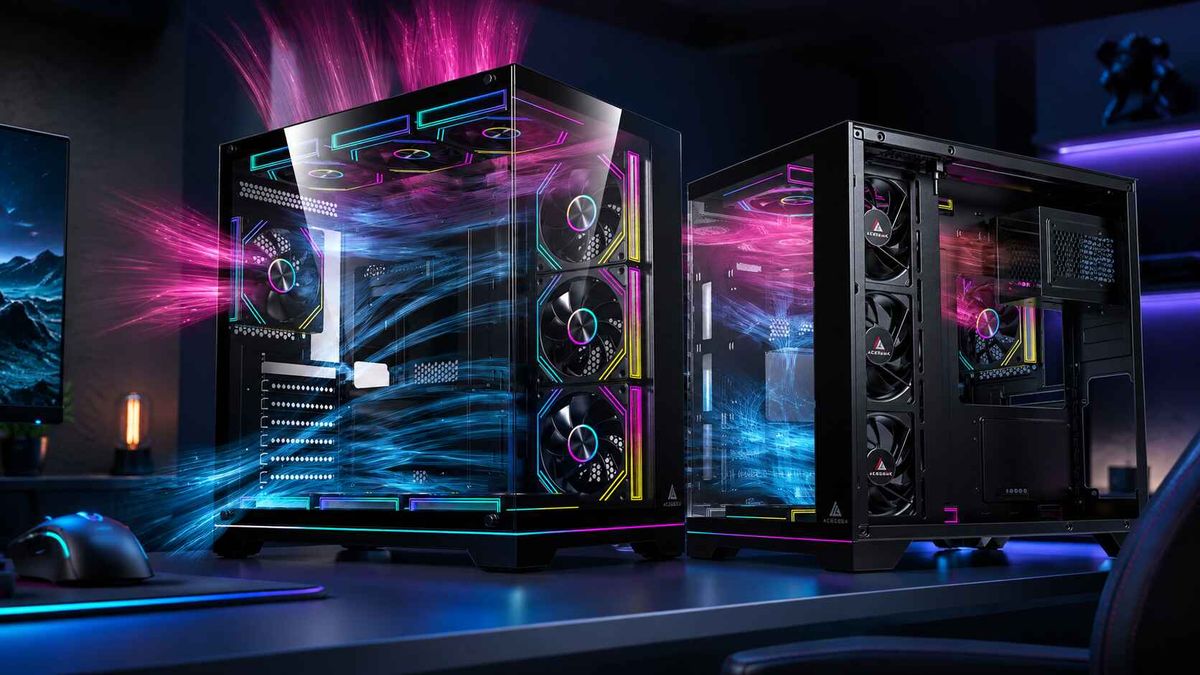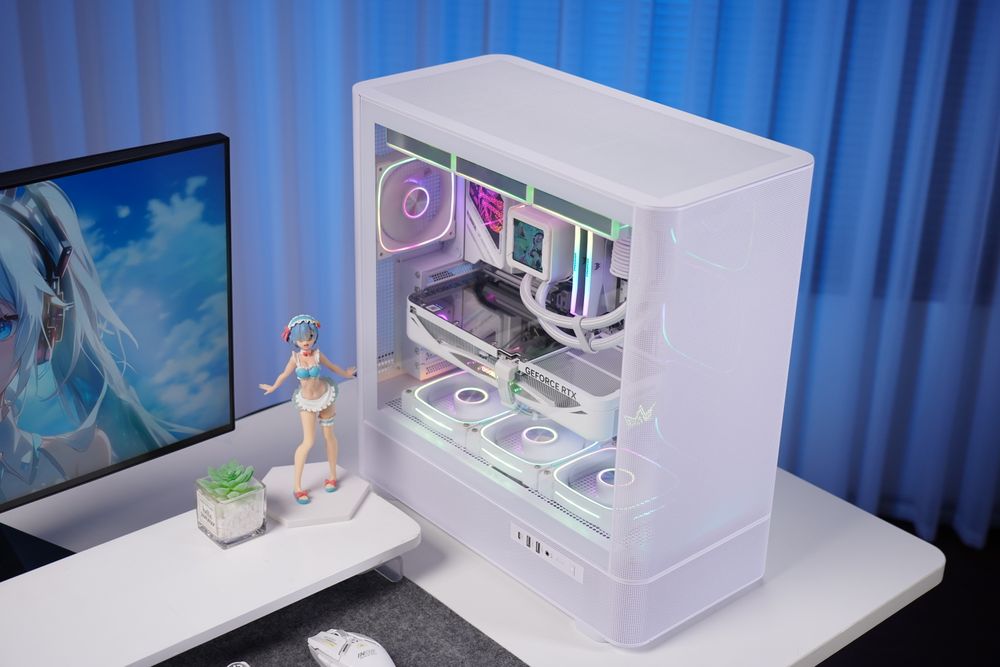
(ACEGEEK LunarisFlow ATX PC Case, with USB Type-C)
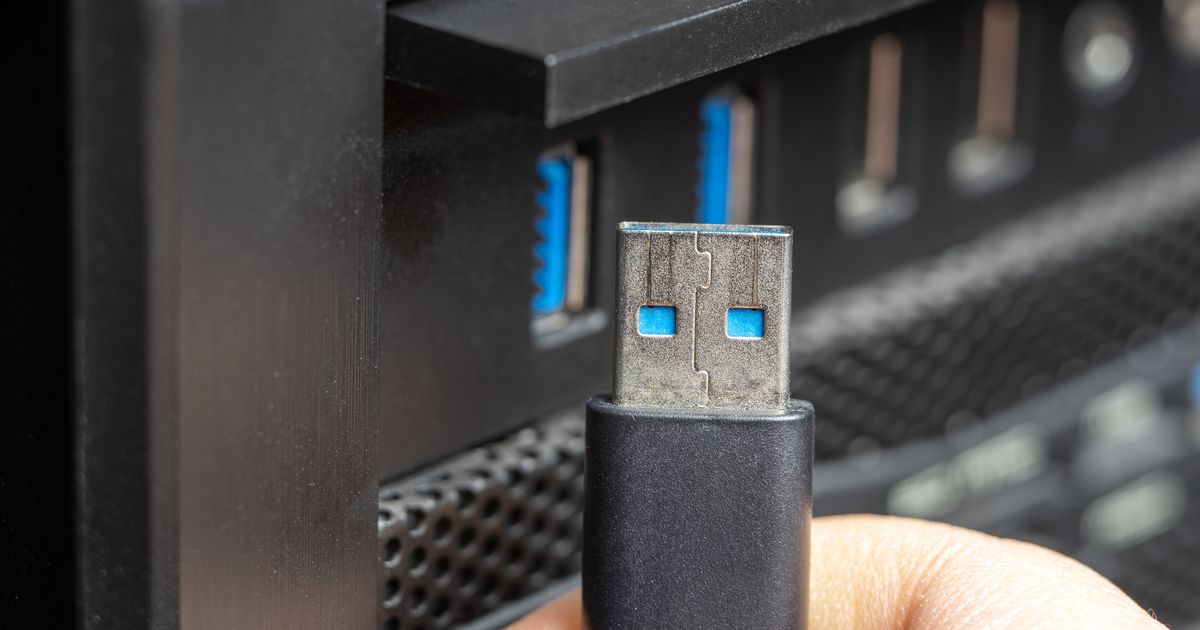
If you have ever felt confused by the alphabet soup of USB naming conventions, you are not alone. With the evolution from USB 3.0 to the latest USB 3.2 Gen 2, keeping track of transfer speeds has become a challenge for even seasoned DIY builders.
The Naming Confusion: Speed vs. Version
The most important thing to remember is that the "Generation" (Gen) tells you more about the speed than the version number itself. Here is the breakdown of how the industry has renamed these specifications over time:

5Gbps Speed: USB 3.0 is equivalent to USB 3.1 Gen 1 and USB 3.2 Gen 1.
10Gbps Speed: USB 3.1 Gen 2 is equivalent to USB 3.2 Gen 2.
When purchasing a new motherboard or a case, don’t be misled by version names—the most critical factor is checking the actual transfer speed listed in the specs.
What is USB Type-C? (It’s Not a Speed!)
A common misconception is that "Type-C" refers to the speed of the connection. In reality, USB Type-C is merely a connector type, not a transfer protocol. You can have a Type-C port that runs at slow USB 2.0 speeds or blazing-fast USB 3.2 Gen 2 speeds.
Key Advantages of the Type-C Interface:
Reversible Design: Unlike the traditional rectangular USB-A, Type-C is oval-shaped and can be plugged in either way.
High Power Delivery: It supports significantly faster charging and power delivery for mobile devices and laptops.
Space-Saving: Its small footprint allows for sleeker, modern PC cases and thinner portable devices.

Why Your PC Case Choice Matters
Having a high-speed motherboard is only half the battle; you need a front I/O panel that can actually handle the throughput.
Most modern ACEGEEK chassis models feature a dedicated USB 3.2 Gen 2 Type-C port on the front or top panel. This allows gamers and content creators to access transfer speeds of up to 10Gbps without having to crawl behind their desks to reach the back of the motherboard. This connection is essential for:
Fast-loading external SSDs used for game libraries.
High-resolution video editing from external drives.
Stable, high-speed data syncing for modern peripherals.
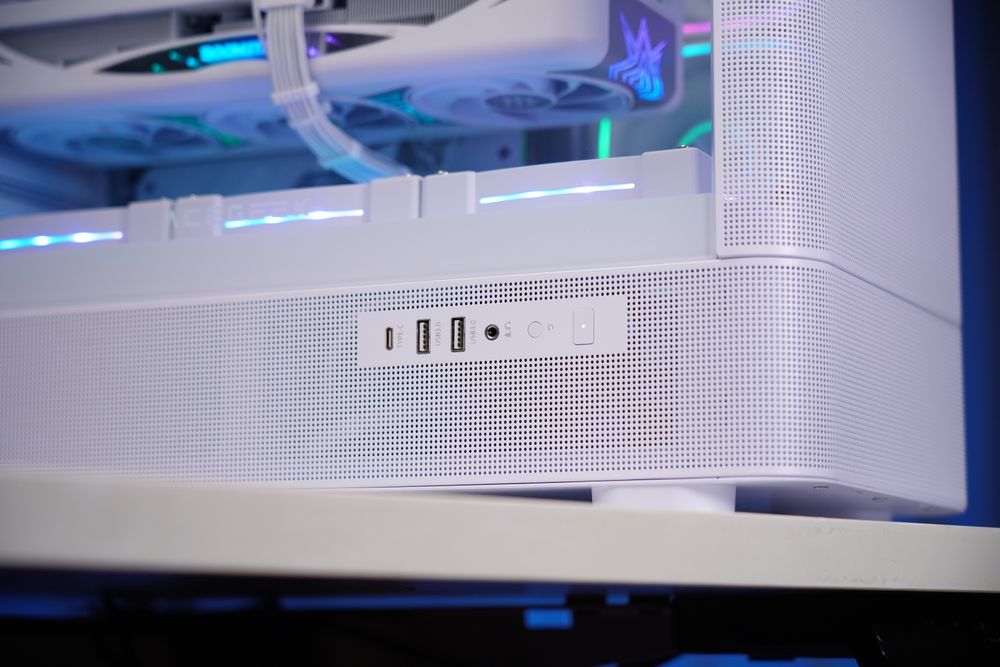
(ACEGEEK LunarisFlow ATX PC Case, with USB Type-C)
Conclusion: Future-Proof Your Build
When building your next PC, ensure your case and motherboard are on the same page. By choosing a high-airflow ACEGEEK case equipped with the latest USB 3.2 Gen 2 Type-C support, you ensure that your rig is ready for the next generation of high-speed devices.