Benefits of Quick-Release PC Case Panels for Building and Cleaning
Tool-free sounds simple.
But the useful part of a tool-free PC case is not that it saves someone from owning a Phillips screwdriver; it is that well-designed quick-release PC case panels remove friction from every inspection, upgrade, cable correction, filter cleaning, and cooling change performed during the system’s working life.
Does that convenience really matter?
I think it does. More than RGB. More than another decorative strip of tempered glass. And, in many builds, more than a fourth preinstalled fan that the owner never needed.
A good quick-release system lets the front panel, side panel, dust filter, or cable-side cover come away predictably without loose screws rolling under the desk. A bad one feels impressive in a showroom and flimsy six months later. That distinction matters because “tool-free” is not an engineering standard. It is a marketing phrase covering everything from sturdy steel hinges to cheap plastic pressure clips.
Quick-Release Panels Solve a Maintenance Problem, Not a Screwdriver Problem
Traditional removable PC case side panels are usually secured by rear thumbscrews and slide into stamped steel rails. The design is cheap, proven, and reasonably secure. It is also awkward when the case sits under a desk, against a wall, or inside a tight workstation.
Quick-release panels change the workflow.
Instead of reaching behind the chassis, removing two screws, storing them somewhere safe, and sliding the panel backward, a builder may press a latch, pull a recessed handle, swing open a hinged glass door, or release a ball-stud mounting system.
That sounds minor. It is not.
When I evaluate a case, I look at how many unnecessary hand movements stand between the owner and the intake filter. If routine cleaning requires moving the case, disconnecting rear cables, finding a screwdriver, removing four screws, and wrestling a front fascia away from fragile clips, most owners will postpone the job.
Dust wins by inconvenience.
Intel’s own guidance on keeping a PC cool recommends opening the case and carefully cleaning accumulated dust every few months. Dell similarly warns in its computer maintenance guidance that blocked vents restrict airflow and can cause overheating.
Those recommendations assume the owner can reach the dirty areas without turning maintenance into furniture removal.
A well-designed easy-access gaming PC case makes that assumption realistic.
The Real Benefits During PC Building
Faster Access During Repeated Test Fitting
A PC is rarely assembled in one clean pass.
The GPU goes in, then comes back out because a front-panel cable was trapped underneath it. The top radiator fits, but its fan frame blocks the motherboard’s EPS connector. The cable-side panel closes until one badly positioned SATA power plug creates a bulge.
Open it again.
During a typical build, the side panels may be removed and reinstalled many times. Quick-release PC case panels eliminate repeated screw handling and make those corrections less irritating. That matters most during:
Motherboard alignment
CPU cooler installation
GPU test fitting
Radiator clearance checks
Cable-routing corrections
Storage installation
Fan direction changes
POST troubleshooting
ARGB or PWM hub access
The benefit is not merely speed. It is lower resistance to fixing a bad decision.
Builders sometimes leave a cable pressed against a fan, accept a poorly routed GPU lead, or postpone a fan adjustment because reopening the case is annoying. A removable PC case side panel that opens in seconds encourages correction before a temporary compromise becomes permanent.
Easier Two-Sided Cable Management
Modern cases have two working areas: the visible component chamber and the cable cavity behind the motherboard tray.
Both need access.
A hinged or quick-release cable-side panel is especially useful because cable bundles tend to push outward while the panel is being installed. Traditional sliding panels must line up with multiple rails while resisting that cable pressure. It is one of the least elegant rituals in PC building.
Push-to-close systems are better—when they are strong enough.
ACEGEEK’s broader PC case range shows several access approaches, including quick-release front panels and hinged glass designs. That variety is worth studying because a “tool-free” feature can refer to the front fascia, glass side, steel cable cover, or dust filters. Buyers should verify exactly which panel is removable without tools.
A quick-release front panel is useful for fan and filter service. A hinged side window is useful for component access. They are not the same feature.
Fewer Loose Fasteners
Dropped screws are funny until one lands behind the motherboard.
Tiny metal fasteners can disappear inside PSU shrouds, lodge near fan blades, or remain unnoticed beneath a graphics card. Captive thumbscrews reduce that risk, but true push-pin or hinged systems remove the fastener from the normal access routine altogether.
That does not mean screws are bad. Screws provide clamping force and are easy to replace.
But for panels expected to be opened frequently, repeatedly removable loose hardware is an avoidable failure point.
Better Access for Large Components
Current gaming hardware leaves little room for fingers.
A case may support a 410 mm graphics card on paper, yet become difficult to work inside once a 360 mm front radiator, three 25 mm fans, thick power cables, and a large GPU are installed. Removing both the side panel and front panel can provide a far better installation angle.
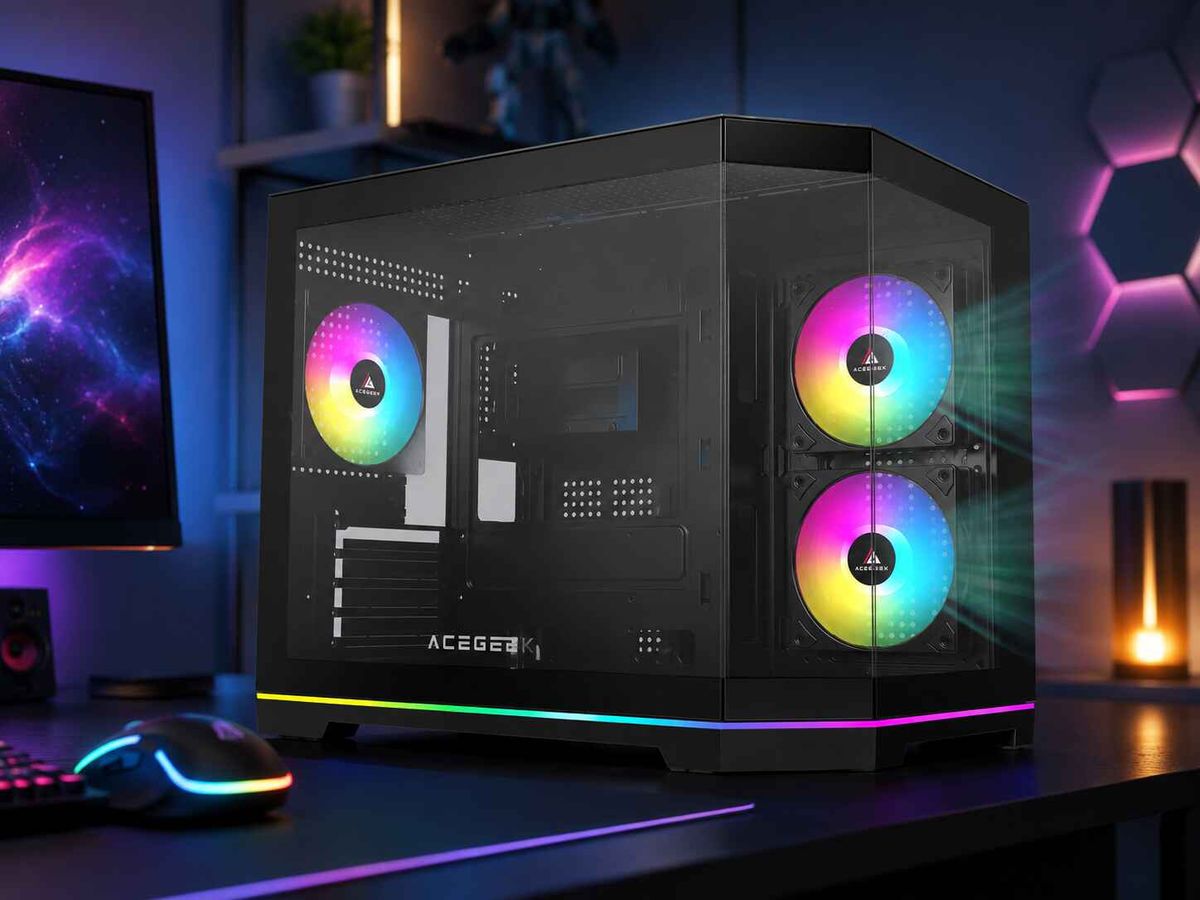
For example, the ACEGEEK Flipped-M quick-release front-panel case lists support for GPUs up to 410 mm, CPU coolers up to 165 mm, and 360 mm radiators at the top or front. The ACEGEEK Surge-M publishes similar 410 mm GPU, 165 mm CPU-cooler, and 360 mm radiator support figures.
Those numbers describe compatibility. Panel access determines how pleasant that compatibility is to use.
A component fitting inside the chassis does not guarantee that a human hand can install it cleanly.
Why Quick-Release Panels Make Cleaning More Likely
Here is the hard truth: the best PC case for easy cleaning is not necessarily the case with the finest filter.
It is the case whose filter the owner will actually remove.
Front Intake Cleaning Becomes a Small Job
Front intake fans collect the worst debris because they continuously pull room air through mesh, foam, or perforated steel. Pet hair, textile fibers, skin particles, and household dust gradually cover the filter surface.
If the front panel releases from a defined pull point, the owner can:
Power down the system.
Remove the front panel.
Slide or lift out the filter.
Clean the filter separately.
Inspect the intake fans.
Reinstall everything without tools.
That is a realistic maintenance routine.
By contrast, some decorative front panels rely on several rigid plastic clips that require uncomfortable force. Owners cannot tell whether the panel is releasing or breaking. So they stop pulling.
A panel that technically comes off is not necessarily a serviceable panel.
Hinged Side Panels Improve Inspection
A hinged glass side panel gives the owner immediate visual and physical access to the main chamber. This is useful for checking:
Dust on GPU heatsink fins
Fan obstruction
Loose cable connections
Pump or fan noise
Coolant leakage
GPU support alignment
Intake and exhaust direction
Diagnostic LEDs
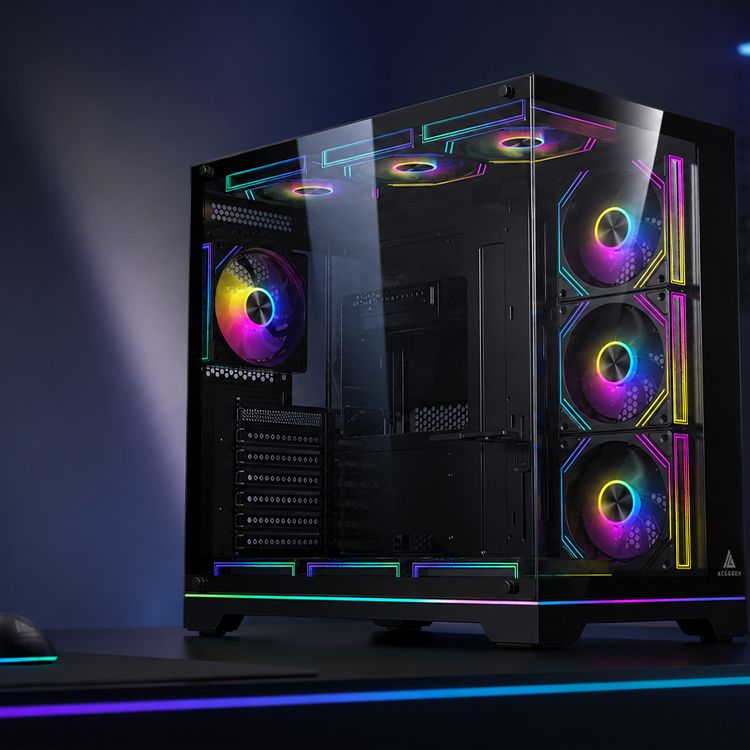
ACEGEEK’s Tempest A370 hinged-glass case, for example, pairs a mesh front with a left hinged glass panel. That combination addresses two separate needs: intake airflow at the front and fast inspection at the side.
But I would still inspect the hinge pins, glass mounting points, opening clearance, and latch design. A door that swings into a wall is not convenient. Neither is a glass panel that can lift off its hinges unexpectedly.
Removable Top Panels Help Radiator Service
Top-mounted radiators are popular because they can exhaust CPU heat directly out of the chassis. They are also awkward to clean when the upper mesh, radiator fans, and cable connectors are difficult to reach.
A removable top cover can expose the filter and mounting rail without forcing the owner to work through the main chamber. This helps when cleaning a 240 mm, 280 mm, or 360 mm radiator assembly.
This is where case design becomes honest or dishonest.
A manufacturer may advertise a removable top filter while permanently trapping the radiator bracket beneath structural steel. The filter is accessible; the actual cooling hardware is not.
I prefer cases that treat fans and radiators as service items rather than permanent architecture.
Quick-Release Mechanisms Are Not Equal
The phrase “tool-free PC case panels” hides several very different systems.
Panel mechanismAccess speedRetention strengthBest applicationCommon weaknessCaptive thumbscrewsModerateHighSteel side panels and transportable systemsStill requires rear access and several turnsPush pins or ball studsFastMedium to high when engineered wellFront panels and lightweight steel coversClips can loosen, fatigue, or become misalignedHinged tempered glassVery fastHigh with a proper latchFrequently inspected showcase buildsNeeds swing clearance and careful hinge supportMagnetic panelVery fastVaries widelyDust filters and lightweight trim panelsCan shift, rattle, or release during transportSliding rail with latchFastHighSide panels on performance casesPoor tolerances can make alignment frustratingSnap-fit plastic clipsFast when newLow to mediumBudget front fasciasBrittle tabs may break after repeated removal
Captive Screws Are Still a Sensible Compromise
I am not anti-screw.
Captive thumbscrews remain attached to the panel, which prevents loss while preserving strong mechanical retention. For systems transported to LAN events, studios, trade shows, or customer locations, that security can be more valuable than instant access.
The ideal design may therefore be tool-free rather than screw-free.
Hinged Glass Needs a Real Latch
Tempered glass is heavy. It should not depend on two weak magnets and optimism.
A proper hinged panel needs stable hinge geometry, protected glass mounting points, controlled movement, and a latch that does not release when the chassis is tilted. The panel should also be removable from the hinge when the case must be laid flat for major work.
One-handed opening is convenient. One-handed glass handling is not.
Plastic Snap Clips Deserve Suspicion
Cheap clips age badly.
Repeated bending, heat exposure, manufacturing variation, and careless removal can reduce their holding force or cause a tab to break. Replacement panels may be difficult to obtain, turning a tiny plastic failure into a permanently loose front cover.
Before buying, I would look for product photographs showing the rear of the panel. Marketing images love the glass. Engineering evidence lives behind it.
Tool-Free Access Can Improve Long-Term Ownership
The environmental argument is not abstract.
The Global E-waste Monitor 2024 reported that the world generated 62 billion kg of electronic waste in 2022, while only 22.3% was documented as formally collected and recycled. The report projects global e-waste generation could reach 82 million tonnes by 2030.
A PC case is not normally the first component to fail. In fact, a well-made chassis can survive several motherboard, GPU, storage, and cooling upgrades.
Easy access supports that long ownership cycle.
When cleaning, upgrading, fan replacement, or cable changes are straightforward, owners have fewer reasons to replace the entire system simply because maintenance has become unpleasant. Quick-release panels will not solve the e-waste problem, but service-friendly hardware is part of the correct direction.
Reuters’ coverage of the 2024 UN findings highlighted limited repair options and shorter product lifespans among the forces increasing electronic waste.
That should embarrass hardware companies still designing cases as sealed display objects.
A computer is equipment. Let people open it.
The Safety Lesson Manufacturers Should Not Ignore
Tool-free does not mean thought-free.
In February 2021, the U.S. Consumer Product Safety Commission announced the recall of about 32,000 NZXT H1 computer cases. The issue involved metal screws in the PCIe riser assembly that could cause a short and overheating.
That recall was not caused by a quick-release side panel. It does, however, prove a broader point: small chassis hardware choices can create consequences far beyond convenience.
Screws, clips, hinges, riser mounts, panel clearances, and conductive surfaces are part of the electrical and mechanical system. They should be reviewed as engineering components, not decorative details.
I would ask several questions before trusting any quick-release design:
Can the panel release while the case is being carried?
Are magnets positioned safely away from loose hardware and sensitive assemblies?
Can metal latches contact cables or circuit boards?
Are glass edges protected during opening?
Can a user reinstall the panel incorrectly?
Does the latch provide clear visual or tactile confirmation?
Are replacement clips, hinges, or panels available?
A satisfying click is not proof of safe retention.
What to Inspect Before Buying a Tool-Free PC Case
Verify Which Panels Are Actually Tool-Free
Product titles often blur the difference between:
Quick-release front panel
Tool-free side panel
Hinged glass door
Magnetic top filter
Removable radiator bracket
Tool-free drive tray
Read the detailed specification sheet and inspect product images.
A case described as “quick release” may provide that feature only on the front decorative panel. The cable-side steel cover could still use two traditional screws. That may be acceptable, but the buyer should know.
ACEGEEK’s guide to choosing a first PC case by size, airflow, and budget correctly puts compatibility, airflow, GPU clearance, CPU cooler height, and dust-filter access ahead of cosmetic judgment. Panel design should be evaluated within that same checklist.
Check Access Direction
Ask where the panel must move.
A sliding panel needs rear clearance. A hinged door needs side clearance. A lift-off panel needs vertical clearance. A front cover may require space for a straight outward pull.
This becomes important when the chassis sits:
Under a desk
Against a wall
Inside a cabinet
Beside a monitor
On a narrow shelf
Under a heavy tabletop
A theoretically fast panel can become impossible to open in the system’s real location.
Look at the Filters Behind the Panels
Quick-release access is most useful when the filter is independently removable.
I dislike designs where the user must disconnect the entire front I/O assembly just to reach the intake mesh. Front USB, audio, power-switch, and ARGB wiring should remain attached to the chassis when the exterior fascia is removed.
The ACEGEEK high-airflow PC building guide also makes the larger point: filters and front-panel restrictions affect the air the fans can actually move. Easy removal helps, but the panel still needs enough open area to breathe.
Convenience cannot rescue a blocked intake.
Test for Rattle and Flex
A quick-release panel must remain quiet after installation.
Loose ball studs, weak magnets, thin steel, or poorly supported glass can create vibration at certain fan speeds. That is especially irritating in systems using variable PWM fan curves, where a panel may buzz only within a narrow RPM range.
Check for:
Rubber contact pads
Firm latch preload
Multiple support points
Minimal side-to-side movement
Consistent panel gaps
No metal-on-metal chatter
A panel that opens in two seconds but rattles for five years is not a successful design.
Who Benefits Most From an Easy-Access Gaming PC Case?
First-Time PC Builders
Beginners make adjustments. That is normal.
Easy panel removal reduces the frustration of reopening the case to correct front-panel headers, RAM seating, cable routing, fan direction, or storage connections.
Frequent Upgraders
Reviewers, enthusiasts, hardware resellers, repair technicians, and creators who replace GPUs or storage regularly gain the most obvious time benefit.
For them, panel access is not an occasional feature. It is part of the daily interface.
Pet Owners and Dusty Environments
Homes with cats, dogs, carpeting, smoking, construction dust, or high outdoor particulate levels demand more frequent filter inspection. Quick filter and front-panel access can materially change whether that maintenance happens on schedule.
Creators Who Cannot Afford Thermal Drift
Video editors, 3D artists, simulation users, and streamers may run sustained workloads for hours. Dust accumulation, restricted vents, and rising fan speeds can become more visible under long CPU and GPU loads than during short gaming bursts.
For these users, easy cleaning is operational maintenance, not cosmetic housekeeping.
People Who Should Prioritize Retention Instead
A system shipped frequently, transported in a vehicle, used at events, or installed in a public environment may need stronger panel retention than a purely magnetic design provides.
Fast access is useful.
Secure access wins.
Are Quick-Release PC Case Panels Worth It?
Yes—provided the feature is attached to the panels that actually need regular access.
I would pay more for a case with a reliable hinged side panel, independently removable front filter, captive hardware, and a detachable radiator bracket. I would not pay more for a “tool-free” badge attached to one flimsy plastic fascia.
The order matters:
Component compatibility
Airflow and filter design
Structural quality
Safe panel retention
Maintenance access
Appearance
Marketing often reverses that list.
The best PC case for building is not the chassis that opens fastest in a promotional video. It is the one that remains easy to open, quiet when closed, safe when moved, and repairable after hundreds of access cycles.
That is the standard.
FAQs
What is a tool-free PC case?
A tool-free PC case is a chassis that lets the builder open major service panels, remove filters, or access mounting areas without a conventional screwdriver, typically through push pins, ball-stud clips, captive thumbscrews, magnets, or hinges; the label does not mean every internal component installs without tools.
Buyers should check which specific panels and mounts are tool-free. Some models use a quick-release front panel but retain conventional screws on the side covers, expansion slots, power supply, motherboard, and cooling hardware.
Are quick-release PC case panels worth it?
Quick-release PC case panels are worth paying for when they shorten repeated access to dust filters, cable channels, radiators, and storage mounts without introducing loose fit, rattling glass, weak clips, or accidental release; their value comes from reliable service access, not from the “tool-free” label printed on a product page.
They provide the greatest benefit to frequent upgraders, first-time builders, reviewers, repair technicians, pet owners, and anyone operating a system in a dusty environment.
How do you remove quick-release PC case panels safely?
To remove a quick-release PC case panel safely, shut down the system, switch off and unplug the power supply, place one hand under the panel, release the latch or pull point specified by the manufacturer, and move the panel straight along its intended path without twisting tempered glass.
Never pull from an unsupported corner unless the manual specifically identifies it as the release point. Place removed glass on a padded, stable surface away from tile, concrete edges, and foot traffic.
Do quick-release panels affect PC airflow?
Quick-release panels do not inherently improve or reduce airflow; thermal performance depends on the intake opening, mesh area, filter resistance, fan placement, leakage paths, and how tightly the panel seats after reinstallation, so a convenient removable panel can still perform badly if the underlying ventilation geometry is restrictive.
After reinstalling a panel, confirm that it sits flush and does not leave an unintended gap near the intake fans. Uneven seating can change dust entry paths and create vibration noise.
What is the best PC case for easy cleaning?
The best PC case for easy cleaning is one that combines independently removable front, top, and bottom filters with stable quick-release or hinged panels, enough hand clearance around fans and radiators, and replacement-friendly hardware; a single detachable side window does little if the intake filter remains trapped behind fans or cables.
Prioritize access to the dirtiest areas: front or bottom intake filters, GPU cooler surfaces, radiator fins, fan blades, and the cable cavity behind the motherboard tray.
Choose Access You Will Actually Use
Before choosing your next PC case, stop judging only the front photograph.
Open the product specification page. Identify every panel, filter, hinge, latch, and pull point. Check whether the front I/O wiring stays attached to the chassis, whether the glass has a real latch, whether replacement hardware exists, and whether the case can be opened in its planned desk position.
Then build for the next cleaning—not just the first photograph.
Explore the ACEGEEK PC case collection, compare quick-release, hinged-glass, mesh, ATX, and M-ATX designs, and select a chassis that makes building, upgrading, and routine maintenance easier for the full life of your system.