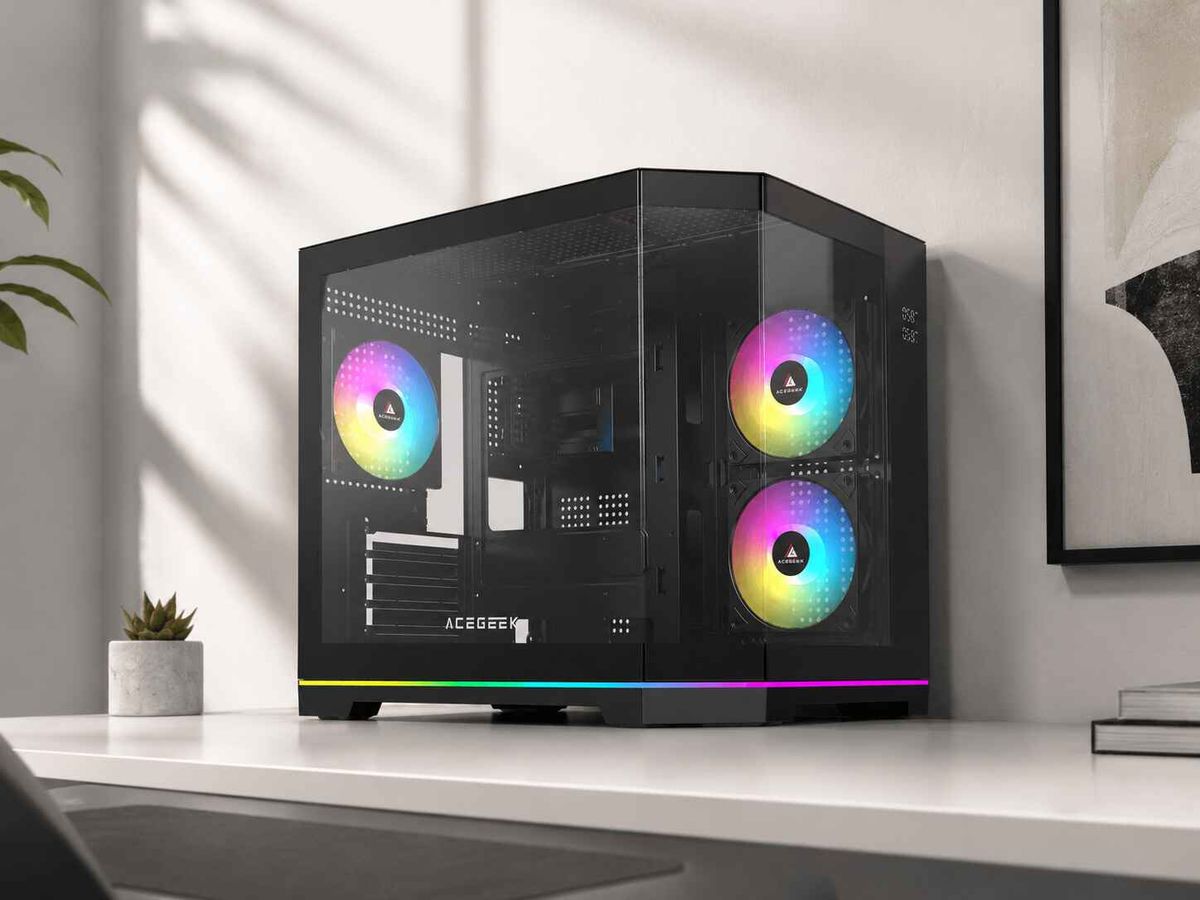
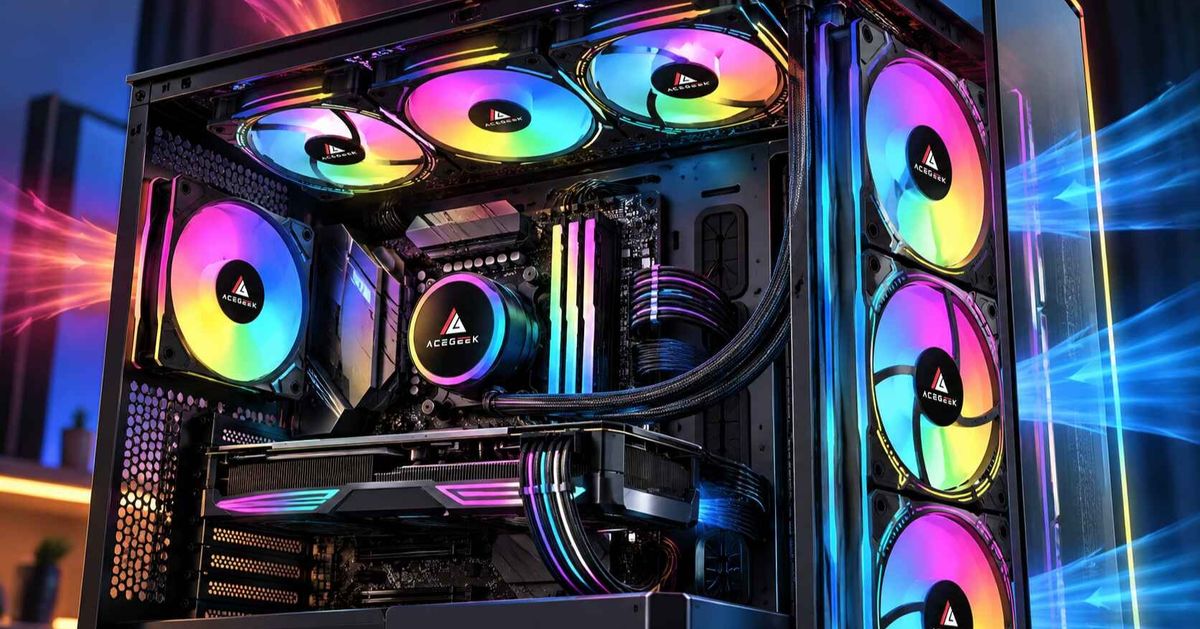
How to Clean Tempered Glass PC Case Panels Safely Without Streaks
A tempered glass PC case can look great until fingerprints, dust, and cloudy streaks begin to cover the side panel. Fortunately, cleaning the glass does not require expensive products or aggressive chemicals.
The safest starting point is a clean microfiber cloth, a small amount of distilled water, and a separate dry cloth for finishing. For oily fingerprints, a very dilute mild soap solution may help, provided the panel manufacturer's cleaning instructions permit it.
The key is to remove dirt without leaving cleaning residue or exposing nearby electronics to moisture.
This guide explains how to clean tempered glass PC case panels, which products to avoid, and how to keep the glass looking clear between cleanings.
What Is the Best Way to Clean Tempered Glass PC Panels?
For routine maintenance, use the least aggressive method that removes the dirt.
A clean microfiber cloth is usually sufficient for loose dust. Distilled water can help with light marks, while a small amount of mild detergent may be useful for fingerprints that contain skin oils.
The most important part of streak-free cleaning is separating the cleaning and drying steps.
If you use the same damp cloth to wipe oily fingerprints and polish the surface, the cloth may spread residue instead of removing it.
For best results:
Remove loose dust before applying moisture.
Use a lightly dampened microfiber cloth rather than soaking the glass.
Apply cleaner to the cloth, never directly toward the PC.
Remove any detergent residue.
Finish with a separate clean, dry microfiber cloth.
Always follow the case manufacturer's instructions, particularly if the glass has a tint, coating, printed border, or attached decorative elements.
What Should You Use to Clean PC Case Glass?
You do not need an extensive collection of cleaning products.
For most tempered glass PC side panels, a few basic supplies are enough.
Cleaning ToolBest UseRecommendationClean microfiber clothDust and light fingerprintsRecommendedDistilled waterRoutine smudges and residue removalRecommendedMild, diluted soap solutionStubborn oily fingerprintsUse when permittedDry microfiber clothFinal polishingEssential for reducing streaksCommercial glass cleanerSpecific approved surfacesCheck manufacturer instructionsPaper towelsGeneral wipingPrefer microfiber insteadAbrasive pads or scrapersStubborn depositsAvoid
Distilled water is particularly helpful because it contains far fewer dissolved minerals than typical tap water.
Mineral deposits can remain on the glass after evaporation and create visible spots.
For oily marks, a small amount of mild dish soap diluted in distilled water can help lift contamination. Avoid creating a heavily soapy mixture, which may leave a film.
Do not assume that a product labeled “glass cleaner” is automatically safe for every PC case panel. Printed designs, coatings, trim, and mounting materials may require additional care.
How Do You Clean PC Case Glass Without Streaks?
Follow these six steps for a controlled cleaning process.
Step 1: Turn Off and Unplug Your PC
Shut down the computer, switch off the power supply, and disconnect the power cable.
Allow the system and glass panel to cool before cleaning.
Working on a cool surface helps prevent cleaning moisture from evaporating before it can be removed.
If you only need to remove light dust from the outside, you may not need to remove the panel.
For cleaning both sides or removing stubborn marks, removing the panel can provide better access.
Step 2: Remove the Glass Panel Carefully
Before releasing the panel, check how it attaches to the chassis.
Some cases use thumbscrews, while others rely on hinges, magnetic catches, or quick-release mechanisms.
Support the panel throughout removal and follow the case manufacturer's instructions.
Prepare a stable work surface with a clean, soft towel, and keep the glass away from hard tile, stone, concrete, or exposed metal edges.
Tempered glass is particularly vulnerable to damage from concentrated impacts along its edges and corners.
For additional handling advice, see ACEGEEK's tempered glass PC case safety guide.
Step 3: Remove Loose Dust
Use a clean, dry microfiber cloth to gently remove dust from the surface.
Avoid applying heavy pressure or dragging visible particles across the glass.
If the cloth becomes dirty, switch to a clean section before continuing.
Removing loose contamination first reduces the possibility of trapping abrasive particles beneath a damp cloth.
Step 4: Wipe Away Fingerprints and Smudges
Lightly dampen a clean microfiber cloth with distilled water.
Wipe the glass using gentle, overlapping passes.
For oily fingerprints that do not come off easily, use a small amount of diluted mild detergent if permitted by the panel manufacturer.
Apply the solution to the cloth rather than spraying the panel directly.
Avoid soaking areas around mounting hardware, adhesives, rubber seals, or decorative borders.
Step 5: Remove Residue and Dry the Glass
If detergent was used, follow with another microfiber cloth lightly dampened with distilled water.
This helps remove any remaining soap film.
Then use a separate dry microfiber cloth to polish the glass before residual moisture dries.
Straight, overlapping wiping motions can make missed areas easier to identify.
Check the surface under indirect lighting. If streaks remain, use a clean section of the cloth rather than adding more cleaning solution immediately.
Step 6: Inspect and Reinstall the Panel
Before reinstalling the glass, make sure it is completely dry.
Inspect the edges, mounting areas, and both faces for remaining moisture or debris.
Carefully align the panel with its original mounting points.
Secure it according to the case manufacturer's instructions without forcing the glass or overtightening fasteners.
A correctly installed panel should sit evenly and should not be compressed against loose cables or improperly positioned hardware.
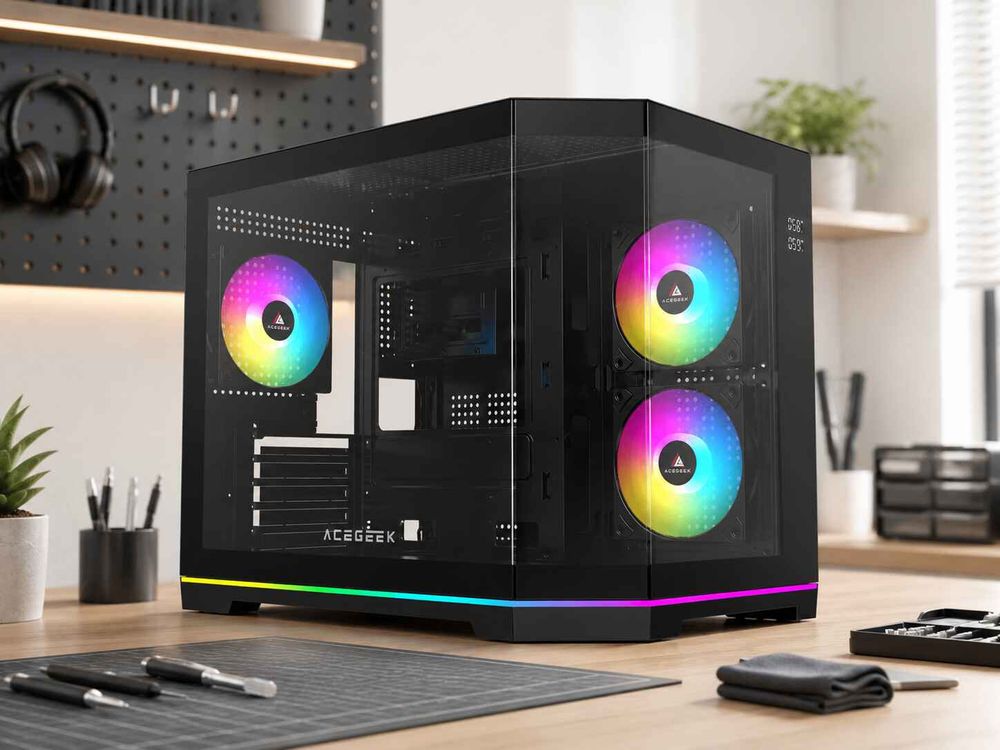
Why Does PC Case Glass Still Look Cloudy After Cleaning?
If your tempered glass panel looks hazy after cleaning, the problem is often residue rather than permanent damage.
Several common mistakes can create this effect.
Using Too Much Cleaning Solution
Excess detergent can leave a thin film as the moisture evaporates.
Instead of adding more cleaner, remove the remaining residue with a fresh cloth lightly dampened with distilled water.
Cleaning with Tap Water
Tap water may contain dissolved minerals that form spots when the water dries.
Switching to distilled water can reduce these marks, particularly in areas with hard water.
Reusing a Dirty Microfiber Cloth
A cloth that contains old detergent, oil, dust, or fabric softener may leave new streaks.
Wash microfiber cloths according to their care instructions and avoid fabric softener, which can leave residue on the fibers.
Letting Moisture Dry Before Polishing
Warm glass, direct sunlight, and excess cleaning liquid can cause uneven drying.
Clean the panel in a cool location and finish with a dry cloth while the surface is still slightly damp.
If the haze remains after proper cleaning, inspect whether it is associated with a damaged coating, film, or the glass itself. Do not attempt to remove persistent marks with abrasive materials.
Can You Use Glass Cleaner or Alcohol on PC Case Glass?
Some commercial glass cleaners and alcohol-based products are suitable for certain uncoated glass surfaces.
However, a PC case side panel may contain other materials that react differently to cleaning chemicals.
These can include:
Printed black borders
Decorative graphics
Anti-fingerprint coatings
Tint films
Rubber mounting pads
Adhesives and painted trim
For this reason, use the cleaning method approved by the case manufacturer.
Do not apply alcohol, ammonia-based cleaner, vinegar, or other chemicals simply because they are commonly used on household windows.
Avoid abrasive pads, scraping tools, and strong solvents.
Never mix household cleaning chemicals, particularly bleach with ammonia or acidic products.
For routine PC case maintenance, clean microfiber cloths and a little distilled water are usually sufficient.
How Often Should You Clean a Tempered Glass PC Case?
There is no fixed cleaning interval that works for every environment.
A computer in a relatively clean room may need only occasional glass cleaning, while a system near an open window or in a dusty room may require more frequent attention.
A practical approach is to inspect the glass every few weeks and clean it when fingerprints, dust, or haze become noticeable.
You can combine occasional panel cleaning with other routine maintenance tasks, such as checking dust filters and ventilation openings.
Keep in mind that clean glass does not necessarily mean a clean cooling system.
Dust can accumulate inside filters, fans, and heatsinks even when the side panel looks spotless.
Regular inspection of these components helps maintain consistent airflow.
How Can You Keep PC Case Glass Clean Longer?
Reducing fingerprints and dust buildup can make routine maintenance considerably easier.
Handle the Panel by Its Edges
When removing or reinstalling glass, avoid touching the main viewing area.
Use clean hands and support the panel securely.
This can reduce oily fingerprints that otherwise require wet cleaning.
Keep Dust Filters Accessible
Dust filters help capture particles entering the case, although they do not prevent all dust accumulation.
Clean removable filters according to the manufacturer's instructions.
For a broader comparison of case ventilation designs, see our mesh vs. glass vs. closed PC case guide.
Consider Panel Access When Choosing a Case
Some PC cases are easier to maintain because they include removable panels and accessible mounting mechanisms.
A well-designed quick-release system can simplify routine cleaning and upgrades without requiring repeated removal of small screws.
However, the glass must still be supported during removal.
Learn more in our guide to quick-release PC case panels for easier building and cleaning.
Avoid Cleaning Around Running Electronics
Never spray cleaning liquid through ventilation openings or onto the glass while the system is running.
When deeper cleaning is necessary, shut down the computer and remove the relevant panels according to the manufacturer's instructions.
Keeping moisture away from powered components is more important than saving a few minutes.
Frequently Asked Questions
Can I clean tempered glass PC panels without removing them?
Yes, for light exterior dust or fingerprints. Shut down the PC and use a lightly dampened microfiber cloth, followed by a dry one. Remove the panel when deeper cleaning is necessary or when moisture could reach nearby components.
Is distilled water better than tap water for PC case glass?
Distilled water is generally preferable because it contains fewer dissolved minerals, reducing the likelihood of water spots after drying.
Can microfiber cloths scratch tempered glass?
A clean, suitable microfiber cloth is generally safe for routine glass cleaning. However, trapped grit or abrasive contamination can scratch the surface. Remove loose particles before wiping and replace dirty cloths.
What removes fingerprints from tempered glass PC cases?
Start with a microfiber cloth lightly dampened with distilled water. If oily marks remain, a very dilute mild soap solution may help, provided the manufacturer permits it. Remove detergent residue and dry the surface afterward.
Should I clean both sides of my PC case glass?
Clean the interior side when visible dust, fingerprints, or haze have accumulated. You do not need to remove the panel for every minor exterior mark.
Keep Your Tempered Glass PC Case Clear and Easy to Maintain
Keeping tempered glass PC panels clean is mainly a matter of using appropriate materials and a careful technique.
Start with a clean microfiber cloth and distilled water. Use mild detergent only when necessary and compatible with the panel, remove any residue, and dry the glass thoroughly before reinstallation.
Equally important, handle removable panels carefully and protect their edges from hard surfaces.
With a simple cleaning routine and safe handling, you can maintain a clear view of your PC's components without relying on aggressive chemicals or unnecessary cleaning products.