When choosing a CPU, model names like Intel Core i9-14900K or AMD Ryzen 9 7900X might look complicated—but each part of the code actually tells you important information about the processor’s performance, generation, and special features. Understanding these naming rules helps you pick the right CPU for your needs.
Below is a simple breakdown of how to read both Intel and AMD CPU model numbers.
How to Read Intel CPU Model Numbers
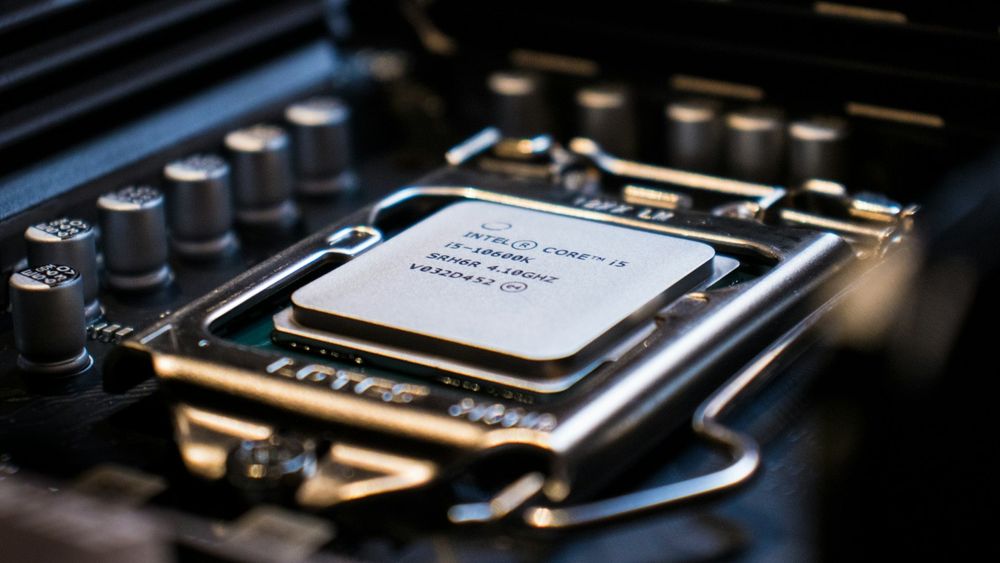
Let’s use Intel Core i9-14900K as an example.
It can be divided into four parts: series, generation, SKU number, and suffix.

Series (i3 / i5 / i7 / i9)
The series indicates the CPU’s performance tier. Higher numbers generally mean stronger performance.
Core i3 — Entry level. Best for documents, browsing, video playback.
Core i5 — Mid-range. Good for office tasks and light gaming.
Core i7 — High performance. Suitable for AAA gaming, multitasking, and livestreaming.
Core i9 — Flagship. Designed for heavy gaming, high FPS, content creation, and streaming simultaneously.
Generation
The first digits after the series represent the generation.
Example: i9-14900K → “14” = 14th Gen Core i9.
Newer generations usually mean improvements in architecture, efficiency, and performance.
SKU Number (the remaining digits)
The numbers following the generation indicate performance variations within the same generation.
They differentiate CPUs by clock speed, core count, cache size, and other specifications.
In general, a higher SKU number means higher performance.
Suffix (K, F, etc.)
The suffix tells you the CPU’s key features:
No suffix — Standard model. Balanced performance, no special features.
K — Unlocked for overclocking. Ideal for gamers and streamers who want extra performance.
F — No integrated graphics. Requires a dedicated graphics card.
How to Read AMD CPU Model Numbers
AMD follows a similar structure but uses different naming patterns.
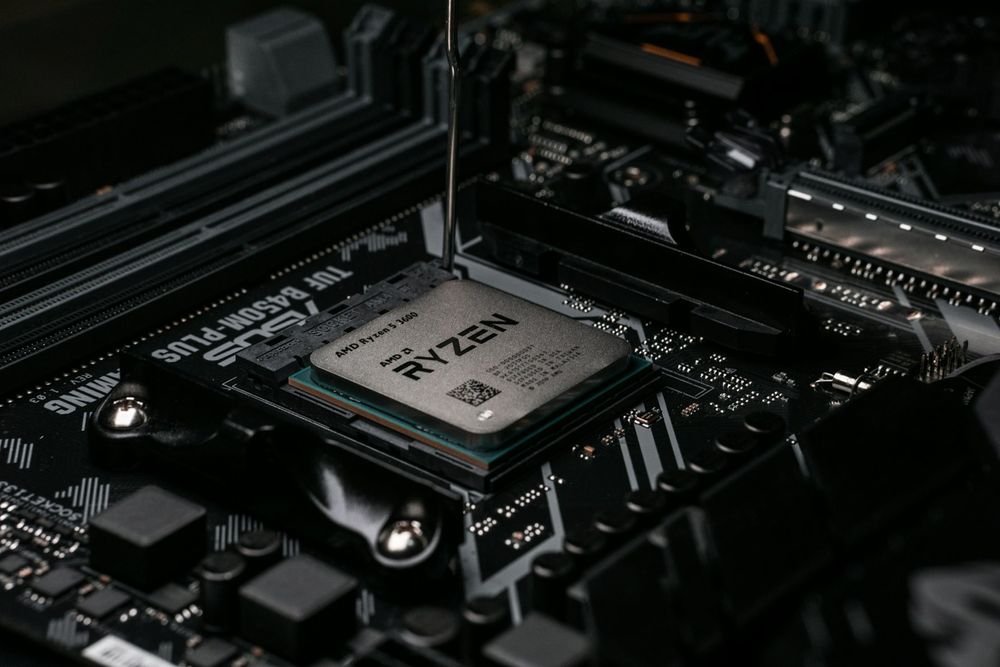
Take Ryzen 7 7900X as an example.

Series (Ryzen 3 / 5 / 7 / 9)
Ryzen 3 — Entry-level. Good for office tasks, browsing, and light games.
Ryzen 5 — Mainstream. Good for gamers and general creators.
Ryzen 7 — High-end. Great for AAA gaming and content creation.
Ryzen 9 — Flagship. Excellent for heavy workloads, streaming, and top-tier gaming.
Generation
The first number after the series indicates the generation.
Example: Ryzen 7 7900X → “7” = 7th-gen Ryzen 7.
Newer generations improve efficiency, IPC, and performance within the same tier.
SKU Number
The following numbers identify different performance levels within the same generation.
Higher numbers typically mean faster boost clocks and better overall performance.
Suffix (X, X3D, F)
F — No integrated graphics. Requires a dedicated GPU.
X — Higher base and boost clocks for stronger performance.
X3D — Same as X-series but with AMD 3D V-Cache, offering significantly better gaming performance.
Final Thoughts
Once you understand what each part of a CPU model number represents, choosing the right Intel or AMD processor becomes much easier. Whether you’re upgrading for gaming, productivity, or content creation, reading CPU codes helps you pick the model that best fits your performance needs.