How to Tell Whether a Fan Is Better for Radiators or Case Airflow
Not every PC cooling fan performs equally well in every installation.
A fan that moves plenty of air through an open case vent may struggle when mounted against a dense liquid-cooling radiator. Meanwhile, a pressure-optimized fan can work perfectly well as a case fan, even if its design was originally intended for more restrictive applications.
The best way to choose between a radiator fan and a case fan is to consider airflow resistance, pressure-airflow performance, and noise at your intended operating speed.
You don't need the highest CFM rating or the most expensive fan. You need one that can move enough air through your particular cooling setup.
This guide explains how to recognize a suitable radiator fan, evaluate case airflow requirements, and compare cooling fan specifications before buying.
What Is the Difference Between a Radiator Fan and a Case Fan?
Radiator fans and case fans perform the same basic function: they move air.
The difference is the resistance they encounter.
A radiator fan must push or pull air through a collection of closely spaced metal fins. This creates resistance that the fan needs to overcome.
A case fan may face relatively little resistance when installed as an open rear exhaust. However, it can encounter significant resistance behind dust filters, restrictive mesh, or narrow intake openings.
This leads to two common design priorities.
FeatureRadiator-Oriented FanAirflow-Oriented Case FanMain priorityMaintain airflow against resistanceMove air efficiently through open pathsTypical installationAIO radiator, custom-loop radiator, CPU heatsinkOpen case intake or exhaustImportant performance characteristicAirflow at relevant static pressureAirflow and noise under installed conditionsCommon limitationMaximum pressure may require high RPMFree-air performance may decrease under restrictionCan it work in both roles?OftenSometimes, depending on its performance
These categories are useful, but they are not strict technical boundaries.
Many modern cooling fans are designed to balance airflow and pressure, making them suitable for both radiator and case applications.
The important factor is the fan's actual performance under the resistance imposed by the installation.
How Can You Tell If a Fan Is Good for Radiators?
A good radiator fan should maintain sufficient airflow through the radiator without requiring excessive rotational speed or producing unacceptable noise.
The most useful characteristics are pressure-airflow performance, frame compatibility, controllable speed, and acoustic behavior.
Check Static Pressure Performance
Static pressure describes the pressure difference a fan can develop.
Manufacturers commonly express it in millimeters of water (mmH₂O) or pascals (Pa).
Because radiator fins restrict airflow, pressure capability matters.
However, maximum static pressure alone does not determine radiator cooling performance.
The advertised maximum is generally measured near a zero-airflow condition.
A fan can have a high maximum pressure rating while delivering less airflow than another model at the pressure where the radiator actually operates.
When available, examine the fan's complete pressure-airflow curve or independent radiator tests.
Consider Radiator Thickness and Airflow Restrictions
Not every radiator creates the same resistance.
Relevant factors include:
Fin density and construction
Radiator thickness
Airflow speed
Fan-frame fit and air leakage
Dust accumulation
Additional restrictions from case panels and filters
A radiator positioned behind a dust filter and a restrictive front panel presents a different airflow challenge from an exposed radiator with an open ventilation path.
The fan must operate against the combined resistance of the installation.
This is why selecting a radiator fan based only on its maximum CFM or pressure rating can be misleading.
Check Fan Dimensions and Frame Fit
Most PC liquid-cooling radiators use 120mm- or 140mm-class fans.
Before buying replacements, confirm:
Supported fan size
Mounting-hole spacing
Fan thickness
Screw compatibility
Clearance around tubing and nearby components
A fan that fits tightly against the radiator frame can help reduce unwanted airflow leakage around the fins.
However, do not overtighten mounting screws or use hardware that could damage the radiator.
Follow the radiator manufacturer's installation requirements.
Evaluate Noise at Practical Operating Speeds
A fan capable of very high static pressure at maximum RPM may not be the best option for a quiet gaming PC.
Instead, look for cooling performance at speeds you are likely to use during normal workloads.
Independent tests comparing radiator temperatures at similar noise levels are particularly useful.
They help reveal whether a fan delivers efficient cooling without relying on substantially higher RPM.
A good radiator fan balances airflow through resistance with acceptable everyday noise.
What Makes a Fan Better for Case Airflow?
A good case fan supplies fresh air to components or removes heated air from the chassis efficiently.
However, different fan positions create different operating conditions.
An open rear exhaust is not the same as a filtered front intake, even when both use identical 120mm fans.
Open Case Ventilation
Relatively open rear and top exhaust positions generally create lower airflow resistance.
In these locations, a fan with good free-air performance and low noise can be a practical choice.
Its job is to support the case's overall airflow path rather than overcome a dense cooling component.
A balanced fan can also work effectively.
Filtered Front and Bottom Intake
Dust filters, protective grilles, and restrictive ventilation openings increase resistance.
A fan installed behind these obstacles needs enough pressure capability to maintain useful airflow.
This means a static-pressure-oriented or balanced fan may work better than a model optimized almost entirely for free-air performance.
The difference becomes more important when the filter is dirty or multiple restrictions are combined.
Panoramic and Glass-Front Cases
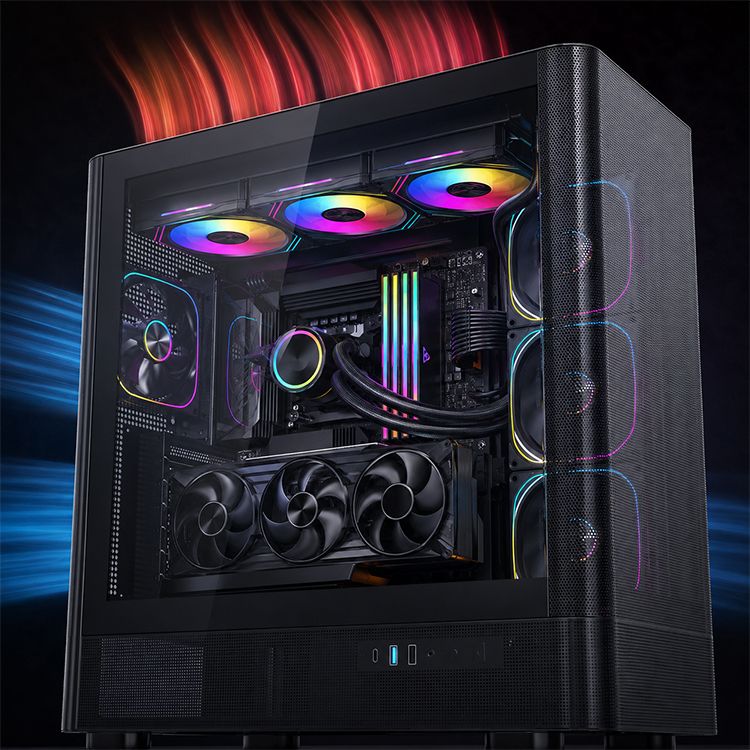
Panoramic cases often use side and bottom intake fans because large glass panels replace conventional front ventilation.
Depending on the design, air may enter through narrow channels or pass through several grilles and filters before reaching the fans.
In these installations, pressure capability can be important even though the fan is technically being used for case airflow.
For more information, read our guide to how front-panel design affects PC case cooling.
Which Fan Type Fits Each Location?
InstallationTypical RecommendationMain ReasonOpen rear exhaustAirflow or balanced fanRelatively low resistanceOpen top exhaustAirflow or balanced fanEfficient heat removalWide mesh intakeAirflow or balanced fanDirect ventilation pathDense filtered intakeBalanced or pressure-oriented fanAdditional airflow resistanceNarrow glass-front intakePressure-capable fanRestricted air entryCPU tower heatsinkPressure-capable fanClosely spaced cooling finsAIO radiatorRadiator-oriented or strong balanced fanFin resistanceBottom intake with restrictive filterBalanced or pressure-oriented fanFilter and grille resistance
These recommendations are starting points, not universal performance rankings.
The specific fan design and installation determine the result.
Which Fan Specifications Actually Matter?
Manufacturers often highlight maximum airflow and maximum static pressure, but several specifications need to be considered together.
SpecificationWhat It Tells YouWhat It Doesn't Tell YouCFMMaximum or rated volume airflowActual airflow after installationStatic pressurePressure capability under specified conditionsExact airflow through your radiatorRPMRotational speedCooling efficiency by itselfdBASound level under stated test conditionsHow pleasant the installed fan soundsPWM supportAvailability of PWM speed controlActual thermal performanceFan dimensionsMechanical compatibilityWhether airflow and pressure are sufficient
Why CFM Alone Isn't Enough
CFM stands for cubic feet per minute.
It measures how much air moves through a given location per unit of time.
Maximum CFM is commonly measured under low-resistance conditions.
After installing the fan behind a radiator, filter, or restrictive panel, actual airflow may decrease.
Therefore, a fan rated at 75 CFM is not guaranteed to deliver 75 CFM inside your computer.
Why Maximum Static Pressure Isn't Enough
Maximum static pressure represents another operating condition, generally near zero airflow.
It indicates potential pressure capability but does not show how the fan performs throughout its operating range.
To understand that relationship, manufacturers may publish a P-Q curve.
A P-Q curve shows the combinations of airflow and pressure a fan can produce at a specified speed.
The operating point depends on where the fan's performance curve intersects the resistance curve of the installed cooling system.
For a more detailed explanation, see our guide to reading a fan P-Q curve and choosing a PC cooling fan.
Why PWM Control Matters
PWM speed control allows compatible fans to adjust RPM according to cooling demand.
This can help reduce unnecessary noise during light workloads while preserving airflow capacity during gaming or rendering.
However, PWM support does not automatically make one fan quieter or more effective than another.
Fan design, control settings, and the actual operating speed still matter.
Before purchasing, confirm that the fan connector and controller are compatible.
Our 3-pin vs. 4-pin PC fan guide explains common connection and control methods.
Can One Fan Work Well on Both Radiators and Case Vents?
Yes.
A balanced or hybrid fan can provide useful airflow across a wide range of resistance conditions.
This makes it practical for builders who want to use the same fan model on radiators, filtered intakes, and relatively open exhaust positions.
However, not every fan marketed as an all-rounder performs equally well in every application.
Why the Middle of the P-Q Curve Matters
Maximum airflow and maximum static pressure represent two different endpoints.
Real installations usually operate somewhere between them.
For example, Noctua's comparison of the NF-A12x25, NF-F12, and NF-S12A demonstrates how an all-rounder fan can outperform more specialized models at several representative operating points.
The NF-F12 emphasizes static pressure, while the NF-S12A emphasizes maximum airflow.
The NF-A12x25 is designed to provide a strong balance across the middle portion of its pressure-airflow curve.
This shows why choosing the fan with the highest individual specification does not always deliver the best installed performance.
When Is a Balanced Fan a Good Choice?
A balanced fan is worth considering when:
You want matching fans throughout the case.
The cooling layout includes both open and filtered positions.
You may move fans between case mounts and radiators later.
You prefer simpler spare-part management.
Reliable testing shows adequate performance at your preferred noise level.
A specialized fan may still be preferable for particularly restrictive radiators or extremely open ventilation positions.
But for many everyday PC builds, a well-performing balanced fan can simplify the cooling setup.
How Do You Compare Fans Without a P-Q Curve?
Not every manufacturer publishes a complete pressure-airflow graph.
When the curve is unavailable, you can still make a more informed decision by combining specifications, intended installation, and reliable performance testing.
Step 1: Identify the Fan's Actual Job
Start with the installation.
Is the fan going onto a liquid-cooling radiator, a CPU heatsink, a filtered front intake, or an open rear exhaust?
This determines how much airflow resistance you should expect.
Step 2: Compare Specifications Under Similar Conditions
Review the fan's size, RPM, airflow, static pressure, and noise figures.
Be careful when comparing fans from different manufacturers because published test methods may differ.
A higher maximum specification is useful information, but it does not establish a performance winner.
Step 3: Look for Application-Specific Reviews
For radiator fans, prioritize testing performed on a radiator or another representative restriction.
For case fans, look for performance measurements in a relevant enclosure layout.
Comparisons at similar noise levels are often especially useful because they reveal the cooling performance available at an acceptable acoustic target.
Step 4: Consider the Complete Cooling Path
A fan installed on a front radiator must work against the radiator as well as any nearby filters and case panels.
Likewise, an open exhaust fan may be affected by a restrictive grille.
The best fan choice depends on all the restrictions in the airflow path, not only the nearest component.
Example: Understanding the ACEGEEK Prime Fan
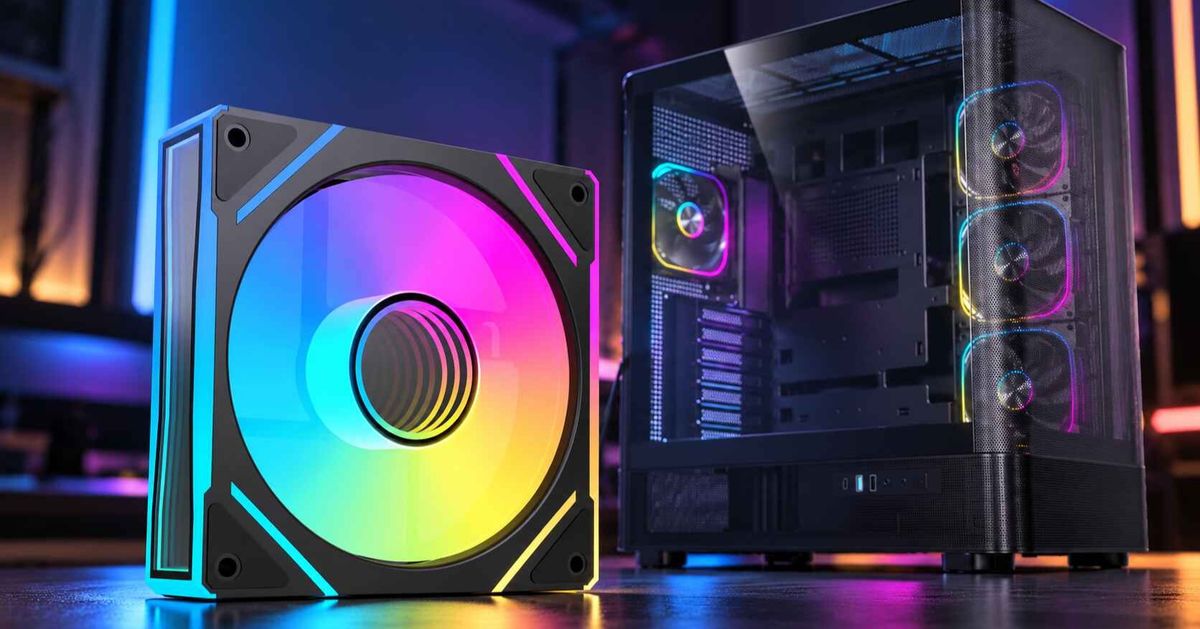
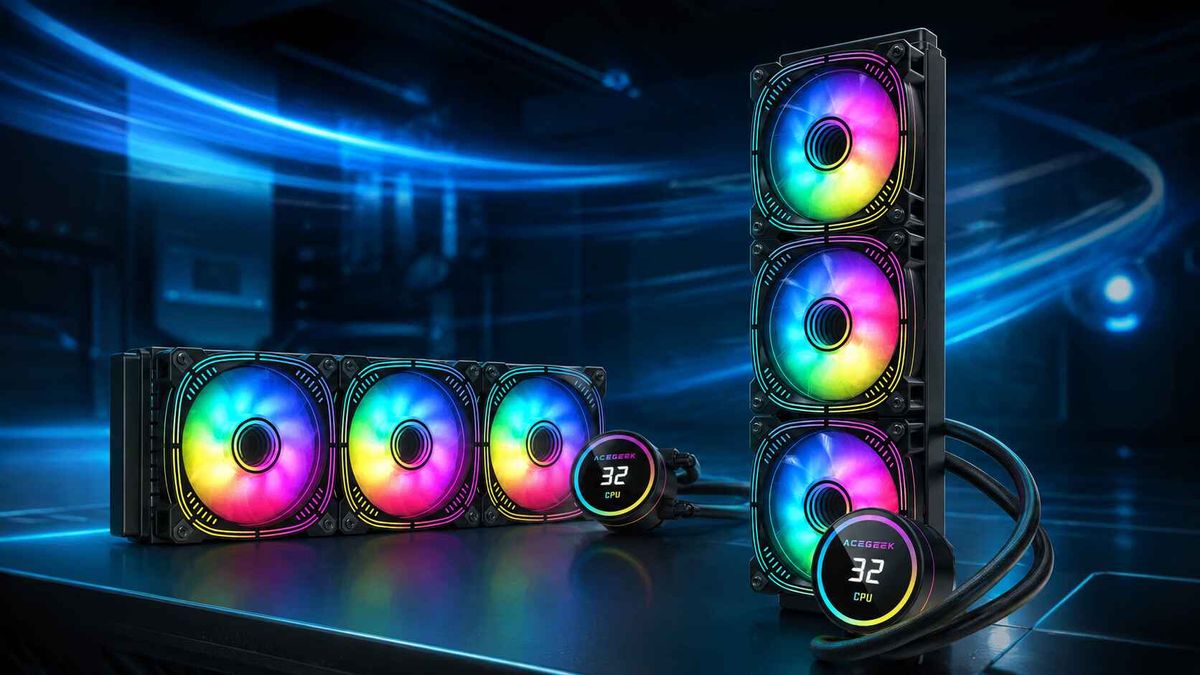
The ACEGEEK Prime Fan offers an example of how to interpret typical published specifications.
SpecificationACEGEEK Prime FanDimensions120 × 120 × 25mmFan speed800–1,850 RPM (±10%)Air volume60 CFM (±10%)Static pressure1.90 mmH₂O (±10%)Published noise level17.8–32.3 dBA (±10%)LightingARGB
These figures provide useful information about the fan's size and rated performance.
However, they cannot independently determine its airflow through a specific AIO radiator or restrictive case panel.
The published product specifications also do not provide a complete P-Q curve or sufficient application-specific measurements to rank its radiator performance against competing models.
For a conventional case-cooling build, the Prime Fan is an option worth evaluating based on its dimensions, lighting design, and published airflow characteristics.
For a particularly restrictive radiator, additional performance data would help establish suitability.
Treat specification sheets as a starting point for comparison, not proof of real-world cooling performance.
How Should You Choose Fans for Different PC Cooling Layouts?
The most practical fan choice depends on how the case distributes fresh air and removes heat.
Gaming PC With a Mesh Front
A conventional mesh-front case may work well with airflow-oriented or balanced front intake fans and a similar rear exhaust fan.
If a dense dust filter sits behind the mesh, pressure capability becomes more important.
Keep the airflow path directed toward the CPU and GPU cooling areas.
Gaming PC With a Top-Mounted AIO
A top-mounted radiator generally benefits from fans that maintain airflow against fin resistance.
If the radiator operates as exhaust, front, side, or bottom intake fans can help supply fresh air to the rest of the system.
Radiator fans should be chosen for their installed performance, not merely their maximum static pressure.
PC With a Front-Mounted AIO
A front-mounted intake radiator may receive cooler external air.
However, it can also warm the air entering the chassis before that air reaches the graphics card.
Choose fans that can overcome the radiator and front-panel resistance while maintaining an appropriate CPU/GPU cooling balance.
For more information, read our guide to how front-mounted AIOs affect GPU temperatures.
Panoramic Case With Side and Bottom Intake
In panoramic layouts, side and bottom fans may provide the main fresh-air supply.
If these positions contain restrictive filters or narrow vents, balanced or pressure-oriented fans are worth considering.
However, the number of fans is less important than whether air actually reaches the GPU and other heat-producing components.
The cooling system should be evaluated as a complete airflow path.
What Should You Check Before Buying a PC Fan?
Use this checklist before choosing new radiator or case fans.
Buying CheckWhat to ConfirmInstallationRadiator, heatsink, filtered intake, or open exhaustFan size120mm, 140mm, or another compatible sizeFan thicknessFits the available mounting clearanceStatic pressureSuitable for the expected restrictionAirflowAdequate performance at the intended operating speedNoiseAcceptable acoustics under realistic cooling loadsControlCompatible PWM or voltage controlPower connectionCorrect connector and electrical requirementsPerformance testingRelevant radiator or case results when available
For most buyers, the decision can be simplified:
Choose pressure-capable fans for restrictive installations, airflow-oriented fans for relatively open positions, and well-tested balanced fans when you need one model to serve multiple roles.
Then confirm the result through real-world temperatures and noise levels.
Frequently Asked Questions
Can I use a radiator fan as a normal case fan?
Yes. A radiator-oriented fan can work effectively as a case fan, particularly behind filters or restrictive ventilation openings. However, it may not always provide the best airflow-to-noise performance in an open exhaust position.
Can I use a regular case fan on an AIO radiator?
Sometimes. The fan must fit the radiator and maintain sufficient airflow through its fins. An airflow-oriented fan may work, but a pressure-capable or well-balanced model is usually a better starting point for restrictive radiators.
Is higher static pressure always better for radiator cooling?
No. Maximum static pressure is only one performance point. Real radiator cooling depends on airflow at the operating resistance, fan speed, acoustic behavior, and radiator design.
Do I need different fans for intake and exhaust?
Not necessarily. The same fan model can be used for both intake and exhaust if its performance suits each location. Direction determines whether air enters or leaves the case, while fan design influences how it performs against resistance.
Should I choose a fan based on CFM or noise level?
Consider both, along with static pressure and installed performance. A fan that moves more air only at a much higher noise level may not be the best option for everyday use. When available, compare fans at similar noise levels and under representative airflow restrictions.
Choose the Fan That Matches Your Cooling System
The difference between radiator fans and case fans comes down to how effectively they move air through their operating environment.
Radiators, heatsinks, filters, and restrictive panels create airflow resistance that makes pressure performance important.
Open case vents place greater emphasis on airflow efficiency and acoustic behavior.
Balanced fans can work well in both roles, provided their pressure-airflow characteristics suit the installation.
Before buying, identify the airflow restrictions, check fan compatibility, compare relevant performance data, and consider the noise level you are willing to accept.
The right PC cooling fan is not simply the one with the highest CFM or static pressure rating. It is the one that delivers the airflow your system needs, where it needs it, without unnecessary noise.