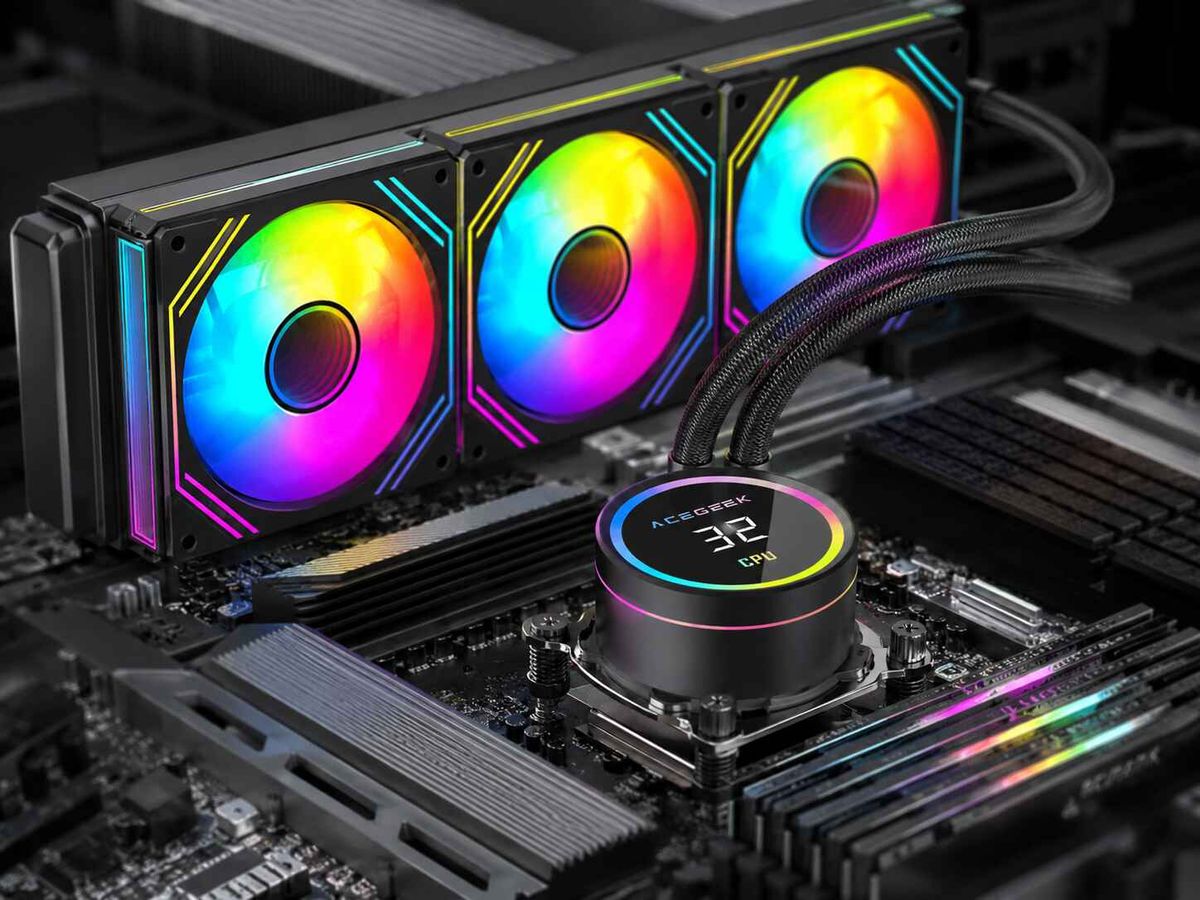
LCD AIO vs Temperature-Display AIO: Which Is Better for Commercial Builds?
Neither format is better in every case. The right choice depends on what your customer will actually do with the screen, and on how much software and support risk you can absorb. Both coolers remove CPU heat the same way, through a cold plate, pump, radiator and fans, so the display does not change thermal capacity. For fleet deployments, quiet workstations and cost-controlled SKUs, a temperature-display AIO usually adds fewer things to validate. An LCD AIO earns its premium when the screen is part of the product you sell: branded showcase systems, creator rigs or retail demo units. This article compares both formats on cost, wiring, software, failure modes and support load, then lists what to confirm before you request a quote.
What Is the Difference Between an LCD AIO and a Temperature-Display AIO?
An LCD AIO has a pixel display on or above the pump block. Depending on the model, it can show several metrics, static images, GIFs or custom graphics. A temperature-display AIO is a more limited design. Its screen is built mainly to show a temperature readout, often with ARGB lighting around it.
These categories are not formally standardised, and manufacturers use the terms loosely. ACEGEEK's own guide to why LCD AIO coolers appear in high-end PCs notes that some displays are basic temperature readouts while others support customisable high-resolution graphics. Treat the labels as starting points and compare actual capabilities.
Two examples from the ACEGEEK range show the distinction. The Cryoscreen 360 is positioned as a display-equipped 360mm cooler, with black and white versions and a dedicated driver download. The Temp C360 is listed as a temperature display ARGB cooler, also in black and white with a driver download. Both product pages list driver files, so confirm what each driver actually controls. Also confirm which operating systems it supports, since the download filenames suggest Windows installers.
Does the Screen Change Cooling Performance?
No. The screen does not remove heat. Pump design, cold-plate contact, radiator surface, fan behaviour and case airflow decide the thermal result. ACEGEEK's discussion of why cooler specs alone do not predict real thermal results makes this point for headline specs generally. Radiator size, TDP ratings and fan CFM figures do not predict CPU temperature without test conditions.
TDP is the clearest example. Intel's TDP documentation describes TDP as a power target to help system designers select a thermal solution. It also states that power can exceed TDP during turbo or certain workloads, such as AVX, until a thermal or power limit is reached. A cooler rating is therefore a screening figure, not a guarantee.
In practice, compare the complete coolers at equal noise levels and in your real case. Do not compare screen specifications. A premium display does not make a cooler quieter or colder.
Which Format Costs Less to Deploy?
Unit price is only part of the cost. Total deployed cost also includes validation time, imaging effort, extra cables or hubs, packaging, support tickets and RMA handling.
Typical LCD AIO pricing includes a premium for the display. ACEGEEK's guide says LCD models usually cost more than standard AIOs at comparable tiers. That premium is only the visible cost. Corsair's iCUE LINK LCD AIO installation guide shows how much extra infrastructure one LCD AIO system can need. Its LCD kit includes a System Hub, needs a dedicated PCIe power connection, and uses a USB splitter cable into a motherboard USB 2.0 header. Its FAQ also counts the LCD module toward a seven-device limit per hub port. This applies to that product family only. It does show the questions a buyer should ask of any LCD cooler: what power, USB and hub connections does it need beyond the pump and fan headers?
A simpler temperature-display cooler may avoid some of this, but that depends on the model. Ask whether its readout works from the cooler's own sensing and wiring, or whether it relies on software running in the operating system.
Illustrative Example, Not a Customer Story
Imagine an integrator assembling 100 identical workstations on a locked-down corporate image. If the display needs a vendor application with administrator rights, every image build must include, test and update that software. A cooler whose display works independently of the operating system removes that step. The unit price difference between the two formats could be smaller than the labour of validating the software chain.
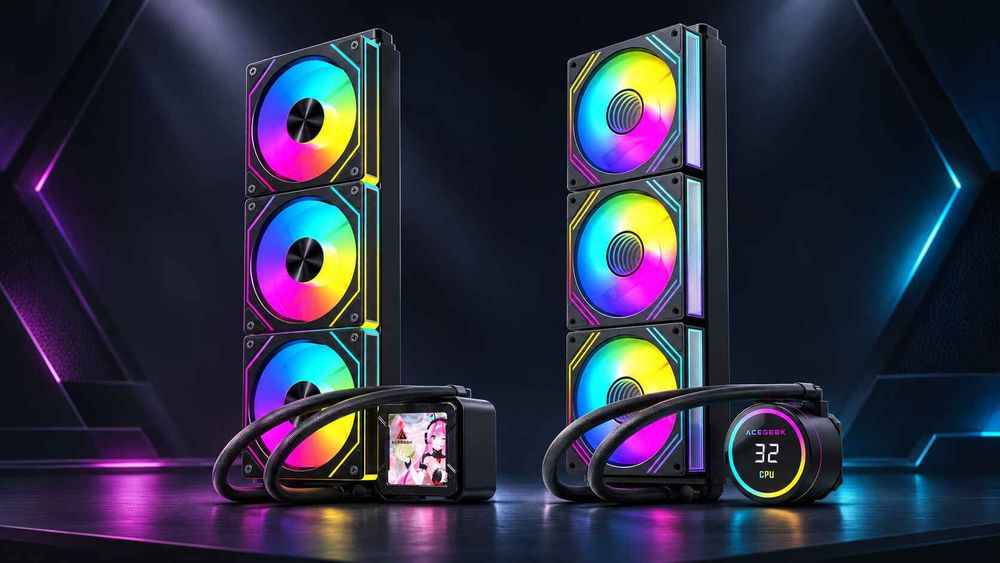
LCD AIO vs Temperature-Display AIO: Side-by-Side Comparison
These are general patterns, not measured specifications. Individual models differ, so verify each point against the exact product's documentation.
Display Content
LCD AIO: Multiple metrics, images, GIFs or logos, depending on the model.
Temperature-display AIO: Usually a temperature readout, often with ARGB lighting.
Branding Value
LCD AIO: High if custom images can be stored and shown.
Temperature-display AIO: Limited to lighting and colour themes unless the model supports more.
Software Dependency
LCD AIO: Often high for custom content and extra metrics.
Temperature-display AIO: Varies by model. Confirm what the driver controls.
Wiring and Power
LCD AIO: May add USB, hub or extra power connections.
Temperature-display AIO: Often fewer variables, but confirm for each model.
Main Failure Modes
LCD AIO: Black screen, driver or firmware mismatch, USB conflicts, content upload failures.
Temperature-display AIO: Wrong or unclear sensor shown, missing driver, display or controller fault.
Support and Warranty Burden
LCD AIO: Higher where customers customise content. Ask whether the display is covered like the pump and whether the module can be replaced separately.
Temperature-display AIO: Lower on content, but still exposed to misread temperatures. The same warranty questions apply.
Best Fit
LCD AIO: Showcase PCs, creator systems, branded or retail demo builds.
Temperature-display AIO: Fleet workstations, mainstream gaming SKUs and cost-sensitive builds that need a visible readout.
Why a "More Capable" Display Is Not Automatically the Better Commercial Choice
The common assumption is that a more capable display is a stronger product. For commercial builds, each extra display function is something your team must validate, image and support. If the end customer will leave the default screen on, that capability adds cost and risk without adding value. The reverse also holds. If your brand sells a showcase system, a basic readout may look under-specified against competitors.
This logic applies when you ship in volume or support customers remotely. A hobbyist can troubleshoot a black screen. Your support desk usually has to resolve it by phone. The conclusion would change if you sell a build where the display is the feature, or if you have validated the full software chain.
Which Temperature Should the Display Show?
Display type affects the readout you can show, and the sensor shown affects support calls. A single number can mislead customers.
ACEGEEK's guide to CPU package temperature versus core temperature explains that package and individual core readings measure different things. Core readings spike quickly as workloads move between cores. For a customer-facing display, a package-level or whole-die reading is usually easier to interpret than one arbitrarily chosen core. On AMD systems the equivalent control temperature applies.
Absolute numbers need context. AMD's Ryzen 9 9950X specification page lists a 170W default TDP and a 95°C maximum operating temperature (Tjmax). It also recommends a liquid cooler for optimal performance. A reading in the 80s or 90s under heavy load is therefore not automatically a fault on every CPU. Check the limit for the exact processor.
For customer-facing builds, consider shipping a one-page note that explains what the number represents and when to contact support. This can prevent unnecessary returns more effectively than a larger radiator.
Cooling Performance and Fit Still Come First
Whichever display you choose, confirm the cooler works in the case before looking at the screen. Two checks apply to both formats.
First, a case that "supports 360mm" may not accommodate every 360mm AIO. Radiator length, thickness, fan depth, memory height and tube routing all matter. ACEGEEK's guide on how to measure AIO clearance before ordering a PC case walks through the figures to collect for each mount position. This matters most when you order cases and coolers separately, where a fit error means a rebuild or a batch of stock that cannot take the intended cooler.
Second, a display can add height to the pump block. Ask the supplier for the full pump-unit dimensions and check them against the side panel gap, particularly in compact or glass-heavy cases.
Which Option Fits Which Commercial Build?
These are qualitative recommendations based on support load and software risk, not tested results.
Fleet workstations or office PCs: temperature-display AIO, or a screen-free cooler. Minimal software dependency and support load. Confirm whether the display works without installed software.
Mainstream prebuilt gaming: temperature-display AIO. It gives a visible readout without added platform complexity. Confirm the default display behaviour and the fan and pump control method.
Premium or showcase prebuilt: LCD AIO. The display is part of the product proposition. Confirm whether branded content can be stored on the device itself.
Creator or streaming systems: LCD AIO. Custom visuals and multiple metrics may be used. Confirm software stability across driver and OS updates.
Retail demo or showroom units: LCD AIO. Branding and attract-mode content can run on the cooler. Confirm behaviour after power cycles and reboots.
Cost-sensitive volume SKUs: screen-free AIO or temperature-display AIO. This avoids the display premium if customers will not use it. Compare total cost, not unit price alone.
How to Validate a Display AIO Before Volume Orders
Test a small pilot batch before committing to volume. For each unit, check:
First-boot behaviour: what the screen shows before the operating system loads and before any software starts.
Software-closed behaviour: whether the display keeps working, reverts to a default or goes blank. Corsair's guide describes a "hardware screen" setting that stores a default screen or image on the device for when its software is not running. Ask whether your supplier offers anything comparable.
Sensor accuracy and labelling: compare the displayed value against a logged reading from monitoring software, using the same sensor.
Pump and fan control: check that cooling control still works if display software is unavailable.
Orientation and legibility: confirm the content is readable once the cooler is mounted in your chassis.
Image build compatibility: run the display software through your standard OS image and update process.
Cosmetic inspection: look for dead pixels, backlight unevenness or panel defects on arrival.
Cooling should also be checked, and not only by comparing display readouts. Log temperatures, package power, clocks and any throttling flags under a sustained workload, as ACEGEEK's monitoring guide recommends.
What Should Buyers Specify Before Requesting a Quote?
A precise RFQ avoids mismatched samples and unclear terms. Include:
Target CPU platforms and sockets: list the exact Intel and AMD sockets you need to support.
Radiator size and installed thickness: include fan thickness, and the case positions you plan to use.
Display requirement: state whether you need a temperature-only readout, multi-metric display or custom images.
Operating systems and software constraints: include any locked-down or non-Windows environments.
Internal connections: ask for a full list of USB, power and hub requirements.
Branding needs: specify logo, packaging and custom content, and whether content must persist without software.
Warranty and RMA terms: ask whether the display, pump and fans are covered equally and whether the display can be replaced separately.
Quantities, MOQ and delivery schedule: state forecast volumes and shipping method.
Samples and testing: request pilot units and any available test documentation.
Do not assume MOQ, lead time, certification or software support. Ask the supplier to state them in writing for the specific model.
Frequently Asked Questions
Does an LCD AIO cool better than a temperature-display AIO?
No. The display does not remove heat. Cooling depends on the pump, cold plate, radiator, fans and case airflow. Compare complete coolers under equal noise and installation conditions, not screen features or radiator labels.
Which is better for system integrators shipping in volume?
It depends on whether the display is part of what you sell. Where it is not, a temperature-display or screen-free AIO usually means less software to validate and support. Where it is, an LCD AIO may justify the extra effort.
What extra connections can an LCD AIO need?
It varies by model. Corsair's documented LCD AIO uses a hub, a dedicated PCIe power connection and a USB 2.0 header connection. Ask any supplier for a complete connection list, since an ARGB header cannot substitute for a required USB link.
Will the display keep working if the control software is closed?
Not necessarily. Some LCD coolers store a default screen or image on the device. Others need software running for certain readings or custom content. Test this on sample units and get the behaviour confirmed in writing.
What temperature should the screen display?
For an Intel desktop CPU, package temperature is typically easier to interpret than a single core. For AMD Ryzen, use the appropriate control temperature. If the screen supports more, add CPU load or package power for context.
What should an AIO RFQ include?
Specify CPU sockets, radiator dimensions including fan thickness, display requirements, operating systems, internal connections, branding needs, warranty and RMA terms, quantities and delivery schedule. Request samples before volume orders.
Is a thicker radiator always better in a commercial build?
No. Extra thickness can add coolant volume and fin depth, but it also adds installed depth and airflow restriction. In tight cases, a slimmer radiator in a clear position can be the safer fit. Verify with samples in your case.