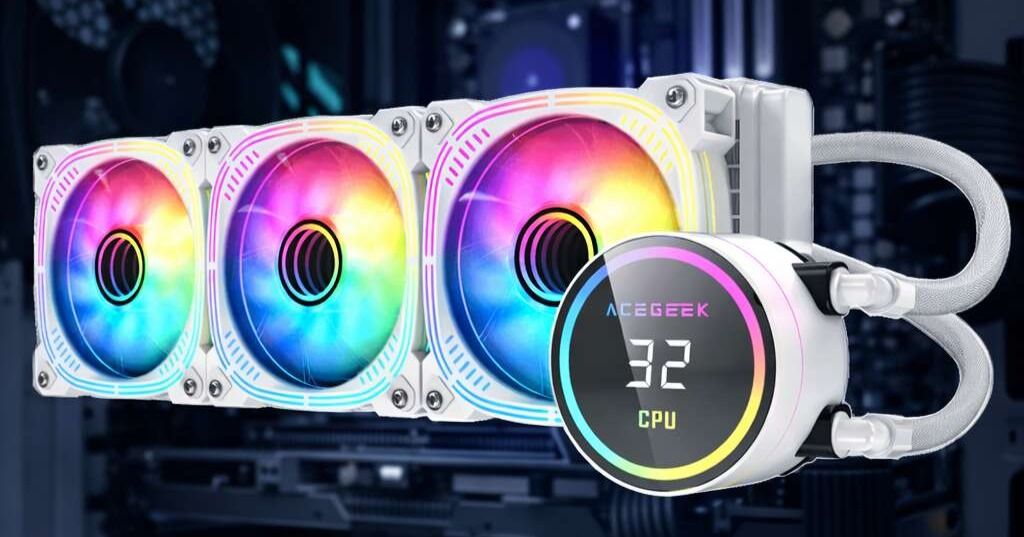
Top-Mount Radiator Limits: RAM, Tubes, and Motherboard Space
The compatibility spec that lies by omission
Specs mislead.
I have seen too many builders buy a case because the product page says “top 240” or “top 360,” only to find out later that the radiator length was the easy part and the real fight was stack thickness, RAM height, VRM armor, EPS cable crowding, and tube bend radius under the roof.
And who pays for that mistake?
The ugly truth is this: “supports a top radiator” is marketing language, not engineering language. NZXT says in its H7 Flow (2024) FAQ that the top supports up to 360mm or 280mm radiators, but also warns that the maximum recommended radiator-plus-fan thickness is 57mm, and thicker combinations can run into RAM or heatsink interference. Fractal is even blunter in its North radiator compatibility note: top mounting leaves a maximum motherboard component height of 35mm. Corsair says in its 6500 Series radiator guide that thicker top combos may technically work, but still recommends sticking with a 30mm top radiator. That is the whole story in one sentence: fitment is never just about length.
This matters more now because the enthusiast PC market is not dead, not even close. Gartner’s Q2 2024 figures put worldwide PC shipments at 60.6 million units, up 1.9% year over year, with the U.S. topping 18 million units in the quarter. More systems being built and upgraded means more people smashing into the same boring, expensive clearance problem.
If you want the site architecture on ACEGEEK to support this article naturally, the best contextual links are not random accessories. They are pages that help the reader understand case class, motherboard form factor, and actual case examples: How to Choose the Right PC Case for Your Build, Motherboard Basics: The Easy Beginner’s Guide, and the broader ACEGEEK CPU cooler lineup.
What actually hits first inside the roof
RAM is the obvious problem, so people obsess over it
Fair enough.
But RAM is only the first trap, not the only one. Fractal’s published 35mm top-side motherboard component limit on the North tells you exactly why tall heatspreaders and flashy RGB modules become a liability the moment you move the radiator overhead. NZXT’s H7 guidance lands in the same place from a different angle: top fit depends on keeping the full radiator-and-fan stack controlled, not just the radiator length.
My opinion is not polite here: buying tall RGB memory before checking top mount radiator RAM clearance is amateur-hour behavior. Pretty modules do not matter when the fans physically occupy the same air as the DIMMs.
Motherboard heatsinks are the quieter killer
This one catches experienced builders too, because the collision often happens at the rear I/O shroud or the upper VRM block rather than above the DIMM slots. ACEGEEK’s own motherboard buying guide points out that moving from entry-level to mid-range and high-end boards usually means heavier thermal design and reinforced heatsinks, which is great for power delivery and terrible for top radiator motherboard clearance in narrower cases. That tradeoff gets worse as board vendors add taller shrouds and more aggressive heatsink geometry.
So the smarter question is not “Does this case support ATX?” It is “How much empty air exists between the motherboard’s highest top-edge obstruction and the radiator rail after fans, screws, and cable heads are counted?”
Tubes are where a build that “fits” still fails
Everyone remembers radiator length. Almost nobody budgets for tube exit angle.
That is why top radiator tube routing keeps ruining otherwise legal installs. A top radiator can clear the RAM and still create a hard kink into the pump block, crowd the EPS 8-pin cable, or press against the rear exhaust fan zone. Corsair’s 6500 guidance is useful here because it admits that thicker top arrangements can be done, but only by shifting the radiator outward in ways that reduce mounting margin. In other words, “possible” is not the same as “sane.”
The measurement stack nobody teaches beginners
Here is the method I trust, because it matches how case makers quietly write their exception notes.
CheckpointWhat you measureWhy it mattersThe hard truthRoof-to-motherboard gapDistance from the radiator rail to the highest component on the boardSets true top mount radiator clearance“Top 240/360 support” means very little without this numberRadiator + fan stackCombined thickness of radiator, fans, gaskets, and screw head toleranceDetermines whether RAM or VRM contact happensNZXT explicitly warns that thick top combos can create RAM/heatsink issuesRAM heightInstalled DIMM height, not box marketingTall RGB sticks are frequent first contact pointsFractal’s 35mm motherboard component note is basically a warning label for thisTube exit pathClearance at radiator end tank and toward CPU blockPrevents kinks and ugly cable-tube fightsA legal install can still be a bad installEPS and rear I/O zoneTop-left board corner plus cable plug depthOften ignored in mock fit checksThis is where “just barely fits” builds become rebuilds
The table above is not theory. It condenses the same pattern published by NZXT, Fractal, and Corsair: stack thickness, motherboard component height, and real-world mounting margin decide success more often than nominal radiator length.
And yes, cooling performance matters too. In Puget Systems’ November 2023 Threadripper 7000 analysis, both a Noctua NH-U14S and an Asetek 360mm AIO avoided measurable thermal throttling under sustained load, but the air cooler was pushed right to the edge while Puget ultimately chose to ship its Threadripper 7000 systems with a 360mm AIO for more thermal headroom. That is a useful reminder: top mounting is not fashion. On high-draw CPUs, the radiator decision can affect sustained behavior, noise, and clock stability.
Why compact cases punish lazy planning
Small cases punish.
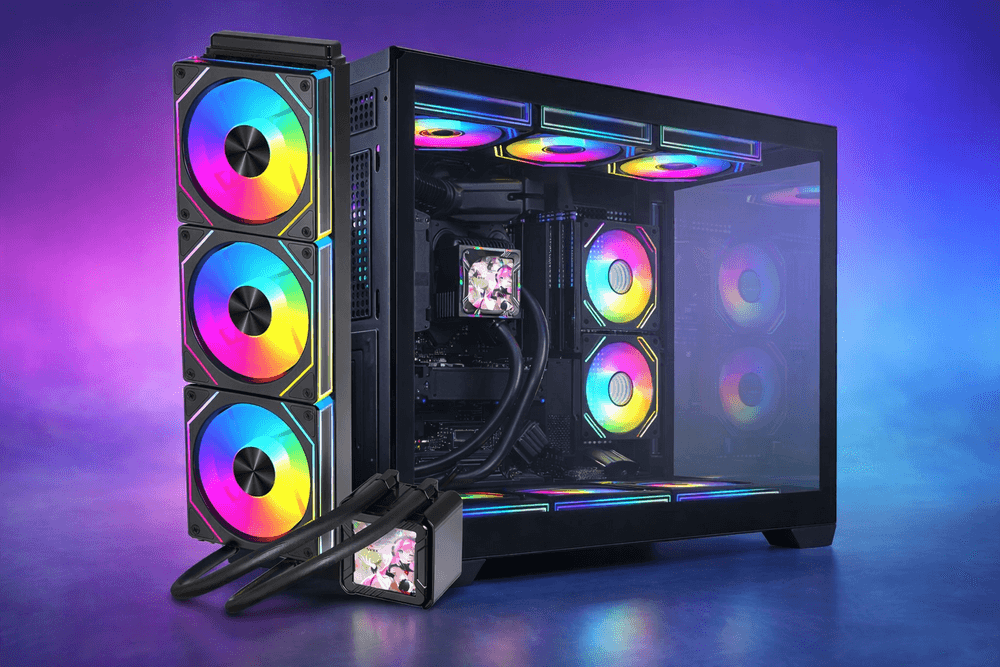
A compact M-ATX chassis can absolutely be worth it, but the margin for error disappears fast. The ACEGEEK Aquarium M345 supports Micro-ATX and Mini-ITX, with Top: 240mm AIO and Side: 240mm AIO support inside a 358×275×360mm footprint. That is fine on paper, but it also tells you something else: every millimeter near the top edge matters more in this kind of enclosure than it would in a wider full-size tower.
By contrast, the ACEGEEK Photon is built for E-ATX/ATX/M-ATX/ITX, supports Top: 360mm AIO, and uses a 433×245×473mm chassis with up to 3×120mm or 2×140mm top fan mounts. Wider, taller chassis classes do not magically remove all risk, but they reduce the odds that RAM, tubes, and motherboard armor all collide in the same cramped strip above the CPU socket. This is why I keep telling people to read the PC case size guide before obsessing over cooler branding. Case class decides how forgiving the build will be.
If the reader is already shopping coolers, a tighter internal link flow is obvious: send compact-build readers toward the ABYSS A240 240mm AIO or the ACEGEEK CPU cooler lineup, and send bigger-case shoppers toward the Photon 360mm AIO-ready chassis. That is not link stuffing. That is matching intent to form factor.
Stop trusting “supports top mount” without reading the exception clause
The exception clause matters.
NZXT says the H7 Flow (2024) supports up to 360mm on top, but warns about a 57mm radiator-plus-fan thickness ceiling. Its H5 Flow (2024) specs go even further, allowing top 280mm only with low-profile memory, and listing top radiator-plus-fan thickness up to 55mm. Fractal publishes a motherboard component height cap. Corsair openly says it recommends 30mm top radiators even where thicker setups can be forced in. That is the pattern across brands: length is the headline, clearance is the contract.
And here is my unpopular take: the industry should stop writing “supports 240/280/360” unless it also prints three more numbers right next to it — max top stack thickness, max motherboard component height, and GPU reduction with front mounting. Anything less is a half-spec, and half-specs waste buyer time.
FAQs
How do I check top mount radiator clearance before buying parts?
Top-mount radiator clearance is the total usable space between your case roof and every obstruction under it, including RAM heatspreaders, VRM heatsinks, EPS connectors, fan frames, radiator thickness, screw allowance, and tube bend room, rather than the radiator length printed on the box alone.
Measure from the radiator rail down to the tallest installed or expected motherboard component, then subtract the full radiator-and-fan stack. After that, inspect the tube exit side and the top-left EPS area. If your case vendor publishes a note like Fractal’s 35mm motherboard-component cap or NZXT’s 57mm top stack guidance, treat that as law, not suggestion.
Is a top-mounted radiator better than a front-mounted radiator?
A top-mounted radiator is a roof-mounted AIO configuration that usually favors cleaner GPU thermals and easier front intake airflow, but it often introduces tighter RAM, heatsink, and tube-routing constraints than a front mount, especially in compact ATX and M-ATX cases.
I usually prefer top mount when the case is wide enough and the board is not absurdly tall around the VRM zone. But front mount still wins in many cramped builds because it trades roof clearance pain for GPU-length tradeoffs, which are sometimes easier to predict from published specs. NZXT explicitly notes that front radiators can reduce available GPU length.
Do tall RGB RAM sticks make top radiator installs harder?
Tall RGB RAM modules are memory sticks with oversized heatspreaders and light bars that increase installed DIMM height, making them more likely to interfere with top-mounted radiator-and-fan assemblies in cases where the roof clearance already sits near the board’s top edge.
Yes. This is one of the most common clearance failures in the field. Fractal’s North note is blunt: top mounting leaves only 35mm for motherboard-side components. NZXT’s H5 Flow (2024) also states that top 280mm support depends on low-profile memory. That is not niche advice. That is a warning label.
Can a 240mm AIO fit in a compact Micro-ATX case?
A 240mm AIO can fit in a compact Micro-ATX case when the chassis supports the radiator length, the roof or side rail allows the full radiator-plus-fan stack, and the motherboard, RAM, and tube path do not occupy the same physical envelope as the cooler hardware.
The ACEGEEK Aquarium M345, for example, lists Top: 240mm AIO and Side: 240mm AIO support in a compact 358×275×360mm M-ATX/ITX enclosure. That means the format is possible, not guaranteed with every memory kit and every board. Compact support always needs a second measurement pass.
What is the safest way to choose RAM for a top-mounted radiator build?
The safest RAM choice for a top-mounted radiator build is a low-profile kit that minimizes height above the DIMM slot, because lower module height gives more margin against the radiator-fan stack and reduces the odds of contact in narrow or compact cases.
This is the boring answer, but boring wins. If the case manual or support page mentions low-profile memory, believe it. Do not pay extra for tall light bars and then act surprised when the roof becomes unusable. I would rather lose a little RGB than lose a Saturday to rebuilding the top half of a system.
Your Next Move
Measure first.
If you are publishing this on ACEGEEK, the smartest conversion path is simple: push readers from this article into the PC case size guide, then the motherboard basics guide, then into the right product class — either the Aquarium M345 compact 240mm case for tighter builds, the Photon 360mm top-radiator chassis for bigger hardware, or the ACEGEEK CPU cooler collection for buyers still comparing 240mm vs 360mm AIO options. That is the clean internal-link chain because it mirrors how competent builders actually decide.
My advice is blunt: stop buying by radiator length alone. Check roof gap, RAM height, VRM bulk, EPS plug depth, and tube exit path before checkout. The build that looks good on a product page is not the same as the build that closes without rubbing plastic, crushing cables, or forcing a bad bend into your loop.