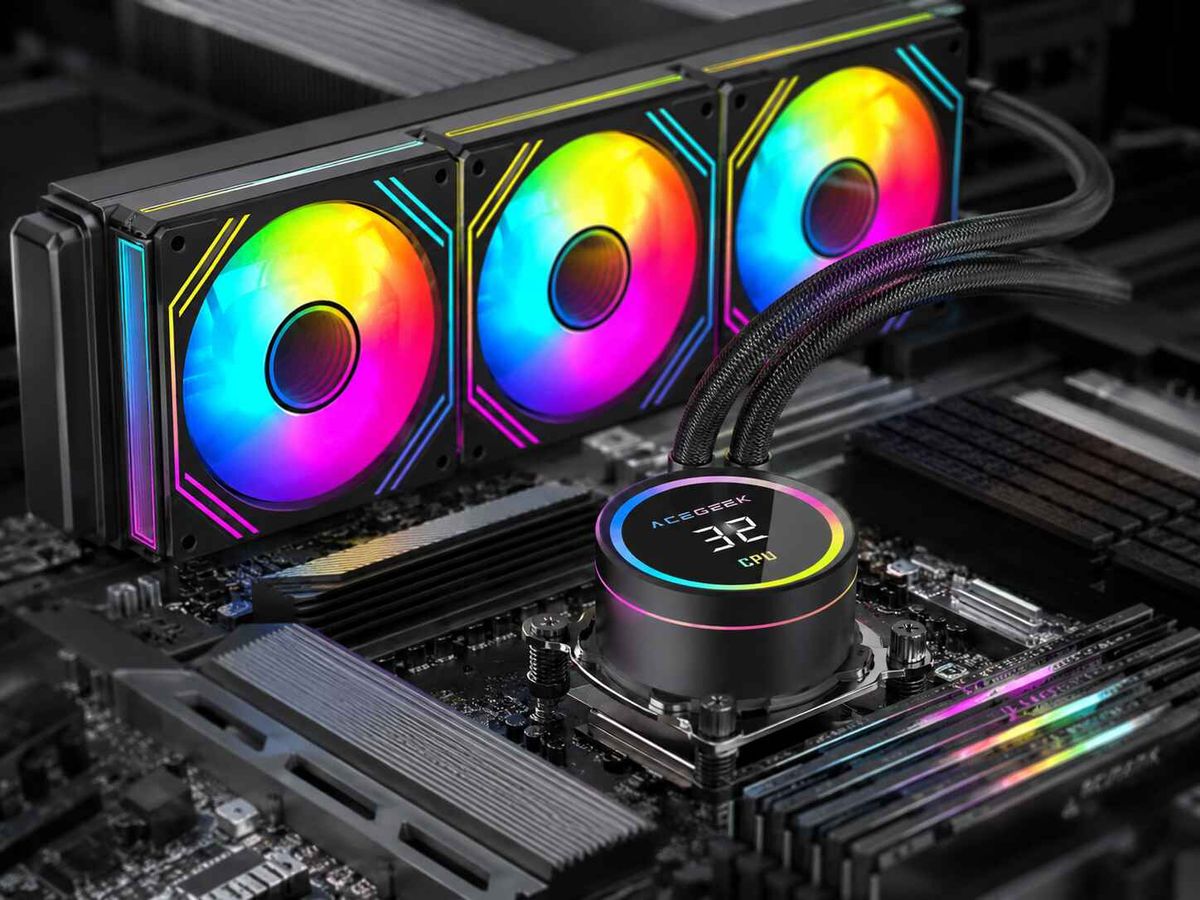
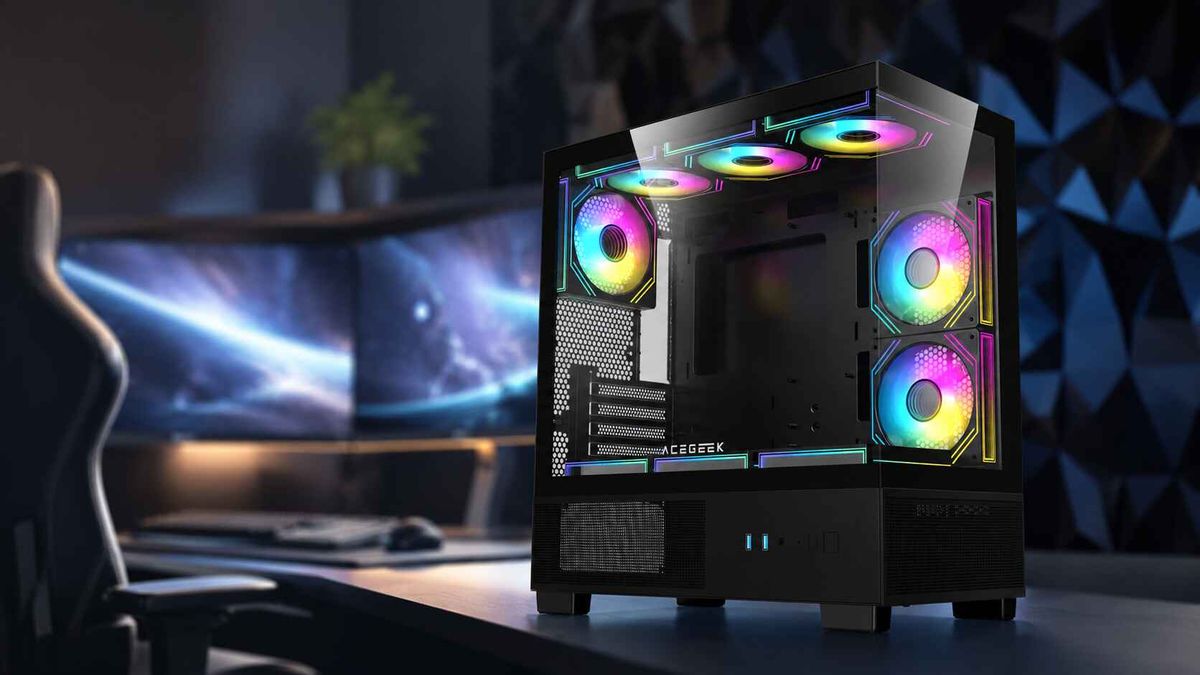
When Is a 240mm AIO Better Than a 360mm AIO?
Size can mislead.
When people compare a 240mm vs 360mm AIO, they usually assume the larger radiator must be the smarter purchase because three 120mm fans, 50% more nominal fan-facing area, and a physically longer heat exchanger sound like an automatic thermal victory.
But what if the CPU never needs that extra capacity?
That is where the usual buying advice falls apart.
A 360mm AIO is normally capable of dissipating more heat at a given noise target. I would not argue otherwise. But a PC is not a laboratory fixture built around one temperature sensor. Radiator size affects case compatibility, GPU airflow, mounting position, fan count, noise behavior, cable routing, cost, maintenance access, and even which intake path remains available to the graphics card.
So my answer is straightforward:
A 240mm AIO is better than a 360mm AIO when the CPU's real heat load is already comfortably within the 240mm cooler's capability and the smaller radiator gives the rest of the system better airflow, fitment, acoustics, cost, or installation flexibility.
For many gaming PCs, that happens more often than enthusiast marketing suggests.
240mm vs 360mm AIO: What the Bigger Radiator Actually Buys
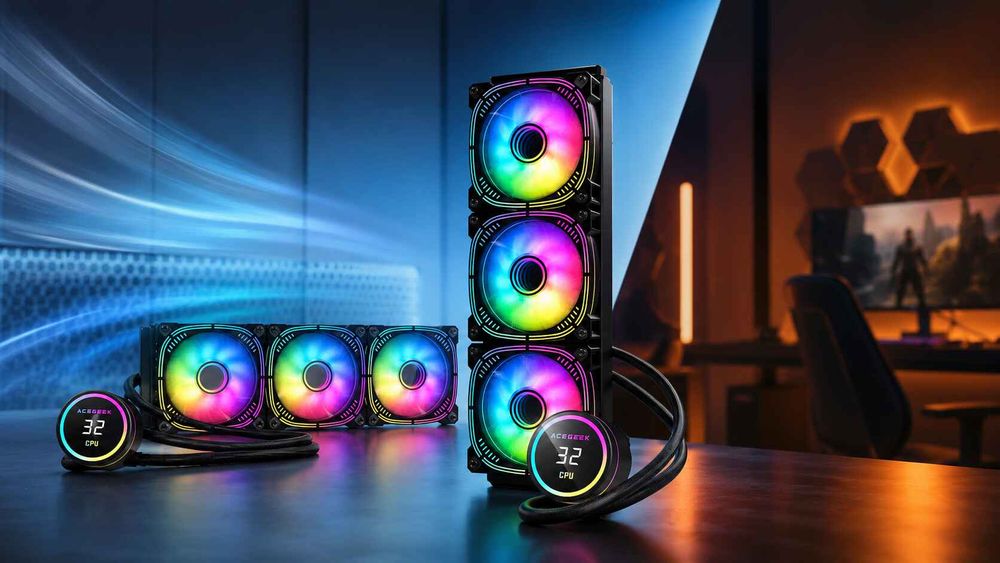
A 360mm radiator uses three 120mm fan positions instead of two.
That means more heat-exchanger surface area and more airflow potential. In principle, the larger radiator can either keep the CPU cooler at similar fan speeds or maintain the same CPU temperature while spinning its fans more slowly.
The second advantage matters more.
Noctua's current guidance for its NL-LC1 liquid coolers reports that, under a 200W heat load, its 360mm model can operate roughly 4–6 dB(A) quieter than the 240mm version while maintaining the same CPU temperature. That is a meaningful acoustic advantage under a sustained high-power workload.
But 200W is not every gaming workload.
Consider the AMD Ryzen 7 9800X3D. AMD specifies the chip at a 120W default TDP, with eight Zen 5 cores, 16 threads, a 5.2 GHz maximum boost clock and a 95°C maximum operating temperature. AMD recommends liquid cooling for optimal performance, but those specifications do not mean the processor continuously dumps 200–250W into the coolant during gaming.
Now compare that with Intel's Core Ultra 9 285K.
Intel lists 125W processor base power and 250W maximum turbo power for the 285K. That is a very different cooling problem when the CPU is running sustained rendering, encoding, compilation or other heavily threaded workloads.
Same question.
Different answer.
That is why I dislike choosing an AIO cooler size from the CPU's product tier alone.
Choose it from the workload.
When a 240mm AIO Is Actually the Better Choice
1. Your PC Is Primarily a Gaming Machine
This is the biggest one.
Modern gaming PCs can have an unusual thermal balance: the CPU may consume a moderate amount of power while the graphics card is throwing hundreds of watts into the chassis.
Giving the CPU a huge 360mm intake radiator can therefore solve the smaller thermal problem while making the larger thermal problem harder.
Tom's Hardware demonstrated how narrow the difference can become in a mixed gaming-style load when testing MSI's CoreLiquid I240 and I360.
In its CPU-plus-GPU test, the 240mm model averaged 73°C while the 360mm averaged 71°C—a difference of roughly 2°C. Tom's also measured maximum noise of 44.9 dBA for the I240 versus 47.4 dBA for the I360.
Two degrees.
That is it.
Would I redesign my entire chassis airflow, sacrifice a useful intake location, add another fan, and potentially complicate GPU clearance for two degrees on the CPU?
Usually not.
This becomes even more important with today's GPU-focused case designs. ACEGEEK's analysis of why GPU-focused airflow is becoming a major PC case feature explains why side and bottom intake paths increasingly deserve their own thermal budget instead of being sacrificed automatically to CPU cooling.
For a gaming-first build, I would rather see a properly cooled CPU at 70-something degrees and a graphics card receiving clean outside air than obsess over reducing CPU temperature by another two or three degrees.
2. The 360mm Radiator Steals a Better Airflow Position
This is where specification sheets become dangerous.
A case may support:
360mm top radiator
360mm front radiator
240mm side radiator
Three bottom fans
A large GPU
All individually.
That does not mean every configuration works equally well.
A front-mounted 360mm radiator configured as intake sends outside air through the CPU heat exchanger before that air reaches other components. The CPU gets favorable intake temperature, but the graphics card may receive warmer air and face additional airflow resistance.
ACEGEEK's guide to how front-mounted AIOs affect GPU thermals discusses exactly this CPU-versus-GPU trade.
For a GPU-heavy gaming system, I often prefer this arrangement:
240mm AIO at the top as exhaust
Front or side fans as unrestricted intake
Bottom intake directly feeding the GPU
Rear exhaust assisting socket-area heat removal
That layout does not produce the lowest possible CPU benchmark number.
It produces a better computer.
There is a difference.
3. A 240mm Radiator Fits Cleanly and the 360mm Barely Fits
Compatibility beats theory.
Every time.
ARCTIC's Liquid Freezer III Pro provides a useful physical example. Its 240mm radiator measures 277 × 120 × 38mm, while its 360mm version measures 398 × 120 × 38mm. The 240mm version therefore removes roughly 121mm of radiator length from the installation problem.
And radiator length is only one dimension.
ARCTIC explicitly states that the Liquid Freezer III Pro 240 needs at least 63mm of installation clearance because its 38mm radiator is combined with thick fan hardware.
This is why ACEGEEK's top-radiator clearance guide for RAM, tubes and motherboard space matters more than the generic phrase “supports 360mm AIO.”
A 360mm cooler may collide with:
Tall DDR5 modules
VRM heatsinks
Rear I/O armor
CPU EPS connectors
EPS cable bends
Rear exhaust fans
Radiator end tanks
Tube fittings
Top I/O wiring
GPU hardware in front-mounted configurations
And this is not some obscure edge case.
It is normal PC assembly.
4. A 360mm Front Radiator Reduces GPU Clearance
Here is another reason I will choose 240mm without hesitation.
Suppose a case offers 360mm of nominal GPU clearance.
Now install:
27mm radiator
25mm fans
That cooling stack is roughly:
27 + 25 = 52mm
If the entire stack enters the graphics card's length envelope, theoretical GPU clearance can fall from:
360mm to 308mm
Put a 304mm graphics card into that configuration and only 4mm remains before accounting for brackets, tolerances or installation movement.
Bad plan.
ACEGEEK's GPU and radiator clearance math for tight chassis designs treats GPU fit as a three-dimensional space problem rather than blindly trusting one published maximum length.
A shorter radiator placed elsewhere can be worth far more than another few degrees of theoretical CPU cooling.
5. The Money Is Better Spent Somewhere Else
Bigger AIOs are not automatically expensive, but size still tends to add radiator material, another fan and potentially a larger chassis requirement.
One useful real-world comparison comes from Tom's Hardware testing of iBuyPower's AW4 series.
The tested pricing was approximately $79.99 for the 240mm AW4 and $99.99 for the 360mm AW4. Tom's estimated average maximum cooling capability at roughly 253W for the 240mm and 270W for the 360mm with its Intel Core i7-14700K test platform.
That is roughly:
$20 additional cost
17W additional tested cooling capacity
One additional 120mm fan
A substantially longer radiator
Does the 360mm make sense?
For a workstation sitting at high package power for hours, potentially yes.
For a gaming CPU operating far below the cooler's maximum capacity, I would put the money toward better case fans, storage, memory, GPU budget or simply keep it.
Real 240mm vs 360mm AIO Data: The Difference Depends on Load
This table is the part I would actually use before buying.
Situation240mm AIO360mm AIOWhat I Would ChooseModerate gaming CPU loadUsually sufficientMore unused thermal headroom240mmMSI mixed CPU/GPU test73°C71°C240mm unless CPU temperature is the priorityMSI maximum noise44.9 dBA47.4 dBA240mm in that specific testNoctua 200W, same temperature targetHigher noiseAbout 4–6 dB(A) quieter360mmAW4 tested cooling capability~253W~270WDepends on sustained CPU powerTight ATX/M-ATX caseEasier fitGreater collision risk240mmHigh-power rendering workstationLess headroomBetter sustained capacity360mmGPU airflow is being blocked by radiatorSmaller radiator may preserve intakeCan consume prime intake space240mmMaximum silence under heavy CPU loadMay require more RPMMore radiator area allows lower RPM360mm
One warning: do not interpret this table as proof that every 240mm model beats every 360mm model.
Cooler engineering matters.
Pump design matters. Cold-plate quality matters. Contact pressure matters. Fin density matters. Fan static pressure matters. Control logic matters.
Tom's Hardware has tested individual high-end 240mm AIOs that compete with or outperform weaker 360mm designs, including Lian Li's Galahad II Trinity Performance 240, which performed around the level of several strong 360mm coolers in noise-normalized testing.
That kills another lazy assumption:
Radiator class is not performance rank.
Is a 240mm AIO Enough for Gaming?
For a large percentage of gaming-focused CPUs, yes.
I would be comfortable starting with a quality 240mm AIO for a gaming system built around a processor such as the Ryzen 7 9800X3D, provided the motherboard mounting, case airflow, pump behavior and fan curve are properly configured.
AMD's 9800X3D is officially rated at 120W TDP.
That does not mean temperature is irrelevant. Modern CPUs intentionally use available thermal and electrical headroom to boost frequency, and CPU package temperature cannot be predicted perfectly from TDP.
But cooling capacity far beyond the workload eventually produces diminishing returns.
I would start considering a 360mm AIO more seriously when:
CPU package power remains near or above roughly 180–200W for long periods
Rendering is a primary workload
Heavy video encoding runs for hours
Code compilation keeps all cores loaded
Scientific simulation or workstation software is CPU-bound
Overclocking increases sustained package power
Low noise under sustained CPU load is a priority
The case already has excellent GPU intake independent of the radiator
That last point matters.
A 360mm radiator is much easier to justify when installing it does not compromise anything else.
Best AIO Size for CPU Cooling Is Really a System-Level Decision
People want a universal answer.
I do not think one exists.
The best AIO size for CPU cooling is the smallest radiator that can comfortably control your actual CPU heat load at the noise level you accept without compromising the airflow, fitment and serviceability of the rest of the PC.
For some systems, that is 240mm.
For others, 360mm.
And for truly high-power systems, even 360mm may simply be the starting point.
Before choosing, I use five checks.
Check 1: Real CPU Power
Do not buy around a CPU name.
Look at actual package power under your workloads.
A processor capable of a brief 200W spike does not necessarily require the same cooling hardware as one sitting around 230–250W continuously.
Check 2: Radiator Position
A good 240mm position can beat a bad 360mm position as a system choice.
Top exhaust usually protects GPU intake.
Front intake usually favors CPU temperature.
Side intake can work extremely well when bottom fans independently supply the GPU.
ACEGEEK's analysis of top-mounted versus side-mounted AIO configurations explains why radiator placement can matter more than simply adding another 120mm section.
Check 3: Radiator Thickness
Do not read “240mm” or “360mm” as a complete dimension.
A 38mm radiator plus 25mm fans already creates roughly a 63mm cooling stack.
ACEGEEK's guide to why radiator thickness breaks otherwise compatible builds is worth checking before buying tall RGB memory or a motherboard with oversized VRM heatsinks.
Check 4: GPU Air Supply
This is my priority in gaming machines.
If installing a 360mm radiator eliminates clean GPU intake while a 240mm top radiator leaves front, side or bottom intake unobstructed, I will usually choose the 240mm.
No hesitation.
Check 5: Noise at Your Actual Load
Do not compare maximum fan RPM.
That tells us very little.
Compare both coolers at the heat load and noise level you actually intend to use.
At 100–130W, the difference may be unimpressive.
At 200–250W, the extra radiator surface of a 360mm AIO becomes much easier to justify.
FAQs
Is a 240mm AIO enough for gaming?
A 240mm AIO is generally enough for gaming when the processor's sustained heat output remains comfortably inside the cooler's capacity, case airflow is unrestricted, mounting pressure is correct and the fan curve is properly tuned; for many modern gaming CPUs, GPU cooling and chassis airflow can matter more than moving from 240mm to 360mm.
For example, AMD rates the Ryzen 7 9800X3D at 120W TDP, while Tom's Hardware observed only about a 2°C difference between MSI's 240mm and 360mm AIOs in one mixed CPU-and-GPU workload.
How much better is a 360mm AIO than a 240mm AIO?
A 360mm AIO typically provides more thermal and acoustic headroom than a 240mm AIO because its three 120mm fan positions give the radiator more heat-exchange area, but the real temperature advantage can range from only a few degrees at moderate loads to a meaningful noise or thermal improvement under sustained 200W-plus CPU workloads.
Noctua measured approximately 4–6 dB(A) lower noise from its 360mm cooler at a 200W heat load while holding the same CPU temperature as its 240mm model.
Is a 240mm AIO quieter than a 360mm AIO?
A 240mm AIO can be quieter than a 360mm AIO in specific products and moderate-load situations, but radiator size alone does not determine acoustics because fan design, fan RPM, pump noise, control logic, restriction and CPU heat load all influence measured sound; larger radiators usually gain an acoustic advantage as sustained heat increases.
For example, Tom's Hardware measured 44.9 dBA from MSI's I240 and 47.4 dBA from its I360 at maximum noise, yet Noctua's 360mm cooler was quieter at the same temperature under a controlled 200W heat load.
Should I use a 240mm or 360mm AIO for a Ryzen 7 9800X3D?
A quality 240mm AIO is a reasonable starting choice for a Ryzen 7 9800X3D gaming system because AMD specifies the processor at 120W default TDP, although a 360mm cooler can still provide lower fan speeds, extra thermal headroom or better sustained temperatures when the processor is heavily loaded outside normal gaming workloads.
AMD also recommends liquid cooling for optimal 9800X3D performance, so cooler quality and installation still matter.
When should I choose a 360mm AIO instead?
A 360mm AIO is the stronger choice when your CPU regularly sustains high package power, you perform long rendering or production workloads, you want lower fan speed under roughly 180–250W thermal loads, or your chassis can mount the larger radiator without sacrificing GPU clearance, fresh-air intake, motherboard clearance or maintenance access.
Intel's Core Ultra 9 285K, for example, carries a 250W maximum turbo power specification, making the larger radiator much easier to justify for sustained CPU-heavy work.
Does a 360mm AIO always cool better than a 240mm AIO?
A 360mm AIO does not always outperform a 240mm AIO because radiator size is only one element of cooler performance; pump quality, cold-plate design, coolant flow, fan pressure, radiator thickness, contact quality, noise limits and control behavior can allow an exceptionally engineered 240mm cooler to equal or beat a weaker 360mm product.
Tom's Hardware found that Lian Li's Galahad II Trinity Performance 240 delivered performance comparable with several strong 360mm AIOs in its testing.
Can a 360mm AIO make GPU temperatures worse?
A 360mm AIO can indirectly increase GPU temperature when it occupies an important intake location, especially when a front- or side-mounted radiator is configured as intake and sends radiator-heated air toward an open-air graphics card, although the actual result depends on CPU heat output, radiator restriction and whether the GPU has separate bottom or side intake.
That is why radiator placement should be evaluated as part of the entire airflow system rather than as an isolated CPU-cooling decision.
Final Thoughts: Choose the Cooler the Whole PC Needs
Here is the rule I would use.
Do not buy the largest radiator your case claims to support.
Buy the radiator your system actually needs.
Choose a 240mm AIO when it comfortably handles your CPU, gives the GPU cleaner airflow, fits without clearance drama, costs less, or lets you use a better radiator position.
Choose a 360mm AIO when sustained CPU power is genuinely high, low-noise operation under heavy load matters, and your chassis can accommodate the larger radiator without compromising the rest of the build.
If you are planning a new PC, check the radiator thickness, RAM height, motherboard VRM clearance, GPU dimensions and available intake paths before ordering the cooler. Then compare ACEGEEK's current 240mm and 360mm CPU cooling options and select the configuration that solves your actual thermal problem—not the one with the biggest number on the box.