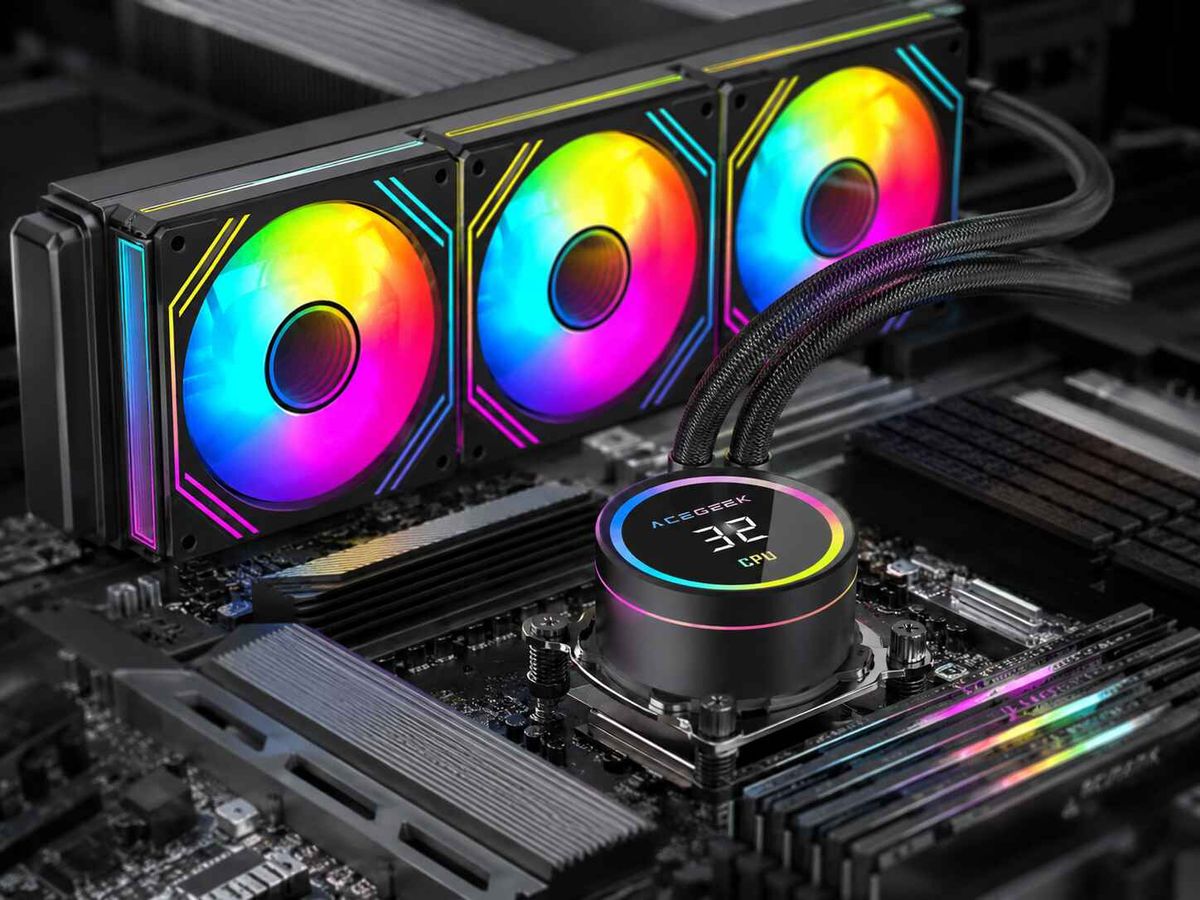
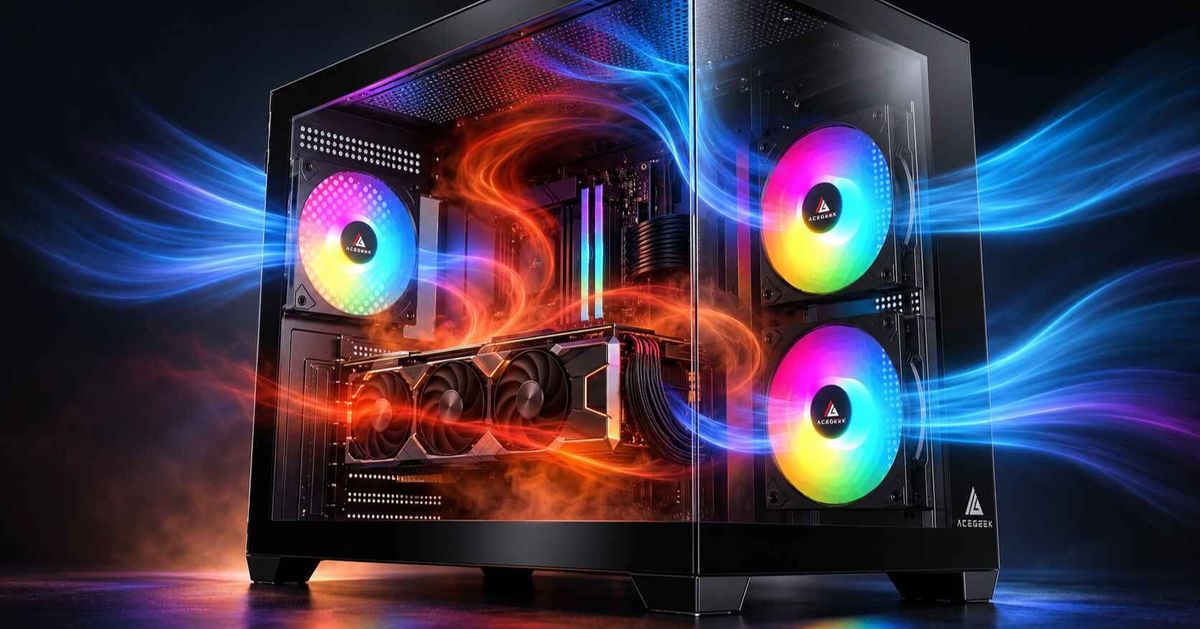
AIO Fan Curve Setup: Should You Use Coolant or CPU Temperature?
Does your PC suddenly get louder every time you open a game, launch an application, or start a demanding task?
If you use an all-in-one (AIO) liquid cooler, the problem may not be your radiator fans or cooling hardware. It could be the temperature sensor controlling their speed.
Many PC cooling systems adjust fan speed according to CPU temperature. While this approach works, modern processors can experience rapid temperature changes that cause radiator fans to accelerate and slow down repeatedly.
For an AIO liquid cooler, coolant temperature may provide a more stable control signal.
However, choosing the right temperature source depends on your hardware, available sensors, and cooling requirements.
In this guide, we explain the differences between coolant and CPU temperature, how to configure an AIO fan curve, and how to reduce unnecessary noise without compromising cooling performance.
Coolant Temperature vs CPU Temperature: What's the Difference?
CPU temperature and coolant temperature measure different stages of the cooling process.
Understanding their relationship is the first step toward creating an effective radiator fan curve.
CPU Temperature Measures Processor Heat
CPU temperature reflects the thermal condition of the processor.
Modern CPUs contain integrated sensors that respond quickly to changes in power consumption and workload.
When a processor increases its clock speed during a short burst of activity, its temperature can rise rapidly.
For example, opening a demanding program may cause a temporary CPU temperature spike even though the system has not been under heavy load for long.
If radiator fans respond directly to every temperature change, they may repeatedly speed up and slow down.
This can create unnecessary noise during ordinary computer use.
For more information about processor temperature readings, explore our guide to CPU package temperature vs core temperature.
Coolant Temperature Measures Liquid Loop Conditions
Coolant temperature represents the temperature of the liquid circulating through an AIO cooling system.
Heat travels through several components before it reaches the surrounding air:
CPU → Thermal Interface → Cold Plate → Coolant → Radiator → Air
The coolant and radiator have thermal mass, meaning their temperatures generally change more gradually than the processor's internal temperature.
A short CPU temperature spike may produce little immediate change in coolant temperature.
However, during sustained workloads, coolant temperature can rise as the cooling system absorbs heat.
This makes coolant temperature a useful signal for controlling radiator fans, particularly when stable fan behavior is a priority.
CPU Temperature vs Coolant Temperature Comparison
FeatureCPU TemperatureCoolant TemperatureWhat it measuresProcessor thermal conditionLiquid cooling loop temperatureResponse to workload changesFastGradualResponse to short CPU spikesHighUsually limitedRecommended useCPU monitoring and thermal protectionAIO radiator fan control when supportedFan speed stabilityMay require smoothingUsually more stableSensor availabilityAvailable on modern CPUsDepends on AIO hardwareCooling informationProcessor heat conditionSustained liquid loop thermal condition
Neither measurement is inherently better for every situation.
The important question is which temperature best represents the component you are trying to cool.
Why Do AIO Radiator Fans Keep Speeding Up and Slowing Down?
One common reason for fluctuating radiator fan speed is an aggressive fan curve tied directly to CPU temperature.
Consider a simplified example.
A computer is operating at a moderate CPU temperature while browsing the web.
When an application launches, the CPU temporarily boosts to a higher frequency. Its temperature rises quickly, and the fan controller responds by increasing fan speed.
A few seconds later, the workload decreases.
The CPU cools down, causing the fans to slow again.
This cycle may repeat throughout the day.
The result is noticeable fan noise even when the overall cooling system is not experiencing sustained thermal demand.
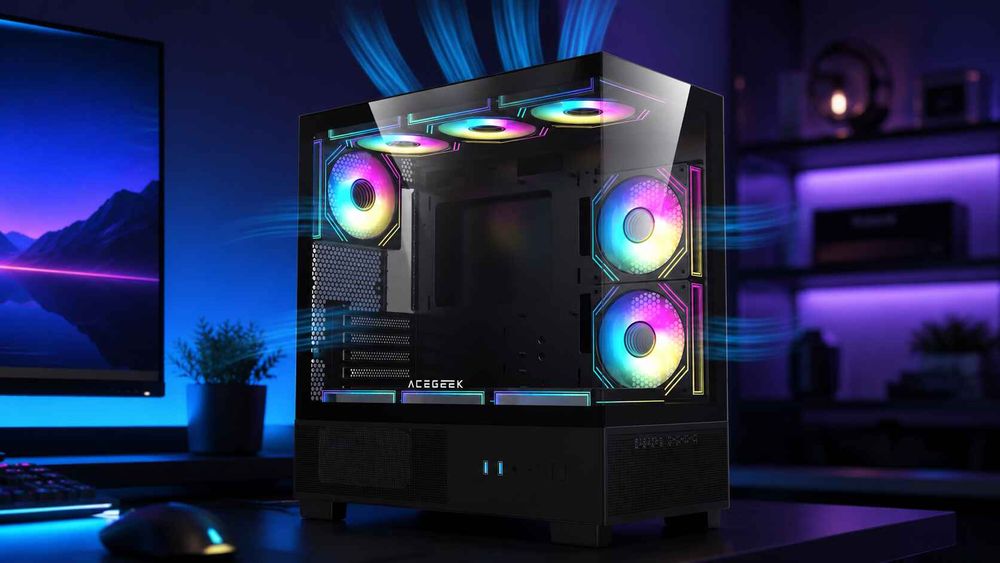
How Coolant-Based Fan Control Changes This Behavior
When radiator fan speed follows coolant temperature, the controller responds more gradually.
A short processor temperature spike does not necessarily trigger a major fan-speed increase.
Instead, fan speed rises as the liquid temperature increases during a longer workload.
This can help maintain more consistent acoustics.
However, coolant-based control should not replace CPU temperature monitoring or the system's built-in thermal protection.
If the processor is overheating because of a pump failure, poor mounting contact, or another cooling problem, the CPU may become dangerously hot before coolant temperature rises significantly.
The best configuration combines an appropriate radiator fan curve with reliable CPU thermal safeguards.
How Do You Set Up an AIO Fan Curve?
A practical fan-control strategy begins with identifying the available sensors and understanding how your AIO is connected.
The following steps provide a general setup process.
Exact menu names and available features depend on your cooler, motherboard, and control software.
Step 1: Check Whether Your AIO Supports Coolant Temperature Monitoring
Not every AIO liquid cooler includes a coolant temperature sensor.
Some models expose only CPU temperature, pump speed, and radiator fan speed.
Others provide a liquid temperature reading through a dedicated controller or manufacturer software.
To check your system:
Open your AIO manufacturer's monitoring application.
Look for a sensor labeled Liquid Temperature, Coolant Temperature, or Water Temperature.
Confirm that the reading changes gradually during sustained CPU activity.
Check whether the software allows that sensor to control radiator fan speed.
If no coolant temperature sensor is available, CPU-based fan control remains a valid option.
Do not assume that a motherboard temperature sensor represents coolant temperature.
A motherboard sensor may measure socket, chipset, or another component temperature instead.
Step 2: Record Your Current Cooling Behavior
Before making changes, record how the system performs with its existing settings.
Useful measurements include:
CPU package temperature.
Coolant temperature, if available.
Radiator fan RPM.
Pump RPM.
CPU package power.
Room temperature.
Cooling noise during idle and sustained workloads.
Run a repeatable workload and observe whether the fans accelerate frequently or gradually.
These baseline measurements will help you evaluate the results after adjusting the curve.
Step 3: Choose the Correct Temperature Source
For AIO radiator fans, choose coolant temperature when a reliable sensor is available and the cooling controller supports it.
For an air cooler, CPU temperature is usually the appropriate control source.
If your AIO does not expose liquid temperature, select CPU package temperature or the CPU control temperature recommended by your motherboard or cooler manufacturer.
Make sure the chosen sensor is compatible with the actual fan controller.
Some AIOs use dedicated USB-connected controllers that operate independently of motherboard fan headers.
Step 4: Create a Gradual Radiator Fan Curve
A radiator fan curve defines how fan speed changes as the selected temperature rises.
For coolant-based control, begin with a relatively quiet operating speed and increase airflow progressively as the liquid warms.
Here is an illustrative example for an AIO operating in a room around 24°C.
Coolant TemperatureExample Fan Duty28°C35%32°C45%36°C60%39°C80%42°C100%
Important: These values are illustrative, not universal AIO settings or verified ACEGEEK presets. Use them only as an explanation of curve shape. Actual settings must respect the cooler manufacturer's permitted liquid temperatures, minimum fan speed, operating limits, and thermal-safety requirements.
The purpose of the example is to demonstrate a progressive increase in airflow instead of abrupt fan-speed changes.
A quieter system may benefit from a relatively gentle curve at lower coolant temperatures, while a high-power workstation may need more aggressive cooling.
The appropriate configuration depends on the complete system.
Step 5: Configure Fan Response and Hysteresis
If the controller supports fan-response delay, hysteresis, or temperature averaging, these features can help prevent unnecessary speed fluctuations.
Hysteresis allows fan speed to remain stable until the temperature changes by a meaningful amount.
Response delay prevents the fan controller from reacting immediately to every brief sensor fluctuation.
For a CPU-temperature-based curve, these controls can be particularly useful because CPU readings may change rapidly during normal operation.
However, avoid configuring delays that interfere with safe cooling behavior.
Do not disable manufacturer-defined thermal protection or critical fan and pump failure responses.
Step 6: Keep Pump Control Separate From Radiator Fan Control
The pump and radiator fans perform different functions.
The pump circulates coolant through the cooling loop, while radiator fans move air through the radiator fins.
Many AIO systems use manufacturer-defined pump profiles or supported fixed operating speeds.
A pump does not necessarily need to accelerate and decelerate in response to every short CPU temperature change.
Follow the pump operating requirements specified for your cooler.
Never apply a radiator fan's minimum-speed setting to a pump without verifying that the pump supports that operating range.
Step 7: Test the New Curve Under Real Workloads
After saving your settings, test the cooling system during typical usage.
Useful scenarios include:
Desktop idle.
Web browsing and light multitasking.
Gaming.
Sustained CPU rendering or compilation.
Combined CPU and GPU activity.
Observe CPU temperature, coolant temperature, pump speed, radiator fan speed, and thermal-throttling indicators.
The objective is to reduce unnecessary fan noise while maintaining reliable cooling.
If CPU temperatures remain too high or sustained thermal throttling occurs, return to a more aggressive manufacturer-approved profile and investigate the cooling system.
What If Your AIO Does Not Have a Coolant Temperature Sensor?
A missing coolant temperature sensor does not mean that effective AIO fan control is impossible.
CPU temperature can still provide a useful input.
The main consideration is preventing unnecessary fan-speed oscillation.
Use a Smoother CPU-Based Fan Curve
Instead of making fan speed increase aggressively after every small temperature change, create a curve that responds more gradually to moderate CPU temperatures.
Use hysteresis or response-time controls if your motherboard supports them.
This can reduce repeated fan acceleration during brief processor activity.
At higher sustained temperatures, the fan curve should provide sufficient cooling according to the processor and cooler manufacturers' requirements.
Verify Your Fan Connection
Fan control also depends on the connector type and supported control mode.
For example, four-pin PWM fans use a dedicated control signal, while conventional three-pin fans are typically speed-controlled through voltage adjustment when the motherboard supports DC control.
Using an incorrect control mode can produce unexpected fan behavior.
Read our guide to 3-pin vs 4-pin PC fans to understand how fan connections affect speed control.
Should Radiator Fans and Case Fans Use the Same Temperature Sensor?
Not necessarily.
Different fans serve different purposes, so one temperature signal may not represent every cooling requirement.
Radiator Fans: Respond to Liquid Cooling Demand
Radiator fans remove heat from the coolant by moving air across radiator fins.
When available, coolant temperature is a useful control source because it represents the thermal condition of the liquid cooling loop.
Fan performance also depends on airflow resistance.
Our guide to choosing fans for radiators or case airflow explains why radiator cooling and unrestricted case ventilation have different airflow requirements.
Case Intake Fans: Consider GPU Heat
A powerful graphics card can generate significant heat even when CPU usage remains moderate.
If every intake fan responds only to CPU temperature, the case may not increase airflow sufficiently during GPU-heavy workloads.
Where the control system supports it, GPU temperature or a combined CPU/GPU control strategy may be more appropriate for certain case fans.
For more information, see how to balance CPU cooling and GPU airflow.
Exhaust Fans: Consider Overall Case Airflow
Rear and top exhaust fans help remove warm air from the chassis.
Their ideal fan curves depend on radiator position, GPU heat output, intake configuration, and case design.
For example, a top-mounted AIO exhaust radiator may receive warmer air from inside the case, while a side-mounted intake radiator may receive cooler external air.
Our comparison of top-mounted vs side-mounted AIO cooling explains how radiator placement affects system airflow.
The goal is to establish a balanced cooling system rather than controlling every fan from the same sensor.
How to Troubleshoot Common AIO Fan Control Problems
Changing the temperature source can improve fan behavior, but it cannot solve every cooling problem.
Use the following symptoms to narrow down potential causes.
SymptomPossible CauseWhat to CheckRadiator fans repeatedly ramp at idleCPU temperature spikes or aggressive curveTemperature source, hysteresis, response settingsCoolant temperature rises steadily under loadSustained heat load or insufficient heat rejectionRadiator airflow, fan speed, ambient temperatureCPU is very hot but coolant remains relatively coolPossible contact or circulation problemPump operation, CPU power, cooler mountingFans ignore the selected curveController or configuration issueFan headers, software settings, saved profilesFan behavior changes when software closesSoftware-dependent control profileHardware fallback settings and controller behaviorCase fans remain slow during GPU-heavy gamesInappropriate sensor selectionGPU monitoring and case fan curves
When High CPU Temperature Is Not a Fan Curve Problem
Suppose your CPU becomes unusually hot under a moderate workload while coolant temperature stays relatively low.
Increasing radiator fan speed may not resolve the underlying issue.
The processor may be struggling to transfer heat efficiently into the cooling system.
Possible causes include inadequate cold-plate contact, incorrect thermal paste application, pump problems, or unusual processor power settings.
Before assuming the radiator is too small, examine the cooler installation.
Our guide to how mounting pressure affects CPU cooling performance explains how contact quality can influence heat transfer between the CPU and cooler.
How Can You Measure Whether an AIO Fan Curve Is Working?
A successful fan curve should balance cooling performance, stability, and noise.
Lower fan RPM alone does not prove that the new curve is better.
To evaluate the results, compare measurements before and after changing the control settings.
MeasurementWhat to Look ForCPU temperatureAcceptable sustained temperatures for the specific processorCoolant temperatureStable operation within the cooler's specified limitsRadiator fan RPMSmooth changes without excessive oscillationPump RPMConsistent operation within the approved rangeThermal throttlingNo unexpected sustained performance limitationSystem noiseReduced unnecessary fan-speed changesWorkload performanceStable operation during realistic workloads
Whenever possible, keep room temperature, CPU power settings, workload duration, and pump configuration consistent between tests.
A smoother fan curve may reduce noise without changing CPU temperatures significantly.
That can still be a useful improvement, provided cooling remains adequate.
On the other hand, if temperatures increase excessively or performance becomes unstable, the curve may be too conservative.
Return to the manufacturer's recommended cooling profile and adjust from a known working configuration.
Frequently Asked Questions
1. How Do I Know If My AIO Has a Coolant Temperature Sensor?
Check the AIO specifications and open the manufacturer's monitoring software.
Look for a reading labeled Liquid Temperature, Coolant Temperature, or Water Temperature.
If the device provides this measurement and its controller supports custom temperature-based fan curves, you may be able to use coolant temperature directly for radiator fan control.
Not every AIO exposes the sensor to motherboard BIOS software, even when the manufacturer's application can display it.
2. Why Do My Radiator Fans Keep Speeding Up at Idle?
Radiator fans may repeatedly accelerate during idle or light use when their control curve responds directly to brief CPU temperature spikes.
Modern processors can increase frequency and power quickly, causing temporary temperature changes even during simple tasks.
A less aggressive fan curve, additional hysteresis, or coolant-based control on supported AIOs may help reduce this behavior.
Also verify that fan speed fluctuations are not caused by incorrect control settings or software conflicts.
3. Can I Control AIO Fans Using Coolant Temperature in BIOS?
It depends on the motherboard and how the temperature sensor is connected.
Some motherboards can control fan headers using compatible external temperature sensors.
However, many AIO coolant sensors communicate through dedicated USB controllers and are not directly available as BIOS fan-control sources.
In those cases, the manufacturer's cooling software or hardware controller may be required.
Do not assume that a BIOS sensor labeled CPU or System represents liquid temperature.
4. What Happens to My Fan Curve When Cooling Software Is Closed?
The behavior depends on the cooling controller and software.
Some devices can store fan profiles in hardware, allowing the selected curve to continue working without the desktop application.
Other configurations depend on software running in the operating system.
Check whether your controller supports hardware profiles, startup defaults, or a safe fallback mode.
Always verify what happens after a restart or when the control application is closed.
5. Should Radiator Fans and Case Fans Use the Same Temperature Sensor?
Not always.
Radiator fans often benefit from coolant-temperature control when a reliable sensor is available.
Case fans may need to respond to CPU temperature, GPU temperature, or a combination of system measurements.
For example, a GPU-heavy gaming workload may require increased case airflow even when CPU temperatures remain moderate.
The most appropriate sensor depends on the fan's location and cooling function.
6. How Can I Test Whether My New AIO Fan Curve Is Safe?
Begin with a manufacturer-approved cooling profile and record your baseline temperatures.
After adjusting the curve, run repeatable workloads while monitoring CPU temperature, coolant temperature, pump operation, fan speed, and thermal-throttling status.
Compare the results under similar room temperatures and processor power settings.
The new curve should maintain reliable cooling within the manufacturer's limits without introducing unexpected throttling or excessive temperature increases.
If performance becomes unstable or temperature limits are approached, restore the recommended profile and investigate the cause before making further changes.
Final Thoughts: Build a Quieter AIO Cooling System With Smarter Fan Control
Choosing between coolant temperature and CPU temperature is not simply about selecting the lower or higher number.
Each sensor provides different information about how the cooling system behaves.
CPU temperature responds quickly to processor activity and remains essential for thermal monitoring and protection.
Coolant temperature changes more gradually and can provide a stable control signal for radiator fans when an AIO supports it.
For many liquid-cooled PC builds, an effective strategy is to use coolant temperature for radiator fan control, follow manufacturer-approved pump settings, and monitor CPU temperature for safety.
If coolant temperature is unavailable, a carefully tuned CPU-based fan curve with appropriate response settings can still deliver reliable cooling.
Before replacing fans or upgrading your radiator, make sure the existing cooling system is configured correctly.
Explore the ACEGEEK CPU cooler collection to compare available cooling solutions, radiator sizes, and compatibility options for your next PC build.