Why More Fans Can Sometimes Increase GPU Temperature
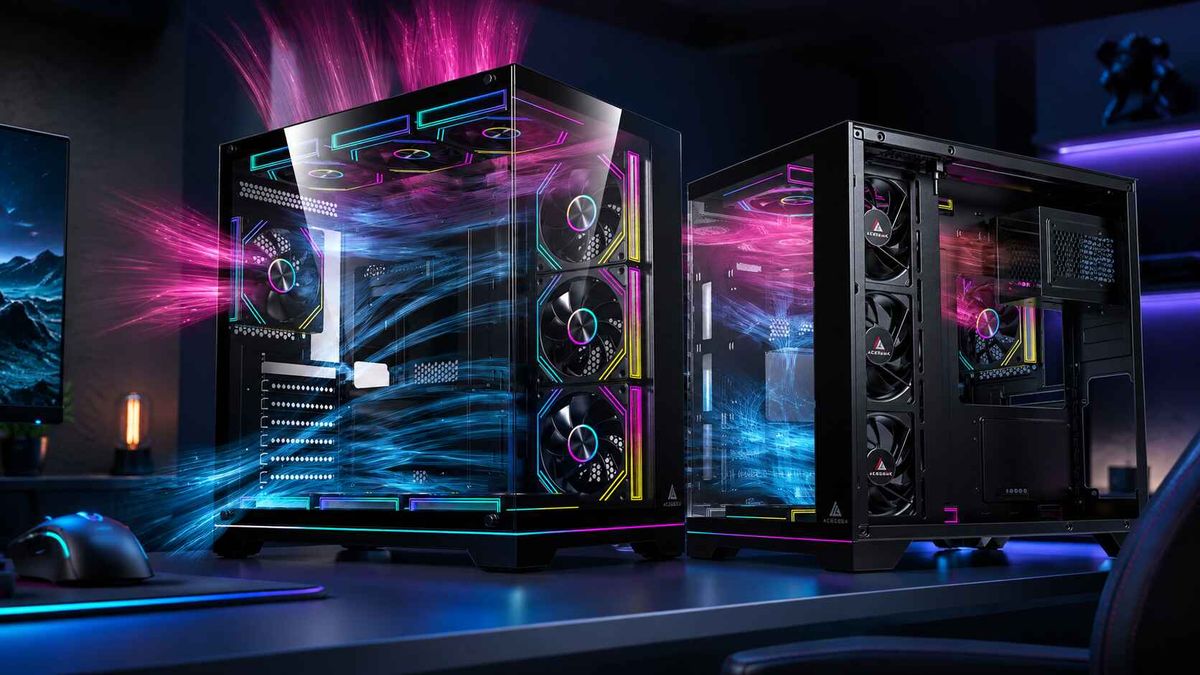
Adding case fans does not guarantee a cooler graphics card. A GPU runs hotter after a fan upgrade when the new fan pulls cool air away from the GPU intake path, pushes air against another fan's flow, recirculates warm exhaust, or sits behind a restrictive panel that limits how much air it can actually move. In those cases the fan count goes up while the usable airflow reaching the GPU stays flat or falls.
For system integrators, OEM and ODM case buyers, product managers, and technical purchasers, this matters because fan count is easy to specify, advertise, and compare, while airflow routing is harder to see on a spec sheet. This article explains the specific mechanisms behind the problem, what published testing shows, and how to check a fan layout before approving it for production or resale.
How Can Adding Fans Make a GPU Run Hotter?
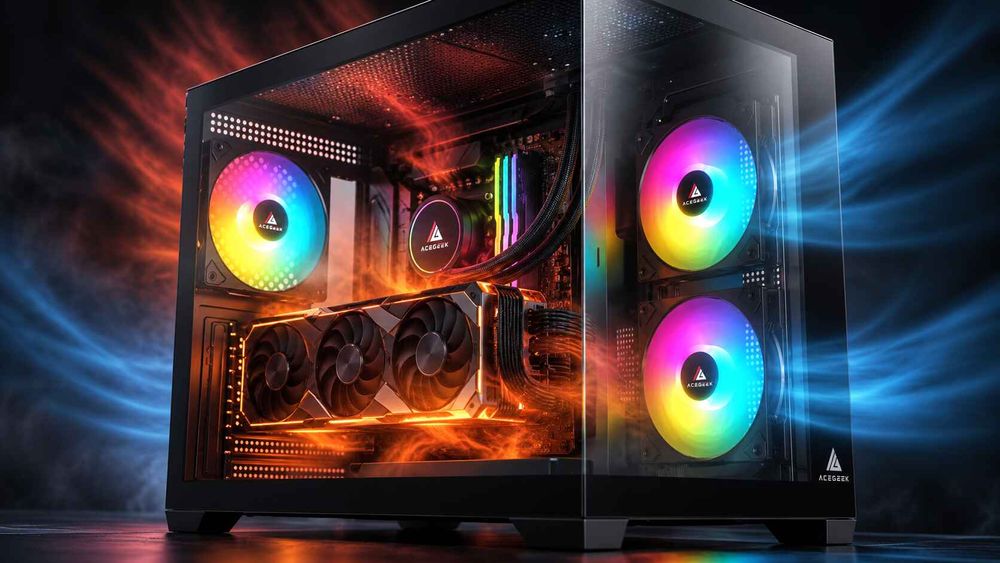
A GPU runs hotter after adding fans when the new fan changes the airflow path so that less fresh air reaches the card or more warm air re-enters it. Five mechanisms are the most common.
1. An Exhaust Fan Pulls Cool Air Away Before It Reaches the GPU
Open-air graphics cards draw air through their heatsinks and release much of the heat into the case. The chassis has to replace that warm air with outside air. That is why a low, unobstructed intake path toward the GPU matters more than the number of fan positions filled.
A top-front exhaust fan sits close to the front intake column. It can lift incoming air toward the roof before that air crosses the GPU. The CPU may see slightly better temperatures because heat leaves quickly, while the GPU loses part of its fresh supply. ACEGEEK's guide on balancing CPU cooling and GPU airflow in the same system covers this conflict in more detail, including why the sensor builders watch most is often not the one being hurt.
2. Airflow Streams Collide or Recirculate
Fans work best when they share one dominant path. Noctua's airflow guide on setup ideas advises that air streams meeting head-on should be avoided because they hurt cooling and create audible noise. It adds that cables and small obstructions can cause turbulence too.
Recirculation is the related problem. If an intake fan sits where it can draw in air that another fan or the GPU just exhausted, the "fresh" air is already warm. That raises the air temperature entering the GPU heatsink and reduces the temperature difference the heatsink relies on.
3. A Radiator Passes Pre-Heated Air Toward the GPU
A front-mounted radiator used as intake gives the CPU the coolest possible air, but the warmed air then enters the case and travels toward the GPU. Noctua's guidance is that front or side radiator intake generally favors CPU temperature, while a top radiator exhausting air generally favors GPU temperature. The trade-offs, and when each choice is justified, are covered in this comparison of radiator intake versus exhaust for CPU and GPU temperatures.
Adding a radiator fan set is therefore not neutral. It adds fans and also shifts where CPU heat goes.
4. Extra Fans Sit Behind a Restrictive Front Panel
Every filter, grille, narrow vent, and glass section adds resistance. When intake is restricted, fans deliver less air than their rated maximum. A third or fourth fan behind the same restriction may add little airflow and more noise. The limiting factor is open intake area, not fan count. The details are explained in this guide to how front panel design affects PC case cooling.
5. Fan Curves and Noise Limits Cap Real Airflow
More fans can run slower for the same airflow, a point Noctua makes in its airflow guide fundamentals. That only helps if the fan curve is set up for it. The same guide describes setting curves from a hardware temperature, usually the CPU. In a GPU-dominated gaming load, a CPU-keyed curve may hold case fans at low speed while the GPU heats the case. Adding fans without checking the curve can leave the extra fans idling when they are needed most. This is an inference from how such curves work, not a measured result from the sources in this article.
What Does Published Testing Show?
Three sources with different scopes point in the same direction: layout and airflow path outweigh fan count.
A computational fluid dynamics study. A June 2025 CFD study of axial fan configuration in gaming desktops simulated 14 fan layouts in one ATX case with a Ryzen 5 5600G and an RTX 3060. The authors concluded that an efficient three-fan configuration can outperform a six-fan one by improving flow distribution. The tables show why. Two layouts the paper labels as three-fan produced simulated average GPU temperatures of about 90.1°C and 79.4°C in the same case, a gap of roughly 10.7°C from layout alone. The two six-fan layouts in the comparison landed near 80.2°C and 81.3°C. The paper's CONF4 arrangement also ran cooler with six fans (about 81.3°C) than with three (about 90.1°C). So adding fans is not useless, but fan and vent position change the outcome. This is a simulation of a single case and hardware set. The authors also caution that sensor locations in the physical validation were not precisely known, so treat it as directional evidence.
A bench test of a flow-through GPU cooler. In GamersNexus's HAVN BF 360 Flow review, the stock configuration averaged 40 degrees for GPU thermals. Adding two top fans as pure exhaust brought the average to 39 degrees. A mixed top intake-and-exhaust arrangement raised it to 42 degrees. GamersNexus attributed the rise to the GPU's flow-through cooler deflecting top-front intake air toward the roof, which lowered CPU temperature but worsened GPU temperature. It suggested that leaving the stock front-intake, rear-exhaust layout alone may be the best compromise for that case. The three-degree spread is specific to that case and GPU, not a universal prediction.
A mainstream pressure guide. Tom's Hardware, in a March 2026 airflow guide, notes that once intake and exhaust are adequate for the system's heat output, additional fans produce rapidly diminishing returns. It also says negative pressure can help GPU temperatures in cases with restrictive front panels. Air enters through vents and PCIe-area gaps close to the card, at the cost of more dust drawn through unfiltered openings.
Which Fan Changes Raise or Lower GPU Temperature?
The table summarizes directional tendencies drawn from the sources above and general airflow principles. These are not guaranteed temperature changes. Case geometry, GPU cooler design, fan speed, and ambient temperature can reverse any row.
Fan changeWhat it does to airflowLikely GPU effectWhat to verifyTop-front exhaust added above the front intake columnLifts incoming air upward before it crosses the GPUCan raise GPU temperatureCompare with that fan removed or at low speedTop-front intake added above a flow-through GPUIntake air may be deflected by the GPU's exhaust streamGPU may rise while CPU falls (observed in one tested case)GPU cooler design and exhaust directionFront radiator used as intakeSends radiator-warmed air into the caseGPU often warmer than with top exhaustPair with top and rear exhaust; compare CPU and GPUExtra front fan behind a restrictive panelAdds fan area but not intake areaLittle change, higher noiseOpen area, filter density, vent layoutFans facing each other along one pathOpposing streams create turbulenceUnpredictable, often noisierAlign all fans to a single front-to-back routeBottom or lower-front intake with an open path to the GPUAdds fresh air near the cardOften lowerWhether the PSU shroud or frame blocks the path
When Do More Fans Actually Lower GPU Temperature?
The belief that more fans always means a cooler GPU is wrong, but so is the belief that extra fans are pointless. More fans lower GPU temperatures when they add intake where the GPU needs it, when the case has open intake area, and when the airflow path stays unified.
Two front fans are often enough for a mainstream mesh-front case. A third becomes more valuable when it supplies the lower GPU zone and the PSU shroud does not block it. That reasoning is laid out in ACEGEEK's comparison of two versus three front intake fans. More fans can also reduce noise because each runs slower for the same airflow. Noctua's baseline for most builds is five fans: three front intake, one rear exhaust, and one top exhaust.
A forum thread such as Linus Tech Tips' "Too many case fans? shows the usual community split. Some users say fan count cannot hurt if orientation is correct, while others point to airflow conflicts and diminishing returns. Both positions are partly right. Fan count rarely causes a problem on its own. Position, direction, restriction, and control settings do.
How Do You Test a Fan Layout That May Be Hurting GPU Temperature?
A reliable diagnosis changes one variable at a time under a repeatable GPU load.
Fix the load and the room. Use the same sustained GPU workload and note ambient temperature each run. Wait for temperatures to plateau before recording.
Log more than one sensor. Record GPU core, GPU hotspot, GPU fan speed, CPU package, and clock behavior. A change that helps the CPU can hurt the GPU, as the GamersNexus test showed.
Match noise, not just speed. Compare layouts at a similar noise level or similar fan RPM. A layout that is cooler only because every fan runs at 100 percent is not a better design.
Remove before adding. Disable the most recently added fan and repeat. If GPU temperature drops or holds, that fan is not helping.
Inspect the GPU intake lane. Check where the lowest front or bottom fan actually blows: into open space, a solid PSU shroud, or a cable bundle.
Check the fan curve source. Confirm which temperature drives the case fans and whether they ramp during a GPU-only load.
What Case Features Reduce the Risk of Fan-Related GPU Heating?
For buyers evaluating chassis rather than tuning one PC, the more useful question is whether the case makes a good airflow layout easy and a bad one hard. Four features matter most:
Intake open area. Mesh or well-ventilated fronts give front fans room to work. A solid or glass front forces air through narrow side openings.
A defined GPU air path. Perforated PSU shrouds, bottom intake positions, and side ventilation can supply the card directly. The design principles are covered in this overview of GPU-focused airflow in modern PC cases.
Flexible, clearly labeled mounting positions. Cases that allow different fan and radiator configurations let integrators avoid top-front exhaust or opposing flows when the GPU needs that column of air.
Cable and bracket clearance. Obstructions near the intake lane add turbulence and restrict flow.
A bigger fan count in the specification does not make up for weakness in these areas. For budget-conscious projects, the guidance on building a high-airflow PC without overspending follows the same principle: spend on intake path and case design before adding fans.
What Should Buyers Verify Before Approving a Fan Layout?
When requesting a quote, evaluating a sample, or writing a case specification, include these items rather than only a fan quantity:
Pre-installed fan positions and direction. Which positions are populated, and which are intake or exhaust?
Supported fan and radiator sizes. List supported sizes per position so layouts can be changed without conflicts.
Front and side intake open area. Ask for the panel design, filter type, and any vent restrictions, not just the number of fans supported.
PSU shroud and GPU path. Confirm whether the lower front or bottom intake can reach the graphics card.
Target GPU and CPU cooler type. State the GPU's size and power class, and whether the CPU uses a tower air cooler or a radiator.
Fan control method. Identify PWM header count, hub options, and which temperature source the default curve follows.
Test conditions. Request the GPU load, ambient temperature, fan speed or noise level, and sensors used in any supplier thermal data. Without these, a temperature figure cannot be compared between cases.
Frequently Asked Questions
Can too many case fans make a GPU hotter?
Yes, but only through airflow side effects. Extra fans can steal intake air, create opposing flows, recirculate warm air, or sit behind restrictive panels. Fan motors add very little heat compared with the GPU. A well-aligned layout with open intake rarely gets hotter from an extra fan.
Is positive or negative pressure better for GPU temperature?
It depends on the case. Positive pressure helps dust control. Negative pressure can help GPU temperatures in restrictive-front cases by pulling air through vents and PCIe-area gaps, but it draws dust through unfiltered openings. Test both with the same GPU load.
Should the top-front fan be intake or exhaust?
It depends on the CPU cooler and GPU design. A top fan near the front can act as intake for a tower air cooler, but over a flow-through GPU it may deflect air and raise GPU temperature. Test both orientations, or remove it, and compare GPU and CPU readings.
How many case fans does a gaming PC need?
There is no universal number. Noctua suggests three fans as a budget configuration, five as a solid baseline, and six to eight or more for high-performance builds. Beyond adequate intake and exhaust, returns diminish quickly, and case restriction usually matters more.
Does a front radiator intake raise GPU temperature?
It can. A front radiator used as intake sends heat-loaded air into the case toward the GPU, while giving the CPU its coolest air. Pairing it with top and rear exhaust helps, and a top exhaust radiator generally favors GPU temperature.
Why did my GPU get hotter after I added a fan?
Likely causes are a changed airflow path, a fan fighting another fan's direction, a blocked or deflected intake, or a fan curve that does not ramp under GPU load. Remove the new fan, repeat the same load test, and compare GPU hotspot and fan speed.
What matters more than fan count for GPU cooling?
Intake open area, a clear path to the graphics card, a single front-to-back airflow direction, and sensible fan control matter more than count. A case with three well-placed fans can outperform one with six poorly arranged fans.