Can an ATX Case Fit an E-ATX Motherboard Safely?
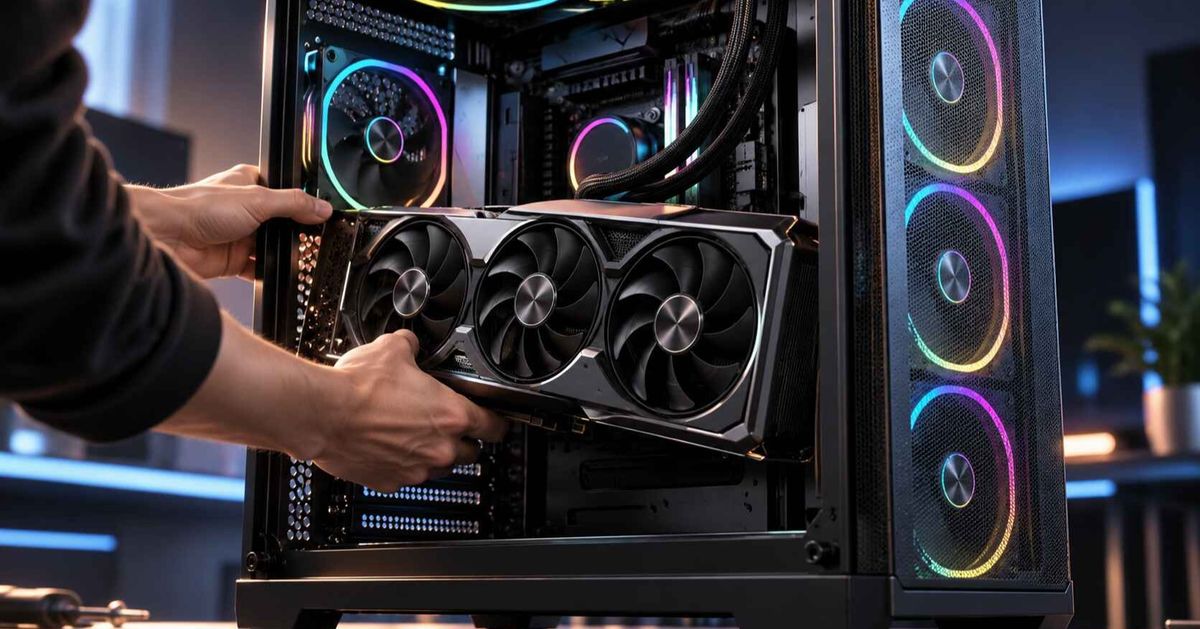
Usually, no. A case sold as ATX is designed around a board that measures 305 × 244 mm, and an E-ATX board is wider. Some narrower E-ATX boards may physically sit inside an ATX chassis, but "it sits inside" is a different test from "it is mechanically supported and serviceable." The extra board width can land on mounting positions that have no standoffs, block cable cutouts, or collide with drive cages, fans, and radiators.
For system builders, IT buyers specifying workstation hardware, and enthusiasts ordering a high-end platform, the real question is whether the board is supported at every mounting point. The other half is whether every connector can be reached and plugged in without stress. This guide explains what E-ATX actually means, where forced fits fail, and which checks to run before you order.
Short Answer: When Is an ATX Case Safe for an E-ATX Motherboard?
An ATX case is safe for an E-ATX motherboard only when the case manufacturer lists support for that board's width, or confirms your exact board model. If the case specification says ATX, micro-ATX, and mini-ITX only, treat an E-ATX board as unsupported.
Three conditions must all be true for a safe installation:
The case lists E-ATX support and, ideally, a maximum motherboard width that equals or exceeds your board's width.
Standoffs can be placed under every mounting hole on the board, including the extra holes along the wider edge.
Connectors along the board's front edge stay accessible, including the 24-pin power connector, USB headers, and SATA ports.
A case that satisfies only the first condition on paper can still fail the third in practice. That is why the sections below break the fit into separate checks.
Why "E-ATX" Does Not Describe a Single Board Size
E-ATX is not a strict consumer standard. Corsair's explanation of SSI-EEB and CEB boards describes the SSI-EEB server size as 305 × 330 mm. It also notes that consumer "E-ATX" varies in size and hole pattern by brand, so E-ATX support should not be read as SSI-EEB support. Standard ATX is 305 × 244 mm.
The extra dimension is the one that runs from the rear I/O panel toward the front of the case. On the boards listed below, the 305 mm dimension stays the same, so the rear expansion slots keep their usual positions. What changes is how far the board reaches toward the cable cutouts and front-mounted hardware.
Published widths show how much variation sits behind one label. The ACEGEEK E-ATX case selection guide lists several current boards that carry the E-ATX label. The extra width over ATX works out as follows:
E-ATX board (as listed in the ACEGEEK guide)Listed sizeExtra width vs. ATX (244 mm)ASRock X870E Taichi305 × 267 mm23 mmASUS ROG Crosshair X870E Extreme305 × 277 mm33 mmMSI MEG X870E GODLIKE305 × 310 mm66 mmSSI-EEB reference size305 × 330 mm86 mm
Those differences matter. A 23 mm overhang and an 86 mm overhang are different mechanical problems. "E-ATX is too big for ATX" is correct in direction but too blunt for a purchasing decision. The board widths in the table come from the ACEGEEK guide and the SSI size from Corsair. Confirm your own board's dimensions in its manual or on the manufacturer's specification page.
What Goes Wrong When an E-ATX Board Is Forced Into an ATX Case?
Missing standoff support
Standoffs raise the board off the tray so the solder points on its underside do not touch metal. Wikipedia's entry on computer case screws describes the standoff as providing a margin of space that prevents grounding and short circuits. The tray in an ATX case is drilled for ATX-sized boards. ASUS's motherboard installation guide uses an ATX board with nine screw holes as its example. It tells users to install only the standoffs that match the board's holes, because unmatched standoffs touching the back of the PCB can damage it.
An E-ATX board has additional holes along its wider edge. In an ATX case, nothing is there to receive them. The board then hangs unsupported along the edge where you push in the 24-pin connector, seat RAM, and plug in headers. In a thread on using an old ATX case for an E-ATX motherboard, forum members suggested it might work if nothing pressed on the unsupported edge. That was one community discussion, not a tested standard. Flexing a board during connector insertion is a poor way to find out.
Overhang across cable cutouts and front-edge connectors
On an ATX-width tray, the cable cutouts sit just beyond the board's front edge. A wider board can cover them. The 24-pin cable then has no clean path behind the tray, and front-panel USB and SATA cables compete for the same narrow gap. A board that mounts physically can still leave connectors hard to plug in or force tight cable bends.
Collisions with drive cages, fans, and radiators
The extra width extends toward the front of the case. In an older ATX case, that is often where a drive cage, a front fan, or a radiator sits. A front radiator plus fans already uses a lot of depth. The ACEGEEK guide to GPU and radiator clearance math explains why clearances must be added together instead of checked one at a time. An oversized board adds another item to that sum.
Different mounting patterns on SSI-EEB-sized boards
Corsair notes that the EEB mounting hole pattern is not the same as ATX, despite similar width. The CEB size (305 × 266.7 mm), by contrast, shares the ATX I/O area and many mounting holes. Corsair says it can often work in ATX-friendly chassis, with a check. A consumer board near 267 mm wide is closer to that CEB footprint. The E-ATX label alone does not tell you which hole pattern a given board uses, so check the board's manual drawing.
Which Board and Case Combinations Are Reasonable?
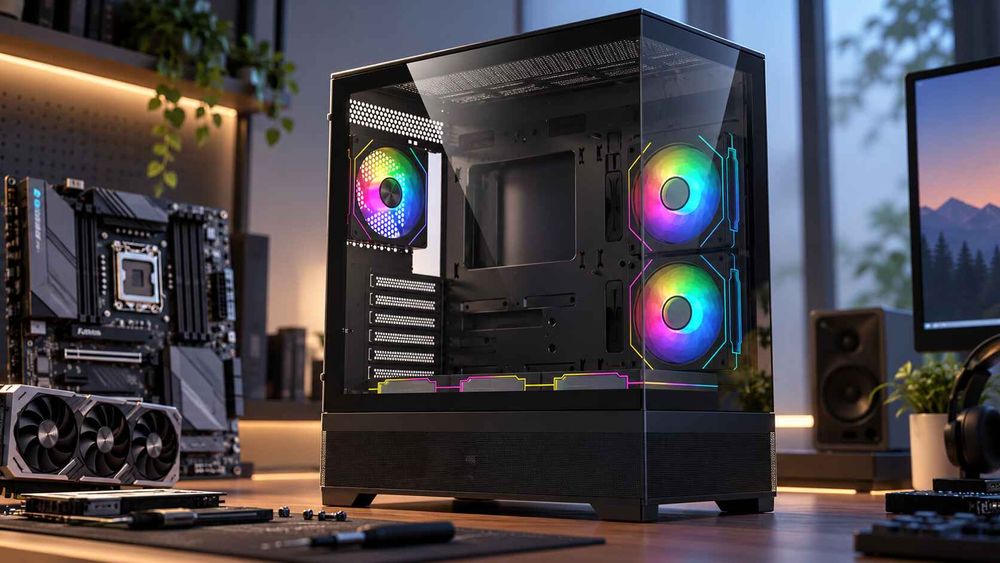
The table below is a qualitative risk guide, not a measured test result. Actual fit depends on the specific case and board.
Case specification saysBoardRisk levelWhat to verifyE-ATX with a stated maximum board widthBoard at or below that widthLowStandoff positions, cutout access, radiator and fan clearanceE-ATX with no stated widthAny E-ATX boardModerateAsk the manufacturer to confirm your exact board modelATX onlyNarrow E-ATX board (around 267 mm wide)Moderate to high; unsupportedHole pattern vs. tray, tray width, cutouts, front hardwareATX onlyWide E-ATX board (310 mm or more)High; not recommendedChoose a case that lists E-ATX supportE-ATX onlySSI-EEB boardModerateWhether the case explicitly lists SSI-EEB
Is "It Fits" the Same as "It Is Supported"?
No, and this assumption causes most of the expensive mistakes. Buyers often measure the tray, see enough room, and conclude the board will work. That tests one dimension. It does not test support at every hole, connector reach, or cable bend radius. It also does not test whether the board can be removed later without disturbing the cooler.
There are narrow cases where a forced fit is defensible. Examples are a bench build, a temporary test rig, or a roomy older chassis with a board only slightly wider than ATX. Even then, you are accepting unsupported mechanics. For anything shipped to a client, deployed in a fleet, or expected to be serviced and moved, a case with listed E-ATX support costs little compared with a bent board or a returned system.
The opposite assumption also deserves a second look: you do not necessarily need a full tower. As the ACEGEEK E-ATX guide notes, some mid-tower cases support E-ATX boards. Choose by the maximum supported board width and the full component layout, not by the tower label. For how case size relates to board form factor, see this overview of how to choose the right PC case. Buyers new to case sizing can start with the first PC case guide covering size, airflow, and budget.
How Do You Check E-ATX Compatibility Before You Buy?
Follow this sequence and stop at the first failure:
Get the board's exact dimensions from the manual or manufacturer specification page, not from a retailer's category label.
Find the case's supported form factors and maximum motherboard width. If only "E-ATX" is listed, ask the manufacturer to confirm your board model.
Compare the board's mounting hole drawing with the tray's standoff positions. Every hole should land on a standoff, and no standoff should touch the board where there is no hole.
Check front-edge connector access. Confirm where the 24-pin, front-panel USB, and SATA connectors sit relative to the cable cutouts.
Add up the cooling and GPU clearances with the larger board in place, particularly front radiators and fans.
Check the rest of the build. CPU socket, memory, power supply, and GPU length are separate checks. A full PC part compatibility process catches interactions a single parts checker may miss.
Large boards can pair with high-power GPUs and heavy cooling, so airflow matters too. The 2026 gaming PC case buying guide covers airflow, radiator fit, noise, and dust alongside clearance.
What Should You Send a Manufacturer or Supplier Before Ordering?
For a bulk order or a custom workstation build, vague questions get vague answers. Provide:
Exact board model and form factor, plus the manual's dimension and mounting hole drawing.
Case model and revision, because tray layouts can change between production runs.
Cooling plan: air cooler height, or radiator size, thickness, and mounting position.
GPU model and length, including the power connector orientation.
Front-panel and drive cabling requirements, including how many drives will be installed.
Quantity and delivery schedule, since specification changes mid-order are costly.
Sample requirement: for repeat or volume purchases, ask for one unit to test-fit before committing.
What If You Already Own the ATX Case?
You have three realistic options:
Switch to an ATX board if the platform allows it. This avoids the problem.
Replace the case with one that lists E-ATX support and your board's width.
Ask the case manufacturer in writing whether your specific board is supported, and keep the reply.
Do not rely on improvised supports or removed drive cages as a substitute for a listed specification. This matters most on systems other people will use.
Frequently Asked Questions
Can I put an E-ATX motherboard in an ATX case?
Only if the case supports E-ATX or the manufacturer confirms your board model. A narrow board may physically fit an ATX case, but extra mounting holes may lack standoffs, and cutouts or drive cages may interfere.
Can an ATX motherboard go in an E-ATX case?
Usually yes. E-ATX cases are generally built to accept smaller form factors. Confirm that the case lists ATX support, and move the standoffs to match your ATX board's holes.
Are all E-ATX motherboards the same size?
No. Consumer boards labeled E-ATX vary in width, and the 305 × 330 mm size is associated with SSI-EEB. Check your board's exact dimensions against the case's maximum supported motherboard width.
Is E-ATX the same as SSI-EEB?
Not necessarily. SSI-EEB is a defined 305 × 330 mm server standard with its own mounting pattern, while consumer E-ATX is a loose label. A case that lists E-ATX support may not list SSI-EEB.
Do I need a full tower for an E-ATX motherboard?
Not always. Some mid-tower cases list E-ATX support. Choose based on the maximum motherboard width, GPU and radiator clearance, and cable access, not on the full-tower or mid-tower label.
What are the risks of forcing an E-ATX board into an ATX case?
The main risks are unsupported board edges that flex during installation, blocked cable cutouts, difficult front-edge connector access, and collisions with drive cages or radiators. Standoffs that touch the back of the board can also cause damage.
How Should You Choose the Right Option for Your Project?
Start with the board, not the case. Record its exact width and mounting hole layout, then shortlist only cases that list support for that width. When a specification is unclear, get written confirmation from the manufacturer before ordering. Then run the full-build checks above before you place the order.