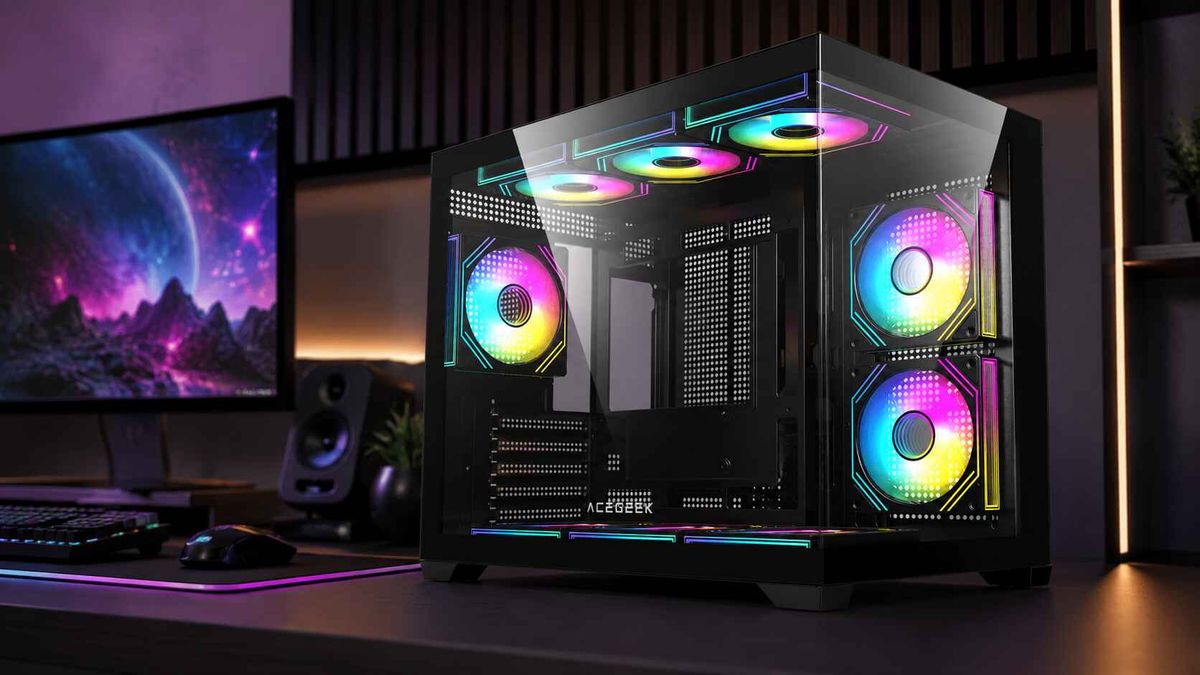
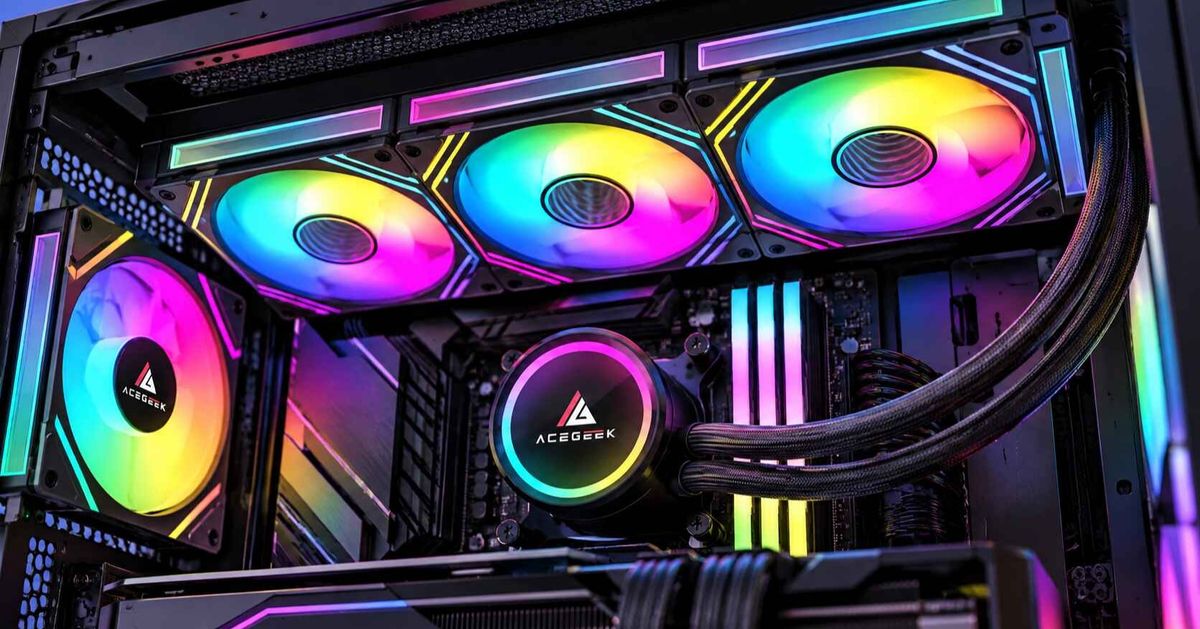
How to Choose an E-ATX PC Case: Size, Clearance & Compatibility
Choosing an E-ATX PC case should be straightforward: find a chassis that supports E-ATX motherboards, check its dimensions, and start building.
Unfortunately, motherboard compatibility is rarely that simple.
Two motherboards labeled E-ATX can have different widths, and a case that accommodates one may not have enough room for the other. Even when the motherboard fits, oversized graphics cards, cooling hardware, and cable connections can introduce additional clearance problems.
So, how do you choose an E-ATX PC case that fits your entire build, not just your motherboard?
The answer starts with understanding which measurements actually matter.
What Size E-ATX Motherboard Will Fit Your Case?
A standard ATX motherboard measures approximately 305 × 244 mm. E-ATX motherboards are typically wider, but the E-ATX label does not guarantee identical dimensions across consumer models.
For example, manufacturers specify different widths for several E-ATX motherboards:
E-ATX MotherboardDimensionsASRock X870E Taichi305 × 267 mmASUS ROG Crosshair X870E Extreme305 × 277 mmMSI MEG X870E GODLIKE305 × 310 mm
The difference between a 267 mm and a 310 mm motherboard is 43 mm.
That additional width can affect more than whether the board fits on the mounting tray. It may cover cable-routing openings, interfere with side-mounted cooling hardware, or restrict access to connectors along the motherboard's right edge.
This is why the maximum supported motherboard width is more useful than a general E-ATX compatibility label.
Before buying, compare the motherboard's exact dimensions with the case manufacturer's specifications. If the case does not state a maximum motherboard width, ask the manufacturer to confirm compatibility with your specific motherboard model.
What Else Should You Check Besides Motherboard Size?
Motherboard width is the first checkpoint, but a successful PC build also depends on how other components share the available space.
Three areas deserve particular attention.
1. Can You Still Access the Motherboard's Cable Connectors?
Wider motherboards can extend over the cable-routing openings positioned beside the motherboard tray.
That becomes a problem when connecting a thick 24-pin power cable, front-panel USB cables, or SATA connectors.
A motherboard may be mountable while leaving too little space for comfortable cable installation.
Look at the case's internal layout, especially the distance between the motherboard's right edge and the nearest cable-routing opening.
If you are using a rear-connector motherboard, there is another requirement: the case must provide correctly positioned openings behind the motherboard.
For more information, see our back-connect PC case compatibility guide.
2. Will Your GPU Fit With the Cooling Hardware Installed?
A case's maximum GPU clearance is important, but the published figure may assume a particular cooling configuration.
For example, consider a hypothetical case with 400 mm of GPU clearance.
Installing a 30 mm front radiator and 25 mm fans could reduce the available length if those components occupy the same clearance zone.
In that simplified arrangement, the remaining space would be approximately 345 mm.
However, actual clearance depends on how the radiator mounts relative to the graphics card. Always check the manufacturer's configuration-specific dimensions.
Also consider GPU height and thickness, particularly the space needed for its power connector and cable.
A graphics card that fits lengthwise may still leave insufficient room between the connector and the side panel.
3. Is There Enough Space for Your Radiator and Fans?
Liquid cooling introduces another set of dimensions.
A case advertised as supporting a 360 mm radiator may not accommodate every 360 mm AIO in every motherboard configuration.
Radiator thickness, fan thickness, tubing position, RAM height, and motherboard heatsinks all influence the final fit.
For example:
Radiator thickness: 27 mm
Fan thickness: 25 mm
Combined thickness: 52 mm
This 52 mm assembly needs sufficient clearance around nearby components, especially when mounted at the top of the case.
Our article on why top-mounted radiators can interfere with RAM explains the most common installation conflicts.
If you are considering a larger cooling system, the 420 mm AIO case buying guide provides additional guidance on radiator dimensions and mounting clearance.
Do You Really Need a Full Tower for an E-ATX Motherboard?
Not necessarily.
Although full-tower cases generally offer more internal volume, certain mid-tower cases can accommodate E-ATX motherboards.
The better choice depends on the size of your specific components and how they are arranged.
A well-designed mid-tower case may provide everything needed for a gaming system, including room for a large GPU, a 360 mm liquid cooler, and effective airflow.
A full tower becomes more attractive when the build requires additional expansion cards, extensive storage, custom liquid cooling, or particularly wide motherboards.
Instead of choosing by the full-tower or mid-tower label alone, consider:
Motherboard fit: Does the chassis support your exact board dimensions?
Cooling configuration: Can the radiator, fans, RAM, and motherboard coexist?
GPU clearance: Is enough space available after cooling components are installed?
Cable management: Can power and data cables be routed without excessive bending or compression?
Upgrade flexibility: Will the layout accommodate likely future hardware changes?
The objective is not to buy the biggest enclosure available. It is to choose a chassis with enough usable space for your configuration.
How Do You Check E-ATX Case Compatibility Before Buying?
A simple component-by-component review can prevent many installation problems.
ComponentWhat to CheckMotherboardExact dimensions, mounting points, and maximum supported widthGraphics cardLength, height, thickness, and power-cable clearanceCPU coolerMaximum supported air-cooler heightLiquid coolingRadiator dimensions, fan thickness, and mounting positionPower supplyPSU length and cable-routing spaceCable managementGrommet positions, connector access, and rear-panel clearanceExpansion cardsPCIe slot availability and adjacent component clearance
Start with your motherboard, then add the GPU and cooling hardware.
Once those parts are confirmed, check the remaining space for the power supply and cables.
It is also worth reviewing the case's installation manual and internal photographs. Specifications provide essential measurements, but they do not always reveal how components interact during assembly.
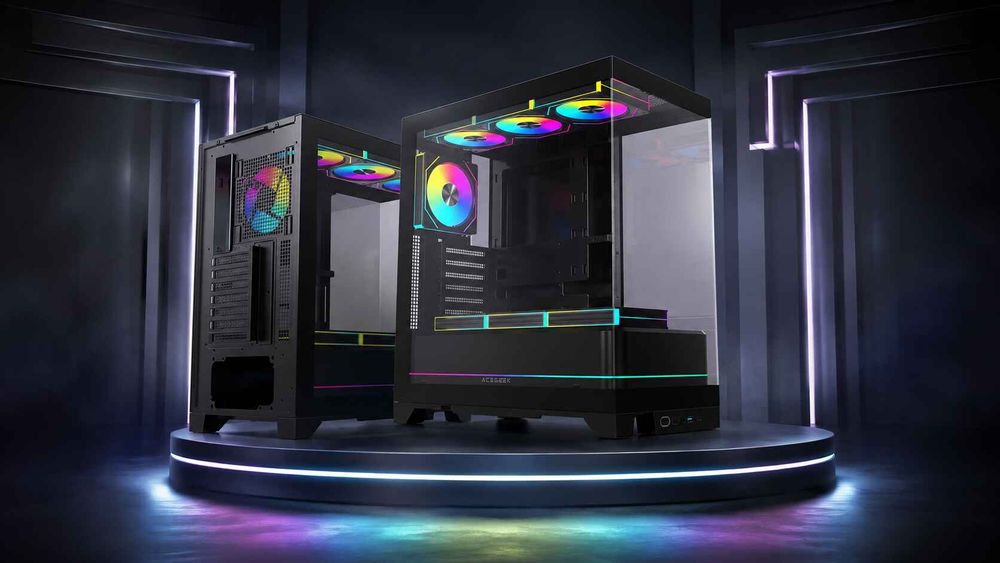
Which ACEGEEK E-ATX Cases Are Worth Considering?
ACEGEEK offers several PC cases with E-ATX motherboard support. Two examples illustrate why comparing detailed specifications is more useful than comparing motherboard-support labels alone.
ACEGEEK Photon
The ACEGEEK Photon supports E-ATX, ATX, Micro-ATX, and Mini-ITX motherboards.
Its published specifications include:
Maximum GPU clearance: 420 mm
Maximum CPU cooler height: 185 mm
Top radiator support: 360 mm AIO
Expansion slots: 7
Case dimensions: 433 × 245 × 473 mm
These specifications make the Photon worth evaluating for builds combining a large graphics card with a 360 mm top-mounted liquid cooler.
However, buyers should still confirm their exact E-ATX motherboard width and radiator clearance before purchase.
ACEGEEK Cruiser L460 Pro
The ACEGEEK Cruiser L460 Pro also lists E-ATX motherboard support.
Its published specifications include:
Maximum GPU clearance: 410 mm
Maximum CPU cooler height: 165 mm
Top radiator support: 360 mm
Side radiator support: 240 mm
Expansion slots: 7
The Cruiser L460 Pro offers a different cooling layout, with both top and side radiator positions listed in its specifications.
That flexibility may appeal to builders considering different cooling arrangements, provided the chosen motherboard and cooling components fit together.
Which case should you choose?
The Photon offers greater published GPU-length and CPU-cooler-height limits, while the Cruiser L460 Pro lists an additional side radiator position.
Neither specification sheet alone confirms support for every E-ATX motherboard or every simultaneous cooling configuration.
You can explore additional options in the ACEGEEK PC case collection.
What Features Matter Most in an E-ATX PC Case?
A good E-ATX case should do more than hold a large motherboard.
Look for a layout that balances compatibility, airflow, accessibility, and future flexibility.
Clear motherboard-width specifications are especially valuable because they remove uncertainty about wider boards.
Well-positioned cable openings make assembly easier and help prevent connector interference.
Flexible cooling mounts allow you to choose a configuration that works with your motherboard and GPU instead of forcing unnecessary compromises.
Finally, accessible panels and removable brackets can make maintenance and upgrades considerably easier.
These practical details often matter more over the life of a PC than external dimensions alone.
Frequently Asked Questions
Can an E-ATX motherboard fit in an ATX case?
Sometimes. Certain ATX cases accommodate wider motherboards, but standard ATX support does not guarantee E-ATX compatibility. Check the exact board dimensions, mounting positions, and internal clearance before installation.
Are all E-ATX motherboards the same size?
No. Consumer motherboards marketed as E-ATX can vary considerably in width. Always compare the motherboard manufacturer's published dimensions with the case's supported dimensions.
Does an E-ATX motherboard need a larger power supply?
Not because of its size alone. Power supply requirements depend on the CPU, GPU, expansion cards, and total system power consumption. You should also confirm that the PSU has the required connectors and fits inside the case.
Can I install a 360 mm AIO in any E-ATX case?
No. E-ATX compatibility and radiator compatibility are separate specifications. Confirm that the case supports your radiator's mounting position and actual dimensions, including fans and nearby component clearance.
How much clearance should I leave for an E-ATX build?
There is no universal clearance margin. Allow sufficient space for cable bends, radiator fittings, connectors, and future maintenance. Use the component manufacturer's installation requirements rather than relying on a single fixed measurement.
Final Thoughts
The best E-ATX PC case is not necessarily the largest or most expensive model.
It is the one that accommodates your exact motherboard while leaving sufficient room for cooling hardware, graphics cards, cables, and future maintenance.
Before making a purchase, check the motherboard's dimensions, confirm the GPU and cooling clearances, and review the complete internal layout.
E-ATX compatibility is the starting point. Complete-system compatibility is what makes a case the right choice.
Explore the ACEGEEK PC case lineup to compare available models and find a chassis that suits your build.