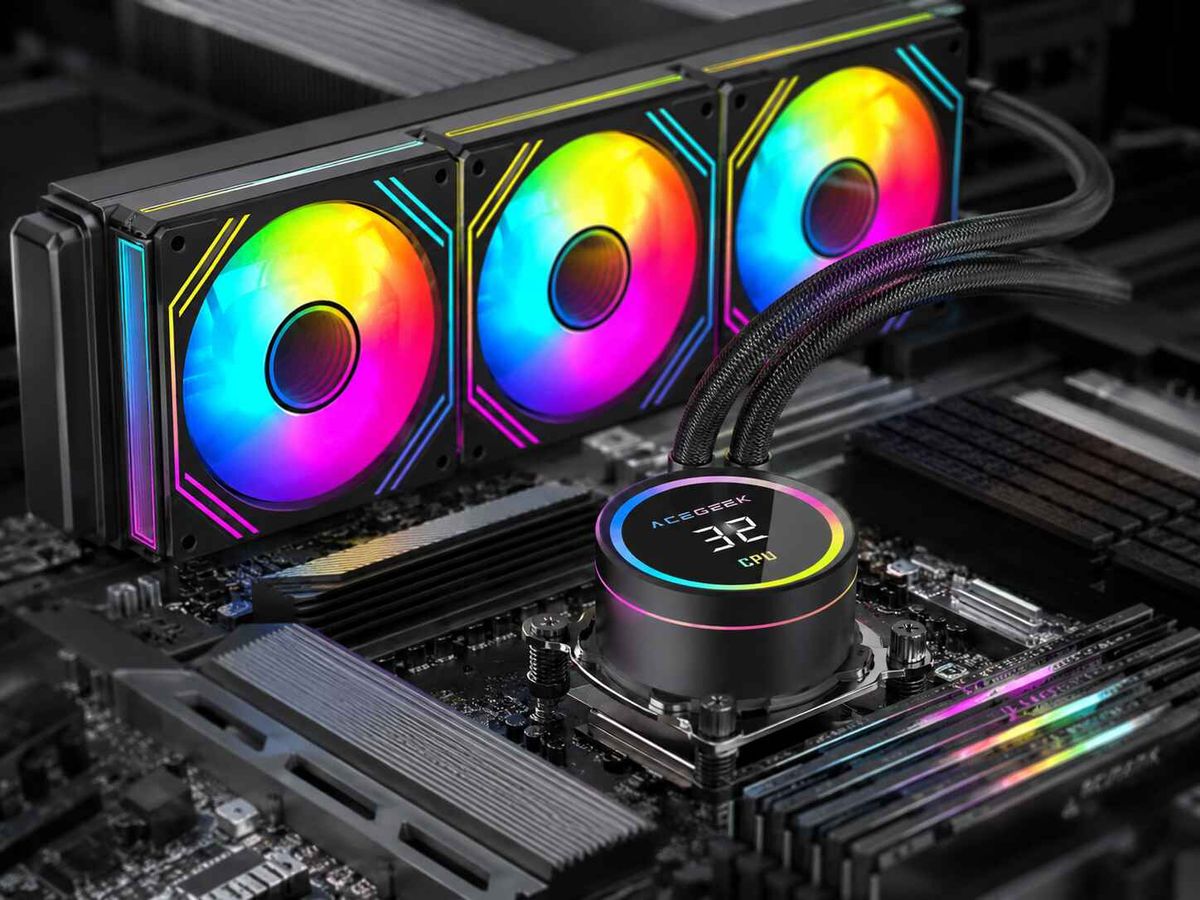
Why Top-Mounted Radiators Can Interfere with RAM
Top-mounted radiators look simple on a specification sheet.
They are not.
Clearance gets ugly.
A case may advertise support for a 240mm, 280mm, or 360mm radiator while saying almost nothing about the vertical and lateral space occupied by the radiator, its fans, motherboard VRM heatsinks, EPS cables, DIMM heatspreaders, RGB light bars, and tube fittings once all those components are installed together.
So why are we still treating “supports a 360mm radiator” as proof that the radiator actually fits?
I don't.
When I evaluate top mounted radiator clearance, radiator length is one of the least interesting numbers. The real question is whether the complete radiator-and-fan assembly occupies the same three-dimensional space as the RAM.
And sometimes it absolutely does.
AIO RAM Clearance Is a Geometry Problem, Not a Radiator-Length Problem
The basic mistake is surprisingly simple.
A 360mm radiator specification mostly tells you the mounting length. It does not automatically tell you how far downward the cooling assembly extends toward the motherboard.
Take Corsair's iCUE LINK TITAN 360 RX RGB as a useful real-world example. Corsair lists a 396 × 120 × 27mm radiator and 25mm-thick RX120 fans. That creates a nominal 52mm radiator-and-fan stack before we even start arguing about mounting brackets, screw heads, vibration pads, or installation tolerances.
That is already a substantial block hanging from the roof of a case.
Then consider ARCTIC's Liquid Freezer III Pro 360. ARCTIC uses a 38mm radiator, explicitly contrasting it with more conventional 27mm designs. That extra 11mm can be thermally useful, but from a compatibility perspective it is 11mm of additional hardware occupying space above the motherboard.
Thickness matters.
A lot.
If you want the broader compatibility math, ACEGEEK's guide to why radiator thickness breaks otherwise compatible PC builds covers the other collision zones as well: VRM heatsinks, EPS cables, tubes, GPU space, and fan frames.
The Equation Builders Should Actually Use
For a normal top-mounted AIO, I think about clearance roughly like this:
Required roof clearance = radiator thickness + fan thickness + installation margin
For example:
27mm radiator + 25mm fan = 52mm stack
But 52mm is not a universal safe number.
A thicker 38mm radiator paired with a conventional 25mm fan creates roughly:
38mm + 25mm = 63mm
That is an 11mm increase, or about 21% more stack depth than the 52mm example.
And 11mm is enormous when a RAM heatspreader is already sitting near the edge of the fan frame.
Real Cases Prove That RAM Interference Is Not Theoretical
This is where manufacturers become much more useful than generic PC-building advice.
Case Study 1: Fractal North Gives You 35mm
Fractal Design's own radiator compatibility documentation for the North states that a top-mounted radiator leaves a maximum motherboard component height of 35mm, and the company specifically tells builders to check RAM height before installation.
Read that number again.
Thirty-five millimeters.
Now compare it with actual DDR5 modules.
Kingston lists the non-RGB FURY Beast DDR5 at 34.9mm tall. Its RGB version rises to 42.23mm.
That comparison should make any builder uncomfortable.
A nominal 35mm motherboard-component envelope versus 34.9mm RAM leaves essentially no useful margin on paper, while a 42.23mm RGB module is already beyond that published limit.
And RGB memory can go higher.
G.SKILL lists Ripjaws S5 and Flare X5 at 33mm, but Trident Z5 and Trident Z5 RGB at 44mm.
Pretty heatspreaders have a price.
Sometimes that price is your top radiator.
Case Study 2: NZXT Explicitly Requires Low-Profile Memory
NZXT removes even more ambiguity.
Its H5 Flow (2024) specifications allow up to a 240mm radiator at the top, while 280mm top mounting is specifically restricted to configurations using low-profile memory.
That wording matters because it exposes a dirty little problem with PC case specifications.
The radiator technically fits.
The radiator and arbitrary RAM do not.
Those are different claims.
NZXT repeated the same warning in its 2026 Kraken compatibility guidance: top mounting a 280mm AIO in the H5 Flow series is possible only with low-profile memory.
That is radiator RAM clearance expressed in manufacturer language rather than forum speculation.
Case Study 3: Lian Li Built Hardware Specifically to Avoid Memory Interference
Perhaps the most revealing evidence is when a manufacturer creates a physical workaround.
Lian Li's RB-001 radiator offset brackets were designed to shift a top-mounted 240mm or 360mm radiator farther away from the motherboard area. Lian Li explicitly says the brackets provide additional room to avoid interference with memory when using an ATX motherboard.
Think about what that means.
Offset solves collisions.
A company designed and sold a bracket whose purpose includes moving the radiator away from memory interference, which tells us the problem is not merely that RAM is “too tall.” Case width, radiator rail position, motherboard placement, and lateral offset can be just as important.
Why blame the DIMMs when the real problem may be where the roof mounting holes were drilled?
Why Top-Mounted Radiator Interference Happens
There are several different ways a top-mounted AIO can interfere with RAM.
They often get lumped together as one problem.
That is sloppy.
1. The Fan Frame Hits the RAM Heatspreader
This is the classic failure.
The radiator itself may sit above the RAM, but the 120mm or 140mm fan frames extend downward far enough that they overlap the top of the memory modules.
Tall RGB memory makes this more likely.
A 33mm G.SKILL Flare X5 and a 44mm Trident Z5 are not remotely equivalent from a clearance standpoint, even though both are ordinary desktop DDR5 DIMMs.
2. The Radiator Is Too Thick
A thicker radiator moves the fan farther downward.
Using the examples above, a conventional 27mm radiator + 25mm fan produces approximately 52mm of stack depth, while an ARCTIC-style 38mm radiator + 25mm fan reaches approximately 63mm. Corsair independently describes 27mm radiators plus standard 25mm fans as a 52mm combination in its case compatibility guidance.
That difference can turn a clean fit into physical contact.
3. The Top Mount Is Not Offset Far Enough
Vertical space is only half the story.
The radiator mounting rails can sit directly above the DIMM slots or be shifted toward the side panel. A more aggressive offset lets the cooling assembly hang beside the RAM instead of directly above it.
This is precisely why hardware such as Lian Li's RB-001 offset bracket exists.
4. A 280mm Radiator Is Wider Than a 240mm Radiator
People obsess over length.
Width bites harder.
A typical 240mm AIO uses 120mm-class fans. A 280mm AIO uses 140mm-class fans and a wider radiator assembly, pushing more hardware inward toward the motherboard.
That helps explain why a chassis can accept a top 240mm radiator without qualification but require low-profile RAM for a 280mm configuration, exactly as NZXT specifies for the H5 Flow (2024).
5. The Motherboard Pushes DIMMs High Into the Roof Zone
Not all ATX motherboards place every component identically.
DIMM socket location, VRM heatsink dimensions, rear-I/O armor, EPS connectors, and decorative covers all influence the usable space beneath a top radiator.
This is why I never treat “ATX compatible” as a meaningful answer to PC case radiator clearance.
It is a starting point.
Nothing more.
ACEGEEK's existing top-radiator clearance guide covering RAM, tubes, and motherboard space addresses that three-dimensional interaction in more detail.
Top Mounted Radiator Clearance: What the Numbers Actually Mean
Here is the comparison I wish every case listing included.
Component or SpecificationReal ExampleWhy It MattersConventional AIO radiator thickness27mm Corsair TITAN/H150i classForms the first part of the vertical stackStandard radiator fan thickness25mmPushes total conventional stack to about 52mmThick AIO radiator38mm ARCTIC Liquid Freezer III ProCan create roughly a 63mm stack with 25mm fansFractal North top motherboard-component limit35mmShows how little space may remain beneath a top radiatorKingston FURY Beast DDR5 height34.9mmLow-profile-ish design sits close to Fractal's 35mm exampleKingston FURY Beast DDR5 RGB height42.23mmRGB hardware increases collision riskG.SKILL Flare X5 height33mmBetter candidate for restricted top-mount buildsG.SKILL Trident Z5 RGB height44mmTall DIMM may exceed restrictive top-radiator envelopesNZXT H5 Flow 2024 top 280mm supportLow-profile RAM requiredManufacturer explicitly links RAM height to radiator compatibility
The radiator and fan dimensions above come from Corsair and ARCTIC, while the RAM heights come from Kingston and G.SKILL manufacturer specifications. Fractal and NZXT provide the case-side restrictions.
This is why I dislike compatibility calculators that reduce cooling to a green check mark.
A green check mark cannot show geometry.
How to Check RAM Clearance for a Top Mounted Radiator
Do this before ordering the cooler.
Not afterward.
Step 1: Find the Exact RAM Height
Do not search for “DDR5 height.”
Search the manufacturer's specifications for your exact memory family.
For reference, current published examples include:
G.SKILL Flare X5: 33mm
Kingston FURY Beast DDR5: 34.9mm
Kingston FURY Beast DDR5 RGB: 42.23mm
G.SKILL Trident Z5 RGB: 44mm
Four DDR5 products.
Eleven millimeters of difference.
That is enough to decide whether a radiator fits.
Step 2: Add Radiator Thickness and Fan Thickness
Never use “240mm” or “360mm” for this calculation.
Those numbers describe radiator class, not stack depth.
A Corsair 27mm radiator with 25mm fans creates approximately 52mm of depth. A 38mm ARCTIC radiator with 25mm fans would create approximately 63mm.
If you are still comparing radiator designs, read ACEGEEK's explanation of radiator fans versus ordinary case fans, because swapping to different fan thicknesses or fan types can change both clearance and pressure performance.
Step 3: Look for a Published Motherboard-Component Limit
This is gold when manufacturers provide it.
Fractal North: 35mm with a top radiator.
Older Fractal Meshify C specifications similarly list a 40mm maximum motherboard-component height with a top 120/240mm radiator, proving that these clearance restrictions are not isolated to one chassis generation.
If the manufacturer publishes such a number, believe it.
Do not assume your RGB RAM gets an exemption because someone on Reddit forced something similar into a vaguely similar build.
Step 4: Check Radiator Width and Side Offset
A 280mm AIO can be harder to fit than a 240mm model because the radiator and 140mm fans are wider.
Look at where the mounting rails sit relative to the motherboard.
If the rails are offset toward the glass or steel side panel, that can dramatically improve AIO RAM clearance.
Step 5: Check the VRM and EPS Zone Too
RAM may clear while the VRM heatsink does not.
Or the radiator may physically fit but make the CPU EPS 8-pin connector nearly impossible to service.
That kind of build technically “fits.”
I still call it bad.
Step 6: Keep Real Installation Margin
I would not deliberately design a system around zero-millimeter theoretical clearance.
Manufacturing tolerances exist. Screw heads exist. Fan frames flex. Cables need room. Tubes move during service.
And eventually you will want to remove the RAM without dismantling half the cooling system.
Should You Use Low-Profile RAM with a Top-Mounted AIO?
In a tight case, yes.
I generally prefer low-profile RAM for top-mounted AIO builds unless the chassis publishes generous offset and clearance figures.
That does not mean RGB RAM is bad.
It means RGB height is not free.
G.SKILL's own DDR5 lineup illustrates the tradeoff perfectly: Flare X5 and Ripjaws S5 are 33mm, while Trident Z5 RGB is 44mm. Kingston's standard FURY Beast is 34.9mm, versus 42.23mm for FURY Beast RGB.
If my case manufacturer tells me I have roughly 35mm available, I am not buying 44mm RAM and hoping physics negotiates.
It won't.
When Moving the Radiator Is Smarter Than Replacing the RAM
Sometimes the RAM is not the component that should change.
Move the radiator.
A front-mounted or side-mounted AIO can eliminate the roof-to-DIMM collision entirely, although it introduces other tradeoffs such as GPU clearance, intake-air temperature, chamber depth, and tube routing.
Modern dual-chamber cases make side mounting particularly interesting. ACEGEEK's guide to the pros and cons of side-mounting an AIO radiator explains why moving the heat exchanger away from the motherboard roof can solve clearance problems while changing the system's airflow behavior.
And if the whole build is still at the planning stage, choose the chassis around the hardware rather than buying a pretty enclosure first and discovering the geometry later. ACEGEEK's PC case size, airflow, and compatibility buying guide provides a broader starting point.
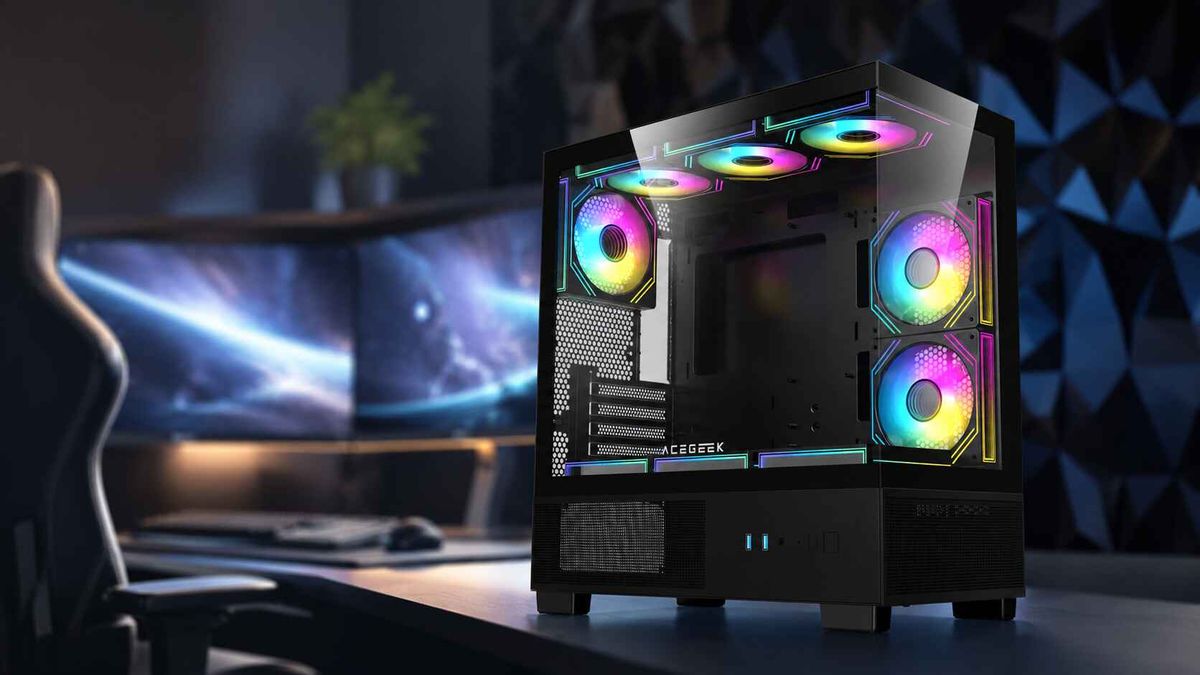
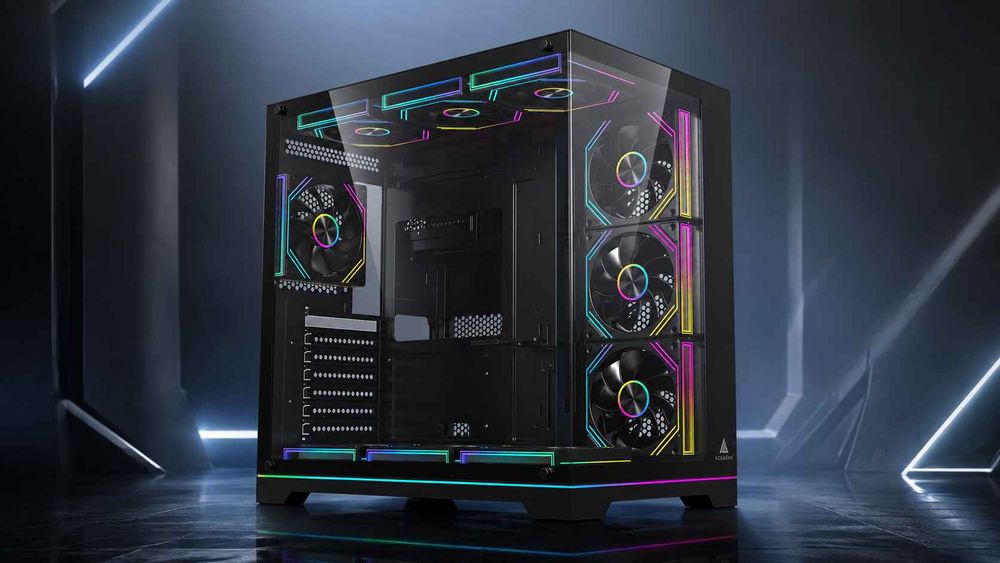
For example, ACEGEEK's Photon lists E-ATX/ATX/M-ATX/ITX support, a 245mm-wide chassis, and support for a 360mm AIO at the top. Those are useful first-stage specifications, although the exact RAM, motherboard, radiator, and fan combination should still be checked together before purchase.
Specs start the conversation.
They do not finish it.
FAQs
Can a top-mounted radiator interfere with RAM?
A top-mounted radiator can interfere with RAM when the combined radiator-and-fan assembly extends far enough below the case roof, or far enough inward from the mounting rails, to overlap tall DIMM heatspreaders or RGB light bars installed in the motherboard's memory slots.
This is especially common with wide 280mm radiators, thick radiators, narrow cases, minimally offset roof mounts, and memory above roughly 40mm in restrictive layouts. NZXT, for example, specifically requires low-profile memory for a top-mounted 280mm radiator in the H5 Flow (2024).
How do I check RAM clearance for a top-mounted radiator?
To check RAM clearance for a top-mounted radiator, compare the case's published motherboard-component clearance with your exact DIMM height, then calculate the complete radiator-and-fan depth and verify that the roof mounting position is offset far enough from the motherboard to prevent physical overlap.
Do not stop at “supports 360mm.” Measure RAM height, radiator thickness, fan thickness, mounting offset, VRM height, EPS connector access, and tube exit space. Fractal's North documentation demonstrates why: top radiator use reduces the permitted motherboard-component height to 35mm.
Is low-profile RAM better for a top-mounted AIO?
Low-profile RAM is generally better for a top-mounted AIO because shorter heatspreaders preserve more physical clearance beneath the radiator fans, reduce the chance of DIMM-to-fan contact, and make installation or future memory replacement easier in cases where the radiator mounting rails sit close to the motherboard.
For perspective, G.SKILL lists Flare X5 at 33mm and Trident Z5 RGB at 44mm, while Kingston lists FURY Beast DDR5 at 34.9mm and its RGB counterpart at 42.23mm. That 9–11mm difference can determine whether a tight installation works.
Does radiator thickness affect RAM clearance?
Radiator thickness directly affects RAM clearance because every additional millimeter of radiator depth pushes the attached fans farther toward the motherboard unless the case provides extra roof space or lateral offset, increasing the likelihood that the fan frame will overlap RAM heatspreaders, VRM heatsinks, or nearby motherboard hardware.
Corsair's typical 27mm radiator with 25mm fans produces about a 52mm stack, while ARCTIC's 38mm Liquid Freezer III-class radiator would reach roughly 63mm with conventional 25mm fans. That is why two 360mm AIOs can have very different clearance requirements.
Is a 240mm top AIO easier to fit than a 280mm AIO?
A 240mm top AIO is often easier to fit around RAM than a 280mm model because 240mm systems generally use narrower 120mm-class radiators and fans, while 280mm systems use wider 140mm-class hardware that can extend farther toward DIMM slots and motherboard heatsinks.
NZXT's H5 Flow (2024) is a useful example: its specifications support top 240mm radiators while placing a low-profile-memory condition on top 280mm installations. That is real evidence that radiator width can matter just as much as length.
What is the best RAM for a top-mounted AIO?
The best RAM for a clearance-sensitive top-mounted AIO is a memory kit with the required capacity and performance but the shortest practical heatspreader, ideally around 31–35mm when working with a compact case or a roof mount that provides limited motherboard-component clearance.
Examples include G.SKILL Flare X5 at 33mm and Kingston FURY Beast DDR5 at 34.9mm. By comparison, G.SKILL Trident Z5 RGB reaches 44mm and Kingston FURY Beast RGB reaches 42.23mm, making them harder to accommodate in restrictive top-mount layouts.
Can I fix radiator RAM interference without buying new memory?
Radiator RAM interference can often be fixed without replacing the memory by shifting the radiator outward on adjustable mounting rails, using a compatible offset bracket, changing from a 280mm to 240mm radiator, using thinner fans where thermally appropriate, or relocating the AIO to a front or side mounting position.
Lian Li's RB-001 is direct evidence for the offset approach: the company describes the bracket as providing additional room to avoid memory interference with top-mounted 240mm and 360mm radiators on ATX systems.
Build for Clearance Before You Build for RGB
Here is the hard truth.
Compatibility labels are incomplete.
A case that says “top 360mm radiator support” is telling you that a radiator of that mounting class can occupy the roof. It is not promising that your 44mm RGB memory, oversized VRM heatsinks, 38mm radiator, 25mm fans, EPS connector, tubes, and motherboard will peacefully occupy the remaining space together.
Fractal publishes a 35mm restriction. NZXT explicitly calls for low-profile memory in a 280mm top-mount configuration. Lian Li sells offset hardware designed partly to avoid memory interference. Those are not theoretical warnings. They are the industry admitting that top mount AIO clearance is a system-level problem.
So measure first.
Check the exact RAM height, the radiator thickness, the fan thickness, the roof-to-motherboard distance, the radiator mounting offset, the VRM heatsink height, and the EPS cable path before checkout.
Then choose the hardware.
If you are planning a new cooling-focused build, start by comparing ACEGEEK PC cases and their radiator support, then match the case, motherboard, RAM, and AIO as one physical system rather than four unrelated products.
Your RAM should light up.
Not fight your radiator.