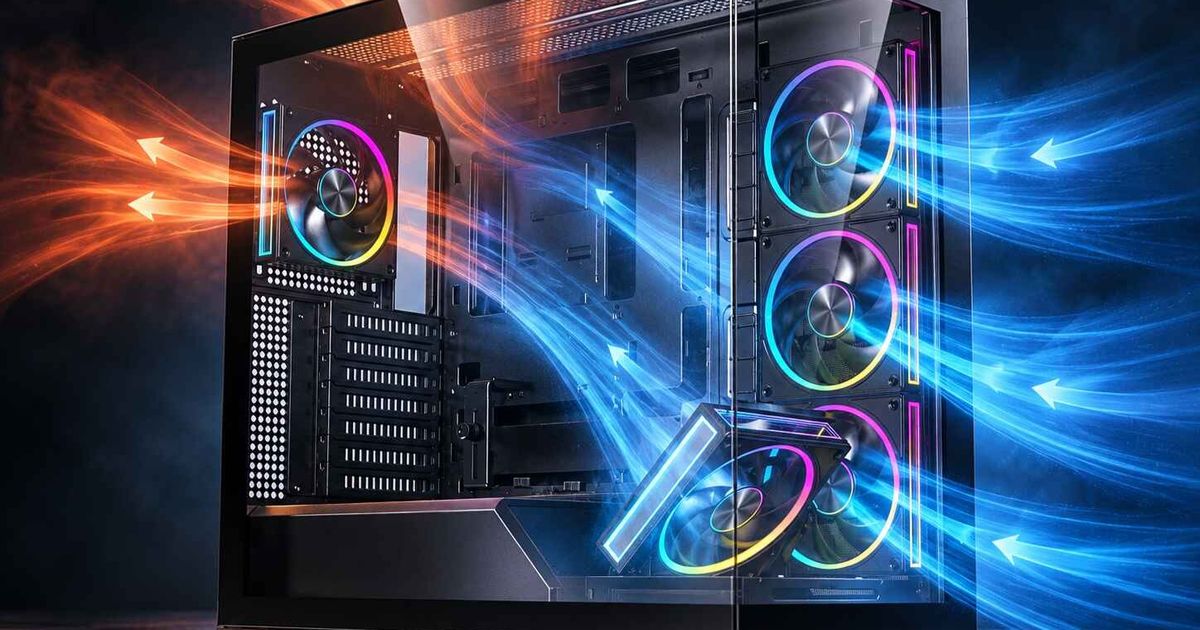
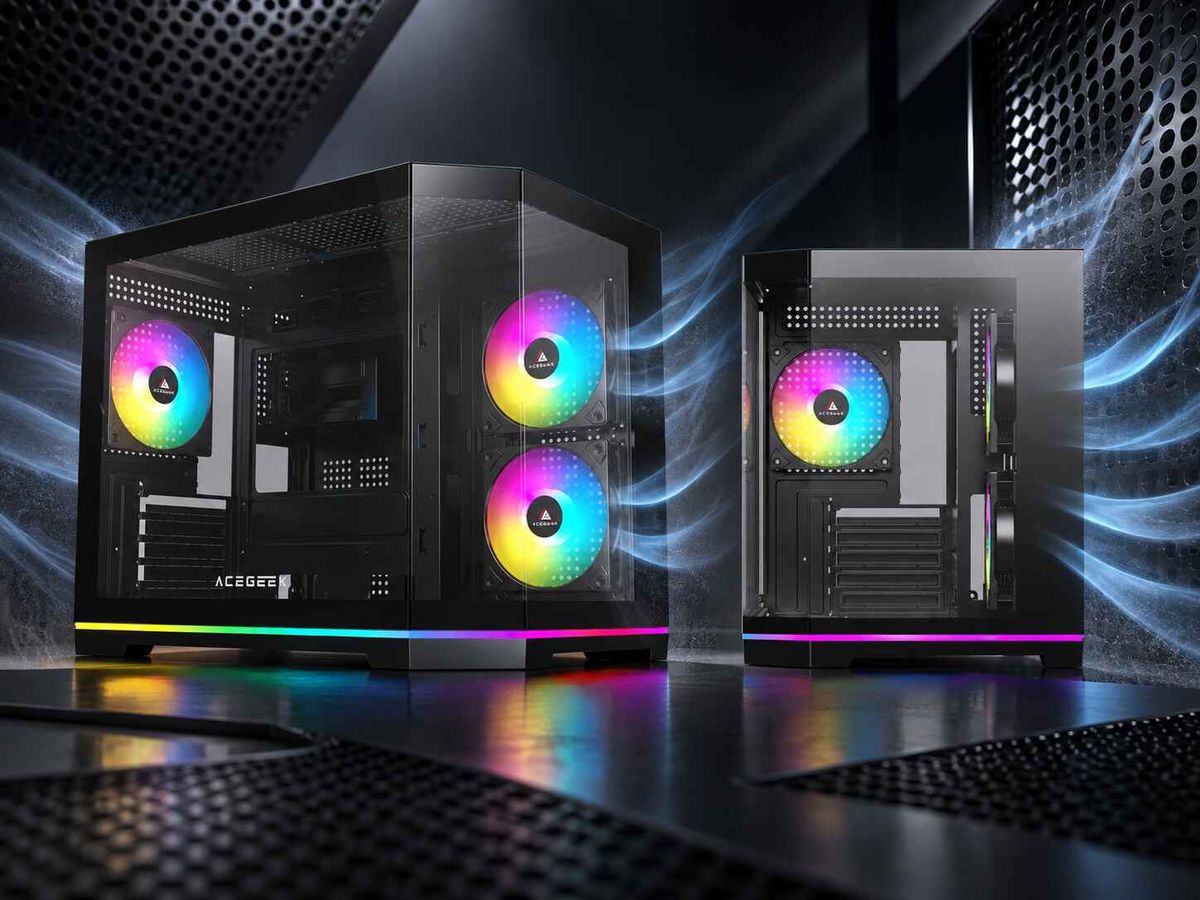
Montagem vertical da GPU: excelente aspeto, mas e a dissipação de calor?
A aparência vende.
Já vi muitos montadores gastarem dinheiro extra num suporte vertical para a placa gráfica, admirarem o RGB durante dez minutos e depois perguntarem-se porque é que as ventoinhas fazem mais barulho e a placa aquece mais quando o painel lateral é recolocado. O segredo é simples: se diminuir o espaço de ar entre o cooler e o painel lateral, não está a "exibir" a placa gráfica, está a obrigá-la a respirar por uma palhinha. Será que isto algum dia vai acabar bem?
E o momento certo é importante.
A Reuters noticiou que as remessas globais de PCs aumentaram 9,4% para 62,7 milhões de unidades no primeiro trimestre de 2025, o que significa que mais pessoas estão a comprar caixas sofisticadas, GPUs maiores e configurações que priorizam a ventilação, precisamente quando os layouts com duas janelas de vidro e suportes verticais para placas gráficas continuam a ser promovidos como opções "premium" padrão. Mais hardware brilhante. A mesma velha física.
O imposto sobre as belas construções que ninguém quer admitir
Eis a minha opinião.
A montagem vertical da GPU é geralmente uma decisão estética em primeiro lugar e térmica em segundo, e esta ordem é exatamente a razão pela qual tantas montagens correm mal, porque o espaço no painel lateral, o suporte da entrada de ar inferior, a qualidade do riser PCIe e a geometria da caixa decidem o resultado muito antes da foto glamorosa chegar às redes sociais. Portanto, sim, a questão térmica na montagem vertical da GPU é um problema real, e fingir o contrário é folclore de montadores, não análise.
É por isso que o caminho mais inteligente a seguir no ACEGEEK é educativo antes de promocional: comece com o guia de compra de caixas para PC , passe para as regras de design de fluxo de ar para caixas e, em seguida, leia a análise do próprio site sobre como os sistemas de refrigeração líquida AIO frontais afetam a temperatura da GPU . Estas páginas já apontam as variáveis reais: espaço livre, caminho de entrada de ar e se a GPU recebe primeiro o ar frio ou o calor residual. É este conjunto de informações que torna este artigo útil em vez de meramente decorativo.
O que os dados de bancada indicam quando o painel lateral está fechado.
Os números magoam.
A explicação mais clara que posso dar a um leitor cético é a seguinte: a diferença de temperatura entre um GPU na vertical e um na horizontal não é uma questão de moralidade. É uma questão de espaço. Quando o suporte mantém a placa perto do vidro, as temperaturas geralmente pioram. Quando o suporte puxa a placa para dentro e restaura o fluxo de ar, o problema pode diminuir ou desaparecer. Não é essa a essência do argumento numa frase?
Layout do Caso de Teste | Resultado da GPU | O que prova | GamersNexus H500M (base) | Horizontal | 44°C acima da temperatura ambiente | Espaço normal para ventilação ainda funciona | GamersNexus H500M (montagem vertical standard) | Vertical, junto ao vidro | 50°C acima da temperatura ambiente | A posição vertical padrão pode restringir o fluxo de ar | GamersNexus H500M com suporte CableMod | Vertical, puxado para dentro | 44°C acima da temperatura ambiente | Um melhor suporte pode eliminar a maior parte da penalização | Teste do GamersNexus Corsair 4000D | Vertical no 4000D | 59°C acima da temperatura ambiente, pico de 83°C, clock médio de -60MHz | No caso errado, o custo estético passa a ser um custo de desempenho | Orientações da Corsair para GPUs na posição vertical | Orientações gerais para gabinetes | Geralmente alguns graus mais quente, por vezes até 10°C | Até o fabricante diz que o risco é real
Esta tabela mostra a dura realidade. Nos testes da GamersNexus, a posição vertical padrão do Cooler Master H500M elevou a temperatura do núcleo da GPU para 50°C acima da temperatura ambiente, enquanto a posição horizontal padrão e a montagem com deslocamento interno da CableMod registaram 44°C acima da temperatura ambiente. Na análise do Corsair 4000D, a montagem vertical elevou a temperatura do GPU para 59°C acima da temperatura ambiente, com um pico de temperatura não delta de 83°C e uma queda média de 60 MHz no relógio. As próprias diretrizes da Corsair para 2024 indicam que a montagem vertical geralmente aumenta as temperaturas em alguns graus e, por vezes, até 10°C, dependendo da caixa e da configuração das ventoinhas.
Porque é que alguns suportes verticais para GPUs sobrevivem enquanto outros são sufocados?
A distância importa.
O próprio material de suporte da Fractal refere que o antigo Flex B-20 posicionava o GPU no centro da caixa, directamente no caminho do fluxo de ar da ventoinha frontal, precisamente para evitar o comportamento inadequado do fluxo de ar que ocorre quando a placa está encostada ao painel lateral. A página do produto diz a mesma coisa em termos mais simples: posiciona o GPU longe do painel lateral. Isto não é apenas conversa de marketing. Esta é toda a lição sobre o controlo térmico.
E existe uma segunda camada.
A NVIDIA afirma que, quando um GPU atinge a sua temperatura máxima de funcionamento, o driver limita o desempenho para o trazer de volta abaixo do limite. Por isso, quando os fabricantes dizem: "São apenas alguns graus", costumo revirar os olhos. Alguns graus fazem toda a diferença entre um comportamento estável do boost e uma placa perder silenciosamente capacidade sob carga. Para quê gastar o dinheiro de uma RTX 4080 ou RTX 4090 para depois ter menos desempenho do que aquele que pagou?
A ACEGEEK já tem conteúdo que se encaixa perfeitamente neste argumento. Se um leitor estiver a montar um PC com muita transparência, o guia de caixas Ocean View ou Fish Tank do site é uma ótima opção, pois admite o que muitas marcas tentam esconder: as caixas com vidro duplo restringem mais o fluxo de ar e geralmente precisam de ventoinhas extra para manter a eficiência. Combine isto com o guia de arrefecimento líquido para watercooler frontal do site e o padrão torna-se óbvio. Vidro, calor do radiador e uma placa gráfica vertical junto ao tablier não é um layout premium. É uma combinação de fatores que podem comprometer a eficiência.
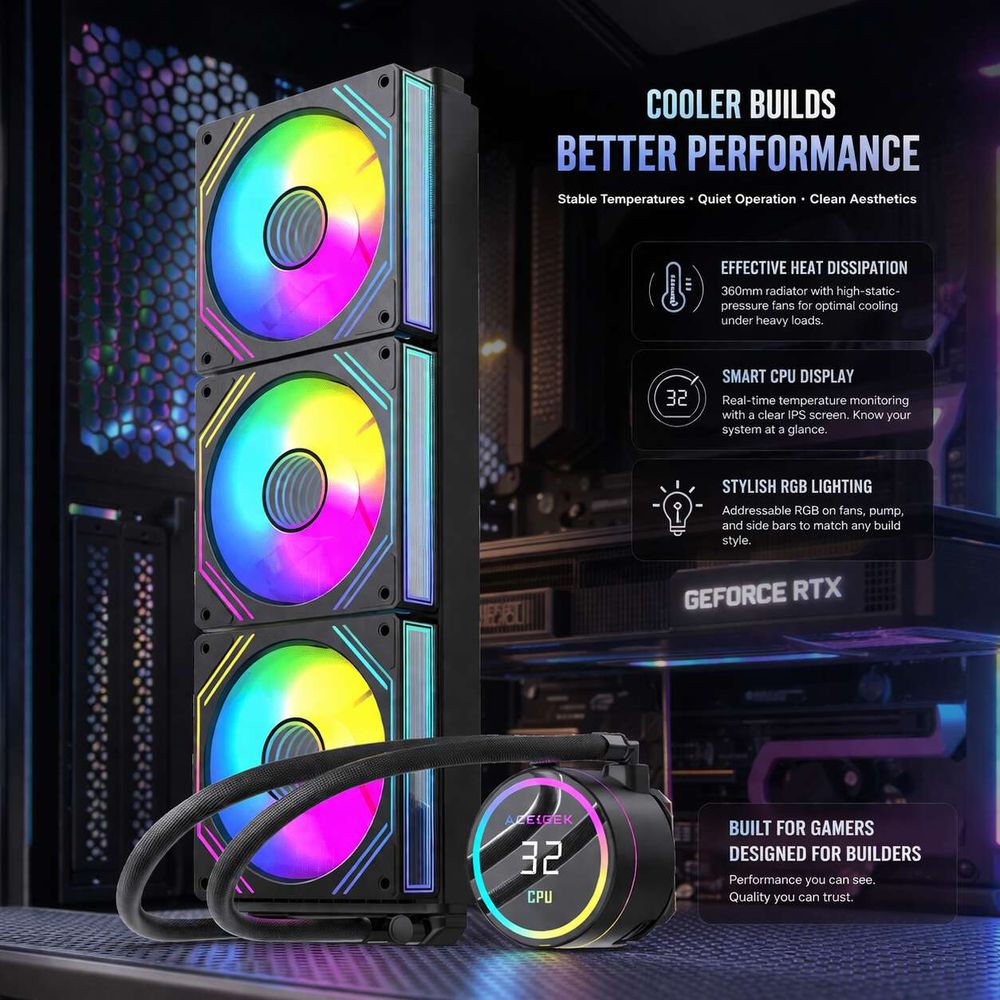
O custo oculto que ninguém prevê no orçamento: fluxo de ar, espaço livre e o cabo riser da GPU.
Tem mais.
A folga no painel lateral é o principal problema, mas não é o único, porque o fluxo de ar de uma placa gráfica montada na vertical é também influenciado pelas ventoinhas de entrada inferiores, pela geometria das entradas laterais, pela espessura do radiador e pelo próprio suporte escolhido. É por isso que não confio na especificação "suporta placa gráfica na vertical" a menos que saiba exactamente onde a placa ficará dentro da caixa. Por que razão confiaria?
Os cabos de riser tornam esta situação ainda mais irritante. A documentação Flex B-20 da Fractal alerta explicitamente que, se utilizar o riser PCIe 3.0 com uma motherboard e uma placa gráfica PCIe 4.0 ou 5.0, deve configurar o slot para PCIe Gen3 na BIOS para obter a melhor estabilidade do sistema. Isto não significa que todos os cabos riser para placas gráficas sejam maus. Significa que este é mais um caso em que os montadores fingem que a estética é plug-and-play, quando claramente não é.
É exatamente aqui que o conteúdo interno da ACEGEEK pode fazer a diferença. O guia de espaço para radiadores de montagem superior mostra como a compatibilidade se torna rapidamente inviável quando a altura da RAM, a blindagem do VRM e o encaminhamento dos tubos começam a competir pelo mesmo espaço. O guia de suporte para GPU aborda outro ponto que as pessoas esquecem: as placas pesadas não só aquecem muito, como também cedem, e as más decisões de espaçamento agravam ambos os problemas. Esta é a ponte interna ideal entre a teoria e o planeamento da montagem.
Como montar uma GPU na vertical sem a danificar.
Faça isto primeiro.
Eu não compraria um suporte até conseguir responder por escrito a quatro perguntas complicadas, porque "como montar um GPU na vertical" não é propriamente um problema para tutorial, é um problema de geometria disfarçado de carrinho de compras.
Meça a distância entre os vidros.
Se as ventoinhas da placa gráfica ficarem quase encostadas ao vidro temperado, pare. Não me interessa o quão limpo o computador parece nas imagens renderizadas.Verifique onde o suporte posiciona o cartão.
Um suporte que move a placa para dentro, afastando-a do painel e colocando-a num caminho de entrada de ar mais limpo, é automaticamente mais inteligente do que aquele que a deixa colada ao vidro. É por isso que a abordagem da Fractal, com a placa posicionada no meio do chassis, apresentou um melhor desempenho nos testes do que a montagem padrão junto ao vidro.Proteja a passagem de ar da GPU.
Se existirem ventoinhas de entrada de ar na parte inferior ou lateral, não as esconda sob cabos ou num design de radiador que comprometa a sua função. As regras de design de fluxo de ar da ACEGEEK para caixas de PC acertam neste ponto, assim como a ficha técnica da caixa de alto fluxo de ar LunarisFlow , que oferece suporte para ventoinhas na parte superior, lateral, traseira e inferior, bem como espaço para placas gráficas até 400 mm. Margem não é luxo aqui. É uma questão de sobrevivência.Combine o cabo de elevação com a plataforma.
Se a placa riser for PCIe 3.0, trate a configuração da BIOS como parte da instalação, e não como algo posterior. Uma placa gráfica que arranca de forma estranha não é "misteriosa". Geralmente é um problema de compatibilidade que você mesmo criou ao pagar por ele.Realize o teste sob carga sustentada, e não em ralenti por vaidade.
Utilize a mesma curva de ventoinha, o mesmo painel lateral, a mesma sala e a mesma carga de trabalho quando comparar as temperaturas da GPU na vertical com as temperaturas na horizontal. Tudo o resto é mera especulação.
A minha sincera opinião sobre o melhor suporte vertical para GPU.
Aqui está.
A melhor montagem vertical para GPU não é aquela com o ângulo mais fotogénico para o Instagram. É aquela que mantém a placa afastada do vidro, preserva a entrada de ar, respeita o espaço disponível para o radiador e não força uma configuração inadequada de cabos riser para a GPU. Por outras palavras, a melhor montagem vertical para GPU é geralmente a menos dramática visualmente. Curioso como funciona.
Sim, a montagem vertical da GPU pode funcionar.
Mas só o recomendaria em três situações: a caixa foi concebida especificamente para isso, o suporte reposiciona a placa para dentro ou a configuração tem entradas de ar laterais ou inferiores robustas que mantêm o fluxo de ar fresco para o cooler. Fora isso, acho que a maioria dos suportes verticais são um luxo disfarçado de design sofisticado.
Perguntas frequentes
Montar a placa gráfica na vertical prejudica a dissipação de calor?
A montagem vertical da GPU é geralmente uma orientação estética que aumenta o risco térmico quando a placa está demasiado próxima do vidro, uma vez que reduz o espaço de entrada de ar, diminui a ventilação do cooler e pode elevar as temperaturas em alguns graus ou, em casos extremos, o suficiente para reduzir o desempenho do boost. Diria que é condicionalmente seguro, não automaticamente inteligente.
O que significa, na prática, a diferença entre as temperaturas da GPU na vertical e na horizontal?
A diferença entre as temperaturas do GPU na vertical e na horizontal refere-se à diferença térmica criada quando a mesma placa gráfica é rodada em relação à motherboard, alterando a distância entre o cooler e o vidro, a pressão de entrada, o caminho de escape e, em alguns casos, a qualidade do fluxo de ar que chega ao dissipador e ao VRM da placa. Em testes reais, o resultado varia de praticamente igual a claramente pior, dependendo da geometria da caixa.
Como faço para instalar uma placa gráfica na vertical corretamente?
Para instalar um GPU na vertical corretamente, deve instalar um suporte ou sistema de rotação de slots compatível com a caixa, ligar a placa através de um cabo riser PCIe apropriado, garantir espaço suficiente entre o cooler e o painel lateral e, por fim, verificar as definições PCIe da BIOS, a folga da ventoinha inferior e as temperaturas em carga máxima antes de considerar o trabalho concluído. O meu conselho, sem rodeios, é simples: se não mediu o espaço, não está pronto para comprar o suporte.
Qual o melhor suporte vertical para placa gráfica?
A melhor montagem vertical para GPU é aquela que mantém a placa afastada do painel lateral, preserva uma entrada de ar direta, é compatível com a geração PCIe da sua motherboard e cabe na sua caixa sem comprometer o espaço do radiador, bloquear as ventoinhas inferiores ou forçar um fluxo de ar mais fraco em torno da GPU. Isto significa normalmente que as montagens deslocadas ou centradas são melhores do que as montagens padrão que estão demasiado próximas do vidro.
Considerações finais: Faça a chamada como um adulto.
Meça primeiro.
Se for publicar isto no ACEGEEK, dirija o leitor para Como Escolher o Gabinete de PC Ideal , depois para Regras de Design de Fluxo de Ar para Gabinetes de PC , em seguida para Limitações de Radiadores Montados na Parte Superior , Como os Sistemas de Refrigeração AIO Frontais Afetam a Temperatura da GPU e, finalmente , Para Curvar ou Não Curvar: O Guia de Suportes para GPU . Esta sequência corresponde à ordem real de decisão: caixa, fluxo de ar, espaço livre, planeamento do radiador, suporte da GPU. Não é um palpite. Não é pensamento positivo. É a ordem correta.
A minha recomendação é direta. Se o seu computador é orientado para jogos e a sua caixa não foi especificamente concebida para permitir que uma placa gráfica na vertical tenha espaço suficiente para ventilação, mantenha a configuração na horizontal. Se a geometria da caixa for adequada, o suporte puxar a placa para dentro e o fluxo de ar for eficiente, então a montagem vertical pode funcionar e tornar-se esteticamente agradável. Mas se estiver a escolher entre fotos e temperatura, eu sei em qual confiar. A física nunca mente.