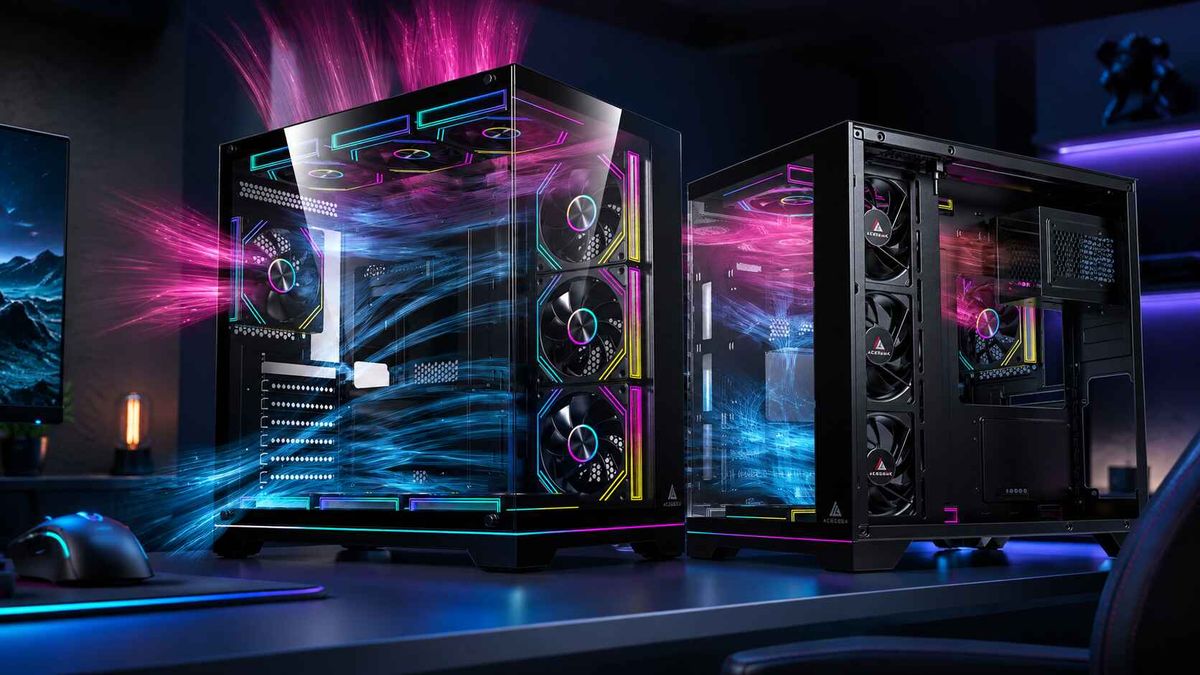
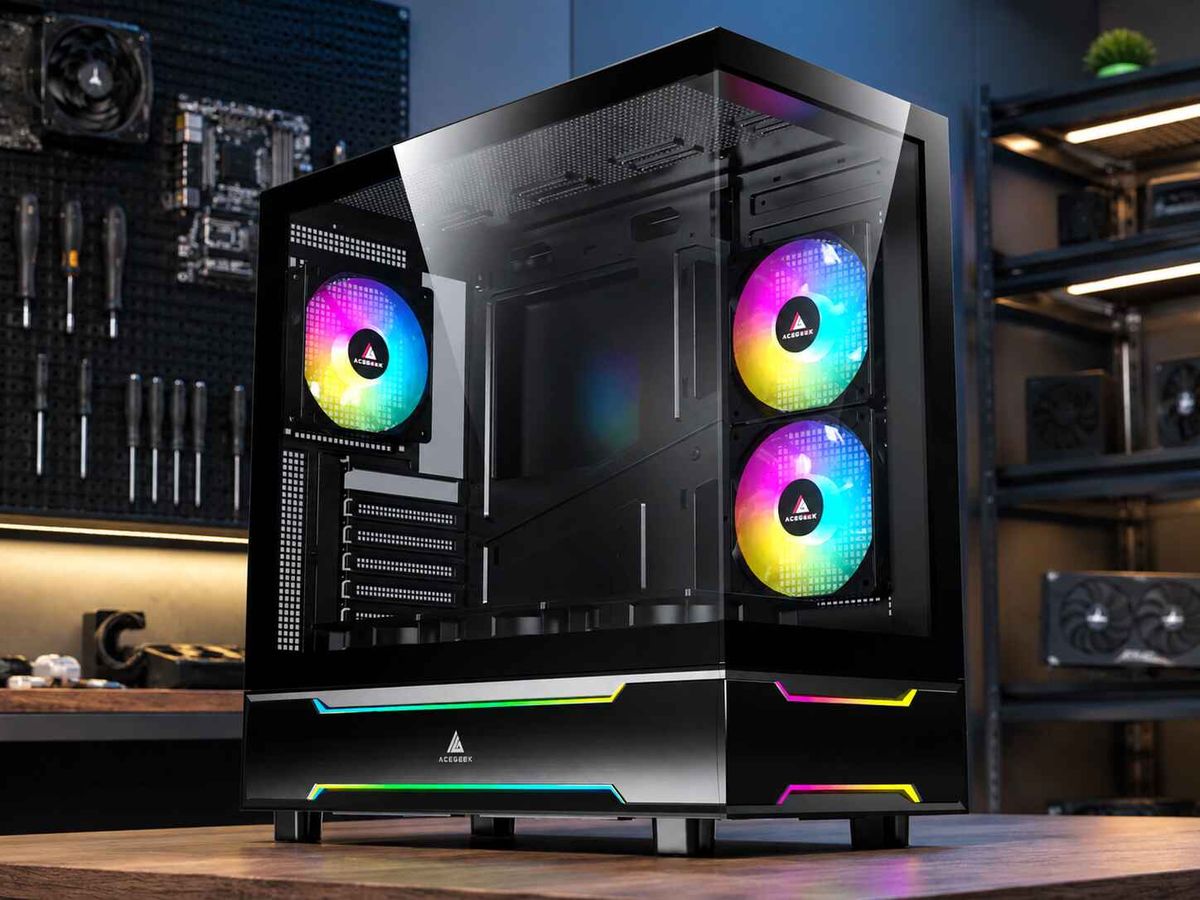
Is a Bigger PC Case Always Better? Cooling and Cable Management Explained
No. A bigger PC case is not always better.
For most gaming systems, a well-ventilated ATX mid tower will outperform, cost less than, and be easier to live with than a huge full tower whose extra volume is poorly used. Case size helps when it creates real clearance, cleaner airflow paths, safer cable bends, larger radiator support, and easier maintenance. Otherwise, it is just more steel, more glass, and more empty air.
Volume creates options.
An oversized chassis can offer more fan mounts, wider radiator clearance, easier access around the motherboard, and a deeper rear cable chamber, yet none of those advantages forces air through a blocked front panel or toward a heat-soaked graphics card.
So why pay for space your cooling system never uses?
The Bigger-Case Myth: Volume Is Not Airflow
The PC industry has trained buyers to treat physical size as a performance specification. Full tower sounds serious. Mini-ITX sounds compromised. Mid tower sounds ordinary.
That hierarchy is too simple.
PC case airflow depends on where air enters, how much resistance the intake creates, which components receive that air first, and where heated air leaves. Intel’s own desktop processor thermal guidance describes the classic ATX route as front-to-back airflow and specifically warns against cosmetic vents that appear open but move little useful air. That is the point many product pages avoid: ventilation has to work, not merely photograph well.
A large sealed-front chassis can still starve its fans. A compact mesh case can feed the GPU directly. The second design may run cooler even though the first has far more internal volume.
Independent testing supports that view. In its 2025 PC case thermal roundup, GamersNexus identified different leaders for CPU and GPU thermals, including the HAVN BF 360 Flow, Lian Li Lancool 216, Lancool 207, and Antec Flux Pro. The result was not “the biggest enclosure wins.” Fan configuration, intake geometry, and component-level airflow decided the rankings.
My blunt opinion is this: “bigger” is a lazy buying filter. Useful space matters. External bulk does not.
What Extra PC Case Size Actually Buys
A bigger PC case can provide genuine benefits:
More clearance around thick graphics cards
Space for 360 mm or 420 mm radiators
More distance between the GPU and bottom panel
Wider cable-routing channels behind the motherboard tray
Easier access to EPS, fan, SATA, and front-panel connectors
More storage bays and expansion slots
Less conflict between radiators, RAM, fans, and motherboard heatsinks
Those are engineering advantages, not automatic cooling gains.
When I audit a case specification, I ignore the glamour shots first. I look for motherboard support, maximum GPU length, GPU thickness clearance, CPU cooler height, radiator position, fan-thickness conflicts, PSU length, cable-channel depth, intake opening area, filter design, and the distance between the side panel and the GPU power connector.
That process is less exciting than choosing RGB. It is also how you avoid buying the wrong box.
AceGeek’s first PC case size, airflow, and budget guide makes the same practical distinction between Mini-ITX, M-ATX, ATX mid towers, and larger E-ATX cases. The useful question is not “Which case is biggest?” It is “Which case gives this hardware enough room to operate properly?”
PC Case Size vs Cooling: Where the Physics Actually Changes
Does case size affect cooling? Yes, but indirectly.
A larger internal volume can reduce crowding and make it easier to separate intake and exhaust paths. It can also support larger fans, thicker radiators, and more direct airflow around the graphics card. Yet if fan air is allowed to short-circuit from intake to exhaust without crossing hot components, the extra volume accomplishes very little.
Heat density matters too.
NVIDIA lists the GeForce RTX 5090 Founders Edition at 575 W total graphics power, 304 mm long, and 137 mm wide. NVIDIA also advises builders to leave 36 mm of additional space for power cables and notes that reserving space around the card can improve airflow. That is not a cosmetic recommendation. In a modern high-end build, case selection has become part thermal engineering and part connector-clearance planning.
A 575 W GPU changes the case conversation. So does a high-power CPU under a 360 mm AIO. A compact chassis may still handle the system, but every intake, fan, cable, radiator, and exhaust decision becomes less forgiving.
Full Tower vs Mid Tower vs Compact Cases
PC Case SizeTypical StrengthCommon Cooling RiskCable Management RealityBest FitMini-ITXTiny footprint and portable buildsHigh heat density, limited intake area, cooler and PSU conflictsShort cable runs help, but excess cable has nowhere to goExperienced builders with carefully matched partsMicro-ATXGood balance of size, price, and component supportGPU may sit close to PSU shroud or bottom panelUsually manageable if the rear channel is properly designedBudget gaming and compact creator systemsATX Mid TowerBroad compatibility and strong cooling flexibilityPoor front-panel design can still choke intakeUsually the easiest format for mainstream cable routingMost gaming PCs and workstationsFull Tower / E-ATXMaximum radiator, storage, and expansion capacityToo many poorly placed fans can create noise and recirculationExcellent only if tie-downs, hubs, and rear depth are thoughtfully designedCustom loops, E-ATX boards, 420 mm radiators, multi-card or storage-heavy builds
The best PC case size for most people remains the ATX mid tower. That answer is not glamorous, but it survives contact with real parts lists.
An ATX mid tower usually gives a builder enough space for a full-size graphics card, a tower air cooler or 240–360 mm AIO, several fans, standard ATX power supplies, and clean cable routing. It does this without the weight and desk footprint of a full tower.
A full tower earns its place when the build needs E-ATX support, a 420 mm radiator, multiple radiators, a custom-loop reservoir, several storage drives, unusual expansion hardware, or repeated service access. Buying one “for future-proofing” often means paying today for empty volume that may never be used.
For practical model research, compare dimensions and cooling support inside the AceGeek PC case collection, then validate any high-wattage build against the site’s large triple-fan GPU compatibility guide.
Cable Management: Cooling Benefit, Safety Benefit, Service Benefit
Here is a hard truth: neat cables do not automatically create lower temperatures.
A bundle hidden behind the motherboard tray is not obstructing the main chamber. Moving it another 20 mm for a cleaner photograph will not suddenly drop GPU temperature by 8°C. The cooling benefit appears when cables block an intake fan, hang against fan blades, sit directly beneath an open-air GPU cooler, restrict radiator exhaust, or force a side panel into a power connector.
Mess is contextual.
A thick 24-pin cable tied behind the motherboard tray may be thermally irrelevant, while a GPU lead pressed sharply against tempered glass can become a mechanical and safety concern, especially in high-power systems where connector seating, side-panel pressure, and bend clearance deserve more attention than visual symmetry.
When did tidy become a substitute for engineering?
The U.S. Consumer Product Safety Commission’s February 8, 2024 CableMod recall covered about 25,300 angled GPU adapters because the connector could loosen, overheat, and melt into the GPU. That recall concerned a specific adapter design, not ordinary cable routing, but it exposed a broader lesson: cable clearance around high-power graphics cards is a safety issue, not merely an aesthetic preference.
What Good PC Case Cable Management Should Do
Good PC case cable management should:
Keep every fan blade and intake path clear.
Prevent cables from resting against hot GPU backplates or heatsinks.
Avoid sharp bends immediately at high-power connectors.
Allow the side panel to close without compressing cable bundles.
Separate fan, ARGB, SATA, EPS, motherboard, and GPU power runs.
Leave controllers and hubs accessible for troubleshooting.
Make filters, drives, fans, and radiators removable without cutting every tie.
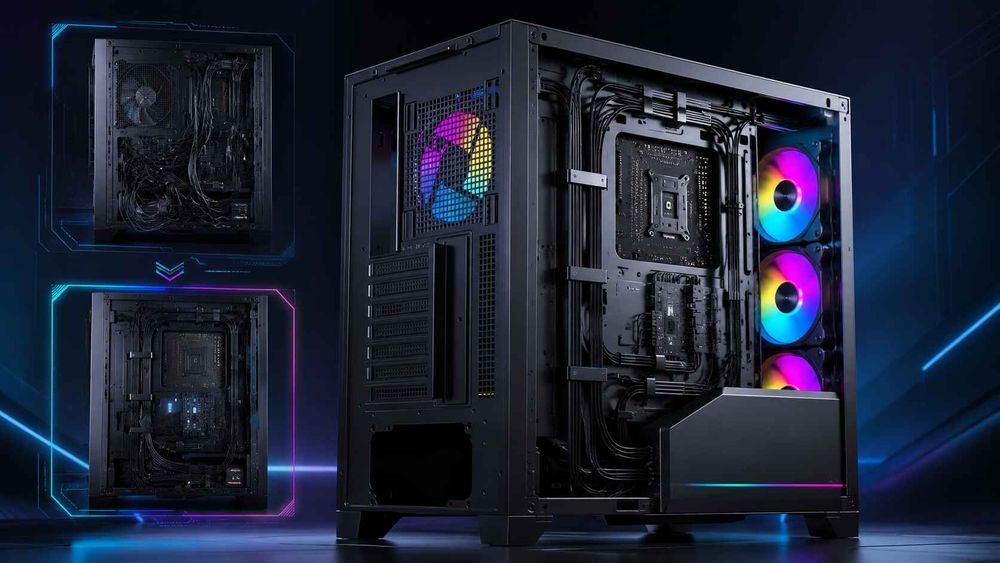
This is why rear-chamber depth matters more than a bag of Velcro straps. If the cable side is too shallow, the builder ends up stacking connectors, crushing bundles, bowing the panel, or rerouting power leads through the visible chamber.
Back-connect motherboards and compatible cases attack that problem by moving major connectors behind the tray. They can produce a cleaner main chamber, but they demand accurate cutouts and real rear clearance. AceGeek’s 2026 analysis of back-connect cases and high-airflow designs explains why the rear chamber becomes structural rather than decorative in these layouts.
Service access matters as well. A case that takes ten frustrating minutes to reopen encourages owners to postpone dust cleaning, fan corrections, or cable repairs. The company’s quick-release PC case panel guide is relevant here because easy access is not a luxury when a system will be cleaned, upgraded, and inspected for years.
More Fans Do Not Rescue Bad PC Case Airflow
Fan count is another industry trap.
Eight fans behind restrictive panels can lose to four fans with a clean intake path. Adding exhaust can even pull fresh air out before it reaches the GPU, while an overloaded top-exhaust layout may disturb the front-to-back path of a tower CPU cooler.
The sane baseline for many builds remains two or three front or side intakes, one rear exhaust, and an optional top exhaust or radiator that has a defined job. From there, test. Do not decorate by fan slot.
I would rather buy a case with three well-positioned PWM fans and open mesh than a larger case with seven cheap fixed-speed fans suffocating behind glass. The first system is easier to tune. It will often be quieter too, because low-resistance airflow lets fans move the required air at lower RPM.
For a cost-focused setup, the high-airflow PC build guide is a better starting point than filling every available mount.
The Front-Panel Test
There is a simple diagnostic for an existing system:
Run a repeatable gaming or rendering workload. Record ambient room temperature, GPU temperature, CPU temperature, clock speed, and fan RPM after temperatures stabilize. Then remove only the front panel, repeat the same workload, and compare temperature above ambient.
A large improvement suggests intake restriction. A tiny change suggests the existing panel is doing its job or another bottleneck is dominant.
Do not use that test as an excuse to run permanently without filters or panels. Use it to identify where the restriction lives.
How to Choose a PC Case Without Buying Empty Space
My selection order is deliberately boring:
Choose the exact CPU and GPU model.
Confirm the motherboard form factor.
Record GPU length, thickness, slot width, and connector location.
Add front-radiator and fan thickness to the clearance calculation.
Record CPU cooler height or radiator dimensions.
Confirm PSU length and modular-connector space.
Check rear cable depth, tie-down points, grommet locations, and hub placement.
Map intake air to the GPU and CPU cooler.
Map exhaust air out of the case.
Check desk footprint, filter access, front I/O, weight, and maintenance access.
Then choose the smallest case that meets those requirements with sensible margin.
Not the smallest case that technically closes. Not the biggest case your budget permits. The smallest case that fits safely, cools predictably, and remains easy to service.
That is the difference between “fits” and “works.”
FAQs
Is a bigger PC case always better?
A bigger PC case is not automatically better; it is better only when the additional volume creates useful GPU clearance, lower-resistance intake, stronger exhaust options, adequate radiator space, safer power-cable bends, and easier service access without adding unnecessary cost, desk footprint, weight, or unused fan mounts.
For most gaming PCs, a ventilated ATX mid tower is the safer default. Move to a full tower when your motherboard, radiator, storage, custom loop, or expansion requirements actually demand it.
Does PC case size affect cooling?
PC case size affects cooling indirectly by changing component spacing, fan and radiator capacity, cable clearance, and the amount of room available for air to reach the GPU and CPU cooler, but panel restriction and fan placement usually matter more than raw external dimensions.
A compact mesh case with direct GPU intake can outperform a much larger sealed-front case. Compare airflow paths and measured temperatures, not liters of internal volume.
Is a full tower better than a mid tower?
An ATX mid tower is the best PC case size for most gaming and creator builds, while a full tower is better for E-ATX motherboards, 420 mm radiators, custom liquid-cooling loops, multiple expansion cards, extensive storage, or unusually large hardware that genuinely needs the extra volume.
In a full tower vs mid tower comparison, the mid tower usually wins on price, footprint, weight, and practical efficiency. The full tower wins when expansion and cooling hardware would otherwise conflict.
Does cable management improve PC airflow?
PC case cable management improves cooling only when loose leads would otherwise block intake fans, touch fan blades, crowd the GPU, obstruct radiator exhaust, or force the side panel against power connectors; routing cables behind the motherboard tray mainly improves serviceability, safety, and visual order rather than producing dramatic temperature drops.
Focus first on fan clearance, GPU breathing room, connector bend radius, and panel pressure. Perfectly parallel cable combs are optional.
How do I choose the best PC case size?
To choose a PC case, match the chassis to the exact motherboard format, GPU length and thickness, CPU cooler height, radiator-plus-fan dimensions, PSU length, storage count, front I/O requirements, power-cable bend room, intake design, exhaust route, dust filters, and the physical space available on or under your desk.
After checking those numbers, buy the smallest enclosure that provides comfortable installation and upgrade margin. For most buyers, that means M-ATX or ATX mid tower rather than Mini-ITX or full tower.
Final Verdict: Choose the Air Path, Then the Size
A bigger PC case gives you more possibilities. It does not guarantee better cooling, quieter operation, safer cables, or an easier build.
The case has one job that matters above everything else: hold your hardware securely while feeding cool air to hot components and removing heated air without forcing fans, cables, and panels to fight one another.
So measure first.
Write down your GPU dimensions, required cable space, CPU cooler or radiator dimensions, motherboard format, PSU length, fan plan, and desk limits. Compare those figures against real chassis specifications, reject any design that hides its intake strategy, and choose useful clearance instead of empty volume.
Your next step is direct: open your current parts list, add 20–40 mm of practical clearance where cables or radiators need it, and compare that worksheet against three appropriately sized cases before buying.