Multi-Radiator Layout Planning for High-TDP Liquid-Cooled PCs
Heat budget first, ego later
Pretty builds lie.
I have watched too many people spend serious money on acrylic tube runs, distro plates, RGB fans, and polished fittings, then act shocked when a supposedly premium loop starts sounding like a wind tunnel because the actual heat load was never counted with adult math, even though a current Intel Core i9-14900K spec sheet lists 125 W Processor Base Power and 253 W Maximum Turbo Power, the AMD Ryzen 9 9950X page lists a 170 W default TDP, and the NVIDIA GeForce RTX 4090 spec page lists 450 W Total Graphics Power, 24 GB GDDR6X memory, 304 mm card length, and 61 mm thickness. Still think radiator planning is the “fun part” you do at the end?
The numbers are not subtle.
A 14900K plus RTX 4090 combination already puts you around 703 W of silicon heat before you add VRM loss, SSD heat soak, pump heat, and PSU waste, while a 9950X plus RTX 4090 still lands around 620 W, which is why I do not trust the old forum folklore that says a single 360 mm radiator is “fine” for any gaming tower as long as you are willing to run the fans harder and pretend noise is not part of thermal performance. Why build an expensive loop just to recreate the acoustic profile of a cheap one?
And this is not just enthusiast paranoia.
In Puget Systems’ 2023 14th-gen Intel cooling analysis, Unreal Engine CPU results on the 14900K were about 8.5% higher at 253 W than at 125 W, which is another way of saying the cooling plan changes the machine you actually own; meanwhile, Reuters reported in December 2024 that Nvidia’s most powerful server racks can reach up to 132 kilowatts and require liquid cooling, because heat density is now the tax collector across the whole compute stack, from desktop towers to hyperscale racks. You think desktop builders get a physics exemption?
Build the loop around watts, not wishes
My rule is ugly.
I start with sustained combined heat, then case geometry, then radiator thickness, then intake quality, then fan curve behavior, and only after that do I care about whether the tubing run will look good in photos, because the hard truth is that a beautiful custom liquid cooling loop with starved intake air is still a bad thermal system, just a more expensive one.
For ACEGEEK readers, the internal path is already there if you wire it properly: send first-timers through Understanding TDP: The Key to PC Stability, then How to Choose the Right PC Case for Your Build, then PC Case Airflow Design Rules for OEM and SI Thermal Planning, and only then into product pages that can actually host this class of loop, such as the Surge-M dual-360 radiator chassis, the LunarisFlow 420/360 plus side-240 case, or the Lucid compact multi-radiator case. Why dump readers into a product catalog before they know what heat class they are shopping for?
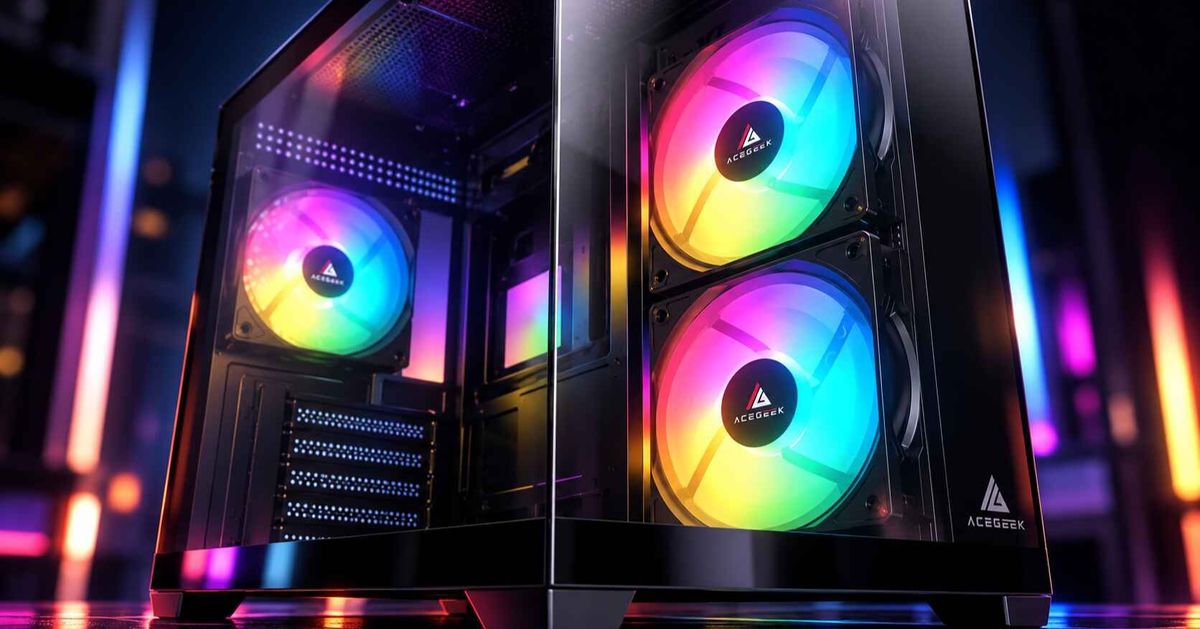
I use four planning bands because the chassis pages and component specs make the hierarchy obvious, not mystical. The Surge-M supports top 360 mm plus front 360 mm radiators, the LunarisFlow supports top 420/360 mm plus side 240 mm, and the Lucid supports top 360/280 mm plus side 280/240 mm, so the site already exposes three distinct answers to three different thermal problems. Why pretend those are interchangeable?
The planning bands I actually trust
LayoutHeat class I would targetPlacement I preferBest chassis profileNoise outcomeMy blunt take360 + 240500-650 W combinedSide/front intake + top exhaustHonest ATX or roomy M-ATXModerate to highWorks, but only if airflow is clean and the fans are not cheap280 + 360550-700 W combinedFront/side 280 intake + top 360 exhaustWide side-channel caseModerateUnderrated when 140 mm fan support is real, not brochure fictionDual 360620-800 W combinedFront/side intake 360 + top exhaust 360Mainstream ATX or E-ATXModerateThis is the default answer for most 14900K/9950X + RTX 4090-class loops420 + 360700-850 W+ combinedSide/front 420 intake + top 360 exhaustTall airflow-first towerLow to moderateThis is the quiet-money answer when the case and wallet both cooperate
I do not treat those numbers as laws. I treat them as honesty.
If your room sits at 28°C, your radiator stack is 45 mm thick, your fans are tuned below 1,100 RPM, your GPU block is fed by a 450 W card, and your motherboard tray is crowded with cable bulk and vertical glass, you are not planning a lab sample; you are planning a real machine, in a real room, with real restrictions.
Placement beats folklore
Loop order obsesses beginners.
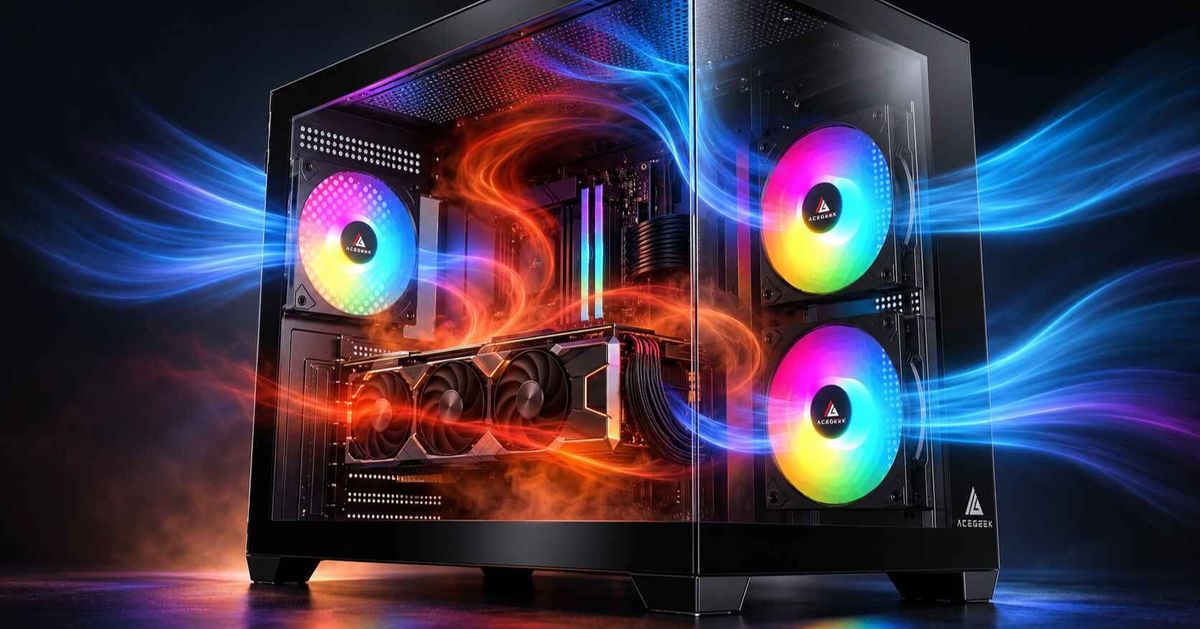
Case geometry decides outcomes, because a radiator only works as well as the air it gets, which is why I keep returning to one layout for high-TDP CPU and GPU loop cooling: one radiator on cool intake air, one radiator on the shortest practical exhaust path, with the GPU getting a direct air lane instead of recycled case air and the top radiator clearing the chassis instead of marinating it. Why do so many builders still treat “more fans” as a substitute for air path quality?
The dual-radiator custom loop layout I recommend most
This is the sweet spot.
On a Surge-M, I would favor a front 360 mm intake radiator and a top 360 mm exhaust radiator for a 14900K or 9950X paired with an RTX 4090-class card, because the case gives you dual 360 support without forcing the tubing path into nonsense; on a LunarisFlow, I would treat the top 420/360 position as the main exhaust surface and use the side 240 only when I have a real reason to chase lower coolant temperature rather than prettier symmetry; on a Lucid, I would be more conservative and treat the case as a compact multi-radiator option, not a blank check for reckless heat density. Want the hard truth? The best radiator configuration for a custom cooled PC is the one that still works when you stop posing and start rendering.
The layout I distrust
Glass sells.
But ACEGEEK’s own Ocean View or Fish Tank guide says dual-glass cases restrict airflow compared with traditional cases and usually need additional fans, and that is exactly why I do not love dual-exhaust radiator plans in show-first chassis unless the bottom and side intake path is genuinely generous, because otherwise you pay twice: once in coolant temperature, and again in motherboard, SSD, and memory soak. Is the build supposed to cool hardware or audition for social media?
Loop order is not your salvation
I am tired of this myth.
The Corsair loop-order guide is useful because it actually shows what many builders refuse to admit: in a test setup, coolant warmed by about 5°C after an RTX 4090 at 60 L/h flow, but only about 2°C at 170 L/h, which means loop order can matter at the margins when you are chasing every last degree, yet it will not rescue a bad radiator layout, a strangled intake path, or a case that should never have hosted that heat load in the first place. So yes, I want the reservoir feeding the pump, and yes, I will optimize order if the run is easy, but no, I will not let tube choreography distract from the actual bottleneck. Why worship sequence when restriction is the real villain?
The mistakes that cook good hardware
Mixed metals bite.
If you are planning custom liquid cooling across multiple brands, do not get lazy with materials, because Corsair’s corrosion guidance flatly warns against mixing copper and aluminum in the same loop due to galvanic corrosion, and I agree with that without reservation; copper, nickel-plated copper, and brass are your safe lane, while aluminum touching coolant in a mixed-metal loop is how smart builds become ugly maintenance stories. Saving a little money on one radiator is not a victory if the coolant path turns into a chemistry experiment six months later.
Fan control matters.
ACEGEEK’s own 3-pin vs 4-pin fan guide gets this part right: 4-pin PWM fans give you tighter speed control, faster response, and quieter behavior under changing heat load, which matters even more in a multi-radiator setup where one bad fan curve can wreck the balance between coolant temperature, case pressure, and acoustics; I would not build a serious high-TDP loop around bargain-bin DC fan control unless somebody paid me to enjoy regret. Want a premium loop that still sounds cheap? Ignore PWM.
And serviceability gets ignored far too often.
I want a drain point at the physical low spot, a fill point that is not an ergonomic joke, enough slack to remove the GPU block without dismantling the whole machine, and tube runs that respect the realities of pump vibration, thermal expansion, and maintenance, because I have never once met a drained-and-refilled custom loop that was improved by making basic access harder than it needed to be.
FAQs
What is a multi-radiator setup in custom liquid cooling?
A multi-radiator setup is a custom liquid cooling loop that uses two or more radiators—usually 240 mm, 280 mm, 360 mm, or 420 mm units—to spread a high thermal load across more fin area, reduce required fan speed, and keep coolant temperature steadier during sustained CPU and GPU work. I use it when the heat load is high enough that one radiator would force noisy fan curves or ugly temperature compromise.
How big should my radiator be for a custom loop?
Radiator size for a custom loop should be chosen by matching total sustained system heat, case airflow quality, radiator thickness, fan speed target, and ambient temperature, rather than by parroting a single rule of thumb about “one 120 mm section per 100 watts” like it was handed down on stone tablets. For 620 W to 700 W class builds, dual 360 mm or 420 mm plus 360 mm planning is usually where the design starts feeling comfortable instead of desperate.
What is the best radiator configuration for a custom cooled PC?
The best radiator configuration for a custom cooled PC is usually one radiator fed with cool intake air and a second radiator exhausting through the shortest clean path, because that arrangement balances coolant temperature, GPU breathing room, motherboard heat, and usable fan speed better than most symmetrical-but-pointless showcase layouts. I trust dual 360 mm most often, and 420 mm plus 360 mm when the buyer wants low noise without pretending physics is optional.
Does loop order matter in CPU and GPU loop cooling?
Loop order in CPU and GPU loop cooling matters far less than radiator placement, airflow quality, and flow rate, because coolant temperature equalizes quickly in a healthy loop, although reservoir-to-pump order still matters and small gains can appear when you optimize sequence at lower flow or when chasing the last few degrees. I optimize loop order after the case, radiators, and airflow path are already correct, not before.
Your Next Move
Do this tonight.
Write down your exact CPU, GPU, ambient room temperature, target fan RPM, and case candidate, then total the real heat, not the hopeful heat; after that, choose the chassis that matches the radiator plan instead of forcing the radiator plan into the chassis, and route your readers through ACEGEEK’s TDP guide, case-selection guide, airflow design rules, and the three most relevant product pages—Surge-M, LunarisFlow, and Lucid—so the article becomes both a search asset and a buying path. That is how this page stops being “content” and starts acting like revenue.