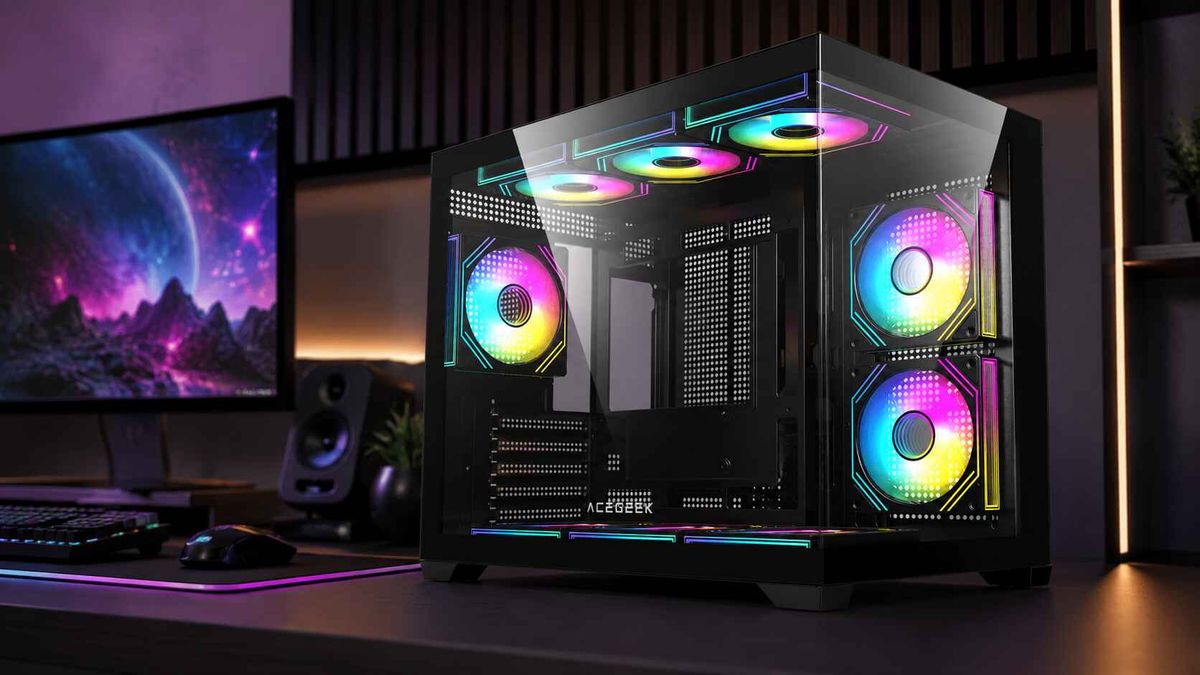
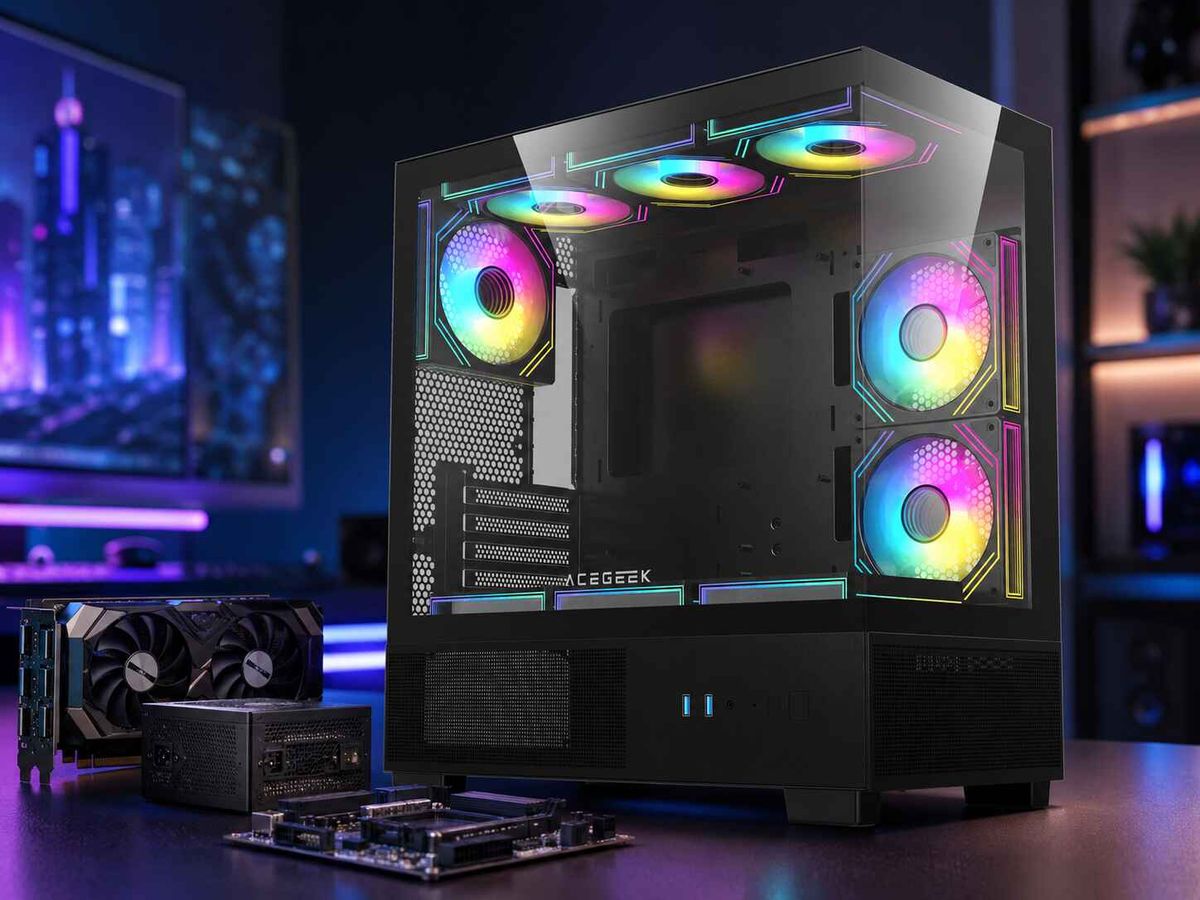
E-ATX Case Buying Guide: Why Motherboard Support Is Not Enough
“Supports E-ATX.”
Sounds reassuring.
It isn't enough.
A PC case can technically accept the mounting pattern of an E-ATX motherboard while leaving you with blocked cable grommets, unusable side fans, a squeezed 24-pin cable, radiator conflicts, awkward GPU wiring, or a motherboard that is simply wider than the chassis manufacturer intended.
That is the hard part of buying an E-ATX case in 2026.
Labels are cheap.
When I evaluate an E-ATX PC case, I treat motherboard support as the beginning of the compatibility check rather than the conclusion, because the motherboard, GPU, radiator, fans, power cables, storage mounts and routing channels all compete for the same finite three-dimensional space.
So why would one checkbox tell us the whole story?
It cannot.
The E-ATX Label Hides a Motherboard Width Problem
Standard ATX gives us a useful reference point: a full-size ATX motherboard is approximately 305 × 244 mm.
E-ATX gets messier.
Real retail motherboards carrying the same E-ATX label can differ dramatically in width. Consider three current examples:
MotherboardListed Form FactorPublished DimensionsBoard WidthASRock X870E TaichiE-ATX305 × 267 mm267 mmASUS ROG Crosshair X870E ExtremeE-ATX305 × 277 mm277 mmMSI MEG X870E GODLIKEE-ATX305 × 310 mm310 mm
ASRock officially lists its X870E Taichi at 305 × 267 mm, while ASUS specifies the ROG Crosshair X870E Extreme at 305 × 277 mm. MSI goes substantially wider: the MEG X870E GODLIKE specification gives dimensions of approximately 305 × 310 mm.
Same category.
Very different geometry.
The ASRock board extends roughly 23 mm farther than a 244 mm-wide ATX board. ASUS adds about 33 mm. MSI adds approximately 66 mm.
That difference is enormous inside a chassis.
And it exposes what I consider one of the PC-case industry's least helpful habits: putting “E-ATX” in a specification table without publishing the maximum supported motherboard width.
E-ATX is not a useful measurement by itself
Think about the practical consequence.
If your case was designed around a 270–280 mm-wide board, an E-ATX motherboard near 267 mm may install comfortably. A 277 mm model could still work but consume cable-routing space. A 310 mm board enters an entirely different compatibility class.
The screw holes are only part of the problem.
The right edge of the motherboard may move over:
24-pin cable openings
USB 3.x cable openings
SATA connectors
fan mounting positions
side radiator locations
cable-management grommets
chassis covers
RGB/controller brackets
So when someone asks me, “Does this case support E-ATX?” my response is simple:
Which E-ATX motherboard?
Without that answer, the question is incomplete.
Real Cases Prove Why “E-ATX Compatible” Can Mislead Buyers
This is not theoretical.
Look at actual chassis specifications.
Lian Li lists the O11 AIR MINI as supporting E-ATX motherboards up to 280 mm wide. Fractal Design similarly states that the Meshify 2 supports E-ATX boards up to 285 mm.
Now return to our motherboard examples.
The 267 mm ASRock X870E Taichi falls below both limits.
The 277 mm ASUS ROG Crosshair X870E Extreme also falls below those published width limits.
The 310 mm MSI MEG X870E GODLIKE does not.
Yet all three motherboards are sold as E-ATX.
That is the case study buyers should remember.
“E-ATX case compatibility” does not mean universal E-ATX compatibility.
It means you still need numbers.
Maximum motherboard width should be the first number you check
I would rather see:
E-ATX up to 280 mm wide
than:
Supports E-ATX
The first statement gives me something I can engineer around.
The second gives me marketing shorthand.
If the manufacturer does not publish maximum motherboard width, compare your exact motherboard dimensions against internal photographs, cable openings, side fan brackets and the motherboard-tray layout before ordering.
Motherboard Clearance Is Only the First Compatibility Layer
Let's assume the board physically fits.
Good.
We're not done.
An E-ATX system is usually being built because the buyer wants more somewhere else too: stronger VRMs, more M.2 storage, more PCIe expansion, a large GPU, more cooling, or workstation-class hardware.
Those requirements interact.
1. Check whether the motherboard covers the cable grommets
A standard ATX motherboard around 244 mm wide leaves case designers a predictable routing zone beside its right edge.
Move to 267 mm.
Then 277 mm.
Then 310 mm.
That routing corridor disappears quickly.
The motherboard may physically mount while partially covering the holes intended for the 24-pin ATX cable, front USB cable or SATA wiring.
That produces one of those builds that is technically compatible and practically annoying.
I don't call that good compatibility.
2. Check side fans and side radiators
This is especially important in panoramic and dual-chamber chassis.
A side-mounted 360 mm radiator may sit directly beside the motherboard. Add a roughly 27–38 mm radiator, 25 mm fans, fittings and an extra-wide motherboard, and the attractive open interior shown in product photography can become crowded very quickly.
If your cooling plan already includes unusually large hardware, read ACEGEEK's 420mm AIO case buying guide before choosing the enclosure. A nominal radiator size never tells you the radiator's complete physical envelope.
3. Measure top radiator clearance against RAM and VRM heatsinks
Top clearance causes a different conflict.
Here the motherboard's width is not the only concern. DIMM height, VRM heatsink height, radiator thickness, fan thickness and roof-mount offset all matter.
ACEGEEK's guide to why top-mounted radiators can interfere with RAM explains the geometry in detail. A chassis supporting both E-ATX and a 360 mm radiator does not prove those two components can coexist with every RAM kit and motherboard layout.
That's the recurring pattern.
Supported individually does not mean compatible simultaneously.
4. GPU clearance must be checked after everything else is installed
Large E-ATX builds often get paired with large graphics cards.
And GPU length alone is another misleading number.
NVIDIA's current comparison specifications list the GeForce RTX 5090 Founders Edition at approximately 304 mm long and 137 mm wide, while partner-board dimensions vary by manufacturer.
But a 304 mm card inside a case advertising 400 mm GPU clearance does not automatically leave 96 mm of useful space.
Why?
Because a front radiator, front fans, pump hardware or reservoir can occupy some of that number.
And width matters too.
The GPU power connector and cable need space between the card and the side panel. Glass does not move just because your spreadsheet says the GPU fits.
5. Back-connect motherboards create another compatibility test
Rear-connector designs such as ASUS BTF and MSI Project Zero move connectors behind the motherboard.
That can make the visible chamber much cleaner.
It also means the case needs correctly positioned motherboard-tray cutouts and enough rear cable depth.
An E-ATX case is not automatically a back-connect case.
If rear connectors are part of your build, use ACEGEEK's back-connect PC case compatibility guide and verify the specific motherboard standard rather than assuming a large chassis will work.
Big does not mean universal.
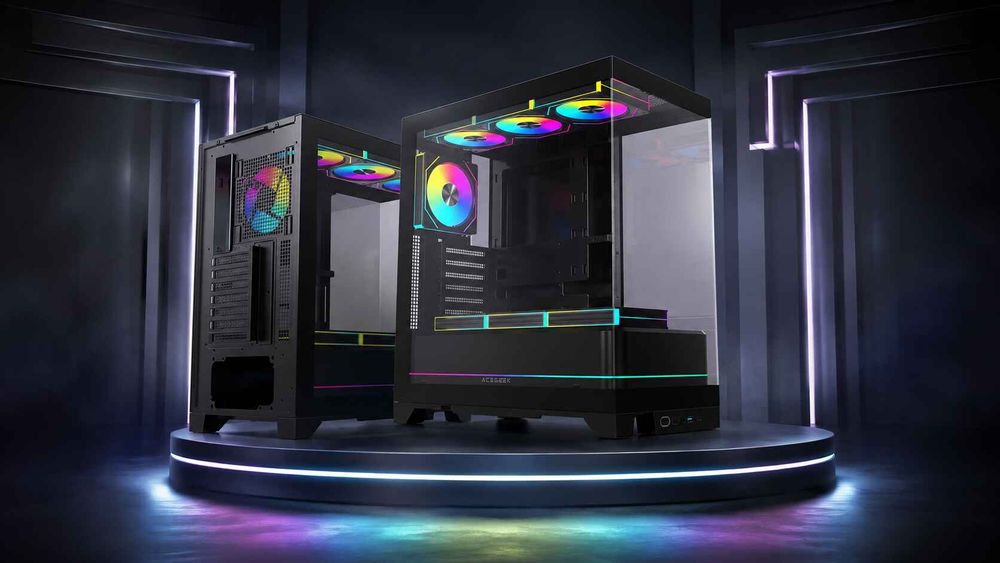
The E-ATX Case Compatibility Table I Would Use Before Buying
This is the checklist that matters more than the motherboard-support badge.
Compatibility CheckWhat to VerifyTypical FailureMotherboard dimensionsExact length × width in mmBoard exceeds tray or chassis limitMaximum E-ATX widthPublished case limit“E-ATX” board is too wideStandoff positionsRequired mounting locationsUnsupported board edge24-pin cable openingClearance beside boardGrommet covered by motherboardUSB/SATA connectionsConnector orientation and accessCable cannot make clean bendSide fan supportBoard-to-fan spacingMotherboard overlaps fan areaSide radiator supportRadiator + fan total thicknessCooling stack enters motherboard spaceTop radiator supportRadiator thickness + fan thicknessRAM/VRM/EPS interferenceGPU lengthGPU plus front cooling hardwareGPU collides with radiator/fansGPU widthCard plus power-cable bendSide panel presses cableCPU cooler heightCooler height vs case limitSide panel cannot closePSU lengthPSU plus cable exit spaceCable chamber becomes unusableRear cable depthCable bundle and connector thicknessRear panel bulges or will not closeBack-connect supportCorrect motherboard tray openingsRear connectors are blocked
Notice what is missing?
The phrase “E-ATX supported.”
That phrase is already assumed. The table starts where useful compatibility work begins.
How to Choose an E-ATX Case Without Guessing
I use a component-first process.
Not a case-first process.
Start with your exact motherboard
Write down the exact board dimensions.
Not just “E-ATX.”
For example:
ASRock X870E Taichi: 305 × 267 mm
That 267 mm figure is far more valuable than the E-ATX label.
Add the cooling system
Record:
radiator length
radiator width
radiator thickness
fan thickness
radiator position
tube-exit position
CPU cooler height if using air cooling
If the radiator and fans total 52 mm thick, write 52 mm.
Do not write “360 AIO.”
Physical dimensions win.
Add the GPU
Record:
card length
card height
card thickness
number of slots
power-connector position
Then ask whether those dimensions remain valid after front or side cooling hardware is installed.
Add the cable-routing envelope
This gets ignored constantly.
A motherboard connector needs more space than the connector itself because the attached cable needs to turn.
Twenty-four-pin ATX cables are not ribbons.
Neither are high-current GPU power cables.
Leave routing room.
Only then shortlist cases
ACEGEEK's PC case range lets buyers filter by motherboard and liquid-cooling support, but I would still compare the exact component dimensions against the individual chassis specifications before purchasing.
For example, the ACEGEEK Photon lists E-ATX/ATX/M-ATX/ITX motherboard support, 420 mm maximum GPU clearance, 185 mm CPU cooler clearance, seven PCIe slots and a top-mounted 360 mm AIO position.
The ACEGEEK Cruiser L460 Pro, meanwhile, lists E-ATX support, 410 mm GPU clearance, 165 mm CPU cooler clearance, top 360 mm radiator support and side 240 mm radiator support.
Those are useful numbers.
But I would still match them against the exact motherboard width, cooler dimensions and GPU configuration rather than treating “E-ATX” as the final answer.
Full Tower E-ATX Case vs Mid Tower: Bigger Is Not Automatically Safer
A full tower E-ATX case usually gives us more working room.
Usually.
That does not mean every full tower has better compatibility than every mid tower.
I care more about usable geometry than external volume.
A well-designed mid tower can provide:
a generous motherboard tray
sensible grommet positioning
direct GPU airflow
offset radiator mounts
good cable depth
removable fan brackets
Meanwhile, a huge full tower can waste half its volume in areas that do nothing for the motherboard, GPU or radiator.
This is why I refuse to use chassis size as a shortcut for compatibility.
A 500 mm-tall case is not automatically more useful than a 470 mm case.
Measure the areas your parts actually occupy.
What Makes the Best E-ATX Case?
The best E-ATX case is not simply the largest chassis or the one with the longest specification sheet.
It is the case that leaves enough margin after the entire system is installed.
For a high-end 2026 build, I would prioritize these characteristics:
Published motherboard width support
This is number one.
If the manufacturer says “E-ATX up to 280 mm,” excellent.
I can compare it to the motherboard immediately.
If it only says “E-ATX,” I keep researching.
At least 20–30 mm of sensible build margin where possible
Running every component exactly against its published limit makes assembly harder and future upgrades worse.
A 399 mm GPU inside a case rated for 400 mm?
No thanks.
A 279 mm board in a 280 mm motherboard envelope?
Maybe technically.
But I want to know what happens to the cables beside it.
Cooling mounts that remain usable with the motherboard installed
A radiator mount that disappears when an E-ATX board is fitted is not meaningful radiator support for that build.
Simultaneous compatibility matters.
Removable brackets
Removable top panels, fan trays and radiator brackets make large builds substantially easier.
Your hands need clearance too.
Specifications rarely mention that.
Builders notice immediately.
Strong cable-management space
E-ATX systems tend to accumulate cables.
Multiple EPS connectors, several M.2 devices, RGB hubs, fan controllers, SATA storage and powerful GPUs can turn the rear chamber into a compression test.
A pretty front chamber does not compensate for a rear panel that barely closes.
FAQs
What is an E-ATX case?
An E-ATX case is a PC chassis designed to accommodate motherboards larger than standard 305 × 244 mm ATX boards, but the term does not guarantee one universal maximum motherboard width, so buyers must verify the exact board dimensions, mounting points, cable openings, cooling positions and internal clearance before purchase.
That last part matters because current retail E-ATX boards can differ substantially in width.
Will any E-ATX motherboard fit any E-ATX case?
No, an E-ATX motherboard will not necessarily fit every case advertised as E-ATX compatible because motherboard widths vary significantly, and individual chassis may impose limits around 280 or 285 mm while some E-ATX boards extend toward 310 mm, potentially causing direct fit problems or blocking cable and cooling areas.
Always compare millimeters, not labels.
What size is an E-ATX motherboard?
An E-ATX motherboard is generally taller and especially wider than a standard 305 × 244 mm ATX board, but consumer E-ATX dimensions are not consistently identical; current models include 305 × 267 mm, 305 × 277 mm and approximately 305 × 310 mm designs, making exact manufacturer specifications essential.
That variation is precisely why a case's maximum supported motherboard width matters.
How do I choose the best E-ATX case?
The best E-ATX case is one that accommodates the exact motherboard width while preserving access to cable grommets, side fans, radiators, GPU power cables, top cooling hardware and rear cable space, with additional clearance for future components rather than merely satisfying the motherboard mounting pattern listed on the specification sheet.
Start with your motherboard's dimensions and work outward.
Do I need a full tower for an E-ATX motherboard?
A full tower is not mandatory for every E-ATX motherboard because many mid-tower cases support selected E-ATX widths, but a full tower can provide more useful clearance for extra-wide boards, large GPUs, 360 mm or 420 mm radiators, custom loops, multiple drives and complicated cable routing when those components are used together.
Choose by internal dimensions, not category name.
How can I check E-ATX case compatibility before buying?
You can check E-ATX case compatibility by comparing the motherboard's exact millimeter dimensions with the case's maximum board width, then verifying standoffs, cable openings, GPU dimensions, radiator-and-fan thickness, RAM and VRM clearance, PSU length, rear cable depth and any back-connect requirements before treating the build as physically compatible.
A ten-minute dimensional audit can prevent an expensive return.
Before You Buy: Build a Compatibility Sheet
Do not purchase an E-ATX case because one line says “Motherboard Support: E-ATX.”
Open your motherboard specification.
Write down its width.
Then add the GPU length and width, radiator dimensions, fan thickness, CPU cooler height, PSU length and cable-routing requirements.
Compare the complete system against the chassis.
If you are planning an E-ATX build, start with the ACEGEEK PC case lineup, shortlist the models that match your cooling and GPU requirements, and then verify your motherboard's exact dimensions against the chosen case before ordering.
Measure first.
Buy second.
Because the best PC case for an E-ATX motherboard is not the case that claims to support it.
It is the case that still works after everything else goes in.