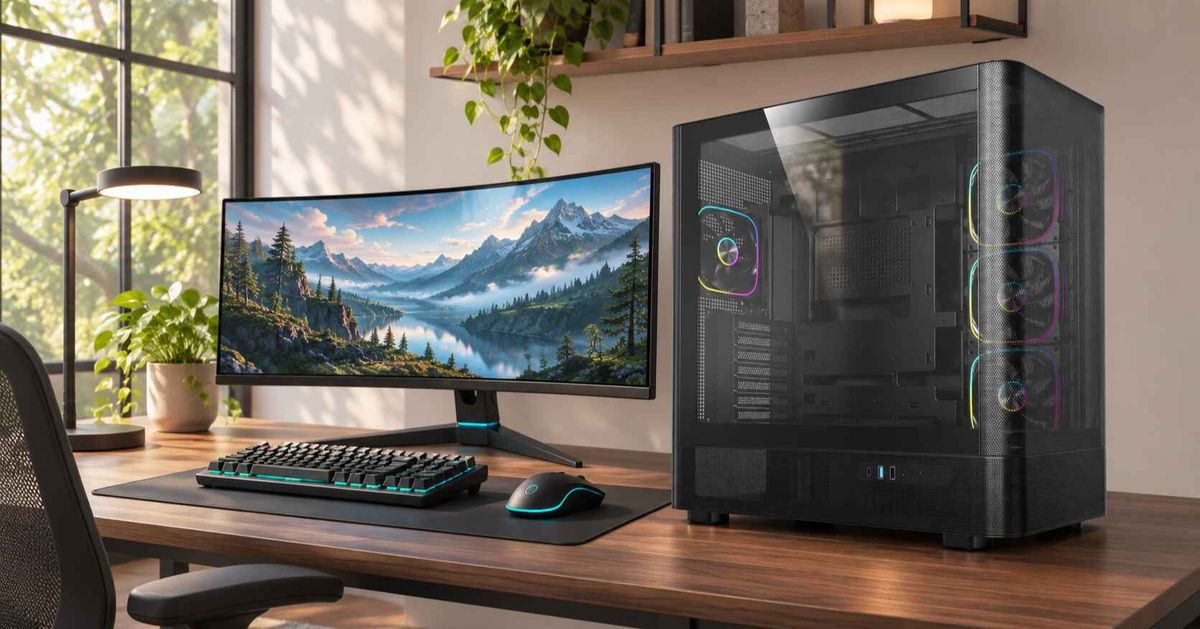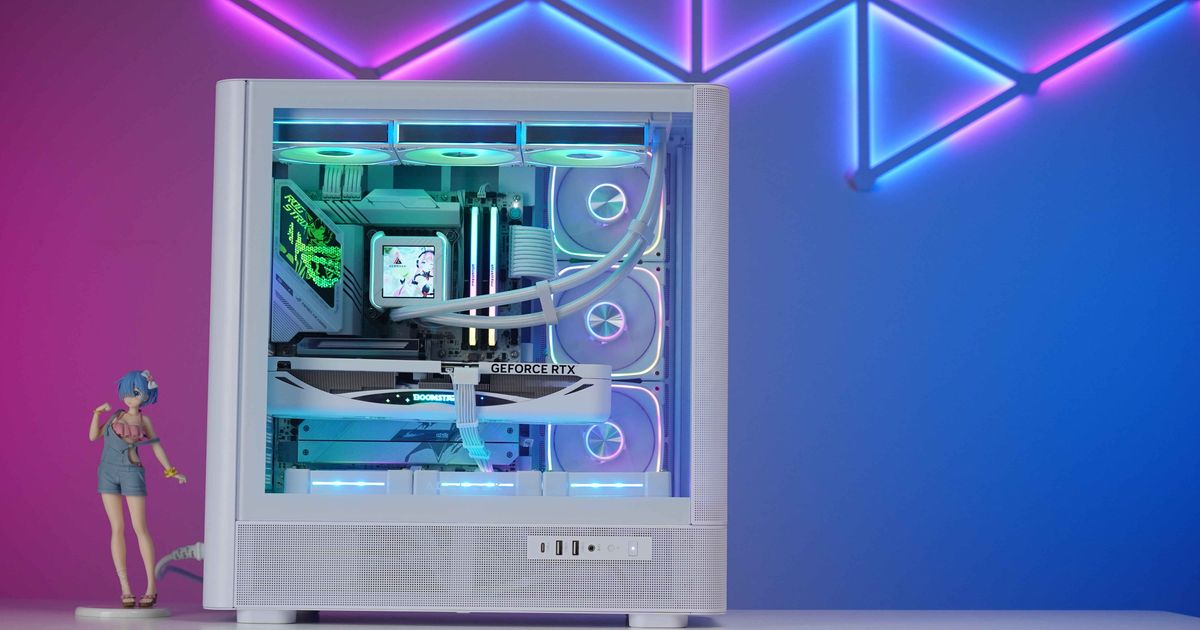
ACEGEEK Qube: Building a Clean ATX System Around a Square-Vent Front
The ACEGEEK Qube ATX case pairs a square-vent front panel with a compact published envelope and several fan positions. For system integrators, retailers, and OEM-minded buyers, that raises a practical question: what does the case actually support, and what must be confirmed before a batch of builds or an order is approved?
A square-vent front can supply intake air to the fans behind it, but the outcome depends on open area, filter design, fan spacing, and the route air takes to the graphics card. The manufacturer's page does not publish those details. This guide separates what the Qube's spec page states from what buyers should verify, then shows how to plan fans, clearances, and an RFQ around the listed numbers.
What Does the Qube's Spec Sheet Tell You?
The Qube's product page lists a compact set of figures. Each one is useful only when it is matched to a part you intend to install. The table below pairs each published value with the check it should trigger.
Spec area | Listed on the Qube page | What to confirm before ordering |
|---|---|---|
Motherboard support | E-ATX, ATX, M-ATX, ITX | Exact board dimensions and standoff positions; E-ATX is not a single fixed size |
Case size | 400 × 220 × 445 mm (axes not labeled) | Which dimension is height, width, and depth, for desk fit and carton planning |
Max GPU clearance | 330 mm | The card's real length, plus power-cable bend room and any front fan or radiator intrusion |
Max CPU cooler clearance | 170 mm | Cooler height with a margin, since a cooler equal to the limit leaves no tolerance |
PCIe slots | 6 | Slot count needed for the GPU thickness plus any capture or network cards |
Drive bays | 0 SSD / 3 HDD or 1 SSD / 2 HDD | Whether the intended storage plan fits either configuration |
Fan support | Top 2 × 120 or 2 × 140; front 3 × 120 or 3 × 140; side 2 × 120 or 2 × 140; rear 1 × 120; bottom 2 × 120 or 2 × 140 | Which mounts are usable at the same time and what blocks them |
Radiator support | Top 240 mm (memory height under 46 mm) | RAM height and top-panel clearance; no front or side radiator is listed |
Front I/O | USB 3.0 × 1, USB 2.0 × 2, HD Audio, reset, power | Motherboard header availability; no front USB-C port is listed |
Case material | 0.5 mm | Which parts the figure applies to; the page does not say |
These values come from the product page as retrieved for this article. The page's availability and price metadata looked incomplete, so confirm stock, lead time, and price directly with ACEGEEK.
One number can be derived: the listed outer dimensions multiply to roughly 39 liters. That is a calculated envelope, not a measured internal volume, and it says little about airflow by itself.
How Does a Square-Vent Front Affect Airflow?
A square-vent front affects airflow through its effective open area, the filter behind it, and the distance between the panel and the fan blades. The pattern name is a weak predictor. Two perforated fronts with similar outside dimensions can pass different amounts of air.
Noctua's airflow guide advises that solid or glass panels in front of fan positions can restrict airflow, and that mesh and other open designs impose less resistance. A square-vent panel falls in the second group only to the degree that its openings are generous and unobstructed. ACEGEEK's own explanation of how front panel design affects PC case cooling makes the same point: judge usable ventilation area, filter resistance, and intake path, not appearance.
A Common Assumption Worth Qualifying
The Qube lists three front fan positions. It is tempting to read that as a cooling advantage and fill all three. That reasoning breaks down when the front panel is the limiting restriction: extra fans then add noise and cost without delivering proportionally more air. In some layouts the lowest front fan blows into a solid obstruction, so the graphics card draws air that is already warm inside the chassis. ACEGEEK's article on how fan position changes air recirculation explains why a third front fan helps only when it covers a zone the others leave underserved and the panel lets enough outside air through.
For a buyer, the practical consequence is simple. Treat the three front mounts as options, not a requirement, and test two fans against three on a sample unit.
What to Ask the Manufacturer About the Front Panel
The Qube page does not state the open-area percentage, hole size, filter type, filter removal method, or the gap between panel and fans. Request these items in writing. If the panel uses a removable dust filter, ask how it is accessed, because a dense filter that is hard to clean will raise resistance over time.
How Should You Arrange Fans in the Qube?
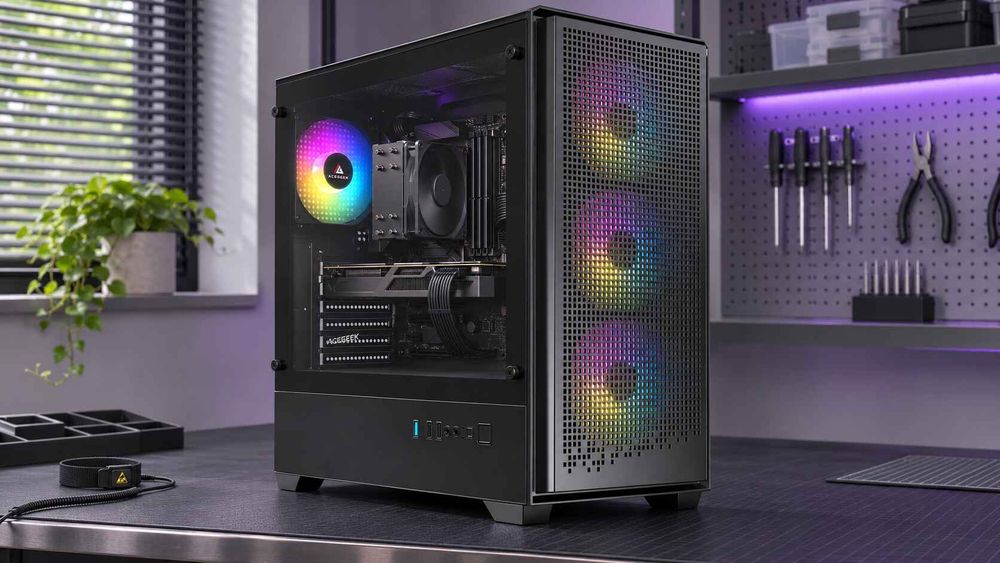
A reasonable starting point is a front-to-back path with front intake and rear exhaust, then adding fans only where testing shows a benefit. Noctua's setup guide recommends two front intake fans and one rear exhaust for a three-fan build, and a top exhaust fan in the position closest to the rear for five fans. It also notes there is no single approach that suits every case.
Applied to the Qube's listed mounts, these are starting layouts rather than tested results:
Layout | Fan positions | Best suited to | Main risk |
|---|---|---|---|
Baseline, 3 fans | 2 front intake, 1 rear exhaust | Cost-controlled builds with a moderate GPU | Less air for a high-power GPU |
Expanded, 5 fans | 3 front intake, 1 rear exhaust, 1 top exhaust near the rear | General ATX builds with air cooling | Front panel restriction limits the third intake |
GPU-focused | Baseline plus a bottom intake fan | Thick graphics cards | Bottom filter and fan clearance against the GPU |
240 mm AIO on top | Radiator fans as exhaust, front and bottom as intake | Builds that need a liquid cooler | Radiator and tall RAM conflict at the top |
The last row follows Noctua's guidance that a top-mounted radiator with exhaust fans favors lower GPU temperatures, while front or side radiator mounting favors lower CPU temperatures. Since the Qube lists only a top radiator, exhaust mounting is the practical arrangement.
Noctua also suggests using the largest fan size that fits a given slot, because larger blades move more air at lower speed. The Qube lists 140 mm options at most positions, which is worth testing where noise matters. The rear position lists 120 mm only.
Which Clearances Keep the Build Clean?
A clean build means parts fit with margin, cables route without stress, and airflow paths stay clear. The Qube's listed clearances set hard limits, but real clearance is smaller once cables, fan stacks, and brackets are counted.
GPU length. Some large aftermarket cards exceed 330 mm. Check the exact model's length, then subtract space for power-cable bend and any fans in front of the card.
CPU cooler height. 170 mm is the maximum. Leave margin for panel flex and tolerance rather than choosing a cooler at the limit.
Top radiator and memory. The 240 mm top radiator comes with a note that memory height must stay under 46 mm. Tall RGB memory modules are the common conflict, so confirm module height first.
Motherboard size. The Qube lists E-ATX. Wikipedia's ATX overview gives full-size ATX as 12 × 9.6 inches (305 × 244 mm) and notes that boards labeled E-ATX commonly share SSI-EEB dimensions (12 × 13 inches) but with no guarantee. Verify the specific board's measurements and mounting holes against the case before relying on the label.
Power supply and cable space. The page does not list a maximum PSU length or rear cable-routing depth. Both affect how tidy a build can be. Neat routing also reduces airflow obstruction, which Noctua links to lower audible turbulence.
Front I/O. One USB 3.0 port, two USB 2.0 ports, and HD Audio need matching motherboard headers. Count headers for fan hubs and AIO controllers as well. ACEGEEK's guide on how to check full PC part compatibility before you buy covers this second-pass check, including radiator offset and memory conflicts that automated checkers can miss.
For readers still deciding between form factors, choosing a PC case by motherboard size explains the differences between E-ATX, ATX, M-ATX, and ITX cases.
Is the Qube a Fit for a Cost-Conscious Airflow Build?
It can be, if the build stays inside its limits. The case suits ATX or M-ATX systems with a GPU within 330 mm, a tower air cooler within 170 mm, and either air cooling or a 240 mm top AIO. It is a poor match for a 360 mm radiator, a front-mounted radiator, or a storage-heavy configuration beyond three drives.
ACEGEEK's guidance on how to build a high-airflow PC without overspending argues that the case and its intake path deserve budget before premium coolers or extra fans. Taken with the Qube's specs, that suggests starting with a simple fan layout, logging temperatures, and adding fans only when a measured problem appears.
Intel's PC cooling guide notes that heat from components released into a small enclosure can raise internal temperature quickly if ventilation is poor. In a case of this size, that makes intake design and exhaust paths worth checking early.
What Should Buyers Specify Before Requesting a Quote?
An accurate RFQ for Qube cases should include:
Quantity and delivery schedule: MOQ and lead time were not on the product page, so ask for both.
Color and configuration: confirm which variants are available.
Pre-installed items: state whether fans, filters, or I/O cables are included or must be sourced.
Front panel data: open-area percentage, filter type, and cleaning access.
Dimension drawing: one with labeled axes, plus the internal PSU and cable-routing space.
Target hardware list: GPU length, cooler height, memory height, and motherboard model.
Packaging and shipping: carton dimensions, protection, and palletization.
Sample request: one unit for airflow, noise, and fit tests before volume approval.
A sample test should log CPU and GPU temperatures against room temperature, fan speed, and noise with the intended parts. ACEGEEK's front panel article describes comparing temperature rise above ambient to account for room variation.
Frequently Asked Questions
What motherboard sizes does the ACEGEEK Qube support?
The product page lists E-ATX, ATX, M-ATX, and ITX support. Because E-ATX dimensions vary between boards, buyers should check the exact motherboard measurements and mounting positions with the manufacturer before ordering.
How long a graphics card fits in the Qube?
The page lists a maximum GPU clearance of 330 mm. Actual usable length is lower once power-cable bend room and any front fan or radiator intrusion are counted, so measure the exact card model.
Can the Qube hold a 360 mm radiator?
The page lists only a 240 mm top radiator, with memory height under 46 mm. No front, side, or 360 mm radiator support is listed, so buyers needing larger radiators should consider another case.
Are three front fans better than two?
Not automatically. If the front panel restricts airflow, a third fan can add noise without improving cooling. Test two and three fans on a sample unit and compare temperatures at similar noise levels.
Does a square-vent front cool as well as a mesh front?
It depends on open area, filter resistance, and fan spacing. Neither design name guarantees results, and the Qube page does not publish open-area data, so verify by testing a sample.
What front I/O does the Qube provide?
The page lists one USB 3.0 port, two USB 2.0 ports, HD Audio, a reset button, and a power button. No front USB-C port is listed, which matters for projects that require one.