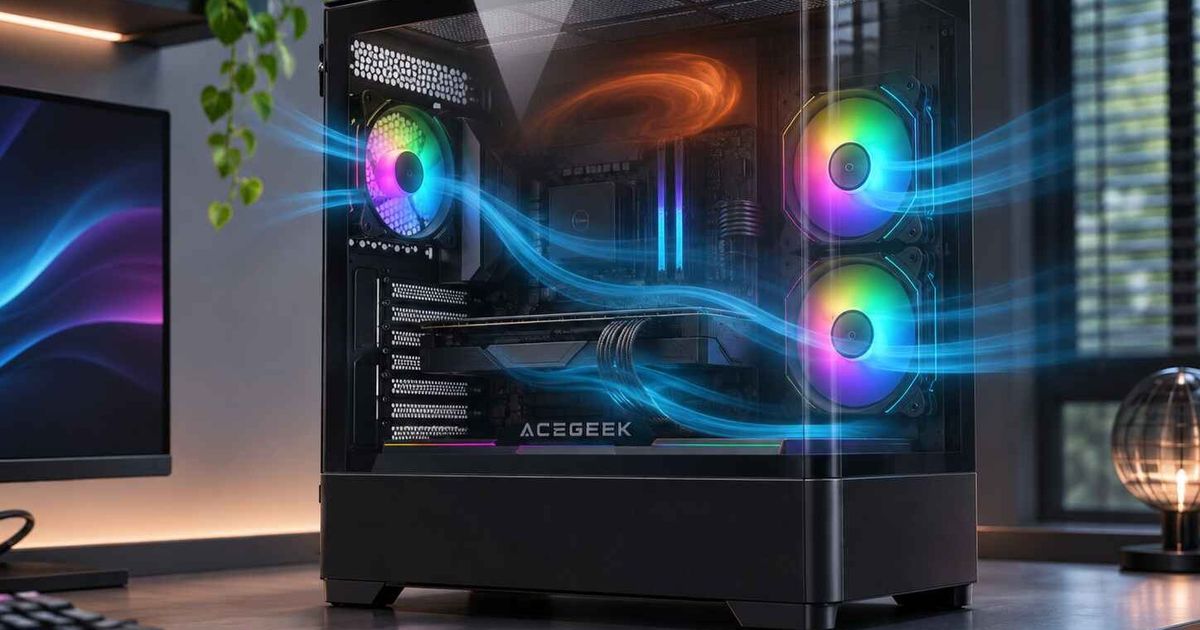
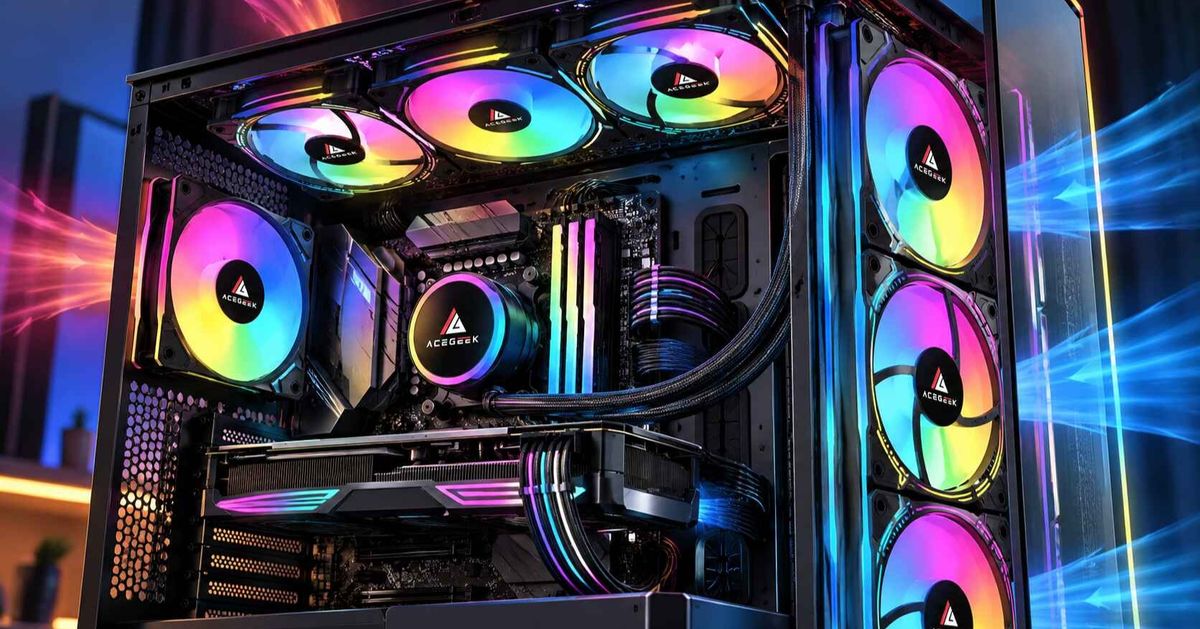
How Fan Position Changes Air Recirculation Inside a PC Case
Fan position decides whether the air entering your graphics card and CPU cooler is fresh room air or air the system has already heated. Recirculation happens when warm exhaust, from the GPU, a radiator or an exhaust fan, gets drawn back into an intake path. Two cases with identical fans, identical hardware and identical fan speeds can therefore run several degrees apart, because their fans sit in different places relative to the heat sources and to each other.
This article explains how front, rear, top, side and bottom fan positions each change recirculation risk, how case pressure fits in, and why adding a fan can make things worse. It also gives a repeatable way to test your own layout, so you can separate a genuine airflow problem from a fan-count problem.
What Is Air Recirculation Inside a PC Case?
Air recirculation is warm air that has already passed over a heat source and then re-enters a cooling path instead of leaving the case. It is a distinct problem from a shortage of airflow, because the fans may move plenty of air. The air is simply too warm to be useful.
Intel's PC cooling guide describes the underlying issue: when components release heat into a small space such as a PC case, the ambient temperature inside can rise quickly unless the case is ventilated properly. Recirculation speeds that rise up, because each loop hands heat back to the component that produced it.
Three sources account for most recirculation:
GPU exhaust. Open-air graphics cards release much of their heat into the case, and the chassis has to replace that air with outside air.
Radiator exhaust used as intake. A radiator that receives room air heats it before it enters the chamber, which benefits the CPU but loads the case with warmer air.
Short-circuited fans. An intake and an exhaust fan placed close together can swap air between themselves without that air crossing a hot component.
Recirculation also overlaps with stagnant air. A loop of already-warmed air and a pocket of barely moving air both leave a component hotter than the rest of the system suggests, and they can look identical on a temperature log. The guide to identifying airflow dead zones in a PC case separates the two forms and shows how to tell them apart with sensor logs and smoke tests.
How Does Fan Position Affect Recirculation?
Fan position affects recirculation in three ways: it sets where fresh air enters relative to the GPU, it sets where hot air leaves relative to the intakes, and it determines whether the airstreams share one path or fight each other. The sections below take each position in turn.
Front Intake: Height Matters More Than Count
A front intake fan supplies fresh air only to the zone in front of it. A top-position front fan feeds the CPU cooler and upper motherboard area. A bottom-position front fan feeds the graphics card, but only if the airflow can get there. If the lowest fan blows into a solid PSU shroud or a cable bundle, the GPU ends up drawing its air from inside the case, which is recirculation by another name.
For this reason a third front fan is not automatically better than a second one. It helps when it covers a zone that the other two leave underserved, and when the front panel lets enough outside air through. The comparison of two versus three front intake fans explains how to judge that, including why two well-placed fans can beat three fans behind a restrictive panel.
Rear and Top Exhaust: Distance From the Intake
An exhaust fan removes heat efficiently when it sits close to the heat source and far from the intake. Noctua's airflow guide recommends that case fans follow one airflow direction, with several front intakes, a rear exhaust and an optional top exhaust above or just behind the CPU cooler. The same guide warns that streams meeting head-on create turbulence, which hurts cooling and adds noise.
The top-front corner is where many layouts go wrong. An exhaust fan there sits next to the front intake column. It can lift incoming air toward the roof before that air crosses the GPU, or let freshly heated air leave through a gap and curl back into the front fans. GamersNexus's review of the HAVN BF 360 Flow shows that manufacturers know about the second problem: the case includes an anti-backflow plate that blanks part of the top fan mount above the front fans, to stop air leaving through that gap and recirculating into the front fans.
Top Intake Over a GPU: Position Meets Cooler Design
Noctua notes that on a case with a tower cooler, a top fan installed near the front can work as an intake that feeds the cooler directly. The same position can backfire when the GPU matters more than the CPU. In the same GamersNexus test, the graphics card's flow-through cooler pushed air toward the roof and deflected the top-front intake air away from the CPU cooler.
The reported GPU averages were 40 degrees in the stock layout, 39 with two top fans set as pure exhaust, and 42 with a mixed top intake and exhaust layout. GamersNexus suggested that leaving the stock front intake and rear exhaust alone may be the best compromise in that case. These figures belong to one case, one GPU and one test method, so treat them as an example of how a position change can help one component and hurt another, not as a prediction for your build.
Side and Bottom Intake in Panoramic Cases
Panoramic and dual-glass cases often replace the mesh front with glass, which moves the intake to the side and bottom. Noctua's guide says side-intake slots in cases such as the Lian Li O11 Dynamic and NZXT H6 Flow can be treated like front intake fans, so the same logic applies: one dominant path from intake to exhaust.
Two position errors cause most of the recirculation in these cases. The first is a fan installed in the wrong direction, particularly with reverse-blade fans whose appearance does not show the airflow direction. A reversed side bank can send cool air straight back out. The second is bottom intake placed on a surface that blocks it, such as carpet, or behind a restrictive filter. The walkthrough on how to configure side intake in a panoramic PC case covers fan direction, bottom intake clearance and the side-versus-bottom trade-off in detail.
Radiator Position
Noctua's guidance on liquid cooling is that a front or side radiator with intake fans generally gives the lowest CPU temperatures, while a top radiator with exhaust fans generally gives the lowest GPU temperatures. The reason is recirculation in disguise. A front radiator used as intake hands the warm radiator air to the GPU, while a top exhaust radiator removes that heat before it reaches the GPU.
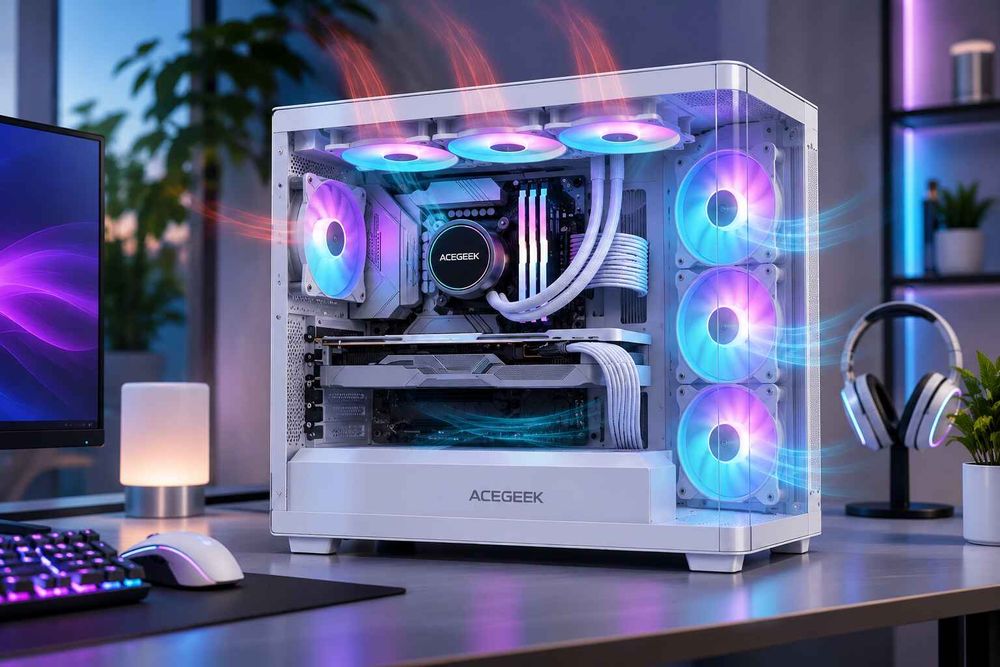
Which Fan Positions Carry the Most Recirculation Risk?
The list below summarizes the tendencies described above. These are directional patterns from published testing and airflow guidance, not guaranteed temperature changes, and case geometry or GPU cooler design can reverse any of them.
Lower front intake with an open path to the GPU. Lowest recirculation risk for the GPU. Check that the PSU shroud, cables and frame do not block the lane.
Lower front intake blocked by a solid PSU shroud. The GPU draws warm internal air instead. Check where the fan actually blows.
Top-front exhaust above the front intake column. Can lift fresh air toward the roof or let warm air loop back into the front fans. Check by removing it and repeating the same load.
Top-front intake over a flow-through GPU. Intake air may be deflected away from the CPU cooler, and GPU results can worsen. Check GPU and CPU together.
Rear exhaust in line with the CPU cooler. Low risk when it follows the same front-to-back path. Check that cables and obstructions are not breaking the path.
Front or side radiator used as intake. Gives the CPU cool air but sends heated air toward the GPU. Pair it with top and rear exhaust and compare both sensors.
Side intake in a panoramic case. Low risk when the fan direction is correct and the opening is large. Check the airflow arrows, not the fan appearance.
Bottom intake with limited clearance. Little real airflow, so the GPU may recirculate. Check floor clearance and filter resistance.
Does Case Pressure Change Recirculation?
Case pressure changes where replacement air enters, and that affects recirculation. When powered intake exceeds powered exhaust, the case runs at positive pressure and air tends to leave through passive gaps. When exhaust exceeds intake, the case runs at negative pressure and extra air is pulled in through vents and gaps. Noctua defines the three states as a ratio of air pulled in to air pushed out.
Neither state is automatically better for recirculation. Tom's Hardware's guide to positive versus negative pressure says a case with a restrictive front panel can cool the GPU better under negative pressure, because air is pulled in through vents and PCIe openings physically close to the card and exhaust fans near the rear and top remove the card's heat quickly. The same guide notes the cost: dust builds up quickly and unevenly because the air bypasses filters.
Pressure cannot be read from fan count. A fan behind a dense filter moves less air than its rating, and a clogged filter shifts the balance over time. The guide to positive, negative and neutral case pressure explains why effective airflow matters more than the number of installed fans, and how to test the result.
Why Can Adding a Fan Make Recirculation Worse?
The assumption that every extra fan lowers temperatures is not reliable. A new fan changes the airflow path, and a path that sends warm air toward a component raises that component's inlet temperature. The usual mechanisms are an exhaust fan pulling fresh air away from the GPU lane, two streams colliding, and an extra fan sitting behind a restrictive panel where it adds noise but little air.
None of this means extra fans are pointless. More fans help when they add intake where the GPU needs it, when the case has open intake area, and when all airflow follows a single path. Tom's Hardware also points to diminishing returns: once intake and exhaust are adequate for the system's heat output, additional fans add little. The article on why more fans can increase GPU temperature lists the failure modes and the sources behind them.
An illustrative scenario, not a real customer case: a builder adds a top-front exhaust fan to a mesh-front tower. CPU temperature improves slightly, but GPU temperature rises under a gaming load. Removing the new fan and repeating the identical test restores the GPU temperature. The likely cause is that the new fan lifts cool air before it reaches the card. The fix is a position change, not a fan upgrade.
How Can You Test Whether Fan Position Is Causing Recirculation?
Run a repeatable test that changes one variable at a time. Temperature alone cannot prove recirculation, so combine it with a visual check of airflow.
Fix the load and the room. Use the same sustained GPU workload, wait for temperatures to plateau, and record ambient temperature. Compare readings as temperature above ambient so runs on different days are comparable.
Log several sensors. Record GPU core, GPU hotspot, CPU package and fan speeds. A change that helps the CPU can hurt the GPU, as the HAVN test showed.
Check the airflow direction. Intel suggests holding a stick of burning incense near an intake or exhaust to see which way the smoke moves, with care around ash and embers. Check smoke at the lower intake: if it curls back or drifts sideways instead of toward the GPU, the path is the problem.
Change one position. Remove or reverse the most recently added fan, or switch one fan between intake and exhaust, and repeat the identical run.
Compare at similar noise. A layout that is cooler only because every fan runs at 100 percent is not a better layout.
Check what sits in the GPU's exhaust path. Intel's example is an M.2 SSD placed directly under the GPU, where hot air from the card hits it.
If temperatures do not move after the change, recirculation is probably not what limits performance in that spot.
How Should You Place Fans to Reduce Recirculation Without Starving the CPU?
Place the GPU's fresh-air supply first, then build the CPU's exhaust route around it. In most gaming systems the graphics card produces the largest sustained heat load, so it gets the cleanest intake lane. The guide to balancing CPU cooling and GPU airflow in the same system works through that priority, including why builders often optimize the sensor they watch most, usually the CPU.
These rules follow from the evidence above:
Keep all fans on one intake-to-exhaust path, and avoid placing opposing fans so their streams meet.
Keep exhaust fans away from the intake lane, particularly the top-front corner when the GPU needs that column of air.
Give the lower intake an unobstructed route to the GPU, and keep cables out of that lane.
Choose radiator position by priority: front or side intake favors the CPU, top exhaust favors the GPU.
Use fan curves that respond to GPU temperature on the intake fans, so the GPU supply ramps when the GPU is the heat source.
If you are comparing cases rather than tuning one, ask the manufacturer for fan positions and directions, intake open area, filter type, whether the lower intake can reach the GPU, and the load, ambient temperature, fan speed and sensors used in any thermal data. Without those test conditions, two cases cannot be compared fairly.
Frequently Asked Questions
What is air recirculation in a PC case?
Air recirculation is warm air, such as GPU exhaust or radiator-heated air, being drawn back into an intake path instead of leaving the case. It raises the temperature of the air entering components even when total airflow looks adequate.
Should a top-front fan be intake or exhaust?
It depends on the cooler and GPU. Noctua notes a top fan near the front can feed a tower cooler as intake, but over a flow-through GPU it may deflect air and raise GPU temperature. Test both orientations with the same load.
Does negative pressure increase recirculation?
Not by itself. Negative pressure pulls replacement air through vents and gaps, which can help a GPU in a restrictive-front case. The trade-off is unfiltered dust. The effect depends on whether those openings supply air where the card needs it.
Can too many case fans cause recirculation?
Yes, indirectly. An extra fan can pull air away from the GPU lane, collide with another stream, or sit behind a restrictive panel. Fan count rarely causes the problem alone. Position, direction and restriction do.
Is bottom intake better than front intake for the GPU?
Not automatically. Bottom intake feeds the card directly only when the opening is unobstructed and has floor clearance. A restrictive bottom filter or a carpeted surface can make a front or side intake perform better.
How do I know if my GPU is breathing its own exhaust?
Compare GPU temperature with the lower intake fan removed or its direction changed, and watch smoke or incense at the intake. If smoke curls back toward the card or temperatures drop when a fan is removed, recirculation is likely.
Does fan position matter more than fan count?
Often, yes. Published tests show that moving or changing one fan can shift GPU temperature by several degrees in the same case. Once intake and exhaust are adequate, position and path usually matter more than extra fans.