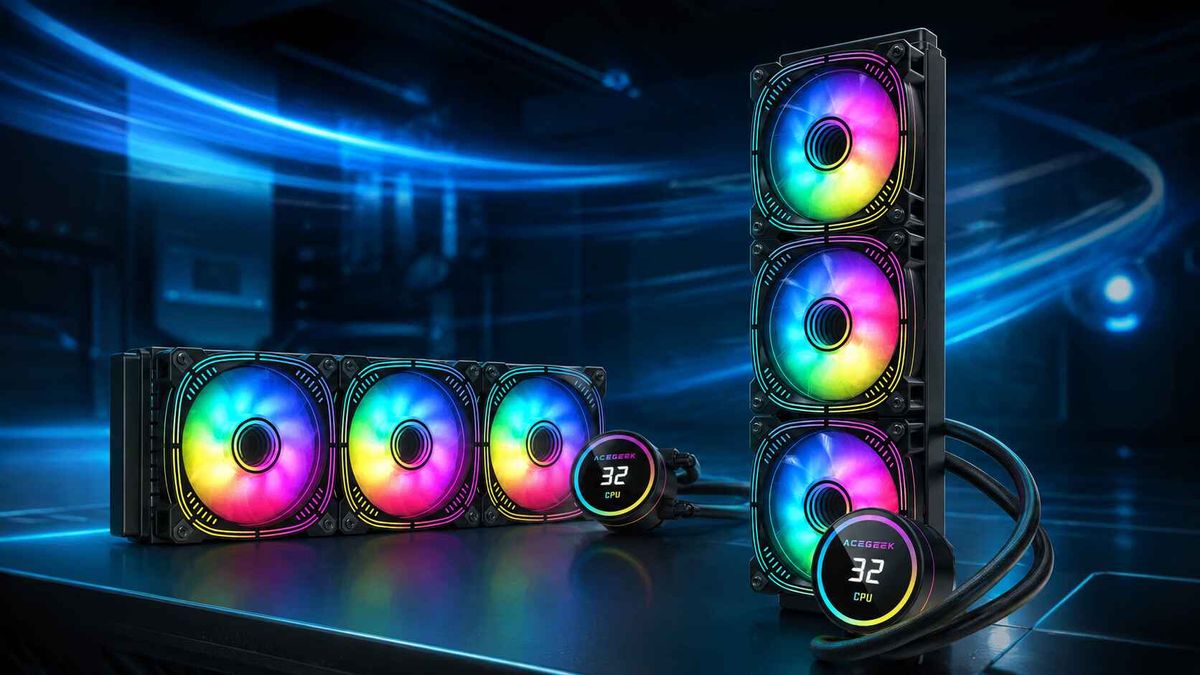
AIO Radiator Compatibility: How to Check Case Fit Before You Buy
A case listing that says "supports 360mm radiator" answers only one of the questions that decide whether an AIO liquid cooler will fit. AIO radiator compatibility depends on at least four separate measurements: real radiator length, the combined radiator-and-fan thickness, the radiator's width and mounting offset, and the space left for tubes, RAM, motherboard heatsinks and the graphics card. A build can pass a basic compatibility checker and still fail on any one of them. This guide shows system builders, IT buyers and enthusiasts how to run those checks before ordering, which numbers to request from the case or cooler maker, and where the usual shortcuts go wrong.
What Does "360mm Radiator Support" Actually Tell You?
It tells you the case has a mounting position laid out for three 120mm fans at that location. It does not tell you the radiator's true length, its thickness, or what sits underneath it.
The "360mm" label comes from three 120mm fan positions. Real radiators include end tanks and housings, so they run longer. NZXT's published specifications list the Kraken Elite 360 radiator at 401 × 120 × 27 mm, a gap of 41mm over the nominal size. ACEGEEK's explainer on why an AIO radiator is longer than its 360mm label covers the end-tank design behind that gap and compares several models.
Support is also per position. NZXT's own radiator mounting guide points out that case support varies by mount location, and lists cases that accept a larger radiator in the front than in the top. A listing that says "supports 420mm" may apply to one location only.
The Four Measurements That Decide Whether an AIO Fits
1. Real radiator length against the case limit
Compare the radiator's full length, tank to tank, with the maximum length the case lists for that specific position. Do not compare the nominal size. If the case maker publishes only a nominal size, treat length as unverified.
2. Stack depth: radiator, fans and allowances
Installed depth is the radiator thickness plus fan thickness, plus small allowances for screw heads, anti-vibration pads and fittings. A working formula:
Stack depth = radiator thickness + fan thickness + hardware allowance + service margin
Do not assume 25mm fans. NZXT's specification page lists the fans in the Kraken Elite family at 26mm thick, so a 27mm radiator with those fans gives a 53mm stack, not 52mm. One millimetre is small, but it shows why the exact fan model matters when a case limit is tight.
Thickness is where many "compatible" builds fail. ACEGEEK's analysis of how radiator thickness breaks otherwise compatible builds shows how a 27mm radiator with 25mm fans (52mm) differs from a 38mm radiator with the same fans (63mm), and how push-pull fans push the stack deeper again.
3. Width and mounting offset
Radiator width matters because it decides how far the assembly reaches toward the motherboard. A 280mm radiator is typically paired with 140mm fans and is wider than a 240mm unit, so it can reach farther over the DIMM slots. Mounting offset, meaning how far the top rails sit from the motherboard edge, determines whether the fans hang directly over memory or beside it.
4. Tubes, pump position and cable access
Tubes need room to leave the end tank without a tight bend. Pump position also matters for reliability, not just fit. NZXT's guidance is that the highest point of the radiator should sit above the pump cap, because air collects at the highest point in the loop, and it advises against bottom-mounting an AIO. A mounting position that clears every component but puts the radiator below the pump is not a valid solution.
Worked Example: A 401mm Radiator in a 404mm Top Mount
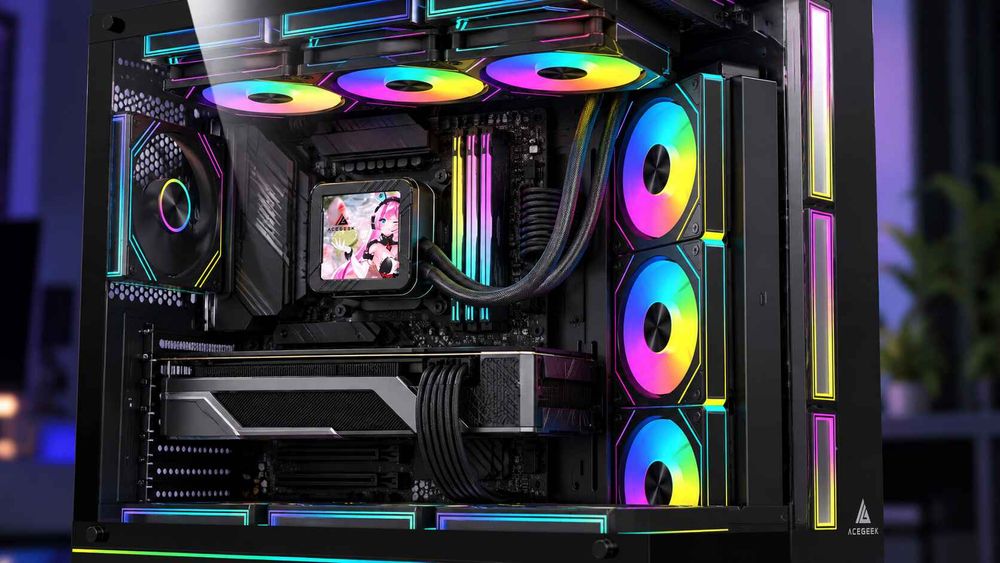
Published numbers show why "within the limit" is not the same as "comfortable". Fractal Design's Summit radiator support page (modified September 2, 2026) lists these limits for a top-mounted 360mm radiator:
Maximum length: 404mm
Maximum width: 135mm
Maximum thickness including fans: 63mm
Take the Kraken Elite 360 from the NZXT specification above (401 × 120 × 27mm, with the 26mm fans NZXT lists):
Length: 404 − 401 = 3mm of spare length.
Width: 135 − 120 = 15mm spare.
Thickness: 63 − (27 + 26) = 10mm spare.
On the single-radiator limits, it fits. But Fractal also states that its maximum simultaneous combination is a 360mm radiator in the top, a 360mm in the front and a 120mm in the rear. For that combination, it lists recommended maximums of 398mm length and 122mm width for the top position, with a thickness of 30mm. The same page adds that slightly thicker radiators are possible, but tubing becomes extremely difficult past those figures. Against the 398mm figure, the 401mm radiator is 3mm over. The page does not say whether the 30mm thickness figure includes fans, so a buyer would need to confirm that with the manufacturer.
The cooler did not change. The case did not change. Only the configuration changed. This is why the useful question is "will this radiator fit this position in this configuration?" rather than "is the case rated for 360mm?"
The same page also shows how little margin a 38mm radiator leaves. With 25mm fans it totals 63mm, which would exactly match the 63mm limit with no allowance for screws, pads or tube bends. That is an illustrative calculation, not a statement about any specific cooler.
Why Top-Mounted Radiators Hit RAM and Motherboard Hardware
The top mount fails in the narrow band above the motherboard, where memory, VRM heatsinks, EPS power connectors and fan headers share the space. Whether the fan frame reaches that band depends on stack depth and offset together.
RAM height is the variable buyers most often skip. Kingston lists its FURY Beast DDR5 RGB modules at 42.23mm tall (133.35 × 42.23 × 7.11mm), and ACEGEEK's guide to top-mounted radiator and RAM interference compares manufacturer-listed DDR5 kits ranging from 33mm to 44mm. An 11mm difference in memory height can decide a tight build, and so can an 11mm difference in radiator thickness.
For a broader walk-through of the overlap zone, including VRM heatsinks and tube exits, see ACEGEEK's top-radiator clearance guide.
If a top radiator does collide, the options are listed here from least to most disruptive:
Use an offset bracket or alternate mounting position if the case maker offers one for your radiator.
Switch to shorter memory, after confirming how many millimetres you need to recover.
Choose a slimmer radiator or slim fans. Slim fans cut stack depth but change airflow, static pressure and noise, so check the cooling trade-off.
Move the radiator to the front, then re-check the GPU and pump position.
Tall RAM is not automatically a problem. In a case with generous offset, tall RGB memory can sit beside the fans without touching them. The goal is to match memory height to the clearance that actually exists.
Does a Front Radiator Reduce GPU Clearance?
Yes, when the radiator and fans enter the same axis as the graphics card. A front radiator and its fans usually take space from the card's length axis. A top radiator usually does not, but it takes space from the RAM and motherboard area. A side radiator can take width, tube and airflow space instead.
ACEGEEK's GPU and radiator clearance math gives this length-axis formula:
Usable GPU length = published case clearance − radiator − fans − bracket − reserve margin
In its illustrative example, a 340mm case with a 30mm front radiator, 25mm fans, a 5mm bracket and a 10mm reserve leaves 270mm. If the fans sit outside the card chamber, the same case leaves 295mm. The 10mm reserve is a practical rule from that guide, not an industry standard. Subtract only what actually overlaps the card. Subtracting a radiator that sits in a different part of the case gives the wrong answer in the other direction.
Is a Thicker Radiator Worth the Clearance Cost?
Not automatically. A thicker radiator can add fin depth and coolant volume, but it also adds airflow restriction, installed depth and tube-routing difficulty. Whether the extra depth pays off depends on fan pressure, noise target, mounting position and what is nearby.
NZXT's mounting guide makes a related point: radiator size and fan setup affect cooling more than whether the radiator is in the top or the front, and it states that a 360mm radiator in the front outperforms a 240mm in the top. A reasonable reading is that a larger, slimmer radiator in a clear position may be a safer purchase than a thicker radiator wedged against memory. This is a conditional judgment, not a universal rule. A thick radiator in a spacious case with strong static-pressure fans can still be the better choice, and the sources reviewed for this article did not include a controlled thick-versus-slim test.
Mount Position Compared: What Each Position Puts at Risk
Top mount. Most common conflicts are RAM, VRM heatsinks, EPS cables and fan headers. Verify stack depth against offset and memory height. NZXT names it the default position when the case supports the radiator size.
Front mount. The usual conflict is GPU length and power-cable space. Verify which axis the fans enter and what the fittings overlap.
Side mount. Conflicts include tube bend angle, glass clearance, intake volume and card width. Preserved GPU length does not guarantee preserved airflow.
Rear mount. Usually limited to small radiators. Fractal's Summit page lists a rear limit of 158mm long and 55mm thick including the fan.
Bottom mount. Avoid for AIOs, since it places the radiator below the pump.
What to Record Before You Order
Collect these figures first, whether you are buying one system or specifying a batch of builds:
Case model and exact mount position, with the maximum length, width and thickness for that position and any limit that changes with other radiators installed.
Radiator dimensions and included fan thickness from the cooler maker's specification, not from a nominal size.
Exact RAM model height, plus the memory slots you plan to populate.
Motherboard model, to check VRM heatsink height and the top-edge layout.
Exact GPU SKU, including length, width and cooler thickness. Board-partner cards often differ from reference designs.
Tube length and block orientation, to confirm the tubes reach without a tight bend and the radiator stays above the pump.
If the case maker does not publish a figure, ask for it using your exact part numbers rather than guessing. Then run the final check against the full parts list, because ACEGEEK's guide to checking full PC part compatibility covers the platform, power and software checks that sit alongside the clearance checks here.
What Should You Verify Before Buying an AIO or Case?
As a working rule, treat any combination with under roughly 5mm of margin on any axis as unconfirmed and ask the manufacturer to verify it. Confirm four things: the case lists support for your radiator size at your chosen position; the radiator's real length fits that position's limit; stack depth clears your RAM and motherboard hardware; and the GPU still enters and leaves without removing the radiator. A drawing or dimension list from the case maker settles more than a green checkmark.
Frequently Asked Questions
Will any 360mm AIO fit a case that supports 360mm radiators?
Not necessarily. The label describes a three-fan layout, while real radiators run longer, such as 401mm for the NZXT Kraken Elite 360. The fit depends on the case's per-position length, width and thickness limits, plus RAM and GPU clearance.
How do I calculate radiator stack depth?
Add radiator thickness, fan thickness and a small allowance for screws, pads and fittings. A 27mm radiator with 26mm fans is 53mm before allowances. Compare the total with the case's thickness limit and the space above your RAM.
Why does my top-mounted radiator hit my RAM?
The fan frame extends below the roof rails toward the DIMM slots. Stack depth, mounting offset, radiator width and memory height combine to decide whether they overlap. Tall RGB modules can exceed 42mm, so verify exact heights.
Does a front radiator reduce GPU clearance?
Yes, when the radiator and fans sit in the card's length path. Subtract their combined depth, plus brackets and a margin, from the case's published GPU limit. Fans mounted outside the card chamber change the result.
Is a thicker AIO radiator better?
Not by default. Extra thickness can add cooling capacity but also airflow restriction, installed depth and routing difficulty. It suits roomy cases with strong fans, while a larger slim radiator can be the safer choice in tight layouts.
Where should an AIO radiator be mounted?
Top mounting is the common default when the case supports the radiator size, with the radiator above the pump. Front mounting is a good alternative. NZXT advises against bottom mounting because air can collect in the pump.