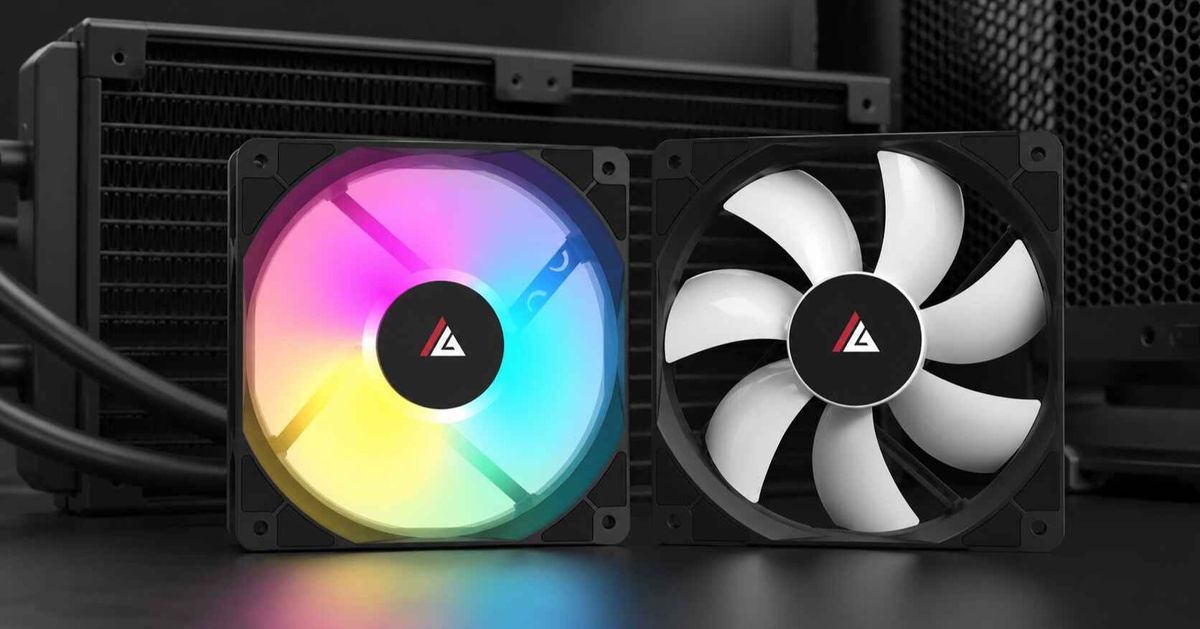
Airflow Fans vs Static-Pressure Fans: Where Each One Belongs
Fans get misused.
A builder sees a large CFM number, buys six matching fans, installs them behind a radiator, dust filter, narrow side vent, or decorative glass panel, and then wonders why temperatures barely improve while the machine starts sounding like a small vacuum cleaner.
Why are we still choosing fans as though the case around them does not exist?
The argument over static pressure vs airflow fans is often reduced to one lazy rule: airflow fans belong in cases, while static-pressure fans belong on radiators. That rule is directionally useful. It is also incomplete.
A PC case is not an empty room. Mesh panels create resistance. Dust filters create resistance. Radiator fins create more resistance. Even an apparently open intake can become restrictive when it sits 8 mm from tempered glass or pulls air through narrow side slots.
My position is simple: do not classify the fan before you classify the obstruction.
The Fan Label Is Not the Performance
An airflow fan is designed to move a large volume of air when the intake and exhaust paths are relatively open. A static-pressure fan is designed to maintain useful airflow when it must push or pull through resistance.
That sounds clean. Real installations are messy.
The maximum airflow rating, normally shown in cubic feet per minute or CFM, is measured near a free-air condition. The maximum static-pressure rating, normally shown in mmH₂O or Pa, represents the opposite end of the fan’s operating range, where airflow approaches zero.
Neither extreme represents a normal gaming PC.
The Air Movement and Control Association explains that a fan’s actual operating point is found where its performance curve intersects the resistance curve of the system. In plain English, the case, filter, grille, heatsink, and radiator decide how much of the advertised airflow survives installation. The full AMCA explanation of fan performance curves is written for larger ventilation equipment, but the physics applies to 120 mm PC fans as well.
This is the hard truth: a 70 CFM fan is not necessarily moving 70 CFM inside your computer.
Noctua’s CTO makes the same point in a particularly honest discussion of pressure-versus-airflow curves. Maximum pressure resembles blowing against a closed wall, while maximum airflow resembles operating in unrestricted air. Real cooling happens between those two endpoints.
So CFM versus static pressure is not a fight between two independent scores. It is a curve.
Where Each PC Fan Type Actually Belongs
The correct fan depends on what sits immediately in front of or behind it. Not what the mounting location is called.
Fan positionTypical obstructionMain performance priorityBest starting choiceCommon mistakeOpen rear exhaustLowAir volume at moderate RPMAirflow or balanced fanBuying an extreme pressure fan that adds noise without a useful restriction to fightOpen top exhaustLow to moderateAirflow and low turbulenceAirflow or balanced fanRunning top-front exhaust so fast that it removes cool intake air before it reaches the CPU coolerMesh front intake without filterLow to moderateAirflowHigh-airflow or balanced fanAssuming every panel described as “mesh” is equally openFiltered front intakeModerateMid-curve pressure and airflowBalanced or static-pressure fanChoosing solely by free-air CFMNarrow glass-front side intakeModerate to highStatic pressurePressure-oriented fanAdding more fans instead of fixing the restricted intake pathBottom intake with dense filterModerate to highStatic pressure and bearing stabilityPressure-oriented PWM fanLetting carpet block the intakeCPU air-cooler heatsinkHighStatic pressureStatic-pressure fanInstalling an open-air airflow fan against a dense fin stackAIO radiatorHighStatic pressure and frame sealingStatic-pressure or strong hybrid fanTreating every 120 mm fan as a radiator fanThick or high-fin-density radiatorVery highPressure across the usable RPM rangeHigh-pressure PWM fanChasing maximum RPM without considering noiseOpen side exhaustLowAir volumeAirflow fanExhausting cool air before it reaches the GPU
This table is a starting map, not a religious text. A filtered mesh panel can be more restrictive than a thin radiator. A poorly ventilated glass front can be worse than both.
ACEGEEK’s guide to how front-panel design changes PC case cooling explains why vent area, filter density, side-slot geometry, and distance from the fan matter more than the word “mesh” printed on a product page.
Where High-Airflow Case Fans Make Sense
High-airflow case fans belong in positions where the fan has a clean path to move air into or out of the chassis.
Open Rear Exhaust
The rear exhaust is the easiest assignment.
There is usually no dust filter, no radiator, and no decorative panel directly against the fan. The grille still creates some resistance, but not enough to justify choosing a fan entirely around maximum static pressure.
I prefer an airflow-oriented or balanced 120 mm fan here, controlled by PWM and tied to CPU or motherboard temperature. It does not need to run at 2,500 RPM. It needs to remove warm air leaving the CPU cooler without becoming the loudest component in the system.
Open Top Exhaust
Top exhaust positions can also favor airflow fans, particularly when the roof uses wide perforations and no radiator.
But placement matters.
A powerful top-front exhaust fan can pull cool front-intake air upward before it reaches the tower cooler or graphics card. That fan may move plenty of air while making the actual cooling route worse.
Moving air is not enough. It has to cross something hot.
I often leave the top-front mount empty in conventional air-cooled towers and use only the top-rear position. That gives rising CPU heat a short exit without turning the roof into an intake-air thief.
Unrestricted Mesh Intake
A genuinely open mesh front can reward high-airflow case fans. The blades can move a broad column of cool air toward the GPU, CPU cooler, memory, and voltage-regulation components without fighting a severe pressure drop.
The word “genuinely” matters.
Hold the front panel toward a light. Examine how much of the surface is actually open. Check for a second metal grille, fine nylon filter, foam layer, plastic frame, or fan bracket behind the visible mesh.
A panel containing three layers of restriction is not an open intake just because the first layer has holes.
Where Static-Pressure Fans Earn Their Place
Static-pressure fans belong where the air path pushes back.
AIO and Custom-Loop Radiators
Radiator fins divide the airflow into narrow channels. The fan must maintain a pressure difference across the fin stack or the advertised open-air airflow falls sharply.
For a radiator, I look for:
A strong pressure-versus-airflow curve
A square frame that seals against the radiator
4-pin PWM control
Stable operation from roughly 700 to 1,800 RPM
Acceptable noise at the RPM required by the actual heat load
Enough pressure for the radiator, filter, and case panel combined
The final point gets ignored constantly. A front-mounted radiator may sit behind a dust filter and a restrictive panel. The fan is not fighting one obstacle. It is fighting three.
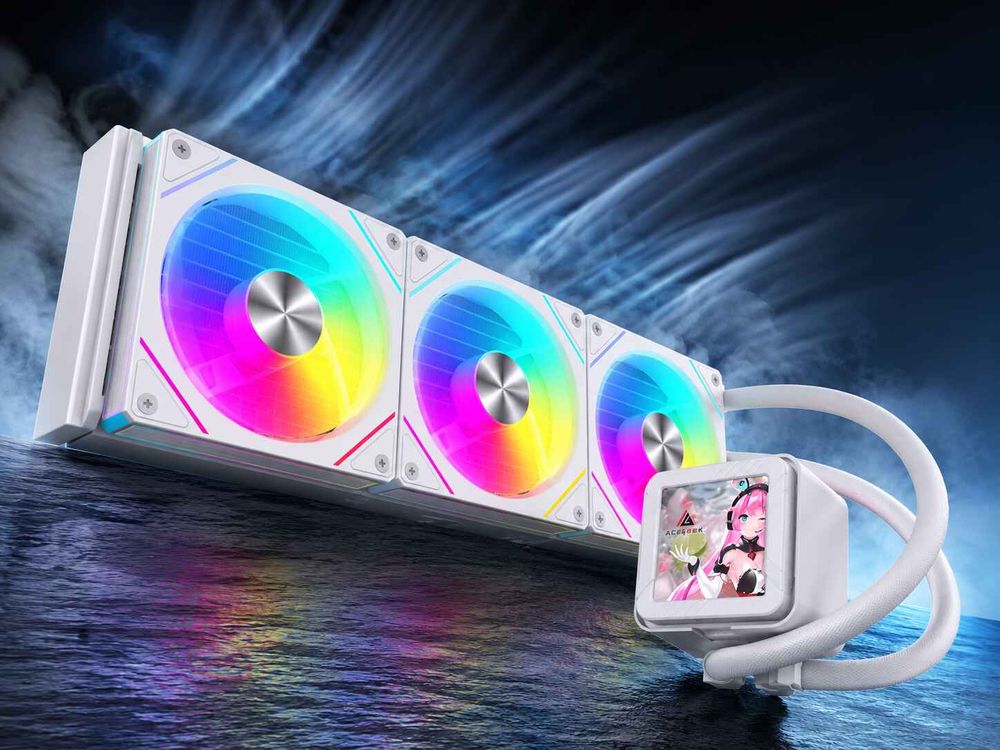
ACEGEEK’s dual-radiator airflow planning guide shows why radiator direction, panel restriction, GPU intake, and fan choice must be treated as one system rather than separate shopping decisions.
Tower CPU Heatsinks
A dual-tower air cooler also creates resistance. Dense aluminum fins, heat pipes, memory clearance, and a second fan all influence the operating point.
Static-pressure fans normally make sense here, particularly when replacing the cooler’s stock fan. But do not assume the fan with the largest mmH₂O figure will automatically be quieter or cooler.
A 3,000 RPM industrial fan can generate enormous pressure. It can also produce an acoustic tone that makes a two-degree temperature improvement feel like punishment.
Filtered Front and Bottom Intakes
Filters are heat-performance taxes.
They are often necessary, especially in homes with pets, carpet, smoke, construction dust, or long maintenance intervals. But the finer and dirtier the filter becomes, the more pressure the fan must overcome.
This is where the phrase “case fan” becomes misleading. A filtered bottom intake feeding a 400 W graphics card may need more pressure capability than a fan installed on a slim, low-density radiator.
Use a pressure-oriented or strong hybrid fan. And clean the filter.
No fan specification can compensate indefinitely for a filter packed with dust.
Glass-Front Cases With Side Slots
These are the locations where airflow fans are most frequently wasted.
The fan may appear to be mounted in open space, but the glass panel blocks the direct inlet. Air must turn around the panel edge, pass through narrow vents, cross a filter, and then turn again into the fan.
That is a pressure problem.
Adding a third identical airflow fan may provide less benefit than replacing two fans with better pressure-oriented models or increasing the panel-to-fan gap.
CFM vs Static Pressure: Stop Comparing Only Maximum Numbers
Product pages encourage bad comparisons because maximum CFM, maximum pressure, maximum RPM, and maximum noise are easy to place in a neat specification table.
The numbers are not useless. They are incomplete.
Consider three published examples:
120 mm fanMaximum speedPublished airflowPublished static pressureWhat the figures suggestACEGEEK Prime Fan1,850 RPM60 CFM1.90 mmH₂OBalanced mainstream case-cooling profileNoctua NF-A12x25 G21,800 RPM63.15 CFM3.14 mmH₂OStrong hybrid performance at moderate maximum speedARCTIC P12 Pro3,000 RPM77 CFM6.9 mmH₂OHigh pressure and airflow potential, with fan-curve tuning needed to control noise
These are manufacturer specifications, not a controlled cross-brand benchmark. Different test methods can distort direct comparisons, and maximum figures say little about behavior at 800, 1,200, or 1,500 RPM.
ACEGEEK lists its Prime 120 mm fan at 800–1,850 RPM, 60 CFM, 1.90 mmH₂O, and 17.8–32.3 dBA. Those figures suggest a balanced fan rather than an extreme radiator specialist, although the final result still depends on the mounting restriction.
Noctua publishes 63.15 CFM, 3.14 mmH₂O, 1,800 RPM, and 22.5 dB(A) for the NF-A12x25 G2. Its design targets the middle portion of the P/Q curve, allowing it to work in both airflow-heavy and pressure-heavy positions.
ARCTIC publishes 77 CFM, 6.9 mmH₂O, and up to 3,000 RPM for the P12 Pro. Those are aggressive figures, but high maximum speed also means buyers must set a sensible PWM curve rather than leaving the fan at full output.
A July 2026 PC Gamer wind-tunnel comparison reinforces that point. The Noctua NF-A12x25 G2 moved 2.2 m/s at 1,800 RPM while recording 42.5 dBA in that publication’s setup; the ARCTIC P12 Pro reached 2.9 m/s at maximum speed but was judged much louder at the top of its range. Performance per usable RPM mattered more than the largest box number.
The Best Modern Fans Are Often Hybrids
The old split between “airflow” and “static pressure” fans is becoming less absolute.
Better blade geometry, tighter tip clearance, stronger motors, improved frames, and more sophisticated PWM control allow some modern fans to perform well across a broader resistance range.
That does not make the categories useless. It changes how they should be used.
I treat airflow and static pressure as design priorities rather than permanent identities. A pressure-optimized fan can still move air through an open exhaust. An airflow fan can still push some air through a filter. The question is how much performance and noise you sacrifice when the fan is moved away from its intended duty point.
A premium hybrid fan often makes sense when:
You want one fan model across the whole case
The case mixes open exhausts, filters, and radiators
You frequently change hardware layouts
Low-RPM performance matters
Acoustic consistency matters more than the lowest purchase price
Replacement inventory needs to remain simple
A dedicated pressure fan still makes more sense for a dense radiator. A dedicated airflow model can still offer better value for a completely open exhaust.
Universal does not mean optimal.
A Real Cooling System Is More Than a Set of Fan Ratings
Dell’s 2025 Alienware Area-51 redesign provides a useful case study because its engineers did not begin by filling every hole with the highest-CFM fan available.
The system uses two 180 mm front fans, two 120 mm top fans, and two bottom fans to create controlled positive pressure. Dell reportedly spent three months running 30 airflow simulations, and the finished system was measured at 172 CFM on its flow bench. Dell claimed 25% more airflow with 45% less fan noise than the prior approach, while a Windows Central review recorded a 38.4 dB peak during demanding use with an RTX 5090.
The important part is not the 172 CFM headline.
Dell used pressure measurements to check whether air was moving through the intended zones, adjusted rear openings to prevent recirculation, and directed intake pressure toward the GPU. More holes were not automatically better. More exhaust was not automatically better. More fan speed was not automatically better.
That is the lesson PC builders should steal.
The fan, panel, vent, filter, and component must be designed as a route.
How to Choose PC Cooling Fans Without Guessing
Use this process before buying another three-pack.
Step 1: Map Every Fan Position
Draw a simple side view of the case. Mark:
Front intake
Side intake
Bottom intake
Rear exhaust
Top exhaust
Every radiator
Every dust filter
The GPU intake area
The CPU cooler direction
Do not count fans yet.
Step 2: Rate the Restriction
Classify each position:
Low restriction: open rear exhaust or wide top grille
Moderate restriction: open mesh with grille or light filter
High restriction: radiator, dense filter, narrow side vent, or glass-offset intake
Very high restriction: radiator behind a filter and restrictive exterior panel
This immediately tells you where high-airflow case fans belong and where static-pressure radiator fans are safer.
Step 3: Choose the Fan Curve, Not Just the Peak
Look for third-party tests at multiple RPM points. The useful fan is rarely the one that wins at 100% speed. It is the one that delivers enough airflow at the 40–75% duty cycle where the system spends most of its life.
The ACEGEEK cooling-fan collection provides several aesthetic and control options, but each model should still be matched to the intended restriction rather than selected by lighting style alone.
Step 4: Configure Separate PWM Curves
Radiator fans should respond to CPU or coolant temperature. GPU intake fans should ideally respond to GPU temperature. Case exhaust fans can respond to the hotter of CPU, GPU, or motherboard sensors when the control software supports it.
One global fan curve is convenient. It is rarely precise.
A game can heavily load the GPU while leaving the CPU relatively cool. If every intake fan follows CPU temperature, the graphics card may be starved exactly when it needs fresh air.
Step 5: Test With the Panels Installed
Run a repeatable CPU-and-GPU workload for at least 20–30 minutes. Record:
Room temperature
CPU package temperature
GPU core temperature
GPU hotspot
Fan RPM
Noise
SSD and VRM temperature where available
Then change one variable.
Removing the front panel is also useful as a diagnostic test. A large temperature drop means the panel or filter is restrictive. It does not automatically mean you need more fans.
Sometimes the case is the bottleneck.
The Placement Rules I Would Actually Use
For a conventional air-cooled ATX gaming PC:
Use airflow or balanced fans on an open rear exhaust
Use airflow or balanced fans on unrestricted top exhaust positions
Use balanced or pressure-oriented fans behind filtered front mesh
Use pressure-oriented fans behind narrow glass-panel intakes
Use static-pressure fans on tower heatsinks
Avoid an aggressive top-front exhaust that steals intake air
Give the GPU a direct front or bottom intake lane
For a gaming PC with a 240 mm or 360 mm AIO:
Use static-pressure or strong hybrid fans on the radiator
Prefer a top-exhaust radiator when GPU cooling is the first priority
Consider front-intake radiator placement when CPU temperature matters more
Preserve a separate intake route for the graphics card
Account for the combined resistance of the exterior panel, filter, and radiator
For a panoramic dual-chamber case:
Use pressure-oriented fans on filtered bottom intake
Use pressure or hybrid fans on a side-mounted intake radiator
Use airflow or hybrid fans on an open top exhaust
Check whether decorative fan orientation requires reverse-blade models
Do not let visual symmetry override the cooling route
And when the chassis itself is still undecided, use a PC case selection process that includes fan and radiator support before buying cooling hardware. A fan cannot correct missing clearance, blocked vents, or a badly positioned glass panel.
FAQs
What is the difference between airflow fans and static-pressure fans?
An airflow fan is optimized to move a high volume of air through relatively open spaces, while a static-pressure fan is optimized to maintain useful airflow against resistance from radiator fins, heatsinks, filters, mesh, narrow vents, or nearby panels, making installation conditions more important than the label alone.
Airflow models usually make sense for open rear or top exhaust positions. Static-pressure models are safer for radiators, filtered intakes, tower coolers, and restricted glass-front cases. Strong hybrid fans can perform both jobs when their pressure-versus-airflow curve remains effective through the middle operating range.
Are static-pressure fans better for PC radiators?
Static-pressure fans are generally better for PC radiators because they can sustain a pressure difference across the radiator’s narrow fin channels, helping real airflow survive after resistance is introduced instead of producing an impressive free-air CFM rating that collapses once the fan is mounted against the heat exchanger.
Frame sealing, usable-RPM pressure, PWM control, radiator thickness, fin density, and noise should also be considered. A high maximum pressure figure achieved only at an extremely loud 3,000 RPM may be less useful than moderate pressure delivered quietly at 1,200–1,600 RPM.
Can I use static-pressure fans as normal case fans?
A static-pressure fan can be used as a normal case fan because it still moves air through open vents, although a dedicated airflow model may move more air, cost less, or sound better in a low-resistance position where the additional pressure capability provides little practical benefit.
Using one balanced pressure-oriented model throughout the case can simplify wiring, aesthetics, replacement stock, and fan-curve management. There is no safety problem with doing so. The trade-off is simply that a specialized airflow fan might be more efficient at an unrestricted rear or top exhaust.
Are airflow fans good behind dust filters?
Airflow fans can work behind light dust filters, but a pressure-oriented or balanced fan is usually more dependable when the filter is fine, dirty, layered behind mesh, or combined with a narrow intake opening, because each obstruction raises resistance and reduces the fan’s delivered airflow.
Test the system with the filter installed. Removing the filter temporarily can expose the size of the pressure loss. When temperatures or fan noise drop sharply without it, the filtered intake needs cleaning, a less restrictive filter, a stronger fan, or a better exterior air path.
Is CFM or static pressure more important for PC cooling?
CFM is more important in low-resistance positions, while static pressure becomes more important as radiators, heatsinks, filters, mesh, grilles, and narrow panel gaps obstruct the air path; neither maximum figure predicts installed performance by itself because real cooling occurs at an intermediate point on the fan’s pressure-versus-airflow curve.
For open exhaust positions, prioritize usable airflow and noise. For radiators and restricted intakes, prioritize pressure across the intended RPM range. For mixed positions, use a strong hybrid fan and rely on controlled testing rather than comparing two isolated maximum specifications.
Where should airflow fans be installed in a PC?
Airflow fans should be installed where intake and exhaust paths are comparatively open, including unrestricted rear exhausts, ventilated top exhausts, and broad mesh intakes without dense filters, because these positions allow their blade geometry to move a large volume of air without losing substantial performance to back pressure.
Do not install them automatically in every position called a “case mount.” A front fan sitting behind glass, side slots, a filter, and a metal bracket is operating in a restricted environment even though it is not attached to a radiator.
Where should static-pressure fans be installed?
Static-pressure fans should be installed on AIO radiators, custom-loop radiators, tower heatsinks, dense dust filters, filtered bottom intakes, narrow side vents, and glass-front intake systems where the fan must overcome meaningful resistance before air can reach the CPU, GPU, or other heat-producing components.
They are also useful when several restrictions are stacked together, such as a front panel followed by a filter and radiator. The fan must overcome the combined system resistance, not merely the resistance of the component attached directly to its frame.
Audit Every Fan Position Before You Buy
Stop shopping by fan category alone.
Open your case specification, map every intake and exhaust position, identify the filters, measure the panel gaps, record the radiator locations, and decide which component needs the freshest air. Then classify each mount as low, moderate, high, or very high restriction.
Use airflow fans where the path is open. Use static-pressure fans where the path fights back. Use balanced hybrid fans where one model must handle several jobs.
Then tune the PWM curves and test the assembled system with every normal panel and filter installed.
That is where each fan belongs—not where the marketing label says, but where its pressure-versus-airflow curve matches the resistance in front of it.