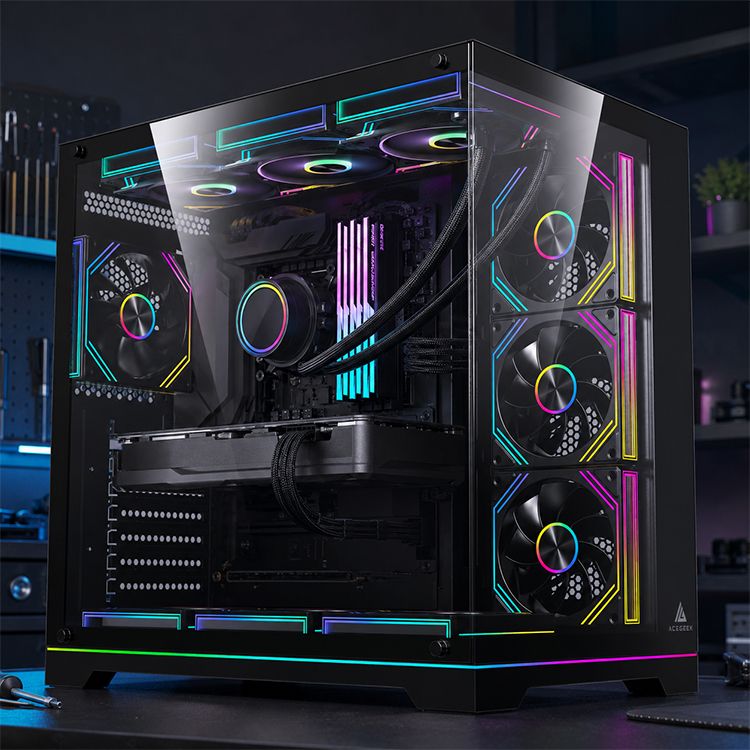
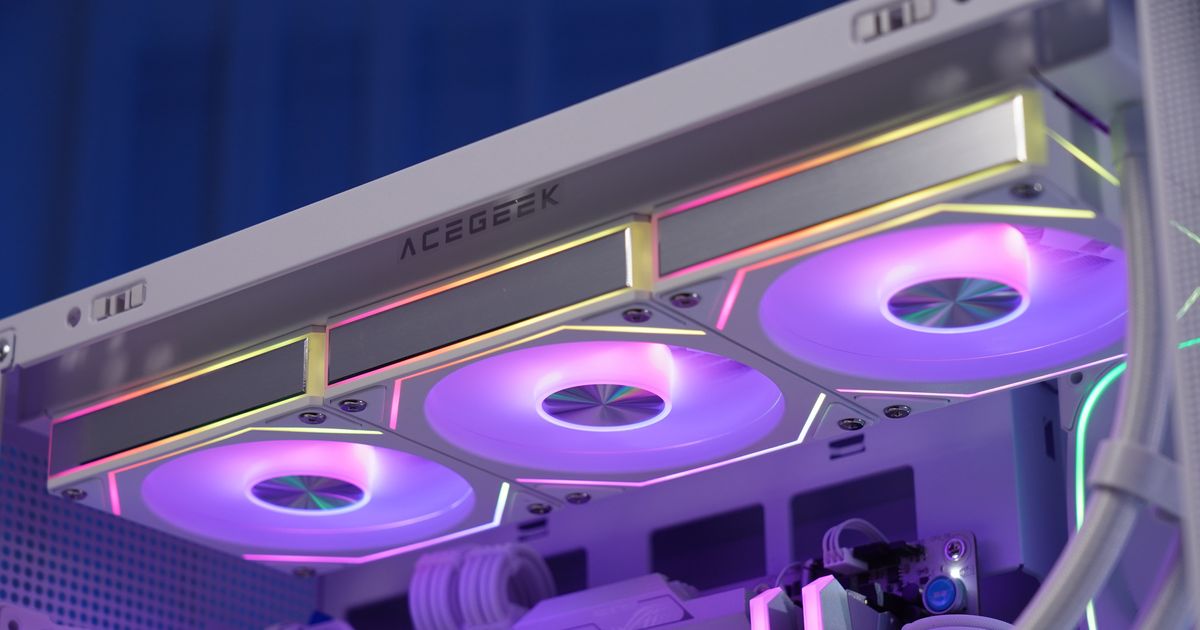
How Much Cooling Is Enough for Today’s High-TDP CPUs?
Heat is honest.
I’ve watched too many builders spend $500 to $900 on a flagship CPU, then try to save the build with a cooler that only looks strong in product photos, even though Intel’s Core i9-14900K is rated at 125W Processor Base Power and 253W Maximum Turbo Power, while AMD’s Ryzen 9 9950X carries a 170W default TDP and ships without a bundled thermal solution. Want the blunt answer?
For today’s high-TDP CPUs, I treat premium dual-tower air as the floor for sane 125W-plus chips, a 280mm AIO as the practical floor for sustained 170W-class parts, and a 360mm AIO as the baseline if you expect unlocked Intel-class chips to hold aggressive boost behavior through long renders, compiles, or shader builds. That is not forum drama. That is wattage, time, and noise meeting in the same room.
The answer most brands still dodge
Specs can mislead.
The number on the CPU box is only the first half of the story, because modern desktop chips do not politely sit at base power once you throw Blender, Unreal Engine, HandBrake, or Cinebench at them; they spike, hold, and negotiate power based on motherboard defaults, thermal headroom, and how much cooling capacity you actually brought to the fight. So why do brands still sell cooling like it is a style choice?
I’d start this article’s internal journey with ACEGEEK’s explanation of CPU thermal design power, because it frames the basic problem correctly: CPU TDP is not the same thing as cooler capacity, and a cooler that merely “matches” the printed number can still leave you with throttling, fan screaming, or a chip that never reaches the performance you paid for.
And here is the part most builders learn late: Puget Systems’ 14th-gen Intel cooling analysis found that Unreal Engine CPU results on the 14900K were about 8.5% higher at 253W than at 125W. I do not read that as a cute benchmark tidbit. I read it as proof that cooling changes the machine you actually own.
The cooling math I actually trust
Numbers first.
I do not trust cooler marketing TDP labels unless the vendor explains test conditions, ambient temperature, fan speed, and mounting pressure, because “handles 280W” means very little if the test bench is open-air, the fans are screaming at full tilt, and your real build lives behind glass with a 450W GPU dumping heat into the same box. Isn’t that the trick nobody wants to admit?
Here is the planning table I use for modern desktop builds. It is not religion. It is the shortest path to avoiding regret.
CPU / build classOfficial rating or power clueCooling plan I trustMy honest takeMainstream boost-heavy 65W chip65W base, often much higher under boostStrong single-tower or mid dual-tower airUsually easy, unless the case is badAMD Ryzen 9 9950X170W default TDPPremium dual-tower air only with excellent airflow, or 280/360mm AIO280mm works, 360mm gives marginIntel Core i9-14900K125W base / 253W max turbo360mm AIO if you want sustained turbo without dramaBig air can work, but it is a compromise125W+ CPU in a compact or glass-heavy caseCPU wattage plus trapped internal heatAdd one full tier of cooling headroomCase choice quietly changes everythingCPU + hot GPU loop territoryCombined heat budget matters more than CPU aloneStart thinking multi-rad, not marketingThis is where adults stop guessing
Those CPU numbers are not guesses: Intel publishes 125W base and 253W max turbo for the 14900K, AMD publishes 170W default TDP for the 9950X, and the performance spread in Puget’s testing shows why planning only around base power is wishful thinking. If you are cooling for 125W+ CPUs, you are really cooling for boost behavior, room temperature, case restriction, and workload duration.
There is a second layer too.
In a 2023 Elsevier case study on closed-loop liquid cooling of high-powered CPUs, researchers tested a hybrid liquid-air setup using a 25% v/v Arteco-Freecor and distilled water mixture as the primary coolant, and showed feasible operation above 300W with flow rate and fan speed materially affecting thermal performance and energy use. That matters because it kills the lazy idea that “liquid” automatically means “solved.” Loop design still decides whether the system is efficient or just expensive.
Air vs liquid cooling for CPUs, without the marketing varnish
Air still matters.
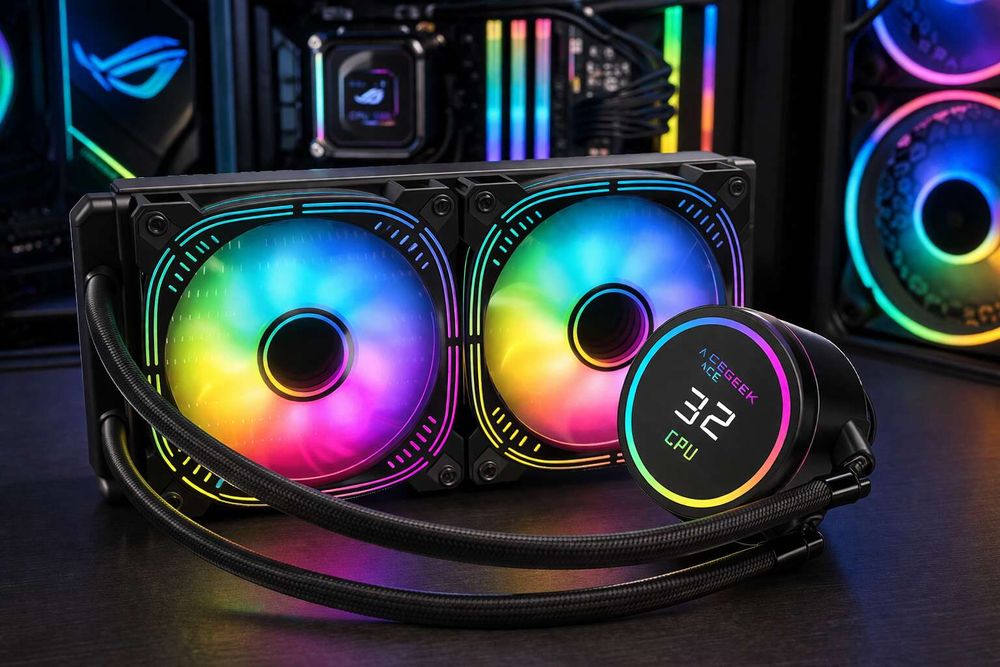
I get irritated when brands and YouTube thumbnails treat air cooling like a budget fallback, because the truth is messier: a serious dual-tower heatsink is still a very good answer for many high-power chips, especially if you value reliability, hate pump noise, and are willing to live with sane motherboard power behavior rather than chasing every last MHz. But does “good enough” still mean good enough once you hit sustained 170W to 253W behavior?
My rule is simple: if you are building around a Ryzen 9 9950X and your case actually breathes, elite air is defensible; if you are building around a 14900K-class Intel chip and want long-duration turbo, I stop pretending a giant tower is the same thing as a good 360mm AIO. It is not. It is the compromise you pick when you like simplicity more than thermal margin.
That is why ACEGEEK’s tower cooler clearance guide and top-mount radiator limits breakdown matter more than most “best CPU cooler” roundups. Cooling failure is often a geometry failure first. A radiator that “fits” on paper can still collide with RAM, VRM armor, EPS cable heads, or tube bend radius.
And the air-cooling trap is even uglier.
Noctua’s official compatibility guidance says the NH-D15 and NH-D15 G2 allow RAM up to 32mm tall in default form and stand 168mm high, while Corsair’s DDR5 dimensions page lists standard VENGEANCE DDR5 at 35mm and VENGEANCE RGB DDR5 at 44mm. That is not trivia. That is the exact kind of 3mm-to-12mm mismatch that turns “premium air cooling” into a rebuild.
The case decides more than the cooler
Airflow taxes everyone.
A strong cooler inside a bad case is like putting racing tires on a car with bent alignment, because the cooler can only reject heat into the air path you give it, and once front-panel restriction, bottom clearance, side-panel proximity, and radiator placement start fighting each other, every nice-looking spec sheet gets softer. Why do people keep shopping by radiator length alone?
This is where I would thread in ACEGEEK’s PC case buying guide, because chassis class decides whether your cooling plan is forgiving or punishing, and then send readers to the analysis of how front-mounted AIOs affect GPU thermals. Front-mounting a radiator often helps the CPU by feeding it colder intake air, but it can also warm the case stream and hand the bill to the GPU. Physics sends invoices to somebody.
And this is not a tiny niche problem. Reuters reported that global PC shipments rose 9.4% to 62.7 million units in Q1 2025, which tells me the market is still full of people building or buying systems that look premium before they perform premium. More shipments. Same old thermal mistakes.
If you are already in custom-loop territory, then ACEGEEK’s multi-radiator layout planning guide is the next internal link I’d use, because once CPU heat is sharing the box with a 450W-class GPU, you are not comparing coolers anymore. You are budgeting heat like an adult.
My blunt rule for high-TDP CPU cooling
Here is my view.
If the CPU regularly lives above 170W in real work, I want a 280mm AIO at minimum and usually prefer 360mm. If it can sit near 253W under Intel turbo behavior, I treat 360mm as baseline, not luxury. And if the case has a glass-heavy front, weak intake, or a front-mounted radiator warming the internal air, I add headroom again. Why gamble on the one part whose failure strips performance from every other expensive part?
That sounds harsh. Good.
Too many people still buy a CPU cooler like they are buying desk decor. The best cooler for a high-TDP CPU is not the one with the flashiest pump cap, the brightest LCD, or the loudest marketing copy. It is the one that survives your actual heat load, your actual case geometry, your actual room, and your actual tolerance for noise.
FAQs
How much cooling does a CPU need?
A CPU needs enough cooling to hold its sustained real-world package power below thermal-throttle territory during its longest intended workloads, which usually means planning for boost power, motherboard defaults, ambient room temperature, and case airflow rather than trusting the marketing TDP printed on either the processor box or the cooler box. For a modern flagship, that often means sizing for the worst honest workload, not the average easy one.
Is air cooling enough for a 125W+ CPU?
Air cooling is enough for many 125W-plus CPUs when you use a top-tier dual-tower heatsink, pair it with low-profile memory, and accept sane power behavior, but it stops being a comfortable answer once sustained package power pushes toward the 200W-to-253W range inside an average mid-tower case. I still like premium air, but I stop calling it the safe play once power and case restriction stack up together.
Is a 240mm AIO enough for a high-TDP CPU?
A 240mm AIO is enough for some high-TDP CPUs only when the chip is power-limited, the case breathes well, and the workload is mixed rather than all-core brutal, because once you ask for long-duration turbo behavior on 170W-to-253W parts, radiator area starts buying you lower temperatures and less fan panic. I would use 240mm as a compromise tier, not the confident answer, for today’s hottest desktop CPUs.
Does case airflow matter as much as the cooler?
Case airflow matters almost as much as the cooler itself because a strong heatsink or AIO can only reject heat into the air it is given, and once intake paths are restricted, dust filters are clogged, or the radiator is recycling GPU exhaust, every advertised cooling number becomes softer than it looked on the product page. That is why radiator placement, front-panel restriction, and side-panel distance keep deciding winners and losers.
Your next move
Measure tonight.
Check your CPU model, motherboard power settings, case CPU-cooler clearance, top radiator stack thickness, RAM height, front-panel airflow, and whether your GPU is about to dump extra heat into the same chassis. Then be honest about the workload. If you render, compile, transcode, or simulate for long stretches, stop shopping by box TDP and start shopping by sustained watts.
That is the hard truth I’d publish even if cooler brands hated it: for today’s high-TDP CPUs, “enough” cooling is the point where the chip keeps its performance without turning your case into a space heater and your fans into a public complaint. Buy below that line, and you did not save money. You just prepaid for noise, throttling, and a second purchase later.