Panoramic Glass or Mesh Case: Which Is Better for a High-Wattage GPU?
For a high-wattage GPU, a mesh case is the safer default because it usually delivers fresh air through a shorter, less restrictive route. A panoramic glass case can perform just as well, but only when bottom or side intake fans feed the graphics card directly and the top and rear exhaust system can remove that heat.
That distinction matters.
Heat changes everything.
A graphics card drawing 355W, 450W, or 575W is not simply consuming electricity; during a sustained gaming, rendering, or local-AI workload, nearly all that input ultimately becomes heat that must pass through the GPU cooler, cross the chassis, and escape into the room.
So why are buyers still comparing cases by the number of glass panels?
I have a blunt answer: PC case marketing has trained buyers to count fans, admire RGB reflections, and check maximum GPU length while ignoring intake resistance. A case that physically accommodates a flagship graphics card but forces it to reuse warm internal air does not truly support that card.
The Verdict: Mesh Wins by Default, but Glass Is Not Guilty
My recommendation is straightforward:
Choose a mesh case when you want predictable cooling, lower setup risk, fewer fans, easier dust management, and less dependence on detailed fan tuning.
Choose a panoramic glass case when you want the visual presentation and are prepared to verify bottom clearance, side ventilation, GPU-to-glass spacing, fan direction, radiator position, filter resistance, and sustained closed-case temperatures.
The real argument is not simply mesh vs glass PC case. It is low-resistance intake versus restricted intake.
A conventional mesh-front case usually pulls ambient air through the front, passes it over the GPU and CPU area, and sends it out through the rear and roof. The route is obvious. A panoramic case replaces the front intake with glass, so the designer must build a different route through the bottom, side, rear chamber, or some combination of them.
Glass used as a side panel is rarely the main thermal problem. Glass placed directly over the only intake fans is another matter.
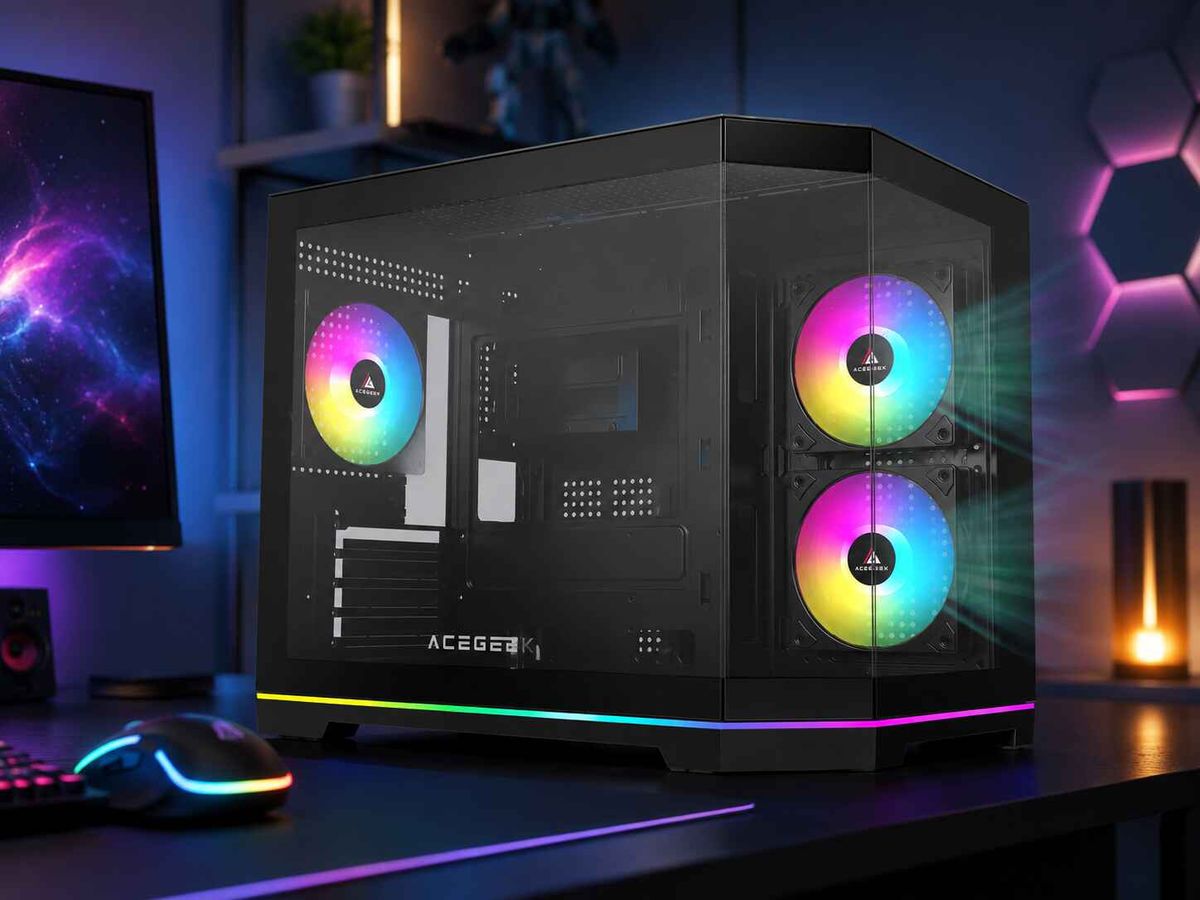
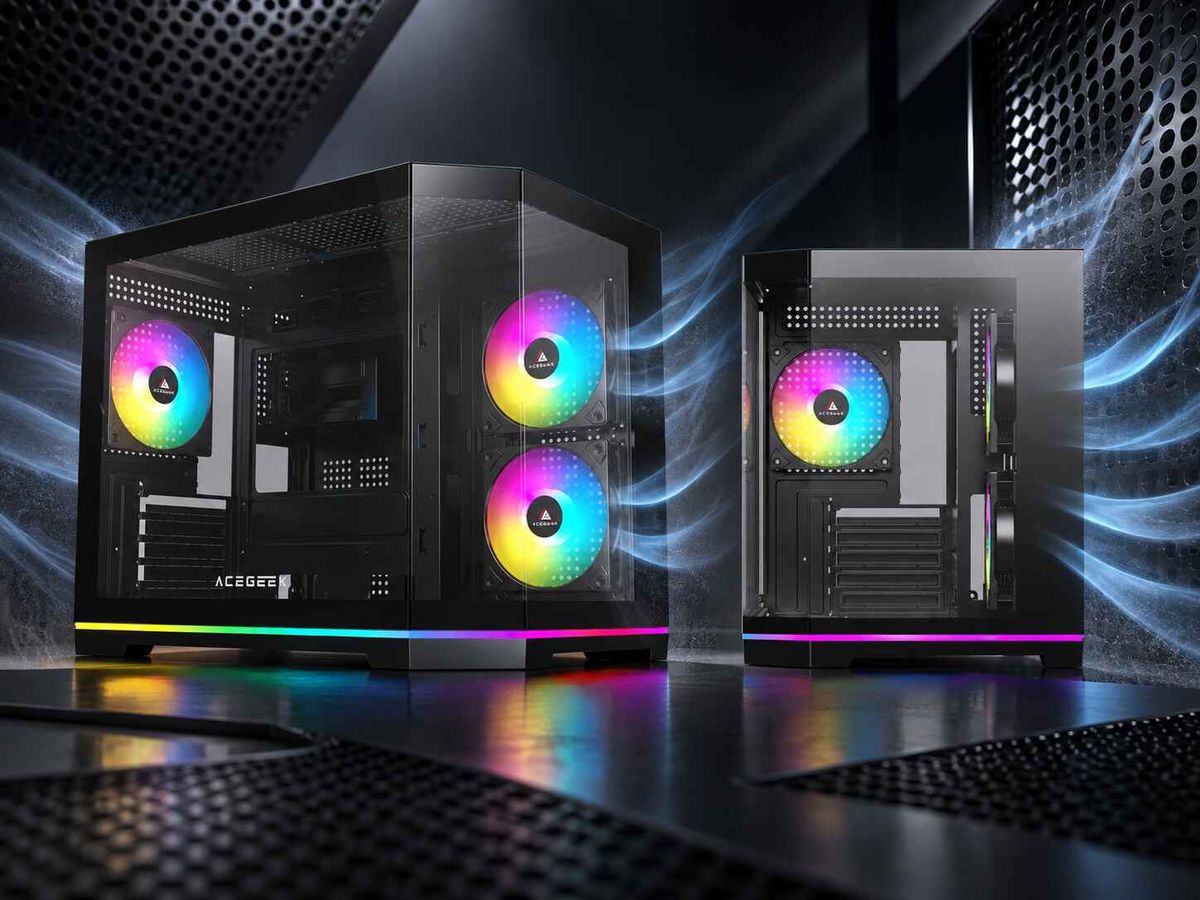
This is why ACEGEEK’s guide to balancing aesthetics and cooling in tempered glass PC cases separates glass placement from airflow geometry: panoramic designs can work well with bottom and side intake, while sealed fronts with narrow decorative slots force fans to fight for air.
A 575W GPU Changes the Case-Buying Equation
The NVIDIA GeForce RTX 5090 is rated at 575W Total Graphics Power, has a listed maximum GPU temperature of 90°C, and carries a 1,000W required system power guideline. The card alone can therefore release more heat than many complete mainstream PCs consume. NVIDIA also lists the Founders Edition at 304mm long, although partner cards may use larger coolers.
AMD’s Radeon RX 7900 XTX represents a lower, but still serious, thermal class. AMD specifies 355W Typical Board Power, 24GB of GDDR6, and an 800W minimum power-supply recommendation. That is enough sustained heat to expose weak front vents, poor lower intake, radiator obstruction, and GPU exhaust recirculation.
Those two cards should not receive the same case recommendation as a 160W or 200W graphics card.
ACEGEEK’s existing guide to choosing a PC case by GPU power draw places a 355W-class GPU in an airflow-focused chassis with a direct lower intake route, while a card above 500W calls for multiple low-resistance intakes and controlled rear or top exhaust. That is a more useful buying framework than vague labels such as “gaming case” or “supports ten fans.”
Mesh vs Glass PC Case: What the Thermal Data Actually Shows
I distrust any airflow debate that never leaves the product render.
Independent testing repeatedly shows three facts:
A restrictive front panel can produce a large thermal penalty.
A glass side panel may have little measurable effect when the main intake remains open.
Fan direction can matter more than adding more fans.
Case Study 1: A Mesh Front Cut GPU Temperature by Nearly 13°C
Gamers Nexus tested the Phanteks P400A with its normal mesh front and with the older, more restrictive P400 front panel fitted to the chassis.
Under the GPU torture workload, the P400A mesh configuration averaged 49.1°C above ambient. The restrictive P400 panel pushed the result to 62°C above ambient, a difference of 12.9°C, and the GPU reached a condition where throttling and clock reductions became a concern.
Removing the P400A’s already effective mesh panel improved GPU temperature by only 1.9°C, from 49.1°C to 47.2°C above ambient. That smaller change is exactly what I want to see: the installed panel was not heavily choking the intake fans.
That test kills a common excuse. A fan spinning behind a panel does not prove that the panel provides airflow.
Case Study 2: Glass on the Side Did Not Hurt the Fractal North XL
The Fractal North XL is available with either a mesh or tempered-glass side panel. In Gamers Nexus testing, the mesh and glass versions produced GPU results within the test margin and could not be described as meaningfully different in the tested configuration.
Why? Because the case’s primary front airflow path remained available. The glass was not covering the intake fans, and the graphics card still had a functional supply of air.
The same testing also found that an adequately spaced vertical GPU did not suffer a meaningful temperature change, because the card was not pressed against the glass and could still draw air through surrounding ventilation.
Glass was innocent.
The air path did the work.
Case Study 3: More Fans Produced Worse GPU Cooling
In 2025 testing of the HAVN BF 360 Flow, Gamers Nexus measured a stock GPU result of 40°C above ambient. Adding two large top fans as exhaust reduced the result to 39°C, but a mixed intake-and-exhaust configuration increased it to 42°C.
The arrangement that helped CPU temperature was worse for the GPU because it interfered with the graphics card’s heat-removal path. The lesson is uncomfortable but useful: installing more fans can increase turbulence, recirculation, or airflow competition instead of improving cooling.
Count routes, not frames.
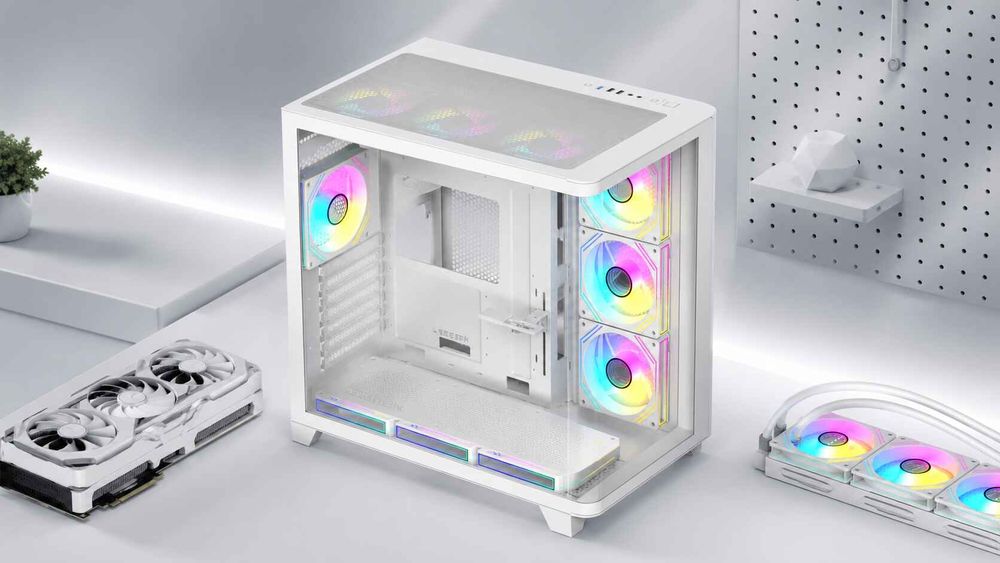
Panoramic Glass vs Mesh Case Comparison
FactorConventional Mesh CasePanoramic Glass CaseWhat Matters for a High-Wattage GPUPrimary intakeUsually front meshUsually bottom and sideFresh air must reach the GPU before crossing a radiatorSetup difficultyRelatively forgivingMore configuration-sensitiveIncorrect fan direction can undermine the entire layoutGPU airflowDirect front-to-card pathOften direct bottom-to-card pathBottom intake can be excellent when floor clearance is adequateFan requirementOften effective with 3–5 fansFrequently benefits from 6–9 positionsFan count does not compensate for restrictive ventsRadiator placementTop exhaust is usually simpleTop or side mounting availableSide intake favors CPU cooling; top exhaust often protects GPU thermalsNoise behaviorLower RPM may be sufficientCan be quiet when vents are generousRestricted openings force higher fan and GPU-cooler RPMDust controlEasy to filter at the frontBottom filters require regular accessSlight positive pressure is easier when intake paths are filteredVisual presentationHardware visible from one sideWide front-and-side component viewAesthetic value does not prove thermal performanceBest buyerWants predictable resultsWants display-focused architectureChoose panoramic only after verifying its intake designMain failure modeCheap or overly dense meshGlass replacing the intake without compensationIntake resistance and hot-air recirculation
Why a Panoramic PC Case Can Still Cool a Flagship GPU
A properly designed panoramic case is not a sealed box.
It simply changes where the air enters.
The best panoramic PC case airflow generally uses:
Three bottom fans as intake
Two or three side fans as intake
One rear fan as exhaust
Two or three top fans, or a top radiator, as exhaust
A slightly positive pressure balance after filter and radiator resistance
Enough space beneath the chassis for the bottom fans to breathe
Adequate distance between the graphics card and glass
A clear path for flow-through GPU exhaust to reach the roof
Bottom intake is especially valuable for a high-end open-air graphics card because it supplies ambient air directly to the GPU fans. The air does not first pass through a CPU radiator, storage cage, or wall of cables.
But there is a catch. Bottom intake becomes weak when the case sits on thick carpet, the dust filter is blocked, the feet provide poor clearance, or a thick graphics card sits almost against the fan frames. A specification reading “three bottom fans supported” tells only half the story.
ACEGEEK’s Photon panoramic PC case, for example, lists support for three 120mm bottom fans, three 120mm or two 140mm top fans, a rear 120mm or 140mm fan, a top 360mm radiator, and up to 420mm of GPU clearance. Those specifications create room for a bottom-intake and top-exhaust strategy, although the completed system should still be tested under its real workload.
A panoramic case can therefore cool an RTX 5090-class build. But “can” is not the same as “will.”
Why Mesh Remains the Safer Airflow Case for Gaming PCs
Mesh wins through tolerance.
A strong mesh front gives the builder room to make small mistakes. One top fan may be positioned imperfectly. The front filter may collect some dust. The GPU may be thicker than expected. The room may be 30°C during summer. The system can often absorb those problems because the main intake still has a large open area.
A restrictive panoramic layout has less margin. When bottom intake is weak, a side radiator preheats the chamber, and the GPU sits close to glass, the graphics card cooler begins recycling its own exhaust. Fan speed rises. Noise follows. Hotspot and memory temperatures may climb even when the displayed GPU-core temperature still appears acceptable.
This is why I would select a high-airflow design such as the ACEGEEK LunarisFlow for a builder who prioritizes GPU cooling over a fully glass-fronted presentation. It combines a curved mesh design with support for three top, three side, three bottom, and one rear fan, plus up to a 420mm top radiator and 400mm of GPU clearance. Those specifications provide several ways to feed and exhaust a large graphics card.
More space alone is not enough, though. As ACEGEEK explains in its analysis of whether a bigger PC case is always better, extra internal volume does not guarantee lower temperatures. Useful clearance and a defined air route matter more than empty steel.
The Panoramic Case Mistakes I Would Refuse to Accept
A Sealed Front With Decorative Side Slits
This is the classic failure.
Three front fans are placed several millimetres behind solid glass, while narrow openings along the edge are expected to supply the entire system. The fans may look powerful, but they operate against elevated resistance and produce more noise for less useful airflow.
For a 355W–575W GPU, I would reject this design unless independent testing proves otherwise.
No Direct Intake Below or Beside the GPU
A panoramic case without front intake needs an alternative. If it has no functional bottom intake and no side fans aligned with the graphics card, where is the GPU supposed to obtain ambient air?
Through PCIe slot gaps?
That is not a thermal plan.
A Front or Side Intake Radiator Feeding the GPU
An intake radiator gives the CPU loop access to room-temperature air, but the air leaving the radiator is warmer. When that exhaust becomes the GPU’s main intake supply, the system trades CPU temperature for GPU temperature.
For a gaming-focused panoramic build, I normally prefer the radiator at the top as exhaust, while bottom and side fans supply the graphics card. ACEGEEK’s guide to top versus side radiator placement in a panoramic PC case explains why top exhaust often produces the better overall result for GPU-heavy workloads.
A Vertical GPU Pressed Against Glass
Vertical mounting is not automatically bad.
Vertical mounting with insufficient breathing space is bad.
A graphics card’s axial fans need open air in front of them. Positioning those fans close to the glass reduces the available intake area and can force the cooler to draw through narrow perimeter gaps. Leave enough distance for the card to breathe, or use the normal horizontal mounting position.
Every Available Fan Mount Filled
More fans can create competing pressure zones.
A top-front exhaust fan may remove fresh intake air before it reaches the CPU cooler. A side fan may push against the GPU’s exhaust. A top intake may send warm radiator air downward. And a powerful exhaust group can pull unfiltered air through every panel gap.
Begin with a simple route. Add fans only when measurements identify a problem.
Recommended Airflow Layouts by GPU Power
For a 250W–300W GPU
A quality mesh-front mid-tower is normally sufficient.
Start with:
Two 140mm or three 120mm front intakes
One rear exhaust
One optional top-rear exhaust
A top-mounted CPU radiator when practical
A panoramic case can also work with two or three bottom intakes, side intake, and rear or top exhaust.
For a 301W–400W GPU
This range includes the 355W Radeon RX 7900 XTX.
I would require:
Large mesh, side, or bottom intake area
Three intake fans aimed toward the lower chamber
Rear exhaust
One or two controlled top exhaust fans
Clear space around the graphics card
No intake radiator blocking the GPU’s only fresh-air route
At this level, test GPU core, hotspot, memory temperature, and fan speed after at least 20–30 minutes of continuous load.
For a 401W–500W GPU
An RTX 4090-class build needs more than basic compatibility.
Use a large high-airflow mid-tower or full tower with front, bottom, or side intake support. Avoid pushing a vertical card against glass. Leave room for the power connector, support bracket, and cooler exhaust.
The case should allow the GPU to receive air through more than one small opening.
For a GPU Above 500W
For a 575W RTX 5090-class system, I would choose either:
A low-resistance mesh chassis with strong front and lower intake, or
A panoramic chassis with three bottom intakes, substantial side ventilation, top and rear exhaust, adequate floor clearance, and independently tested thermal behavior.
A decorative enclosure with no direct GPU intake is not a serious option.
How to Test Whether Your Glass Case Is Restricting the GPU
Do not compare idle temperatures. Idle results are heavily influenced by fan-stop modes, background activity, room-temperature drift, and power-saving behavior.
Use a repeatable closed-case test:
Record the room temperature.
Set fixed or repeatable case-fan curves.
Run a consistent GPU-heavy game or benchmark for 20–30 minutes.
Record GPU core, hotspot, memory temperature, clock speed, GPU fan RPM, case fan RPM, and system noise.
Let the system cool to its starting condition.
Remove only the front panel or open the main intake restriction.
Repeat the same workload without changing fan curves or power limits.
My interpretation:
0–2°C improvement: The panel is probably not a major restriction.
3–5°C improvement: The intake design is having a meaningful effect.
More than 5°C improvement: The case panel is likely limiting airflow.
Lower temperature plus much lower GPU fan RPM: The restriction is affecting both thermals and noise.
Do not operate permanently with safety panels or filters removed unless the chassis is designed for it. This is a diagnostic test, not a permanent modification.
FAQs
Is a mesh case better than a glass case for a high-wattage GPU?
A mesh case is generally better for a high-wattage GPU because its open intake surface allows front fans to supply more ambient air with less resistance, reducing the likelihood of recirculation, high GPU-fan speed, elevated hotspot temperature, and excessive noise during sustained gaming or rendering workloads.
However, the comparison depends on where the glass is installed. A glass side panel combined with a mesh front may cool extremely well, while a panoramic glass case can compete when strong bottom and side intake replaces the missing front airflow.
Can a panoramic glass case cool an RTX 5090?
A panoramic glass case can cool an RTX 5090 when it provides direct bottom or side intake to the graphics card, strong top and rear exhaust, sufficient clearance around the GPU cooler, clean dust filters, and a tested airflow route capable of continuously removing the card’s rated 575W heat load.
The safest layout starts with three bottom intake fans, additional side intake where supported, and top or rear exhaust. Monitor GPU core, hotspot, memory temperature, clock speed, and fan RPM during an extended closed-case workload.
Does a glass front panel restrict PC airflow?
A glass front panel restricts PC airflow when it covers the intake fans and leaves only narrow edge vents, forcing the fans to pull air through a smaller effective opening, increasing resistance and potentially raising CPU temperature, GPU temperature, fan speed, acoustic output, and internal hot-air recirculation.
A glass front is less problematic when the chassis has large side openings or an independent bottom-intake system. The panel-removal test is the fastest way to identify whether the front design is the main bottleneck.
What is the best fan setup for a panoramic PC case?
The best fan setup for a panoramic PC case normally uses bottom and side fans as intake, top and rear fans as exhaust, and a slightly positive pressure balance so that the GPU receives fresh lower-chamber air while CPU, GPU, radiator, VRM, and memory heat exits through the upper chassis.
With an AIO, top exhaust is my default for a gaming build. A side intake radiator may reduce CPU temperature, but strong bottom intake is then needed to prevent the graphics card from relying on radiator-heated air.
What GPU temperature is acceptable in a glass case?
An acceptable GPU temperature is a stable operating result that remains below the manufacturer’s thermal limit without clock throttling, excessive hotspot or memory temperature, unstable performance, or objectionable fan noise, because a normal-looking core temperature alone may conceal airflow restriction elsewhere in the graphics card.
NVIDIA lists a 90°C maximum GPU temperature for the RTX 5090, but builders should not treat that limit as a desirable everyday target. Compare temperatures with clocks, hotspot readings, memory readings, fan RPM, ambient temperature, and panel-on versus panel-off results.
Which PC case is best for GPU cooling?
The best PC case for GPU cooling is one that supplies low-resistance ambient air directly to the graphics card, leaves adequate space around its intake and exhaust surfaces, and provides enough rear or top exhaust capacity to prevent the card from repeatedly drawing its own heated discharge.
For conventional towers, this usually means a mesh front with lower intake fans. For panoramic cases, it means bottom intake, substantial side ventilation, clear top exhaust, sufficient floor clearance, and no radiator blocking the GPU’s main air supply.
Choose the Case That Can Feed the GPU
My final verdict is unapologetic: mesh is the better default for a high-wattage GPU, while panoramic glass is the better visual choice only when its alternative airflow system is genuinely engineered rather than merely advertised.
Do not buy by fan count.
Do not buy by glass area.
And do not accept “supports a 420mm GPU” as proof that the card will receive enough air.
Write down your GPU power, dimensions, slot thickness, power-connector clearance, radiator position, planned fan directions, room temperature, and noise target. Then compare those requirements against ACEGEEK’s panoramic and high-airflow PC case options.
For the safest high-wattage build, begin with the mesh airflow route. For a panoramic build, demand direct bottom intake, functional side ventilation, clear top exhaust, and enough physical clearance to let the GPU cooler breathe.
Choose the view you want.
But make the temperatures approve it.